
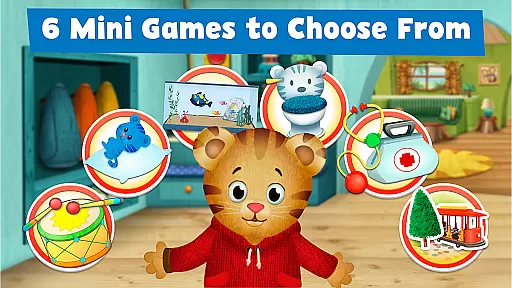
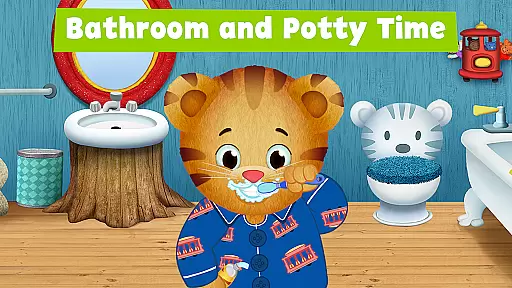
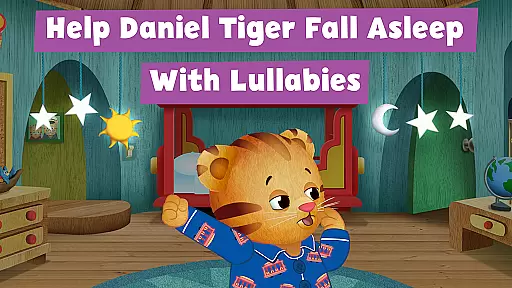
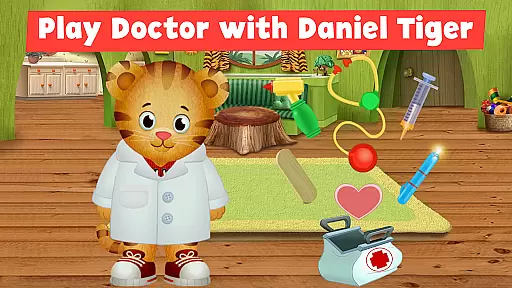
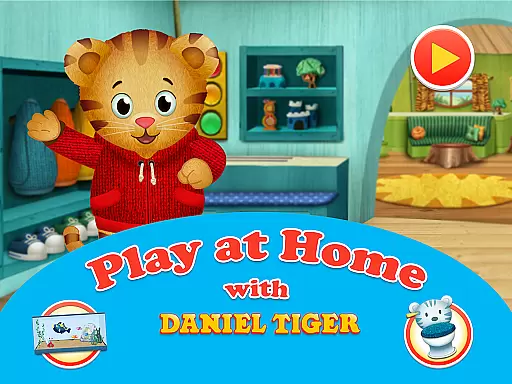
Daniel Tiger's Play at Home is an educational app designed to help children learn about daily routines and experiences through interactive games and activities. The app features six mini-games that teach kids about everyday activities, including bedtime and bathroom routines, pretend-play doctor games, and more.
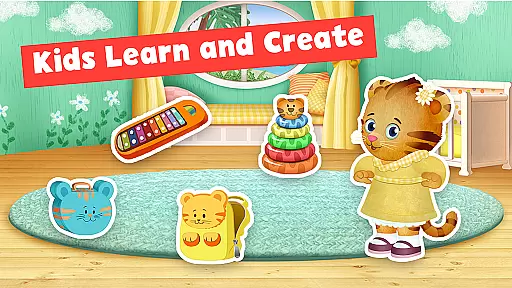
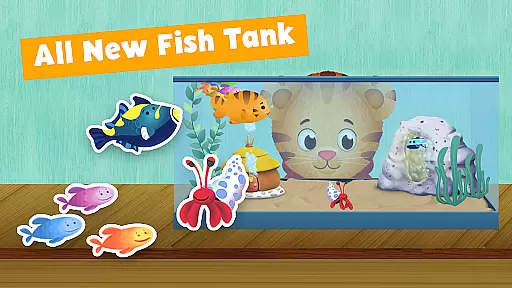
Children can explore Daniel Tiger's world from the PBS KIDS show 'Daniel Tiger’s Neighborhood.' They can create stories with Daniel, listen to songs from the series, and engage in learning activities. The app also includes a sticker book for creative storytelling and a fish tank game to teach responsibility through pet care.
This app serves as a valuable tool for parents looking to support their child's distance learning. It encourages healthy habits and routines while providing fun, interactive content that helps children understand their world better.
The app offers a variety of engaging features designed to make learning enjoyable for young children. With six unique mini-games, kids can explore different aspects of daily life, such as bedtime and bathroom routines, which are essential for their development.
Interactive elements like the sticker book and fish tank game provide opportunities for creative expression and responsibility. Children can use dozens of stickers to create their own stories or take care of Daniel's pet fish, fostering a sense of accountability.
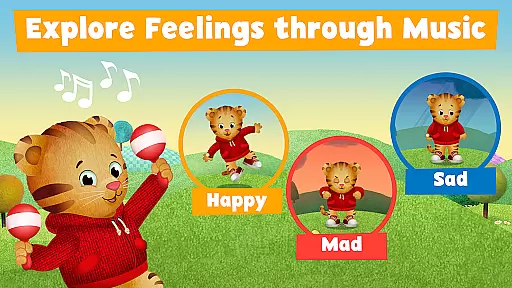
Additionally, the app includes doctor games where children can play with doctor instruments, making them more comfortable with medical visits. Songs from the show further enhance the learning experience by helping children express emotions and feelings through music.
In the realm of educational apps, content accuracy and authority are paramount to ensure that learning is both effective and reliable. Daniel Tiger's Play at Home app excels in this area by providing meticulously crafted games and activities that align with real-world routines and learning objectives. The app draws its content from the acclaimed PBS KIDS show 'Daniel Tigeru2019s Neighborhood,' which is known for its educational rigor and alignment with child development principles.
The app offers six mini-games focused on everyday activities and routines, ensuring that children learn through play in a structured manner. These games cover essential topics such as bedtime routines, bathroom habits, and even introduce basic responsibilities like pet care through interactive fish tank games. Each activity is designed not only to entertain but also to impart valuable life skills, reinforcing the importance of healthy habits.
Furthermore, the integration of songs and stories from the television series enhances the authenticity of the educational content. This multimedia approach ensures that auditory and visual learners alike can benefit from the app's offerings. By leveraging trusted content from 'Daniel Tigeru2019s Neighborhood,' the app provides authoritative guidance on social and emotional learning, making it a reliable tool for parents and educators.
Ultimately, Daniel Tiger's Play at Home delivers an educational experience that is both accurate and authoritative, fostering a safe and enriching environment where children can learn and grow. Its foundation in proven educational methodologies ensures that users receive high-quality, credible information that supports their developmental journey.
Personalized learning paths are crucial in catering to the unique needs and paces of individual learners, especially in early childhood education. Daniel Tiger's Play at Home app addresses this need by offering a variety of interactive games and activities that adapt to different learning styles and preferences. Through its diverse range of mini-games, the app allows children to explore and engage with content that resonates with their personal interests and developmental stages.
The app features activities such as sticker book games and pretend-play doctor scenarios, which encourage creativity and imaginative thinking. These elements enable children to create their own narratives and explore various roles, thereby personalizing their learning experiences. For instance, the sticker book game lets kids craft their own stories using a wide array of stickers, promoting narrative skills and self-expression.
Additionally, the inclusion of familiar characters and songs from 'Daniel Tigeru2019s Neighborhood' enhances the personalization aspect by creating a comforting and engaging environment. Children can sing along to songs about daily routines, helping them internalize important habits while enjoying the process. This personalized approach ensures that learning remains fun and relevant, capturing the attention and interest of young users.
By combining structured learning objectives with flexible, creative play options, Daniel Tiger's Play at Home effectively supports personalized learning paths. This tailored educational experience empowers children to take ownership of their learning journey, fostering both independence and confidence as they navigate through various activities and challenges.
User-friendly interface
Educational content
Engaging mini-games
Creative storytelling options
Supports emotional development
Limited to specific routines
No multiplayer mode
Some features may require guidance
Content might become repetitive
Requires parental involvement

AR planetarium app that brings the solar system to you via XREAL Glasses.
 4.5
4.5
Test prep for Indiana students
4.3
An animated storybook app to help ease your child through toilet training.
3.70
2026 DVSA Driving Theory Test revision with Hazard Perception + Highway Code
4.60
Master the NRP with 700+ questions, rationales, and updated NREMT scenarios.
3.00
Prepare for the BCBA / BCaBA exam. Study ABA with the ABA Wizard app.
4.60
Our most popular app series returns, better than ever!
3.90
Plant identifier: Identify plants, trees, weeds, flowers. Disease diagnosis.
4.30
Fun, personalized math learning games that adapt to your child’s needs.
4.40
Experience the sky, planet earth and the solar system like never before
4.90
The best way to study for your amateur radio license exam.
4.90
Age-Related Child Developmental Milestones
4.80
A realistic sky map to observe stars, planets, satellites and constellations!
4.80
Perform physics experiments with your phone. (by the RWTH Aachen University)
4.70
Engage in learning science and math with the award-winning PhET simulations!
4.70
Pass your FAA written with flying colors - Study Buddy can help.
4.30
Astronomy app ? Discover the universe scope, explore solar system model in 3D.
4.20
Listen, request and record pronunciations in more than 450 languages. Everywhere
3.90
Enrich the experience of your visit to the Pantheon with our audiotour.
1.60


User Reviews