
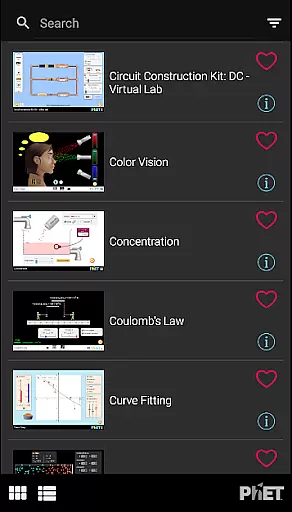
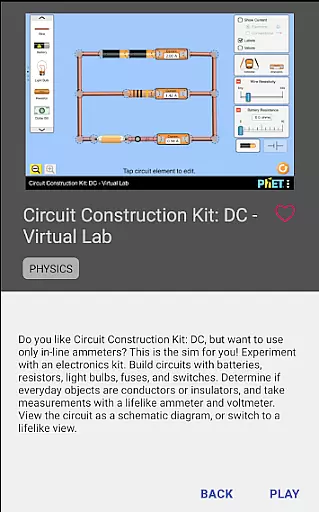
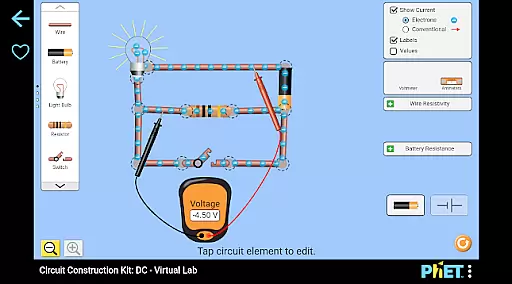
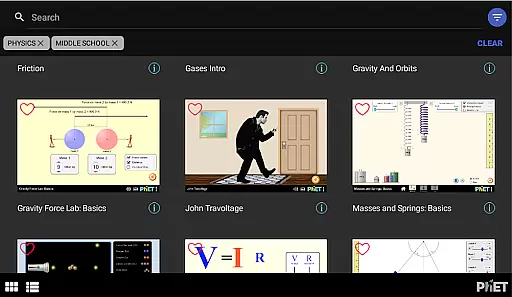
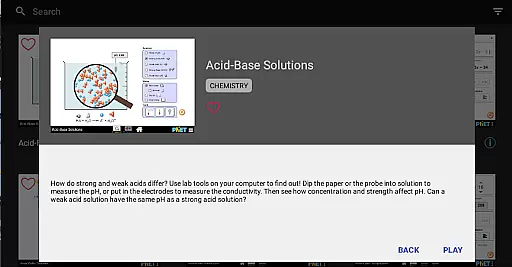
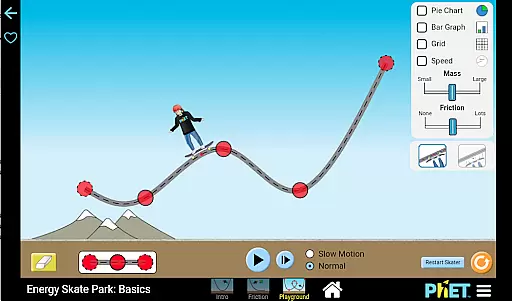
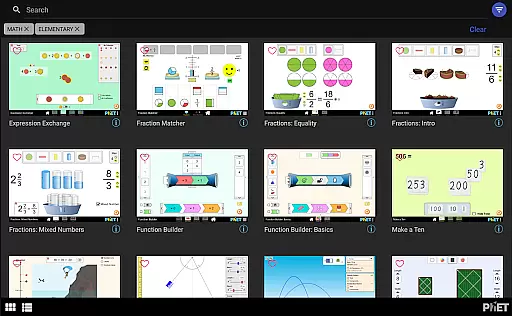
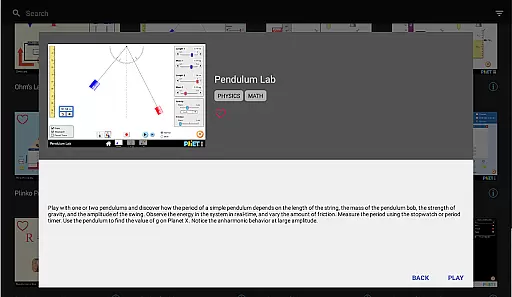
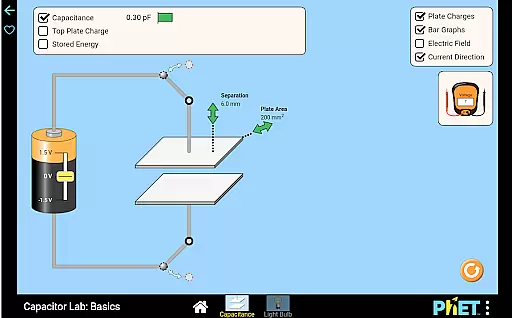
PhET Simulations is an educational app that provides access to over 85 interactive HTML5 simulations designed for learning science and math. Developed by experts at the University of Colorado Boulder, this app caters to various learners, whether they are exploring atoms, energy, or multiplication.
The app offers offline functionality, allowing students to learn without a WiFi connection, making it ideal for use on the bus or at the park. It also supports multiple languages, which is beneficial for bilingual learners. With features like favorites, automatic updates, easy sorting, and fullscreen mode, PhET Simulations enhances the learning experience for parents, teachers, administrators, and students alike.
This app is particularly useful in educational settings where internet access may be limited, ensuring that learning is not disrupted. By delivering high-quality simulations directly to users' devices, PhET Simulations makes science and math discovery engaging and accessible.
PhET Simulations stands out with its comprehensive collection of over 85 HTML5 simulations, each designed to facilitate learning in science and math. The app's offline play capability ensures that students can continue their education even without internet access, providing flexibility and convenience.
Another notable feature is the multilingual support, which makes the app accessible to a global audience. Users can select their preferred language, enhancing the learning experience for bilingual students. The favorites function allows users to curate a personalized collection of simulations, while automatic updates ensure that users always have access to the latest content.
Additionally, the app includes easy sorting options and fullscreen mode, optimizing the user interface for efficient exploration of simulations. These features collectively contribute to a seamless and enriching educational experience, supporting both individual and classroom learning environments.
In the realm of educational tools, content accuracy is paramount. PhET Simulations delivers scientifically verified and pedagogically sound interactive simulations developed by experts at the University of Colorado Boulder. This ensures that each sim provides reliable information that aligns with current scientific understanding.
The app encompasses a wide range of subjects including physics, chemistry, biology, and math, all designed to facilitate deep conceptual understanding. The simulations are crafted based on extensive research in STEM education, which guarantees authoritative content that teachers can trust and integrate into their lesson plans.
For students, this means engaging with content that not only educates but also demystifies complex concepts through accurate representation. Whether it's visualizing atomic interactions or exploring mathematical functions, learners gain authentic knowledge that serves as a solid foundation for academic success.
PhET Simulations offers an array of over 85 HTML5 sims, allowing learners to carve out personalized learning paths tailored to their individual needs and interests. With features like Favorites, users can curate a custom collection of sims that focus on areas they wish to explore further or require additional practice in.
This flexibility supports diverse learning styles and paces, empowering students to take ownership of their learning journey. Teachers and parents can guide learners in selecting appropriate simulations that match the learneru2019s current level and desired outcomes, thus creating a bespoke educational experience.
Moreover, the automatic updates feature ensures that learners always have access to the newest educational content without any extra effort. As new sims are released, they seamlessly integrate into the existing library, continually expanding the possibilities for personalized education pathways.
User-friendly interface
Offline functionality
Multilingual support
Automatic updates
Comprehensive simulation library
Limited accessibility features
No Java or Flash simulations
Requires device storage space
Some advanced features missing
Internet needed for updates

AR planetarium app that brings the solar system to you via XREAL Glasses.
 4.0
4.0
Nighty Night Circus - Bedtime story for kids
4.10
Age-Related Child Developmental Milestones
4.80
Pickleball guide complete with illustrated Pickleball drills and helpful info
4.4
Your best partner for learning Japanese words. Based on a best-selling textbook.
2.90
Hasbro's Classic Board Game - Make Cavity Sam better or get the buzzer!
3.50
Listen, request and record pronunciations in more than 450 languages. Everywhere
3.90
School Communication
4.30
Fun, personalized math learning games that adapt to your child’s needs.
4.40
Explore myths and gods across cultures with in-depth insights and stories.
5.00
Short Lessons for Better Finances, Health, Skills, Jobs & Relationships.
4.80
Memorize anything efficiently with AnkiDroid! Many pre-built decks available.
4.80
Learn & Speak New Languages
4.70
Learn Words Daily in Just Minutes - Boost Your Language Skills Fast!
4.60
Intuitive Transformer Lab - By a Lineman, For Linemen & Apprentices
4.50
Pass your FAA written with flying colors - Study Buddy can help.
4.30
Astronomy Guide To Night Sky
4.30
Watch and Play Elmo's World!
4.00
An animated storybook app to help ease your child through toilet training.
3.70


User Reviews