
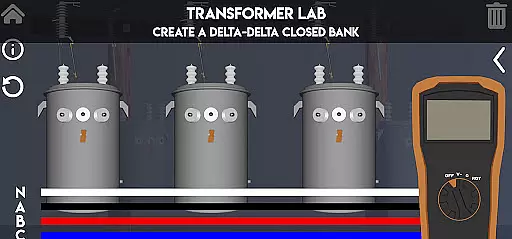
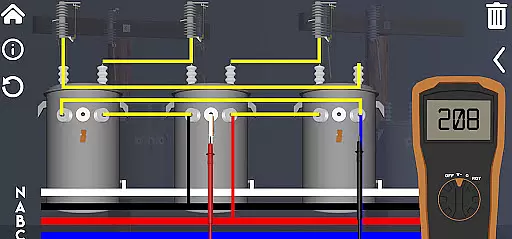
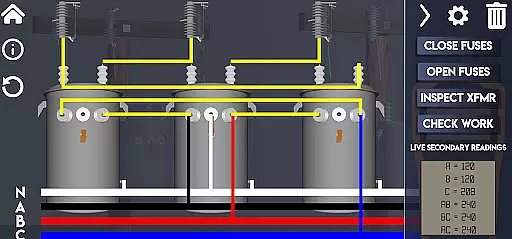
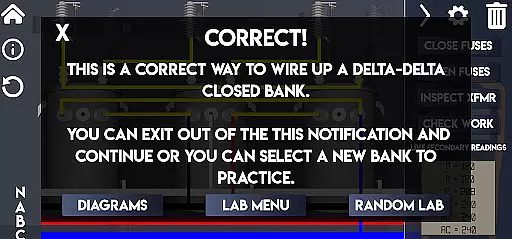
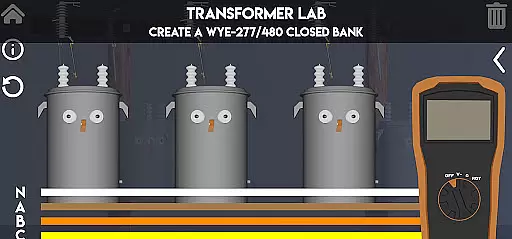
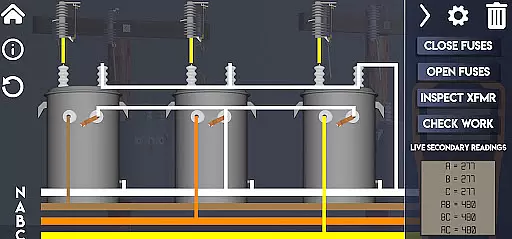
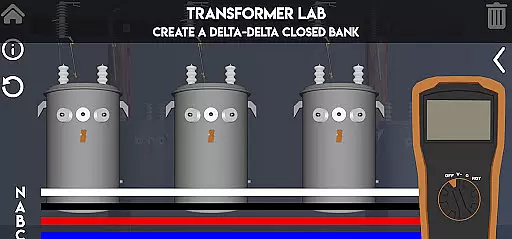
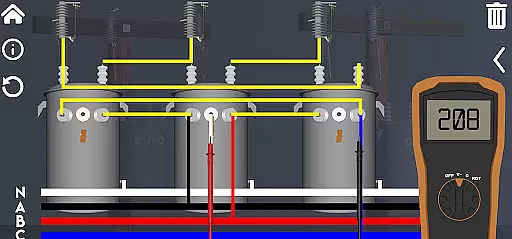
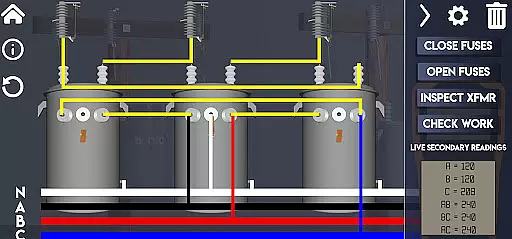
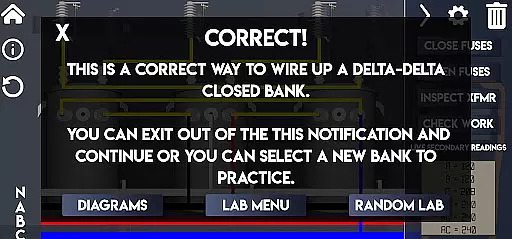
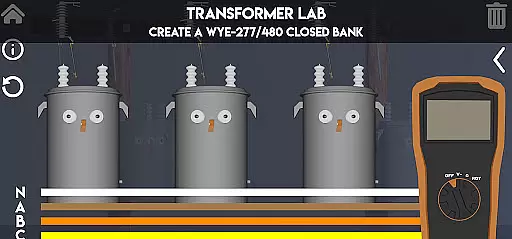
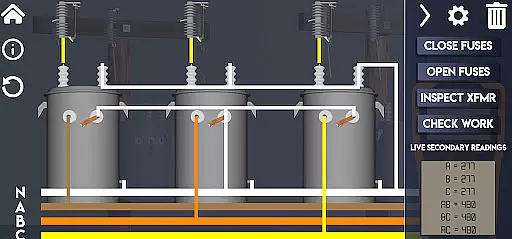
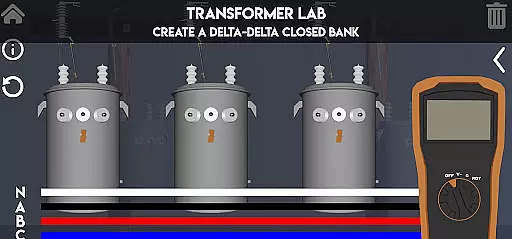
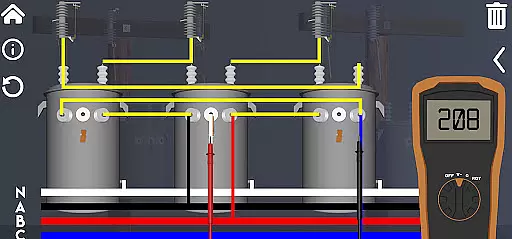
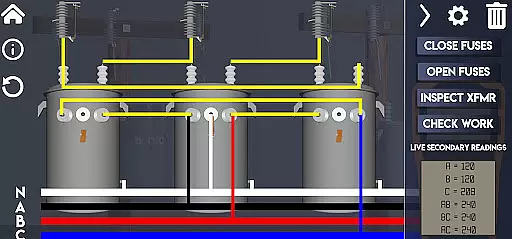
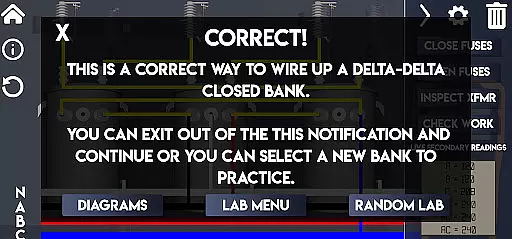
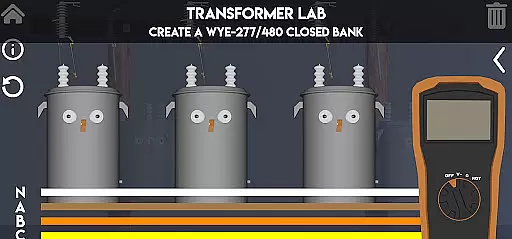
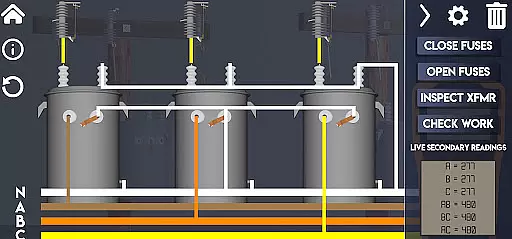
Lineman's Reference is an innovative educational app designed specifically for those in the electrical trade. This interactive transformer lab offers a comprehensive learning experience that goes beyond static diagrams and text-based information. With functioning virtual tools like a volt meter, ohm meter, and rotation meter, users can actively engage with transformer concepts and deepen their understanding.
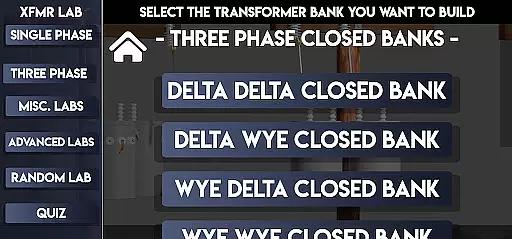
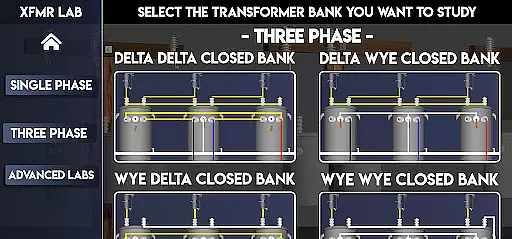
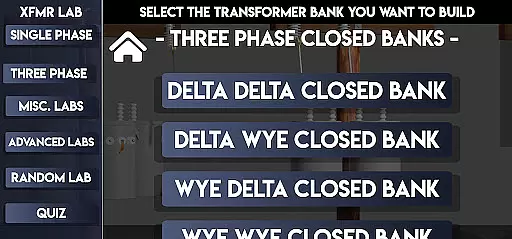
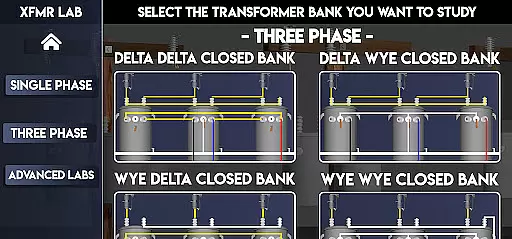
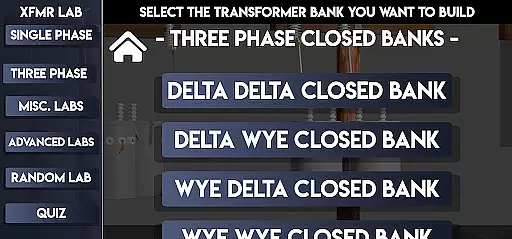
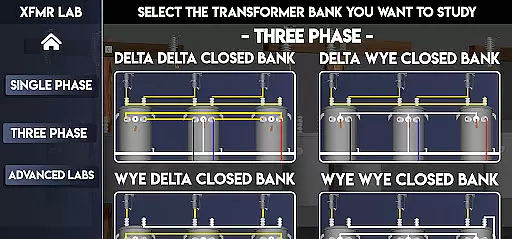
The app features multiple labs covering single-phase, three-phase, and advanced transformer configurations. Users can explore various transformer banks, practice troubleshooting techniques, and even learn about paralleling transformers. The real-time voltage display and ability to view secondary windings under different conditions make this an invaluable learning tool for both beginners and experienced linemen.
One of the most valuable aspects of Lineman's Reference is its custom quiz feature, allowing users to test their knowledge and track their progress. Whether you're studying basic transformer principles or advanced wiring configurations, this app provides a practical and engaging way to enhance your skills in the field of electrical engineering.
Lineman's Reference stands out with its collection of specialized features designed for transformer education. The app includes over 15 distinct labs covering various transformer configurations, from basic single-phase setups to complex advanced systems like Corner Grounded 240/480 and Wye Wye 5 Wire arrangements. Each lab environment is fully interactive, allowing users to manipulate components and observe real-time changes in system behavior.
A key feature is the integrated suite of virtual measurement tools. The functioning volt meter, ohm meter, and rotation meter provide accurate readings as users work through different scenarios. The app also includes unique visualization capabilities - users can 'pop the lid' on transformers to examine secondary windings and observe fuse behavior under fault conditions.
For professional development, the app offers two sophisticated testing systems. The standard quiz mode challenges users with random lab configurations, while the Advanced Quiz tests comprehensive knowledge by presenting realistic job-site scenarios. Both systems incorporate scoring mechanisms that account for errors and blown fuses, providing a realistic assessment of user skills and knowledge.
In the realm of electrical education, Lineman's Reference stands out by providing meticulously accurate and authoritative content. This app is not just a repository of diagrams and textual information; it is an interactive transformer lab that fits in your pocket.
Whether you are new to the trade or a seasoned professional, this app offers valuable insights into transformers. From detailed explanations of transformer banks to basic troubleshooting and paralleling techniques, the instructional material is designed with precision. The inclusion of functioning tools like a volt meter, ohm meter, and rotation meter ensures that users can rely on the readings and measurements provided within the app.
The app covers various labs including Single Phase, Three Phase configurations, and advanced setups such as Straight 480 and Corner Grounded systems. Each lab is crafted to offer hands-on learning experiences that mirror real-world scenarios, enhancing both theoretical understanding and practical skills.
By integrating features like live-time voltage monitoring and visualizing secondary windings, Lineman's Reference ensures that users receive up-to-date, credible information. This commitment to accuracy and authority makes it an indispensable tool for anyone looking to deepen their knowledge in transformer operations.
Lineman's Reference excels in offering personalized learning paths tailored to individual needs. The app provides a comprehensive suite of labs and quizzes that cater to different levels of expertise, ensuring that each user can progress at their own pace.
For beginners, the app includes foundational labs such as Single Bushing Topside and Dual Bushing Topside, which introduce essential concepts in transformer wiring. Intermediate users can explore more complex setups like Delta Delta Closed and Wye Wye Closed configurations, gradually building their proficiency.
Advanced learners have access to intricate labs including 240/480 setups and Corner Grounded systems, allowing them to tackle sophisticated challenges. Additionally, the app features custom quizzes where users can test their knowledge by completing randomized labs based on predetermined criteria.
The Advanced Quiz option further personalizes the learning experience by presenting job-site scenarios where users must choose correct transformer nameplates and secondary coil configurations. This adaptive approach ensures that every user, regardless of their current skill level, finds value and achieves mastery through targeted practice sessions.
Interactive learning environment
Real-time measurement tools
Comprehensive transformer coverage
Customizable quiz options
Advanced configuration scenarios
Steep learning curve
Specialized audience
Complex interface
Resource intensive
Limited free content

Turns you phone or tablet into TI graphing calculator (ROM required).
 4.20
4.20
Perform physics experiments with your phone. (by the RWTH Aachen University)
4.70
Welcome to the Speak Navajo Language Application - Volume 1
4.50
Engage in learning science and math with the award-winning PhET simulations!
4.70
Listen, request and record pronunciations in more than 450 languages. Everywhere
3.90
Enrich the experience of your visit to the Pantheon with our audiotour.
1.60
An aviator’s preparation, study and test tool for FAA Knowledge Exams.
3.80
Stargazing Guide App. Stars and constellations map. Solar system planets finder.
4.60
Fun, personalized math learning games that adapt to your child’s needs.
4.40
Dinosaurs coloring book game. Drawing and painting dinos.
4.50
An interactive enhancement of the Sesame Street classic.
4.50
Astronomy Guide to the Night Sky
4.40
Professional Award-Winning Astronomy Star Map App With Telescope Control
4.40
A magical world of fun, building, and learning with Mickey Mouse and more!
4.20
Explore the City of the Sun in Augmented Reality
3.70
Make your own game and world. Draw and animate characters
3.70
Flashnote Derby is the fun way for kids to learn music notes and memorize them.
3.40
scanner body part for fun Prank friends realistic scan effects
3.00
Your best partner for learning Japanese words. Based on a best-selling textbook.
2.80


User Reviews