
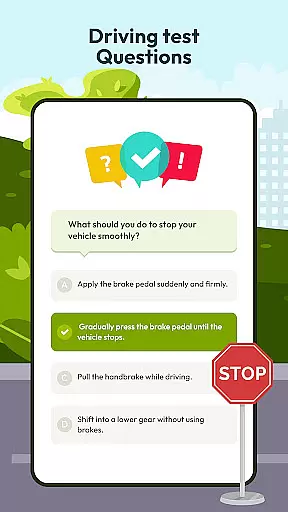
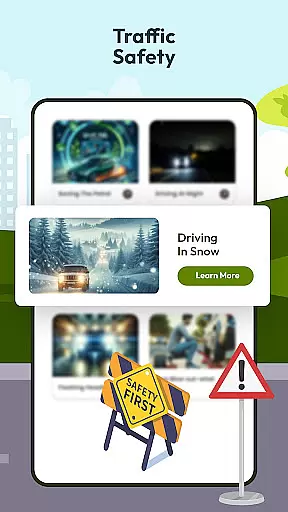
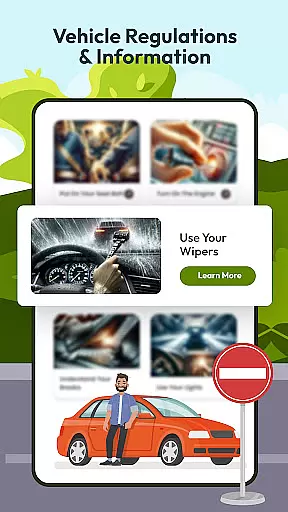
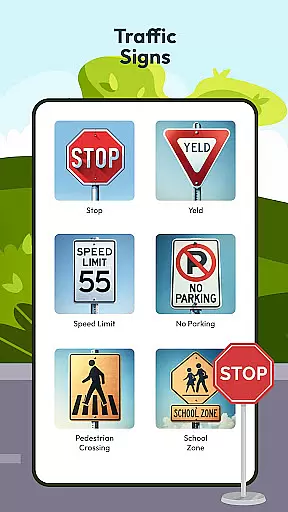

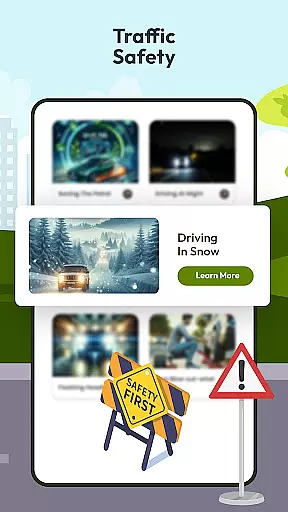
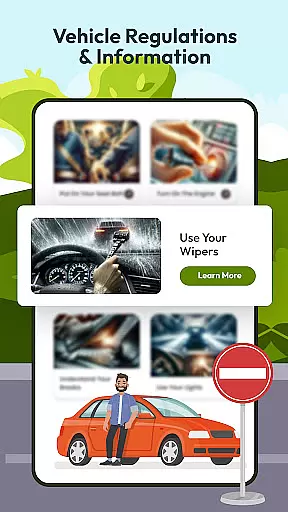
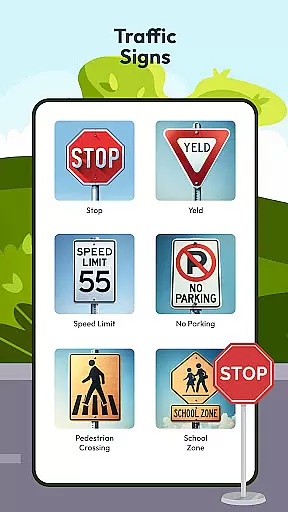
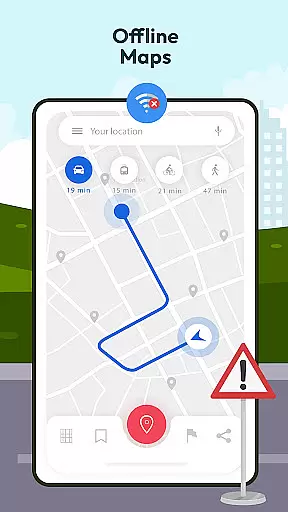



Driving Instructor-Theory Test is a comprehensive traffic app designed to enhance driving skills and ensure safe road practices. This app serves as an all-in-one solution for both novice and experienced drivers, offering features that cover every aspect of driving education and vehicle control.
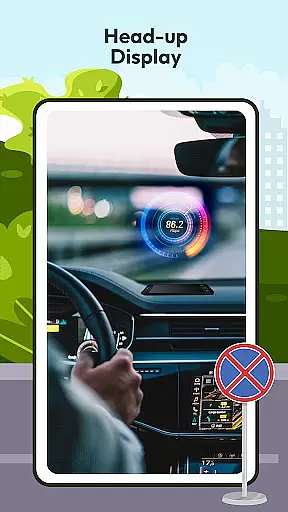
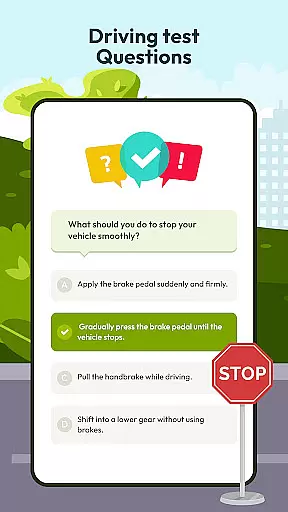
The app provides an extensive question bank for theory test preparation, real-time radar and speed camera detection, HUD (Head-Up Display) for vital driving information, offline maps with GPS functionality, and detailed guides on international traffic signs. These features collectively create a robust learning environment that prepares users not just for their driving tests but also for real-world driving scenarios.
Whether you are studying for your driving theory test or looking to improve your everyday driving skills, Driving Instructor-Theory Test offers practical tools and educational content that add significant value to your driving experience.
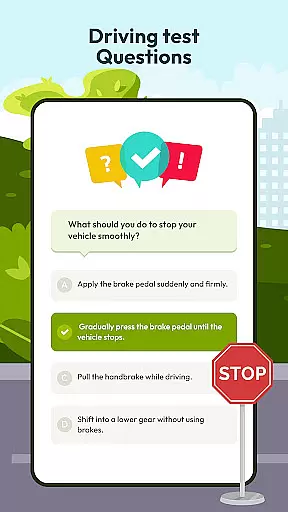
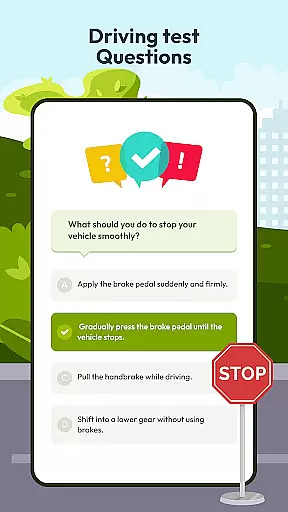
Driving Instructor-Theory Test stands out with its diverse range of specialized features tailored to improve driving proficiency. The app includes a vast collection of test drive questions that comprehensively cover all essential driving knowledge areas, ensuring users are well-prepared for both theoretical exams and practical challenges.
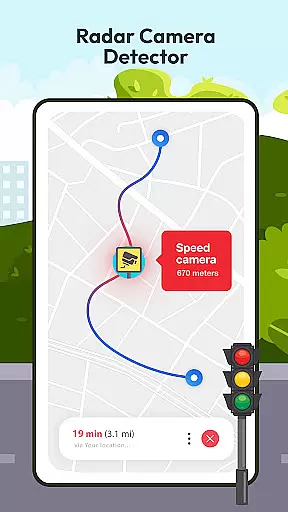
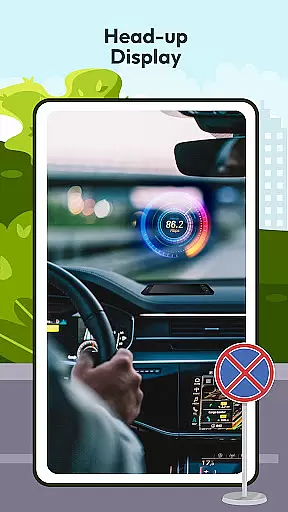
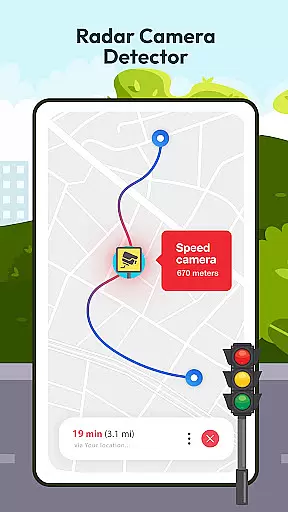
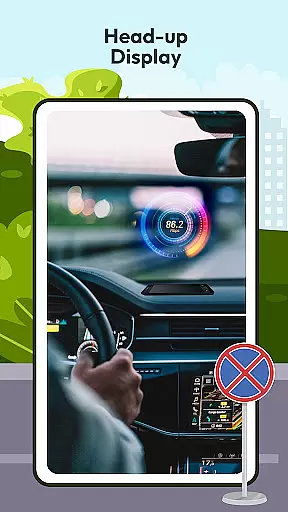
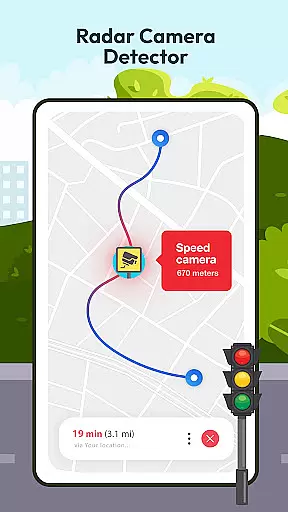
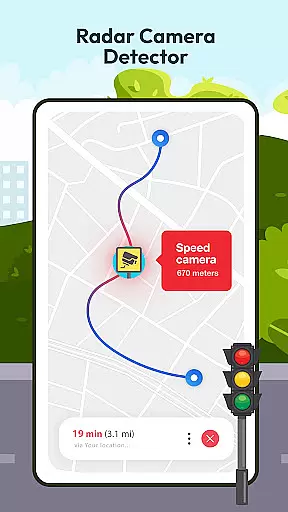
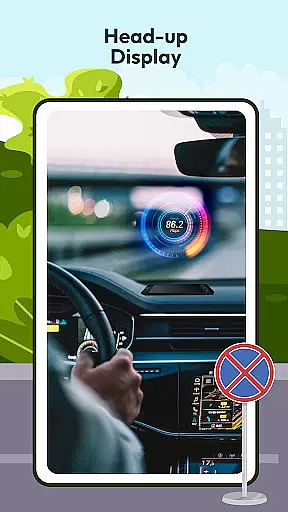
One of the standout features is the advanced radar, speed, camera, and detector system. This tool alerts drivers about speed limits and potential penalties, promoting safer driving habits. Additionally, the HUD (Head-Up Display) projects crucial navigation and speed information directly onto the windshield, allowing drivers to maintain focus on the road while staying informed.
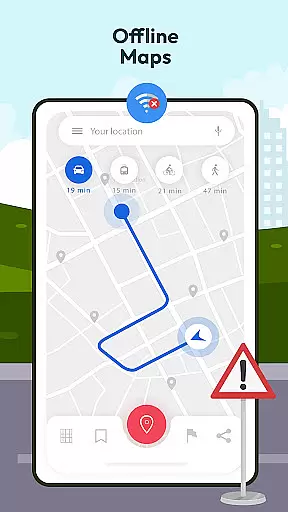
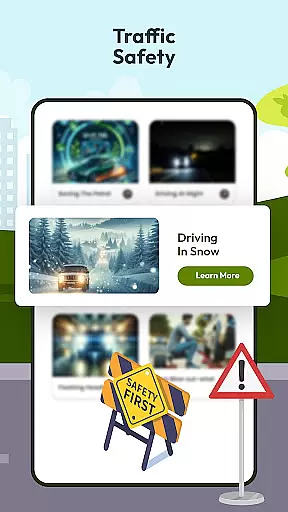
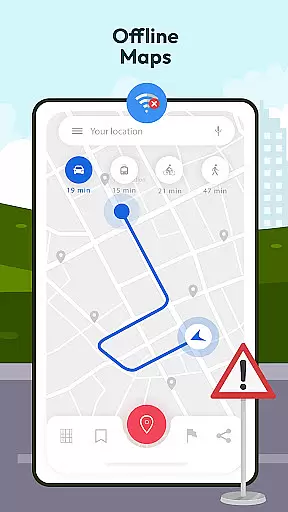
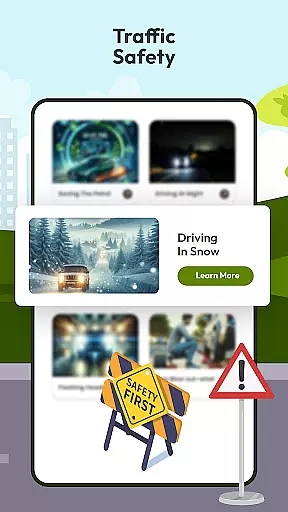
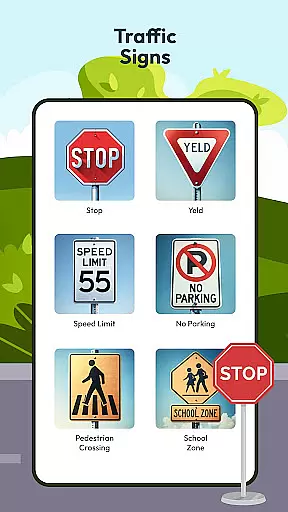
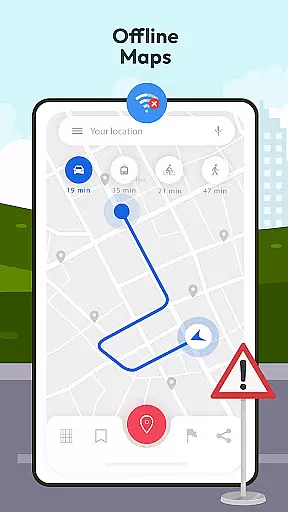
Offline map and GPS functionalities provide reliable navigation without requiring an internet connection, making it ideal for travel in remote areas. The app also educates users on international traffic signs and vehicle controls, complemented by a speedometer feature for accurate speed monitoring. With guideline tips and tricks, Driving Instructor-Theory Test ensures drivers are equipped with the knowledge to handle various road conditions safely and efficiently.
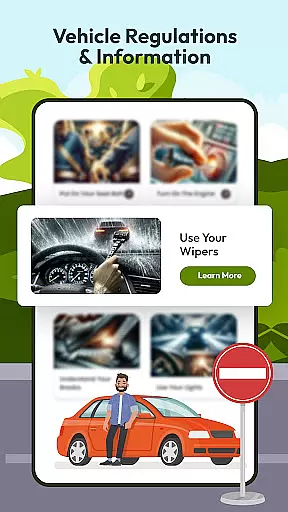
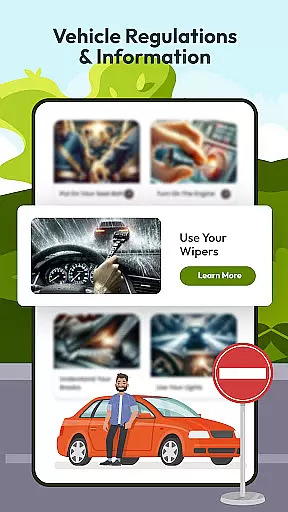
Understanding your vehicle's specifications and performance metrics is crucial for safe driving. The Driving Instructor App provides comprehensive details about various car controls, ensuring users are well-acquainted with their vehicle's mechanisms. This feature covers everything from basic operations to advanced functionalities, empowering drivers to handle their cars confidently.
The app includes an integrated speedometer that allows users to monitor their speed accurately. By understanding how to read the speedometer correctly, drivers can maintain safe speeds and adhere to traffic regulations. This functionality not only enhances driver awareness but also contributes significantly to road safety by preventing speeding-related incidents.
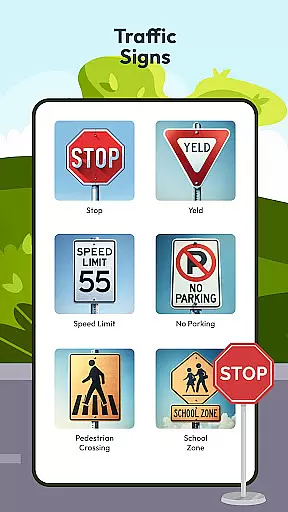
Moreover, the application offers insights into international traffic signs and directions, broadening the useru2019s knowledge beyond local rules. With detailed explanations of each sign's meaning and proper response strategies, drivers become more adept at navigating diverse road conditions worldwide. Such extensive information prepares users for real-world scenarios they might encounter during travel or relocation.
By combining these elements, the Driving Instructor App ensures that drivers have all necessary information at their fingertips. Whether preparing for a driving test or looking to improve everyday driving skills, this app equips users with vital knowledge about their vehicles, enhancing both safety and confidence on the road.
Price transparency in automotive services and products is essential for making informed decisions. The Driving Instructor App addresses this need by offering clear information regarding potential costs associated with driving tests, vehicle maintenance, and other related expenses. Users can access detailed breakdowns of fees, helping them budget effectively for their driving journey.
In addition to cost disclosures, the app features sections dedicated to tips and tricks for saving money while maintaining optimal vehicle performance. These guidelines include advice on efficient fuel usage, timely servicing schedules, and recognizing early warning signs of mechanical issues. By following these recommendations, drivers can avoid unexpected repair bills and extend the lifespan of their vehicles.
Furthermore, the app provides insights into discounts and special offers available through partner services. Whether itu2019s discounted rates on driving lessons or exclusive deals on car accessories, users benefit from being well-informed about opportunities to save. Such transparency fosters trust between service providers and consumers, creating a more equitable marketplace.
Overall, the Driving Instructor App promotes financial preparedness among drivers by ensuring they understand all possible expenditures involved in owning and operating a vehicle. Through its commitment to price transparency, the app empowers users to make smarter choices without hidden surprises affecting their budgets negatively.
User-friendly interface
Comprehensive test prep
Real-time safety alerts
Offline navigation support
Detailed traffic guidelines
Limited vehicle compatibility
Occasional inaccuracies
Premium feature costs
High data usage
Complex setup process

Taximeter; the professional's choice
 4.30
4.30
Theme for Car Launcher
4.0
Practice the drills within MotoJitsu Master Riding Program Volume 1 & 2!
4.80
Control maps, media and messaging, with the Google Assistant while you drive
4.10
The ExtraMile App allows you to pay for fuel from the comfort of your car!
4.70
Lexus app currently supports 2010 or newer vehicles (2018 or newer for Hawaii).
4.80
DMV practice test 2025: Driver License permit test & written test for all states
4.70
Quick and easy car diagnostics to get you the right fix.
4.70
A smarter way to park and reserve your spot ahead of time.
4.40
Take Control of Your Car
4.80
OBD1 ECMs application. Data log or tune directly from your phone or tablet!
4.60
Autotrader is your online solution for buying and selling new and used cars.
4.40
Car Sounds Engine Sounds app welcomes Auto Lovers to feel Car Simulator Sound
4.20
myAudi offers users services and Audi connect services for Audi drivers
4.10
ODB2 based monitoring application for the Chevy Bolt (2017-2021)
4.00
BlueDriver® is a Premium Diagnostic OBD2 Scan Tool. www.BlueDriver.com
3.90
Take state-specific DMV permit tests and ace the exam.
3.90
Wonder how much horsepower and torque your car/truck makes? Look no further.
3.40
The Smarter Way Forward
3.30


User Reviews