
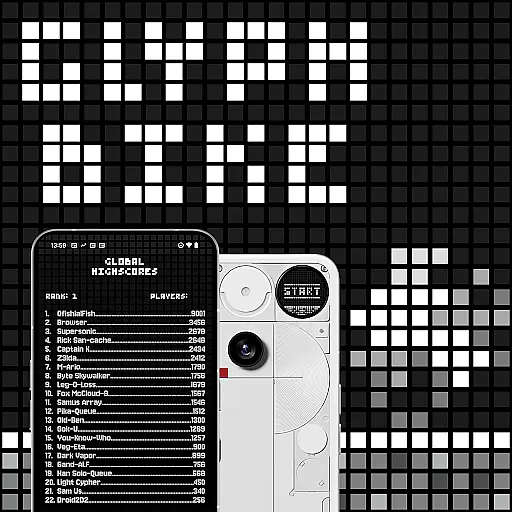
Glyph Toy - Glyph Bike is an innovative arcade game designed exclusively for the Nothing Phone (3), featuring a fully interactive Glyph Matrix. This retro-flavored infinite scroller challenges players to navigate through obstacles by tilting their phone, hitting perfect jumps, and collecting time boosts. With clean lines and precise controls, the game progressively increases in difficulty, offering an engaging experience that tests reflexes and endurance.
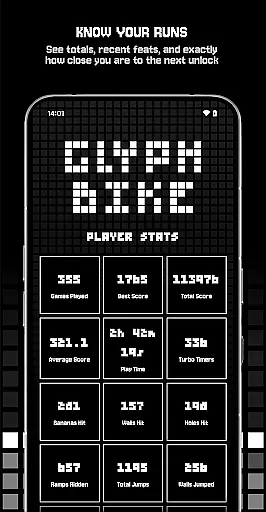
Players can compete on both local and global leaderboards, unlock achievements, and access various rewards such as new characters and game modes. The game also provides detailed player stats, allowing users to track their progress and strategize to achieve their goals. Whether you're aiming to beat your personal best or climb the global ranks, Glyph Bike delivers a captivating gaming experience tailored for arcade enthusiasts.
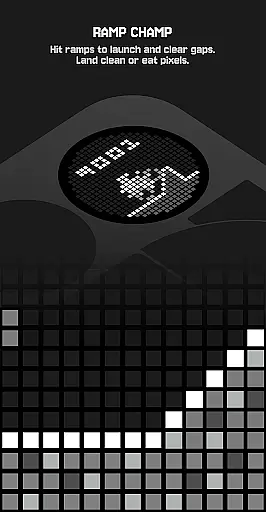
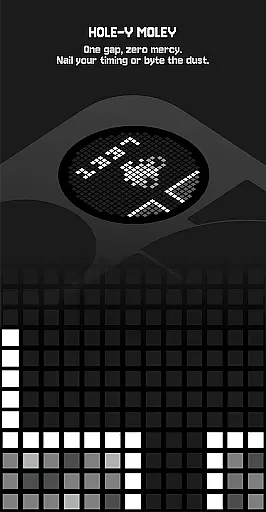
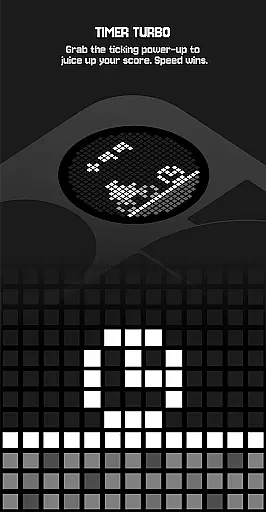
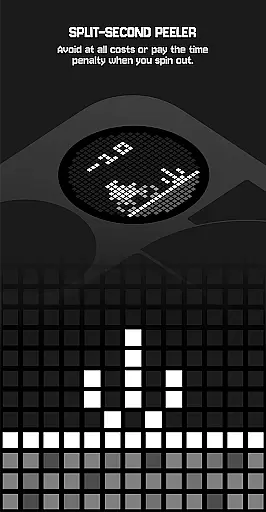
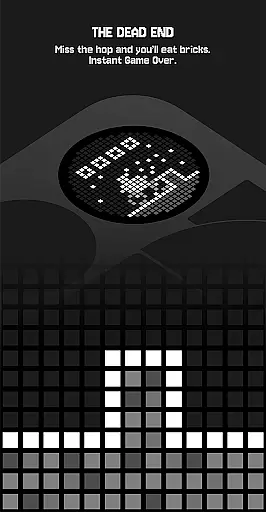
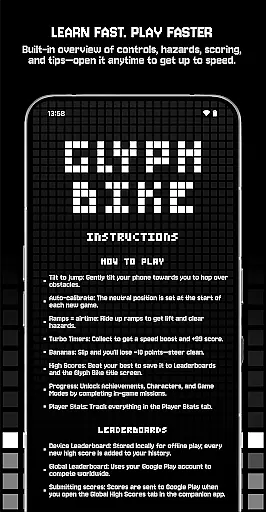
Glyph Bike stands out with its unique control scheme where players tilt their phone to jump over obstacles, ensuring an immersive and interactive experience. The auto-calibration feature sets the neutral position at the start of each game, providing consistent gameplay. Ramps offer airtime to clear hazards, while Turbo Timers provide speed boosts and score bonuses, adding strategic depth to the gameplay.
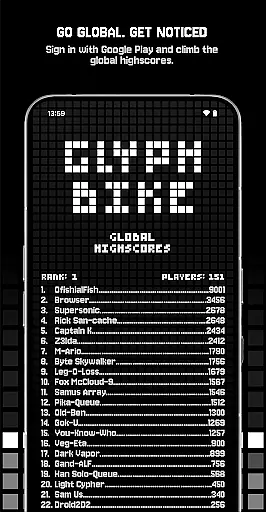
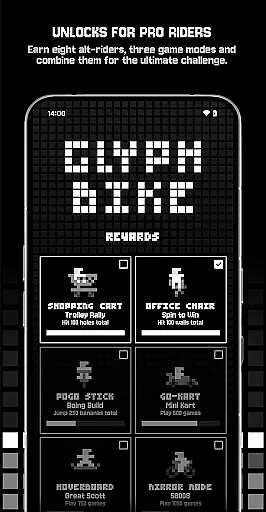
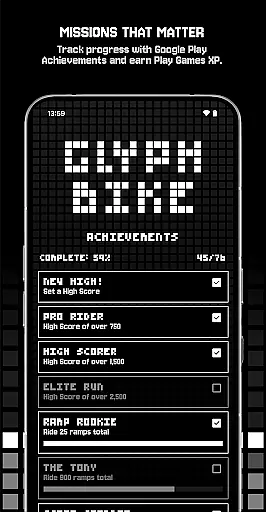
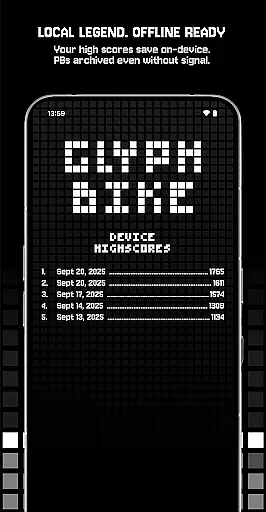
The game includes comprehensive tracking systems for high scores, achievements, and player stats. Leaderboards are available both locally for offline play and globally via Google Play, enabling worldwide competition. Achievements are tracked through Google Play Games, rewarding players with XP as they complete missions. With unlockable characters, alternative game modes like Mirror Mode and The Upside Down, and locally saved rewards, Glyph Bike offers extensive replayability and customization options.
Arcade authenticity is crucial for games like Glyph Bike, which draws inspiration from classic arcade experiences while offering a modern twist. This game combines retro aesthetics with innovative gameplay mechanics to create an engaging experience that resonates with both nostalgic players and newcomers.
Glyph Bike achieves this by incorporating clean lines and simple controls reminiscent of early arcade titles. The infinite scroller format, combined with hazards and ramps, evokes memories of classic side-scrolling adventures. Players can tilt their devices to jump over obstacles, a mechanic that feels intuitive and familiar yet fresh due to its implementation on mobile platforms.
For users, this blend of old-school charm and contemporary design means hours of entertainment. The game's difficulty scales as you progress, ensuring that each session remains challenging and rewarding. By hitting perfect jumps and collecting Turbo Timers, players can improve their scores and compete on leaderboards, adding a layer of competition that was a staple of traditional arcades.
The value lies in the gameu2019s ability to transport players back to the golden age of arcades while providing a polished, feature-rich experience. With achievements, unlockable characters, and various game modes, Glyph Bike offers depth beyond what classic arcade games provided, making it a worthy addition to any gamer's library.
Control responsiveness is a critical aspect of any action-oriented game, especially one like Glyph Bike, where precision and timing are key to success. In this game, players must navigate through hazards and perform perfect jumps, making it essential that controls react instantly and accurately to user inputs.
Glyph Bike employs a tilt-based control system that allows players to hop over obstacles by gently tilting their phones. This method provides a tactile and immersive experience, closely mimicking the physicality of traditional arcade machines. Additionally, the auto-calibration feature ensures that the neutral position is set at the start of each new game, maintaining consistent performance across different sessions.
Players benefit significantly from this responsive control scheme. It enables them to execute precise maneuvers, such as riding up ramps to clear hazards or snagging time boosts. As they become more adept at controlling their bike, users will find themselves achieving higher scores and unlocking new content, enhancing their overall enjoyment and engagement with the game.
Ultimately, Glyph Bikeu2019s focus on control responsiveness not only pays homage to the quick reflexes required in classic arcade games but also elevates the gameplay experience by ensuring that every action feels immediate and impactful. This attention to detail helps maintain player interest and satisfaction, contributing to longer play sessions and increased replayability.
Unique tilt controls
Retro-style graphics
Engaging gameplay
Leaderboard competition
Unlockable content
Phone-specific design
Steep learning curve
Limited offline features
Repetitive gameplay
High difficulty level

Flip the bottle! Do tricks and don't let the bottle fall!
 4.50
4.50
Mine planets, upgrade your space ship, battle others, and dominate the galaxy!
3.90
Catch ghosts, shoot monsters and defeat bosses in this RPG idle shooting game.
4.70
Fruit is waiting to be sliced, ninja. Play the hit mobile game !
4.50
Slice up a juicy storm!
4.20
Master the skies in this epic airplane shooting game! Join the air force now!
4.80
Save the Galaxy from galaxiga alien - Classic arcade shooter game
4.60
Shoot the web, jump and teleport! Be a stickman hero and destroy your enemies!
4.50
This app is a very fast emulator
3.40
Punch your way through the Streets of Rage once again!
4.80
Full featured version of Pizza Boy A (GBA emulator)
4.80
Gameboy Color Emulator
4.60
PC Engine/TurboGrafx-16 Emulator
4.50
Nostalgia.GBA Pro is a high quality GBA emulator.
4.40
Relax and catch fish for your aquarium while earning rewards in these tank games
4.40
Granny keeps you locked in her house.
4.30
Collect layers in running game & build the biggest slinky toy to beat the giant!
4.30
Sit back and relax! Tap to move the black hole, and swallow weapons to win.
4.20
Enter Double Dragon Trilogy, a compilation of the beloved arcade series
4.10


User Reviews