
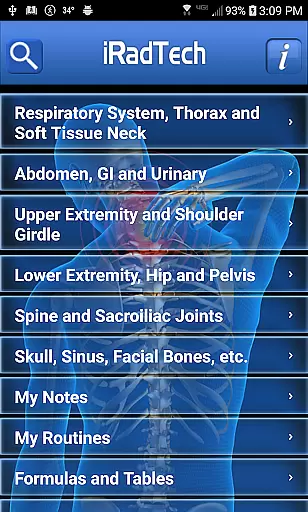
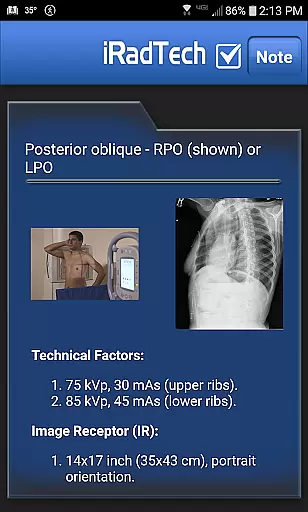
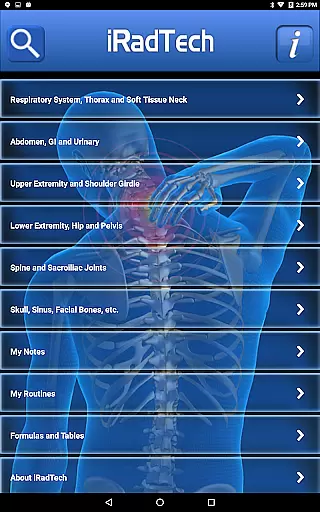
iRadTech is a comprehensive radiographic positioning guide designed for medical imaging professionals and students. The app provides detailed instructions for over 200 radiographic positions, covering technical factors, patient positioning, and image quality points.
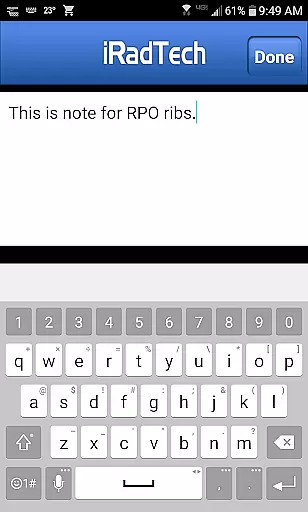
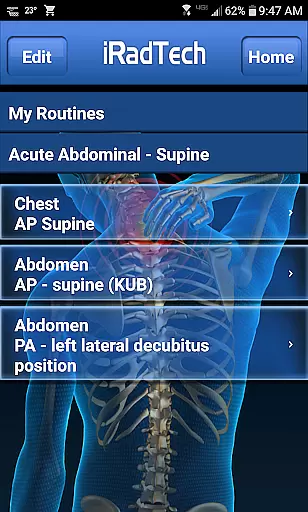
With features like suggested technical factor settings, enlargeable representative images, and a helpful NOTE tab for each position, iRadTech serves as an essential pocket reference tool. Its search function and My Routines feature allow efficient workflow management, making it valuable both in clinical practice and as a study aid.
The app's content aligns with ARRT Content Specifications and ASRT Radiography Curriculum, developed by experienced radiography educators. This makes iRadTech particularly useful for radiography students preparing for exams and technologists seeking a reliable reference tool.
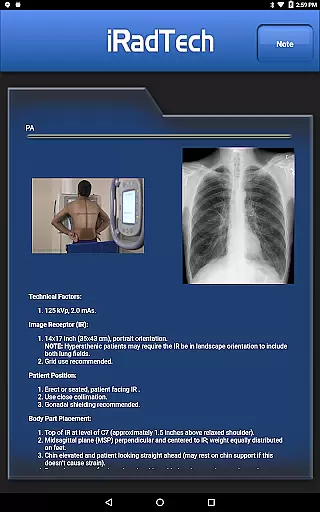
iRadTech offers an extensive collection of radiographic positioning instructions, including technical factors, image receptor specifications, and patient positioning guidance. Each position comes with detailed information about central ray entrance/exit points and angulation, plus structures demonstrated.
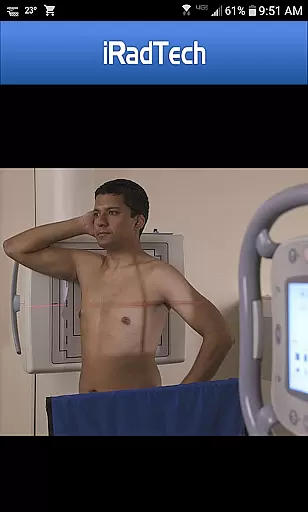
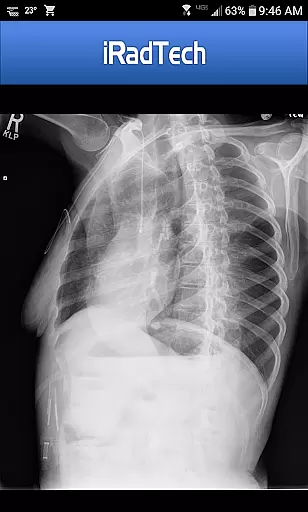
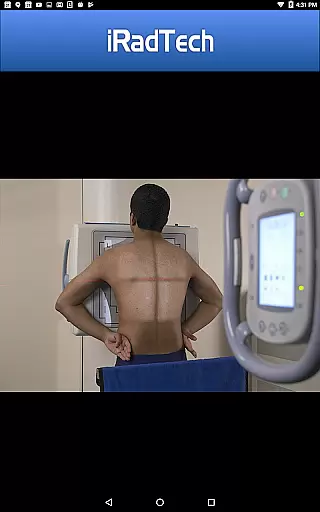
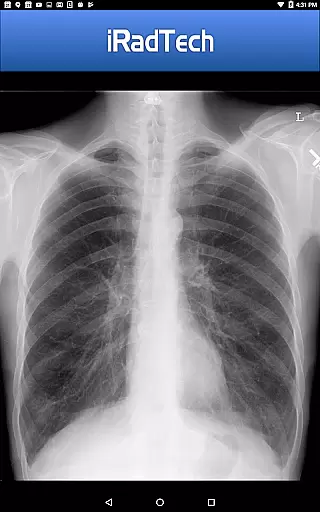
The app includes suggested digital imaging systems technical factor settings for nearly all positions, excluding nephrotomography. Users can view enlargeable representative radiographic images and properly positioned human model photographs showing correct collimation areas.
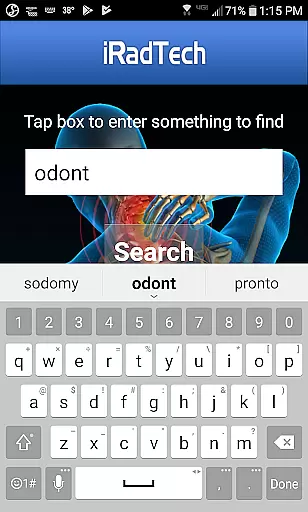
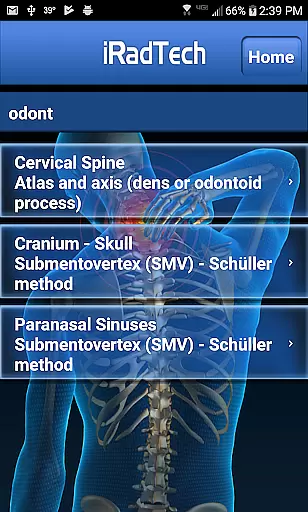
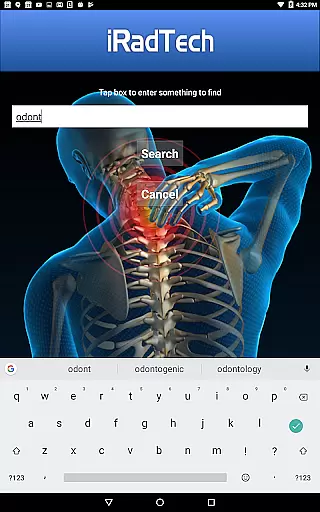
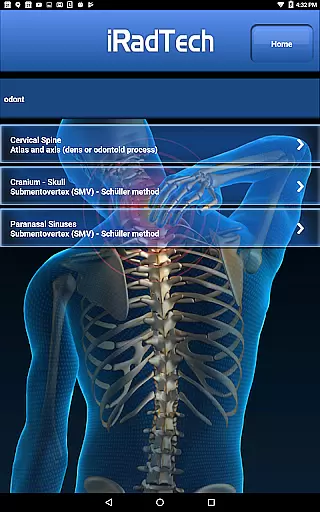
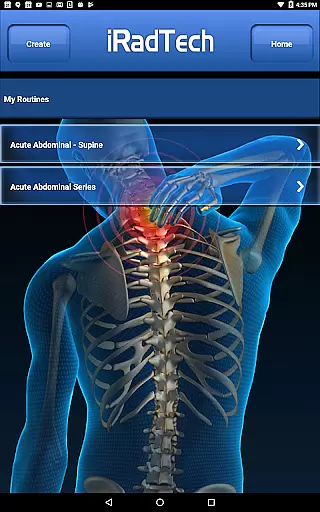
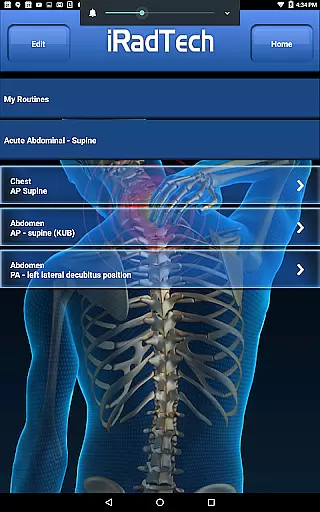
Additional features include a search function for quick access to position titles and instructions, My Routines for saving position groups, and My Notes for general note-taking. Developed by experienced radiography educators, the content follows national positioning texts and educational standards.
In the field of medical imaging, having access to credible and expert-reviewed content is crucial for both professionals and students. iRadTech ensures the highest level of accuracy by developing its content using ARRT Content Specifications, which includes nearly all ARRT entry-level radiographic positions.
The application provides detailed instructions for more than 200 radiographic positions, covering technical factors, patient positioning, and image quality points. These instructions are referenced to the most recent ASRT Radiography Curriculum and national positioning texts, ensuring alignment with current standards and practices.
What sets iRadTech apart is its development team, consisting of two Ph.D. radiography educators with over 30 years of teaching experience each. Their expertise guarantees that users receive information that is not only comprehensive but also vetted by seasoned professionals in the field.
By using iRadTech, medical imaging professionals and students can trust that they are accessing a reliable resource that supports their education and practice, ultimately leading to better patient outcomes and higher quality radiographic images.
While iRadTech does not provide teleconsultation services directly, it enhances the quality of teleconsultations by offering a robust reference tool for radiographic positioning. This ensures that during teleconsultations, both parties can refer to standardized positions and techniques, improving communication and consistency.
The app includes suggested digital imaging systems technical factor settings for all positions, except nephrotomography, allowing users to quickly adjust their equipment to match the required specifications. This feature is particularly useful in teleconsultation settings where precise adjustments can be discussed and implemented remotely.
Additionally, iRadTech offers enlargeable photographs of properly positioned human models, showing the correctly collimated area of interest with the central ray entry point. These visual aids can be shared during teleconsultations to ensure that positioning is accurate and meets professional standards.
Overall, while primarily a reference tool, iRadTech indirectly supports high-quality teleconsultations by providing clear, detailed, and expert-reviewed content that facilitates effective remote consultations and educational discussions.
Comprehensive Positioning Guide
High-Quality Enlargeable Images
Convenient Search Functionality
Customizable Routine Management
Expert-Developed Content
Premium Price Point
Medical Field Specific
Complex Interface
Limited Customization
No Offline Mode

Spruce is the leading platform for HIPAA-compliant communication and care.
 4.90
4.90
The NightOwl Companion app allows you to interact with the NightOwl sensor.
4.70
Modivcare members can book and manage trips.
4.50
Sync your blood glucose device, log values automatically and tame your diabetes!
4.60
Easy telehealth appointments + urgent care
4.70
The official DSM-5-TR® app
4.50
Coaches you through labour using hypnobirthing techniques & tracks contractions
4.70
Pelvic Floor Muscle Exercises
4.80
X-Vein: Advanced vein detection for medical practice
3.10
Manage your healthcare through the FollowMyHealth® Universal Health Record.
4.80
ASCCP Management Guidelines- There’s an app for that!
4.60
Blue Cross and Blue Shield of Texas member information
4.60
Anthem/Wellpoint and other health insurance plans
4.60
Perform pure-tone audiometry and a speech intelligibility test on your phone.
4.50
Secure video appointments
4.50
700 questions, 2 full exams, Predictive Scoring—your key to NREMT success!
3.90
Care Simplified by MyChart
3.40
MHealth is the mobile version of MEDITECH’s Patient and Consumer Health Portal.
3.10
A scientifically-proven method to help people with dementia or memory impairment
4.2


User Reviews