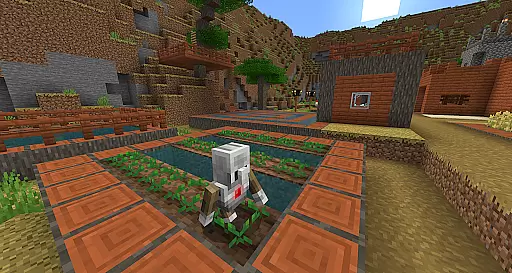
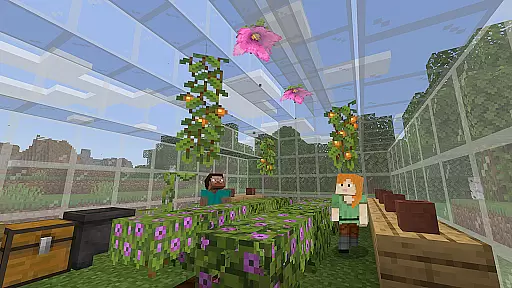
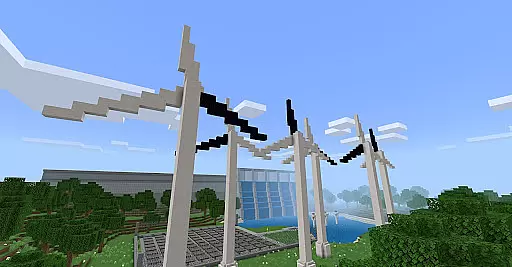
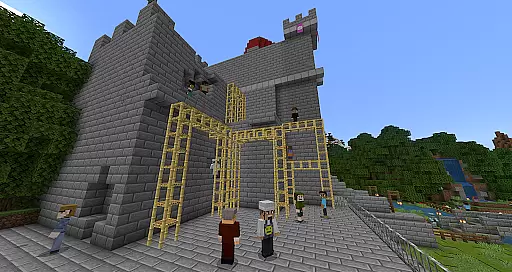
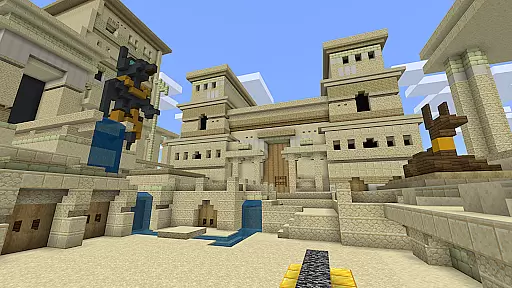
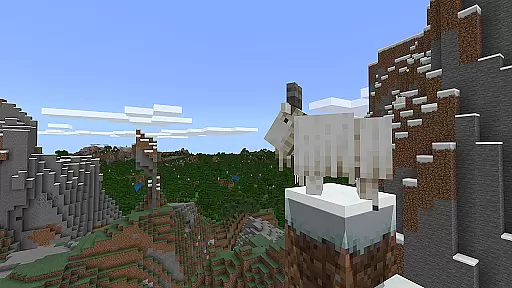
Minecraft Education is a game-based learning platform designed to inspire creative and inclusive education through interactive gameplay. This educational tool allows students and educators to explore various subjects such as reading, math, history, and coding in an engaging blocky world environment.
With features like multiplayer collaboration, code building for programming practice, and integration with Microsoft Teams, Minecraft Education provides a versatile learning experience. It supports diverse learning styles and helps develop essential skills such as problem-solving, collaboration, and critical thinking, preparing students for future success.
Whether used for structured lessons or open-ended creative projects, Minecraft Education offers a flexible platform that caters to different educational needs while sparking interest in STEM fields.
Minecraft Education stands out with its diverse educational features tailored for classroom use. The platform includes hundreds of ready-to-teach lessons aligned with standardized curriculums, making it easy for educators to integrate into their teaching without prior gaming experience.
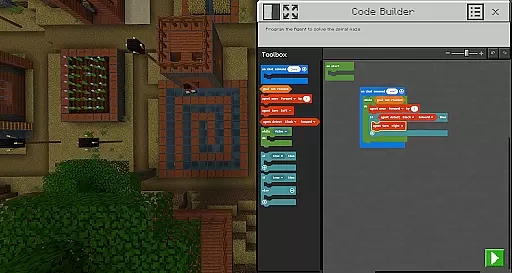
One of the key highlights is the multiplayer mode, which enables cross-platform collaboration, allowing students to work together in real-time regardless of their device. The Code Builder feature supports block-based coding along with JavaScript and Python, promoting computational thinking.
Additional tools like the Immersive Reader assist with text reading and translation, while in-game items such as the Camera and Book & Quill help document and export creations. Integration with Microsoft Teams and Flipgrid enhances teacher controls and assessment capabilities, creating a comprehensive educational ecosystem.
Minecraft Education stands out for its commitment to content accuracy and authority, making it a reliable educational tool. The platform collaborates with renowned organizations such as BBC Earth, NASA, and the Nobel Peace Center to create immersive learning experiences that are both informative and engaging.
Each lesson and curriculum provided within Minecraft Education is carefully designed and reviewed by educational experts to ensure alignment with academic standards. This meticulous attention to detail guarantees that learners receive accurate information across subjects like reading, math, history, and coding.
The inclusion of culturally relevant lessons not only enhances the authenticity of the content but also encourages students to engage with real-world topics actively. By integrating these authoritative sources and pedagogical expertise, Minecraft Education fosters an environment where learners can confidently explore complex subjects.
Ultimately, this dedication to content accuracy and authority empowers educators and students alike, providing them with the assurance that they are working with high-quality, trustworthy educational material.
Minecraft Education excels in offering personalized learning paths, catering to all types of learners through its versatile platform. With hundreds of ready-to-teach lessons, creative challenges, and open-world environments, educators can tailor the learning experience to meet individual student needs effectively.
The game-based learning approach allows students to dive into subjects at their own pace, whether they prefer structured lessons or exploratory play. This flexibility ensures that each learner can follow a path that best suits their learning style, promoting better engagement and understanding.
Moreover, features like Code Builder support block-based coding, JavaScript, and Python, allowing students to develop coding skills progressively. Meanwhile, Immersive Reader helps players read and translate text, accommodating diverse learning abilities and preferences.
By integrating with Microsoft Teams and Flipgrid, Minecraft Education further supports personalized assessment and teacher controls, ensuring that each student's progress can be monitored and guided appropriately. This comprehensive approach enables tailored educational journeys that prepare students for future success.
Engaging learning environment
Supports multiple subjects
Encourages creativity and teamwork
Develops problem-solving skills
Flexible lesson options
Requires Microsoft 365 admin access
Limited to academic licensing
Complex setup for some users
Subscription-based pricing
Resource-intensive on devices

AR planetarium app that brings the solar system to you via XREAL Glasses.
 4.5
4.5
An animated storybook app to help ease your child through toilet training.
3.70
Pickleball guide complete with illustrated Pickleball drills and helpful info
4.3
Welcome to the Speak Navajo Language Application - Volume 1
4.50
Enrich the experience of your visit to the Pantheon with our audiotour.
1.60
Astronomy Guide To Night Sky
4.30
The FE Clock is a way to track sun & moon around the circle of the earth.
4.30
Learn to pass DMV permit tests. Driver license practice test 2025.
4.60
Educational Activities for 2-8
3.70
Hebrew Vocab
4.90
Perform physics experiments with your phone. (by the RWTH Aachen University)
4.70
A fast and fun way to learn guitar - works with any guitar.
4.60
Intuitive Transformer Lab - By a Lineman, For Linemen & Apprentices
4.50
Monkey Preschool Lunchbox: 7 exciting educational games for your preschooler.
4.30
Build math skills in: addition, subtraction, multiplication and division.
4.10
For medical training - Visualize complex vein maps and structures in real-time.
4.10
Master note reading with StaffWars….
4.00
Explore the City of the Sun in Augmented Reality
3.70
Master the NRP with 700+ questions, rationales, and updated NREMT scenarios.
3.00


User Reviews