
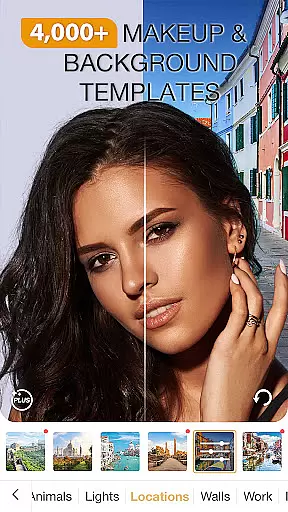
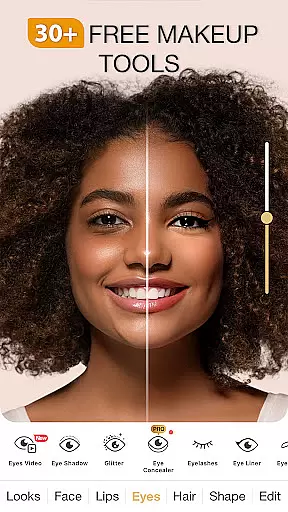
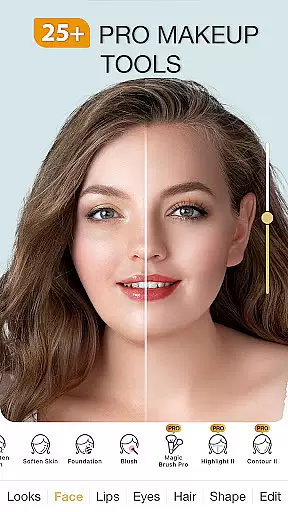
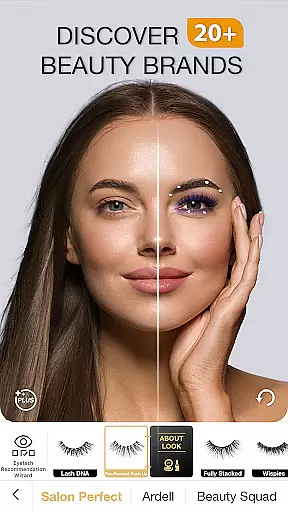
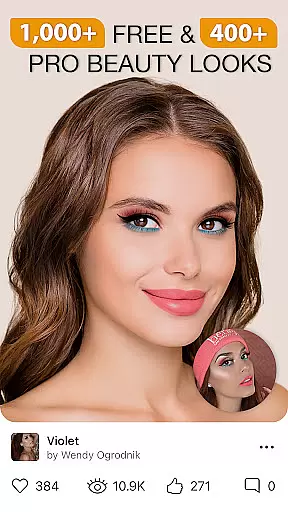
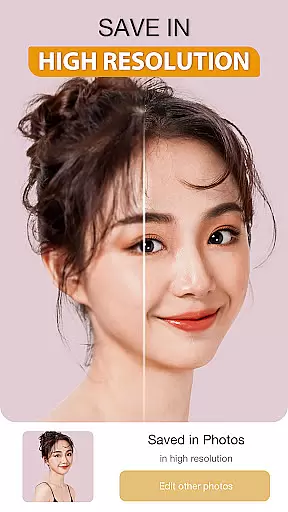
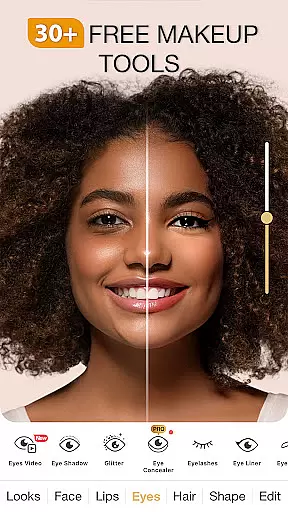
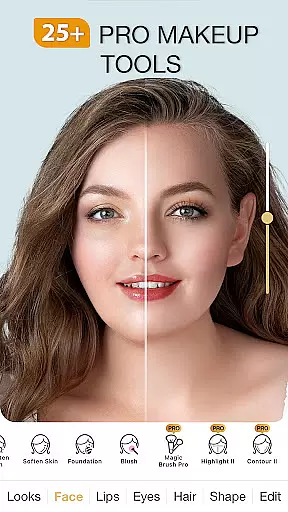
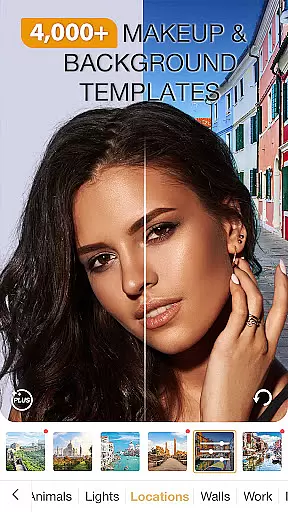
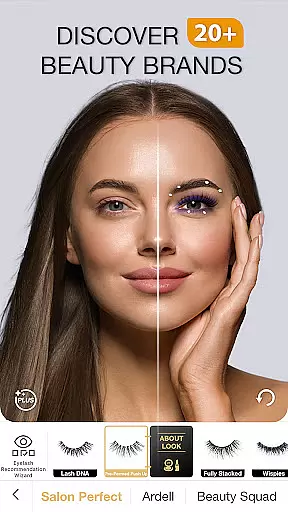
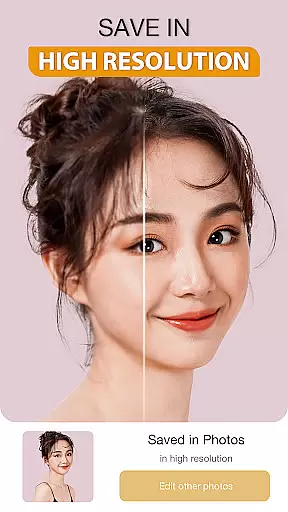
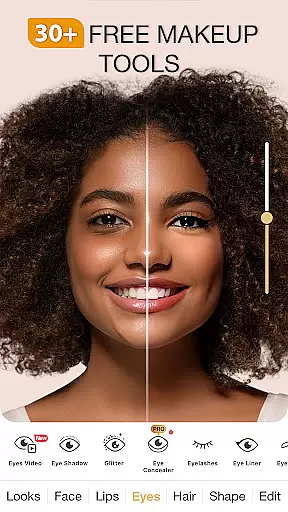
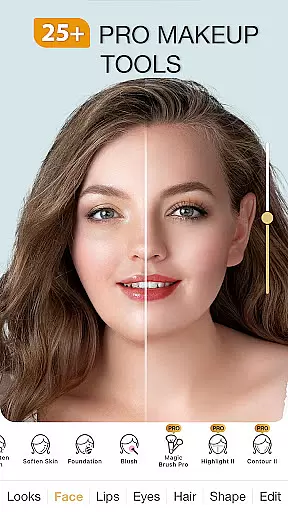
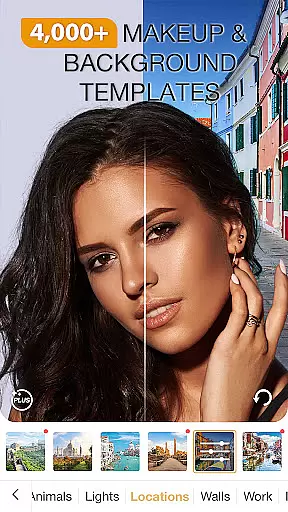
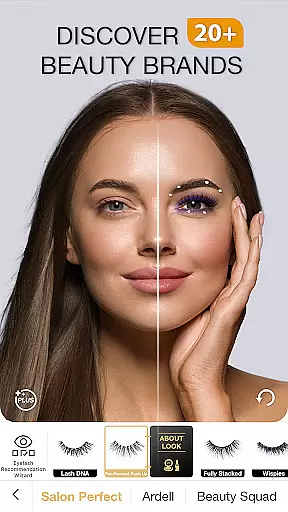
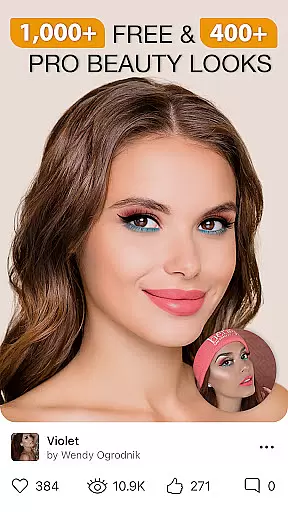
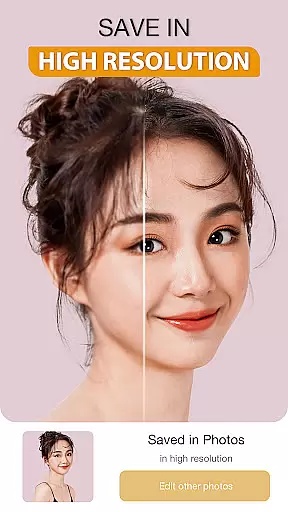
Perfect365 is a comprehensive virtual makeup app that allows users to try on new makeup looks and instantly apply filters to photos and videos. With features like the beauty camera, blemish remover, and teeth whitener, this all-in-one face and photo editor helps retouch images with ease. The app offers hundreds of filters for pictures and videos, ensuring your selfies stand out while keeping up with the latest lipstick and hair trends.
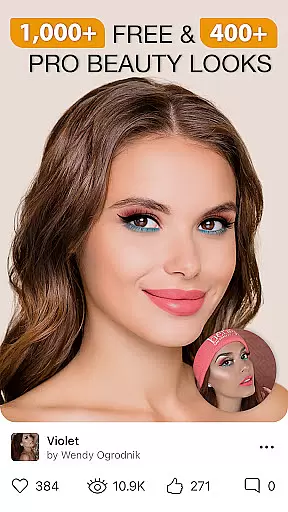
The app provides customization options through its beauty editor, allowing users to choose from high glam to natural looks. Perfect365 also includes video tutorials from YouTube artists, daily makeup tips, and fashion product recommendations, making it an essential tool for anyone interested in beauty and fashion. Whether you're looking to explore new styles or perfect your everyday look, Perfect365 delivers professional-quality results directly to your device.
Perfect365 boasts a variety of powerful features designed to enhance your beauty editing experience. One standout feature is the beauty camera, which lets users take great selfies directly within the app. Additionally, the app offers thousands of new styles curated by professional makeup artists, ensuring users have access to the latest trends. The retouch photo editor provides cool effects and filters for selfies, enabling users to customize their makeovers with precision.
Another key aspect is the Pro Color Palette, which allows unlimited color options for a personalized touch. The app's cutting-edge face detection technology ensures the most accurate makeup placement possible, applying filters perfectly every time. Users can also share their edited photos and videos directly to social media platforms without any watermarks, making it easy to showcase their creativity and style.
When it comes to beauty and makeup applications, having a comprehensive product database is crucial for delivering an authentic user experience. Perfect365 Makeup Photo Editor offers an extensive collection of virtual makeup products that are meticulously detailed to reflect real-world options. The app includes a wide range of cosmetics such as lipsticks, eye shadows, and blushes, each with accurate color representation and texture simulation.
The level of detail in the product database ensures that users can experiment with thousands of looks curated by professional makeup artists. Whether you're interested in trying a bold new lipstick shade or exploring various eye makeup styles, this app provides the tools necessary to visualize these changes instantly. Each product within the database is designed to offer realistic results, enhancing the overall authenticity of the virtual makeover experience.
For users, this means they can confidently explore different makeup trends and techniques without the need for physical products. The ability to preview how certain colors and styles will look on their own features helps in making informed decisions about purchases or personal styling choices. This depth in the product database not only enriches the user experience but also sets Perfect365 apart as a sophisticated tool for both casual experimentation and serious makeup enthusiasts.
Personalization is at the heart of any successful beauty application, and Perfect365 Makeup Photo Editor excels in delivering precise customization options tailored to individual preferences. The app leverages advanced algorithms to analyze facial features and apply makeup effects with remarkable accuracy. This personalized approach ensures that every virtual makeover complements the unique characteristics of each user's face.
With its cutting-edge face detection technology, Perfect365 can place makeup with exactness, ensuring that eyeshadows, blushes, and lip colors appear naturally integrated into the useru2019s features. Users have access to a Pro Color Palette that allows unlimited color combinations, enabling them to design their perfect look with unique hues that suit their skin tone and style.
This high degree of personalization empowers users to express their creativity and refine their personal aesthetic. By offering customizable options that adapt to individual needs, Perfect365 enhances user engagement and satisfaction. The precision in personalization not only makes the app more intuitive and enjoyable to use but also reinforces its position as a leading choice for those seeking a reliable digital beauty editor.
User-friendly interface
Extensive filter options
Professional artist styles
Accurate face detection
Social media integration
Some features require purchase
Occasional ads
Advanced tools may overwhelm beginners
Limited offline functionality
Subscription model

Glow up with science: cosmetics, ingredients scanner, tracking & face analysis
 4.10
4.10
Crown Heart Emoji Photo Editor has given you the chance to look cute girl
4.40
Intelligent Beauty calculator tool! Face scale and face symmetry in one app!
3.80
Enhance your selfies with face beauty makeup tool and an easy background remover
4.70
Unique selfie filter camera! Upload live sticker & face filter every week!
4.70
Beauty Camera - Selfie Camera with sweet selfie, makeup, filter, sticker, editor
4.50
HD Camera, Selfie Camera, Camera filters, is a fully featured 4K camera
4.60
DSLR Hd camera capture high quality 4k hd picture with filters and blur editor
4.50
Top brand haircare & fragrance
4.60
Book your appointments
4.90
Use your phone as a makeup mirror, shaving mirror. Magnifying mirror with light!
4.80
Mirror app that shows your image with photo editor, zoom and light!
4.70
Beauty Camera - Selfie Camera with beauty editing tool, makeup, filter, sticker
4.60
Unleash your (Pro)tential with the hottest hair, nails and beauty brands!
4.60
Beauty camera to take nature selfie with photo filter. Photo makeup face editor.
4.50
Make beautiful Hairstyles for girls with your own hands in little bit of time
4.00
Enhance Your Look with Face Analysis, Hair Style Changer, Beauty Score, Rating
3.90
Change your hairstyle and color instantly with AI-powered virtual makeovers.
3.90
Color haircut changer style on
3.30


User Reviews