
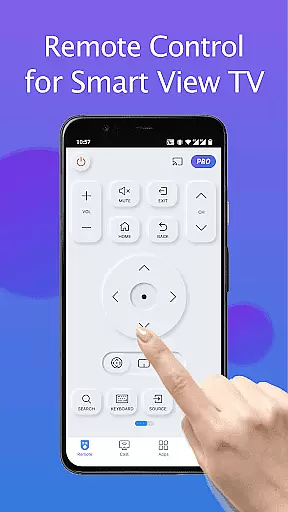
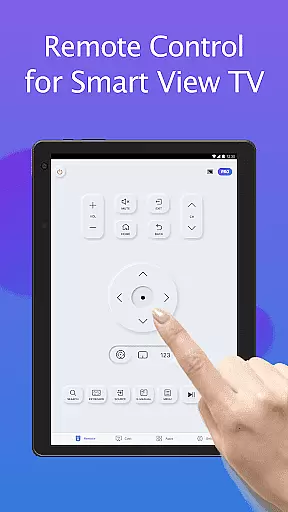
Remote for Smart Samsung TV is a dedicated mobile application designed to replace traditional Samsung TV remotes. This app transforms your smartphone into a comprehensive control center, allowing users to manage their Samsung smart TVs with ease. It supports mainstream models including Samsung 7 series, 6 series, Curved TVs, and K-Series (2016+) Tizen models.
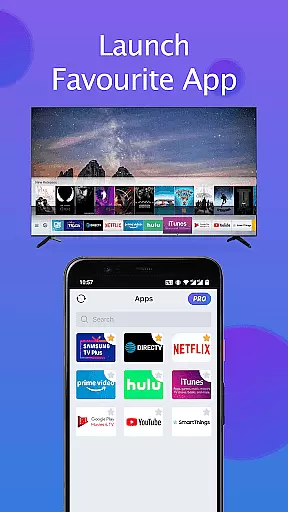
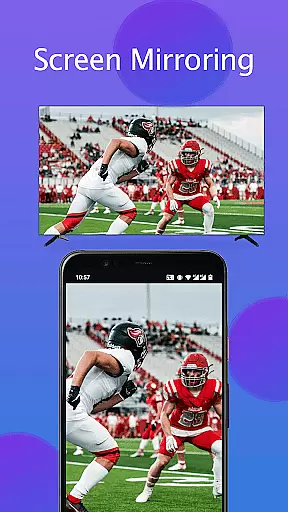
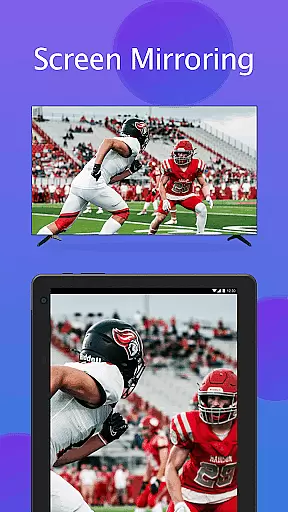
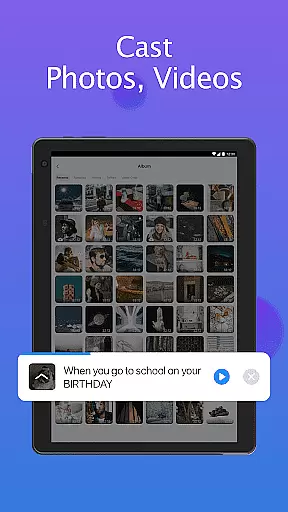
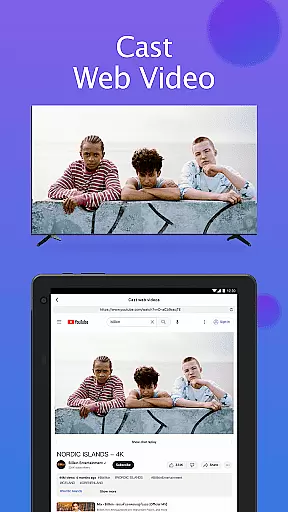
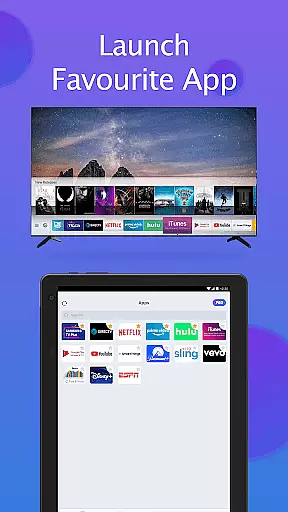
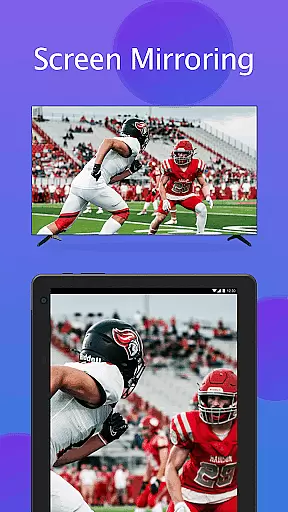
The app offers essential remote functions such as power control, volume adjustment, channel navigation, and quick access to favorite apps. Additionally, it provides advanced features like screen mirroring in high resolution and casting local media files or web videos directly to the TV. Its intuitive interface ensures seamless connectivity through the same WiFi network, making it an indispensable tool for modern smart home environments.
By eliminating the need for physical remotes and constant battery replacements, Remote for Smart Samsung TV simplifies user experience while promoting eco-friendly practices. Whether you're looking to streamline daily TV operations or seeking enhanced multimedia capabilities, this app delivers both convenience and innovation in controlling your Samsung television.
Remote for Smart Samsung TV stands out with its array of practical features tailored for Samsung smart TV owners. The app automatically detects your Samsung SmartThings TV on the same WiFi network, ensuring quick and stable connections without manual configurations. This feature alone saves considerable setup time and enhances user convenience significantly.
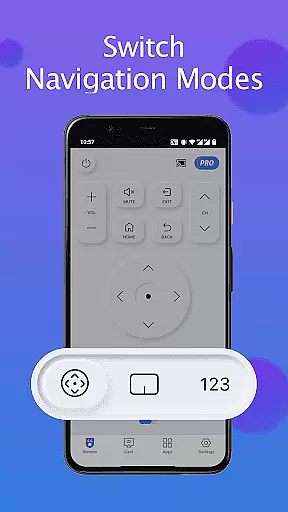
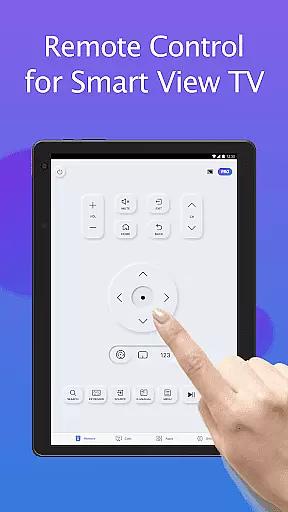
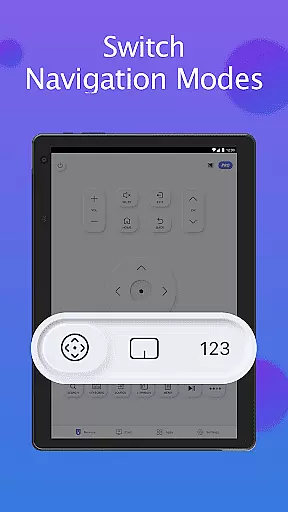
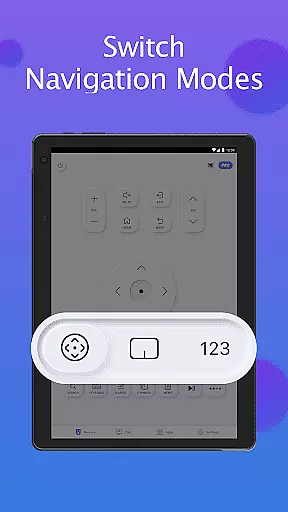
One of the standout functionalities includes the integrated keyboard feature that simplifies text input and search operations on Samsung Smart View TVs. Users can easily type queries or navigate menus using their smartphones, which is particularly useful for streaming services or web browsing. Moreover, the app provides complete control over basic TV functions such as powering on/off, adjusting volume levels, changing channels, and switching navigation modes effortlessly.
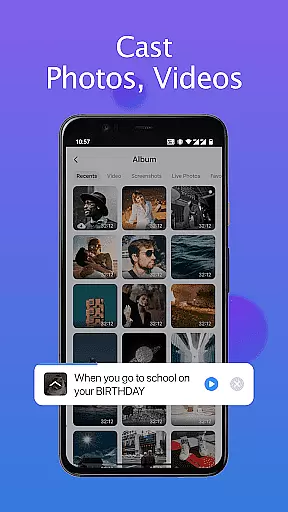
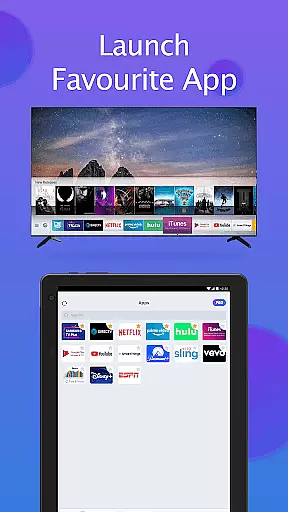
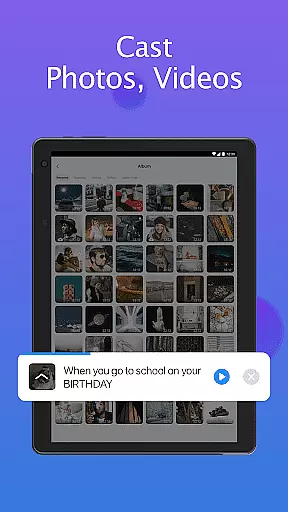
For those who enjoy personalized entertainment experiences, the app allows quick access to favorite channels and applications with just a few taps. Advanced capabilities extend to screen mirroring in high resolution and casting local photos/videos from mobile devices directly onto Samsung SmartThings TVs. These features not only enhance viewing pleasure but also facilitate sharing content during social gatherings or presentations, making Remote for Smart Samsung TV an all-in-one solution for modern television management.
In the context of smart home management applications like Remote for Smart Samsung TV, property listing authenticity ensures that all available features and supported devices are accurately represented. This app provides a truthful depiction of its compatibility with various Samsung TV models, including Samsung 7 series TV, Samsung 6 series TV, and more.
By detailing its functionality, such as the ability to auto-detect Samsung TVs on the same Wi-Fi network and offering features like power control, volume adjustment, and screen mirroring, the app maintains transparency. Users can trust that these features will work as described, providing peace of mind when managing their smart home devices.
The importance of this authenticity is evident in user satisfaction and operational reliability. With clear information about its capabilities, users can effectively utilize the app without concerns about misrepresented features or compatibility issues, thus enhancing their smart home experience.
Remote for Smart Samsung TV excels in home management features by transforming your mobile device into a versatile remote controller. It simplifies the interaction with Samsung smart TVs through an intuitive interface that supports essential functions like power on/off, volume control, channel navigation, and even keyboard input for easy searches.
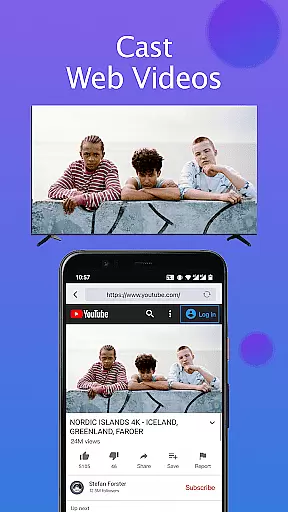
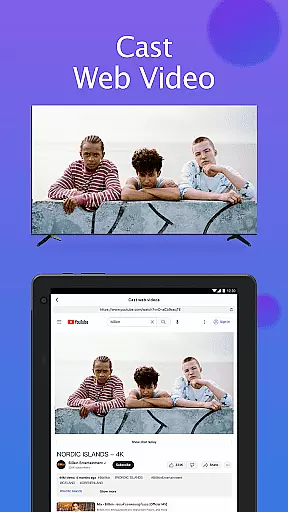
This application extends beyond basic control by enabling users to mirror their phone or tablet screens directly to their Samsung Smart TV in high resolution. Additionally, it allows casting local photos, videos, and web content to the TV, enriching the multimedia experience within the home environment.
By integrating seamlessly with Samsung's ecosystem via Wi-Fi connectivity, this app offers a streamlined solution for managing entertainment systems. Its comprehensive feature set not only replaces traditional remotes but also enhances convenience and accessibility, making smart home management both efficient and enjoyable.
User-friendly interface
Wide compatibility range
Advanced casting options
Quick device detection
Eco-friendly solution
Limited to Samsung models
WiFi network required
Occasional connectivity issues
No official Samsung support
Dependent on third-party updates

PRO Version of GLB AR Viewer
 4.3
4.3
Universal TV remote Control for Roku TV brands via WiFi remote
4.1
An awesome mobile app for Home Security Surveillance - uses ZoneMinder
3.20
Download today to join the community to help bring lost pets home faster.
4.70
AI floor creator to design your dream house, plan rooms & style your home
4.00
SmartRent - Opening Doors To A Smarter World
4.40
Plants, Beauty, Collectibles
4.60
Universal Tv Remote Control for all Tv. Cast for chromecast & all Tv Controller
4.20
Set up your devices, customize settings, and monitor your home—from anywhere
4.40
Search for Homes, Rentals, Agents & Schools
4.70
B-hyve Pro App for landscape irrigation professionals
4.70
Find homes for sale and apartments for rent in the best neighborhood.
4.70
Innovative and budget-friendly housing options
4.60
Control the scent and ambiance of your home and car, right from your phone.
4.50
Control your Daikin, Amana & Goodman heating & cooling systems from anywhere
4.40
Control your Vivint Smart Home with the next generation Vivint App.
4.30
Find contractors for all home renovation projects. Remodeling, repair, and more.
4.20
USHUD.com helps you find the best homes for sale in your area
4.00
Book your local plumber 24/7, track your service order & get exclusive coupons
4.00


User Reviews