
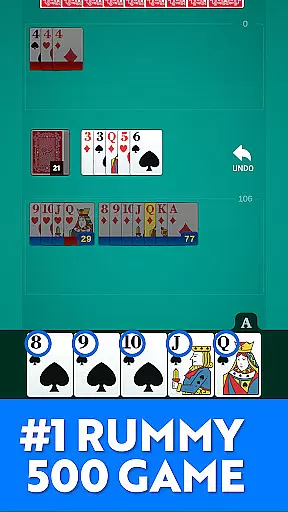
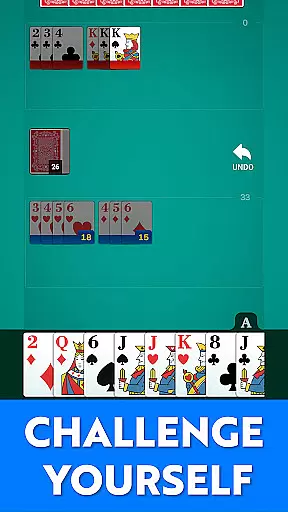
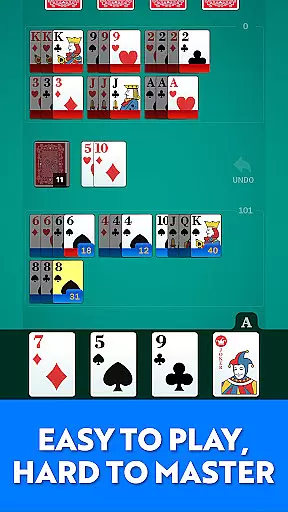
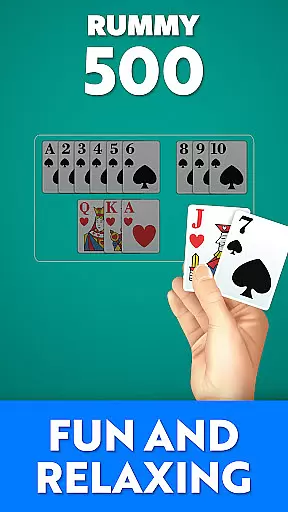
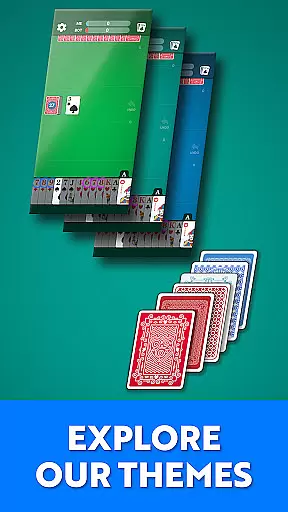
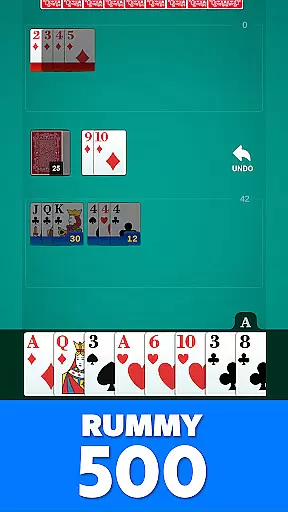
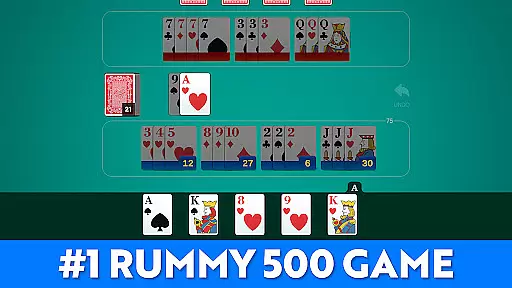
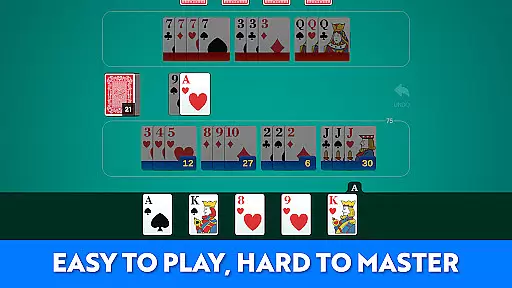
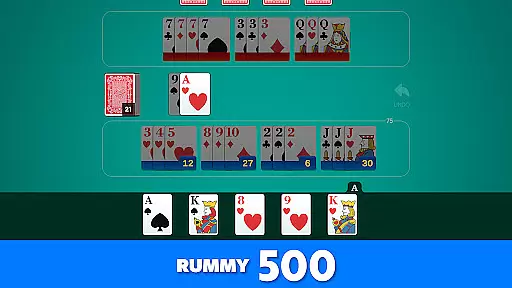
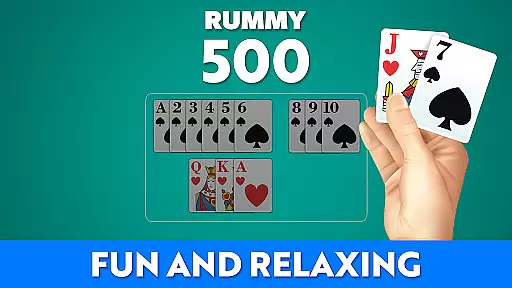
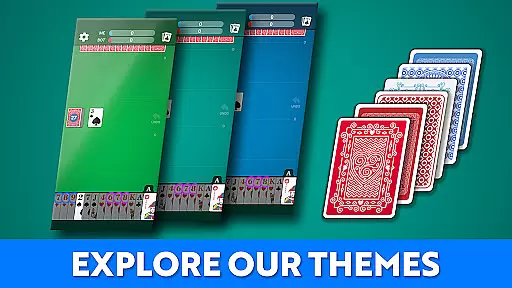

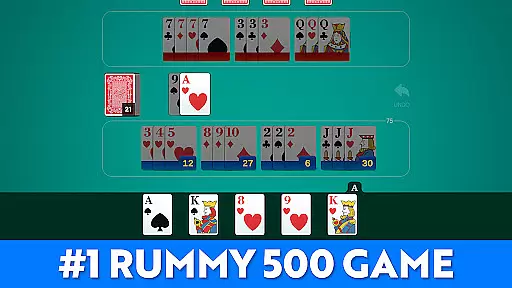
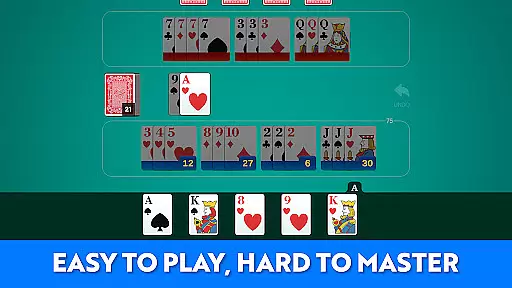
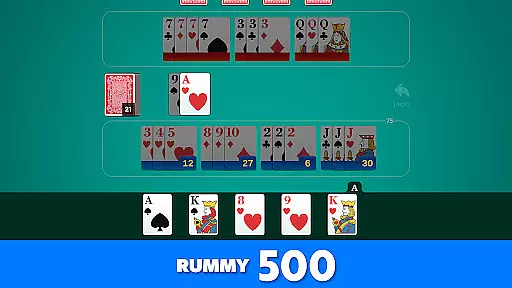
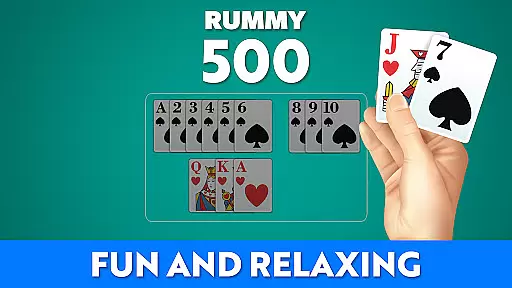
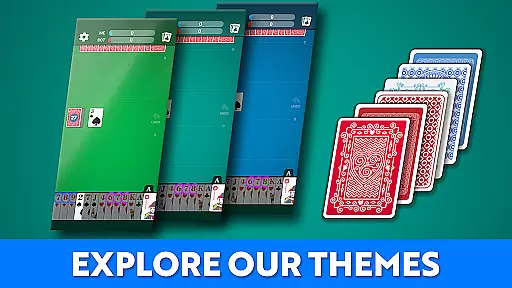

Rummy 500 - Card Game brings the classic card game to your mobile device with a focus on comfort, clarity, and strategic gameplay. Designed for both seasoned players and newcomers, this app offers smooth gameplay, intelligent AI opponents, and easy-to-read large cards.
Whether you're looking to enjoy a quick game or spend hours mastering strategies, Rummy 500 provides an engaging experience. The polished visuals and smart AI ensure each hand is a rewarding challenge, while offline play makes it accessible anytime, anywhere.
Experience the full depth of Rummy 500 with features designed to enhance your gameplay. The app includes classic rules and scoring, ensuring an authentic experience. Its progressive AI difficulty adapts to your skill level, providing a consistently challenging opponent.
Additional features include large, readable cards, clean visual design, and tools to track wins, scores, and game history. With no internet required, Rummy 500 is perfect for both short hands and extended sessions, offering flexibility and convenience without compromising on quality.
Random Number Generation (RNG) is crucial in card games like Rummy 500 to ensure that every shuffle and deal is genuinely random and fair. This app employs certified RNG algorithms, which means the distribution of cards is unbiased and unpredictable, just like in a physical deck.
The implementation of RNG in this game guarantees that each player, including the AI opponents, receives a unique and balanced hand every round. This not only enhances the challenge but also ensures that victories are earned through skill and strategy rather than algorithmic favoritism.
For players, this means an authentic card gaming experience where outcomes cannot be manipulated or predicted, providing a trustworthy platform for honing their skills and enjoying the game as it's meant to be played.
In digital card games, control fluidity and input latency can make or break the user experience. This app excels by offering seamless interactions with its intuitive touch controls, allowing players to draw, meld, and discard cards effortlessly.
The developers have optimized the game engine to minimize input lag, ensuring that every tap and swipe is registered instantly. This optimization provides a smooth gameplay experience, maintaining the pace and rhythm essential to card games like Rummy 500.
Players benefit from responsive controls that keep up with fast-paced strategic decisions, making each session enjoyable and engaging without technical hindrances disrupting the flow of the game.
Classic Rummy 500 rules
Smart AI opponents
Offline play available
Easy-to-read cards
Track game history
Limited social features
No multiplayer mode
Basic AI at start
Few customization options
Ads in free version

This classic partnership trick-taking card game is always ready to play!
 4.60
4.60
Train your brain playing the most relaxing & addictive 2025 solitaire game !
4.60
Sinister solitaire. Four cards, one fate.
4.5
A unique card-based rogue-like with more than a hundred hours of content!
3.90
Classic Solitaire: A smart mix of fun, relaxation, and brain training!
4.90
Find dragons in mysterious land and play card games.
4.60
Classic Solitaire card games - Play Klondike Solitaire to unwind and feel good!
4.90
An indie roguelike card game
4.20
Spider Solitaire - Relax and Play Classic Spider Game for Easy Daily Fun
4.60
Large Card Solitaire Games: Play the addictive solitaire classic card games now!
4.90
Enjoy Fun and Relaxing Classic Spades Card Game with Friends!
4.90
Relax, strategize, and enjoy endless card fun with vintage solitaire.
4.70
Reiner Knizia's classic card game, Masters Gallery
4.60
Restore and customize the truck exclusively to your own through Solitaire!
4.60
A sleek, addictive Solitaire experience made for the modern player.
4.60
Play the legendary Blackjack 21! Win like a pro in this exciting casino game!
4.50
World Series of Poker: Texas Hold em, Video Poker & Omaha Poker Card Games!
4.20
GWENT: Rogue Mage is a single-player expansion to GWENT: The Witcher Card Game
3.50
Word-building meets deck-building in the unique game Paperback Vol. 2
3.30


User Reviews