

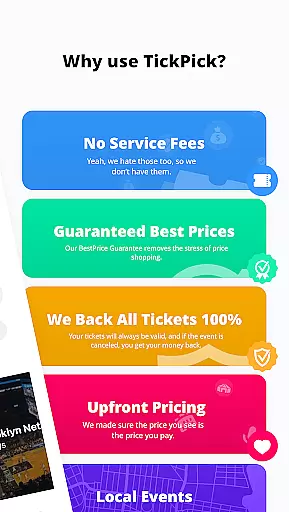


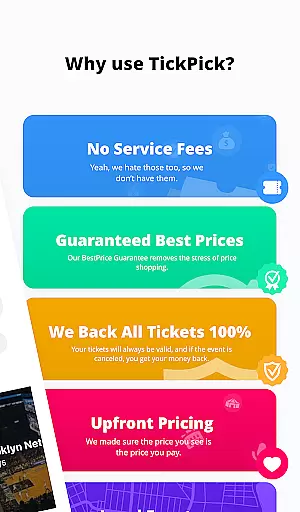
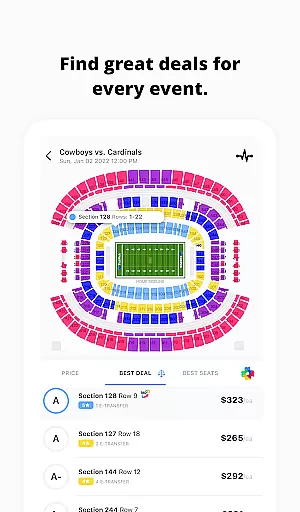
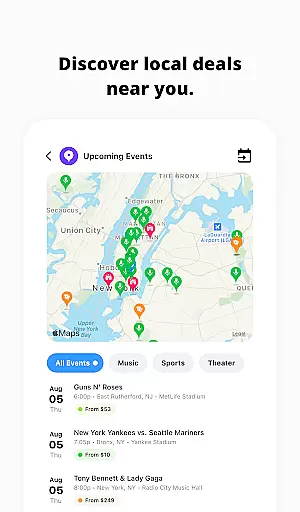
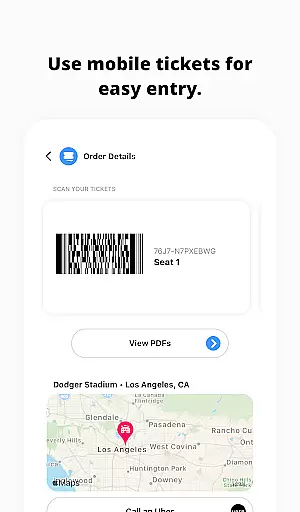

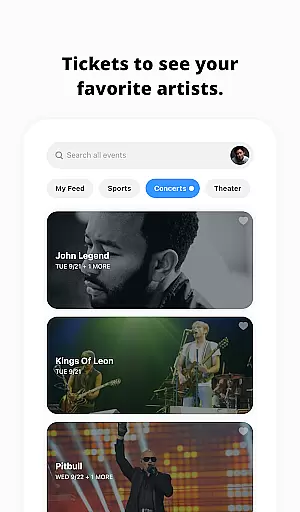
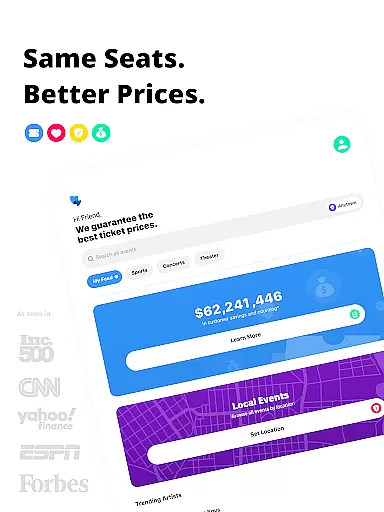
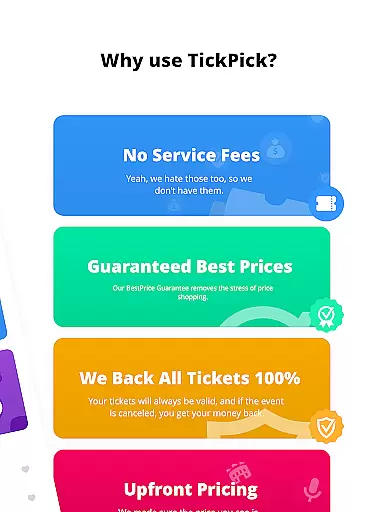
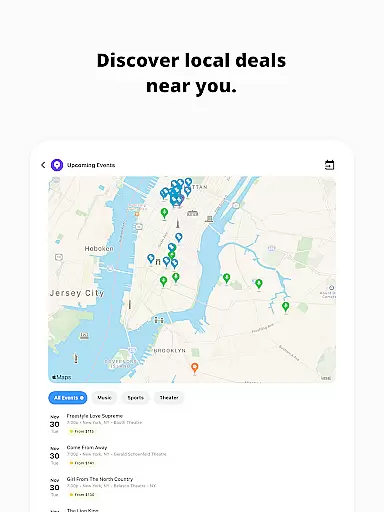
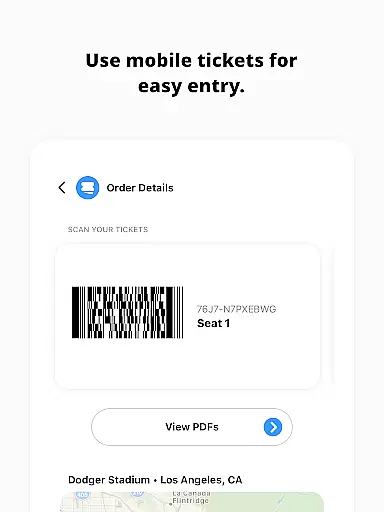
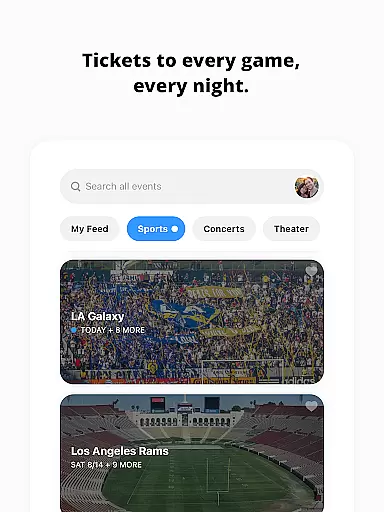
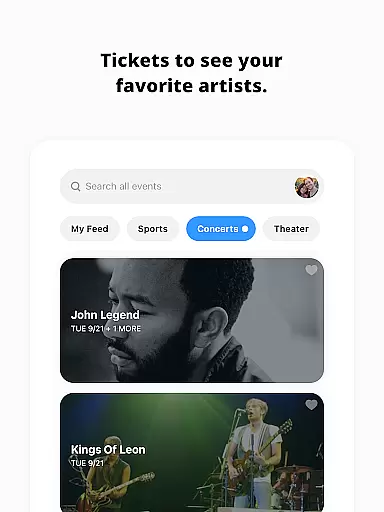
TickPick is a premier ticketing platform designed to provide users with a seamless experience in purchasing tickets for live events. The app specializes in tickets for sports, concerts, and theater performances, offering an intuitive interface that simplifies the buying process. With its unique no-service-fee policy, TickPick ensures affordability while maintaining reliability through its 100% BuyerTrust Guarantee.
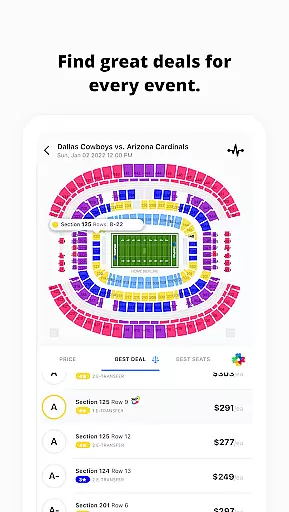
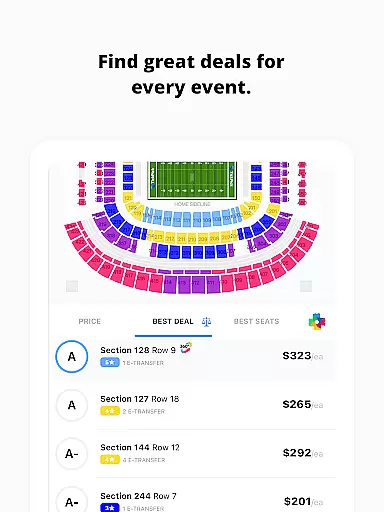
The app's standout feature is its proprietary algorithms like the patented Score Report and Seat Rating system, which assist users in finding the best value tickets based on price and seat location. Additionally, TickPick offers innovative features such as 360-degree seat views and event tracking, making it easier than ever to secure the perfect seats for your favorite events.
Whether you're looking to attend NFL games, NBA matches, or concerts by your favorite artists, TickPick provides a comprehensive solution for all your ticketing needs. Its user-friendly design and robust functionality make it an ideal choice for anyone seeking convenience, security, and savings in their ticket-buying journey.
TickPick stands out in the crowded ticket marketplace with its array of sophisticated features tailored to enhance the user experience. One of its key innovations is the patented Score Report, which ranks tickets based on a combination of price and seat location, ensuring users get the best possible deal. This feature is complemented by the proprietary Seat Rating system, allowing users to sort tickets from the best seats to the worst, thus facilitating informed decision-making.
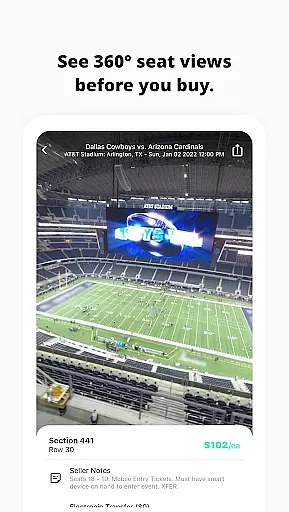
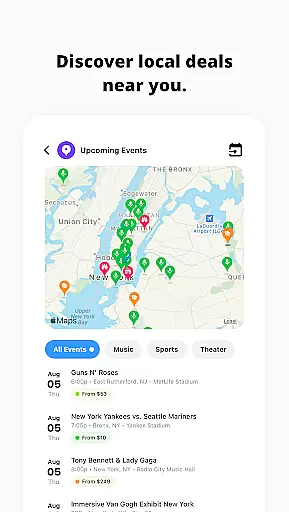
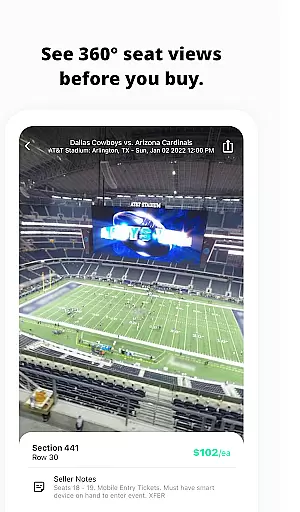
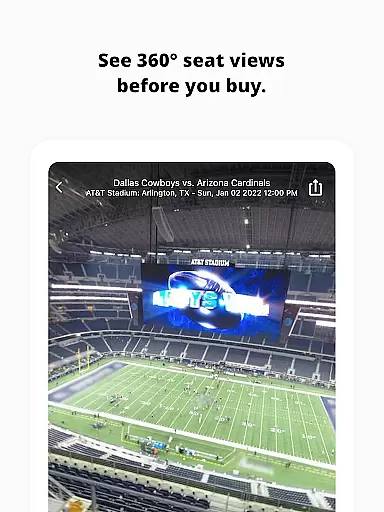
In addition to these core functionalities, TickPick offers several other notable features. Users can explore last-minute events or newly announced concerts through the Discovery tool, while the 360 Seat Views provide immersive virtual experiences of major sports venues. The app also allows users to track events they're interested in, keeping them updated on average ticket prices and available inventory.
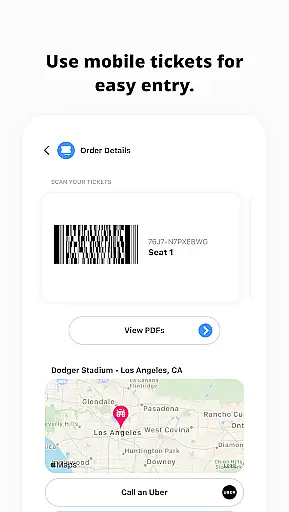
Furthermore, TickPick supports various payment methods including Apple Pay, PayPal, and major credit cards, ensuring quick, easy, and secure transactions. After purchase, users can conveniently manage their tickets, order rides, get directions, and share e-tickets with friends directly through the app. These comprehensive features collectively create a superior ticket-buying experience that prioritizes user satisfaction and convenience.
Task creation and detail customization are essential features for any event management app, allowing users to tailor their event planning process to their specific needs. TickPick excels in this area by providing a streamlined interface that simplifies the ticket purchasing process for live events such as sports, concerts, and theater performances.
The app offers a variety of features that enhance task creation and customization. For instance, users can easily track events they're interested in, monitor average ticket prices, and view available inventory. This functionality empowers users to make informed decisions about when to purchase tickets, ensuring they get the best possible deal.
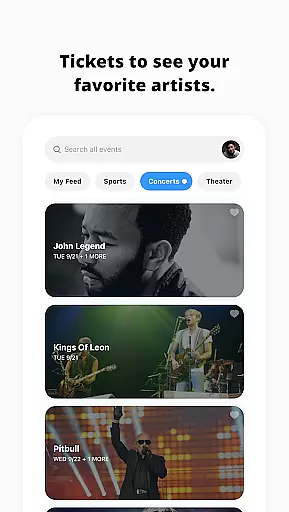
TickPick also allows users to favorite artists, making it easy to access all related events directly from the app's main page. This personalization feature ensures that users never miss an opportunity to see their favorite performers live.
By integrating these detailed customization options, TickPick not only simplifies the process of buying tickets but also enhances the overall user experience, making it a go-to choice for anyone looking to attend live events without the hassle of traditional ticket-buying methods.
Reminder settings play a crucial role in ensuring users never miss an important event or deadline. TickPick incorporates this feature effectively, offering users timely notifications and updates about their tracked events and ticket purchases.
With TickPick, users can set reminders for when ticket prices drop or when new tickets become available. This proactive approach helps users secure the best deals and ensures they have ample time to make purchasing decisions.
In addition to price alerts, TickPick provides reminders for upcoming events. Users receive notifications as events approach, helping them prepare and plan accordingly. These timely reminders contribute significantly to a stress-free event-going experience.
Overall, TickPick's robust reminder settings ensure that users stay informed and up-to-date, enhancing their ability to manage event schedules efficiently and enjoy live entertainment with peace of mind.
No service fees
Intuitive interface
Patented Score Report
Seat Rating system
360-degree seat views
Limited international events
Occasional high demand
Restricted customization
Fewer discounts
Complex navigation

The Official App
 4.0
4.0
Browse events, find transportation, keep up with the latest news from your team
4.4
It is an Event Planning Application.
4.2
Microsoft Build is an annual developer conference hosted by Microsoft
4.20
Get live football here
4.30
TV.Garden is a video player to play your own TV streams from around the world!
3.40
The Official Football Ticketing App for Fans in Qatar
4.0
Freebie Games for Epic Games, Steam, Amazon, Rockstar etc.
4.40
Buy and Sell Tickets for Concerts, Sports, and Theater.
4.70
Clubs, Festivals, Discounted Tickets, Guest Lists & VIP Tables
4.90
CUE Live utilizes ultrasonic sound waves to sync devices at CUE enabled events
4.80
Plan your wedding for free on the go: vendors, budget, website and checklists!
4.80
Text message invitations for birthday party, wedding, graduation, baby shower +
4.60
PheedLoop Go! is the mobile event app for events powered by PheedLoop.
4.40
The world's largest selection of tickets is now at your fingertips
3.90
Watch live football matches and streaming events on our Arabic TV app!
3.50
TV Garden - World Live TV : Play & cast your videos seamlessly!
3.20
Some connections are better kept private
4.4
Thanksgiving Wishes, Thanksgiving Stickers & Animated GIF for Whatsapp Stickers
4.2


User Reviews