
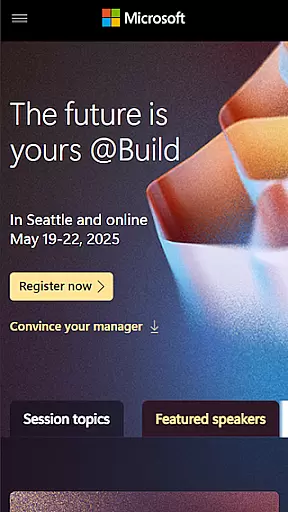
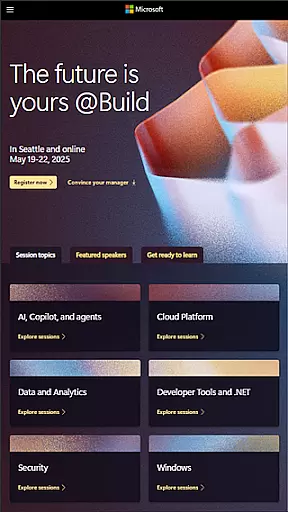
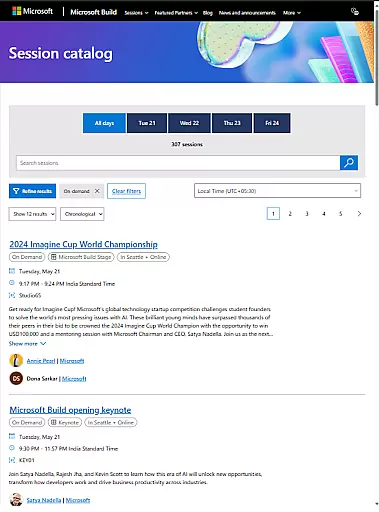
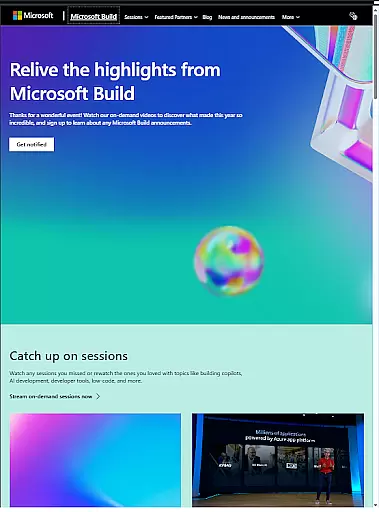
Microsoft Build is an annual developer conference hosted by Microsoft, designed for developers, engineers, IT professionals, and tech enthusiasts. The event focuses on exploring the latest innovations in software development, cloud technologies, and artificial intelligence. Attendees can expect keynotes from industry leaders, technical sessions, hands-on labs, and networking opportunities with the global developer community.
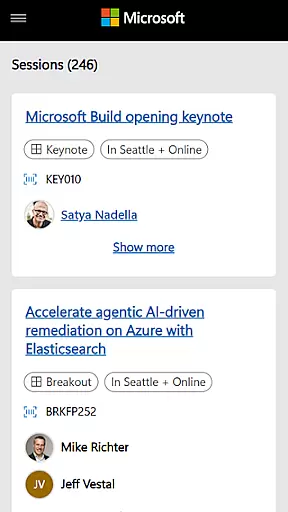
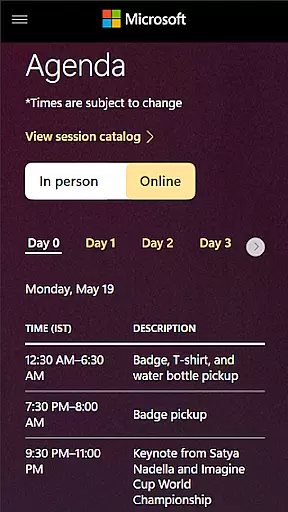
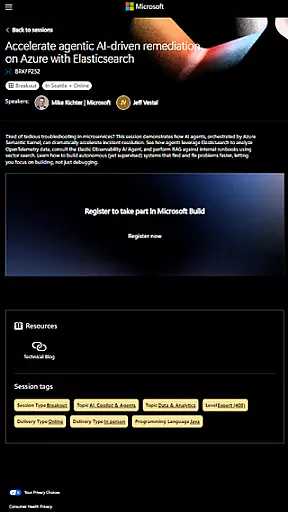
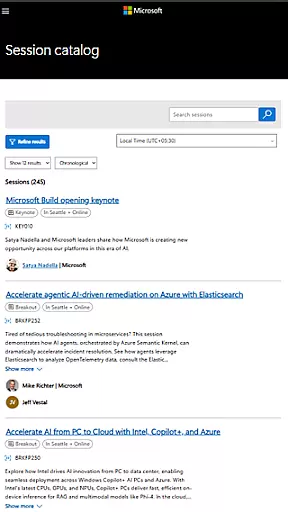
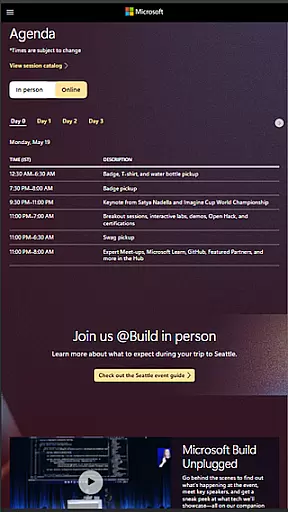
This app serves as a comprehensive companion tool for Microsoft Build attendees. It provides access to live-streamed keynotes, session schedules, speaker information, and interactive maps of the venue. Users can create personalized agendas, receive real-time updates, and participate in Q&A sessions directly through the app. Whether attending in-person or virtually, this app ensures users maximize their conference experience.
For professionals seeking to stay ahead in technology trends, Microsoft Build offers invaluable insights into Microsoft's newest tools and platforms. The app enhances accessibility, allowing remote participants to engage with content and fostering year-round learning opportunities beyond the physical event dates.
The Microsoft Build app offers a robust set of features designed to enhance the conference experience for all attendees. Key functionalities include real-time notifications about schedule changes, live streaming of major keynotes, and on-demand access to technical sessions. The app also provides detailed speaker bios, session descriptions, and venue maps to help users navigate the event efficiently.
One standout feature is the personalized agenda builder, which allows attendees to curate their own conference schedules based on interest areas and session availability. The app supports bookmarking favorite sessions, setting reminders, and receiving post-event content updates. Additionally, it facilitates networking through attendee directories and social media integration, enabling meaningful connections within the developer community.
For remote participants, the app offers virtual attendance options including live Q&A sessions and discussion forums. These features ensure that all users, regardless of location, can fully engage with conference content and maintain access to valuable resources long after the event concludes.
Task creation and detail customization are essential features for event planning, allowing users to tailor their experience. Microsoft Build offers a robust platform where attendees can create personalized schedules by selecting sessions, workshops, and keynotes that align with their interests.
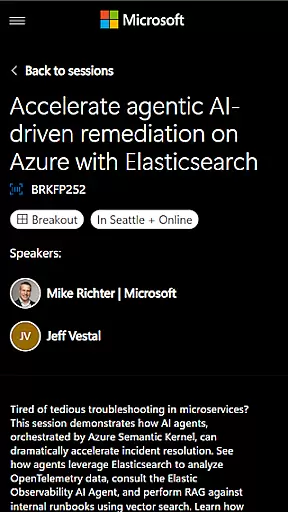
The app provides detailed information about each session, including descriptions, speakers, and time slots. This enables users to make informed decisions when customizing their agendas. Attendees can also set preferences for specific technologies or topics, ensuring they receive relevant updates throughout the event.
By leveraging these capabilities, users gain a more engaging and productive conference experience. They can maximize their time by focusing on areas that matter most to them, whether it's cloud computing, AI development, or software engineering.
Reminder settings play a crucial role in keeping attendees on track during busy events like Microsoft Build. The app allows users to configure reminders for upcoming sessions, ensuring they never miss important presentations or workshops.
Users can choose between different types of notifications, such as push alerts or email reminders. These can be customized based on personal preferences, including how far in advance they wish to be notified before a session begins.
This feature not only enhances time management but also helps attendees balance their schedules effectively. By receiving timely reminders, participants can seamlessly transition between sessions, networking opportunities, and hands-on labs without missing a beat.
User-friendly interface
Comprehensive event coverage
Real-time updates
Personalized agenda
Virtual attendance options
Limited to registered attendees
Occasional connectivity issues
Some features require login
Content locked post-event
Android-specific limitations

Manage all your events, leads, ticketing, payments and check-ins.
 4.30
4.30
Some connections are better kept private
4.2
Fantasy of Lights Event App
5.00
Watch live football matches and streaming events on our Arabic TV app!
3.50
TV Garden is a video player to play your own TV streams from around the world!
4.2
The official app for Sched events! View your event schedule here.
4.20
Design Invitations & Cards for Any Occasion
4.80
Discover events, experiences, and things to do near you - Anytime, Anywhere!
4.70
Save money on concert, sport, and theater tickets, and discover upcoming events.
4.80
TodayTix is the easiest way to get tickets to the best shows in your city.
4.90
Find tickets to upcoming concerts, sports events, festivals, shows, attractions
4.70
Buy and Sell Tickets for Concerts, Sports, and Theater.
4.70
Create Wedding Invitation and Wedding Anniversary Cards using our app
4.60
Everything you need for the Best Thursday Ever.
4.40
Introducing the official Magic: The Gathering app for mobile.
4.20
The Official App
3.70
An App for Bhutanese
4.3
Browse events, find transportation, keep up with the latest news from your team
4.0
The official app of the Carmel Christkindlmarkt!
4.5


User Reviews