
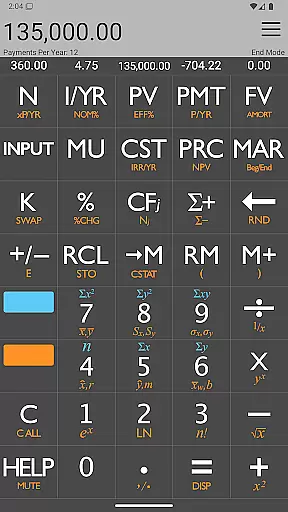
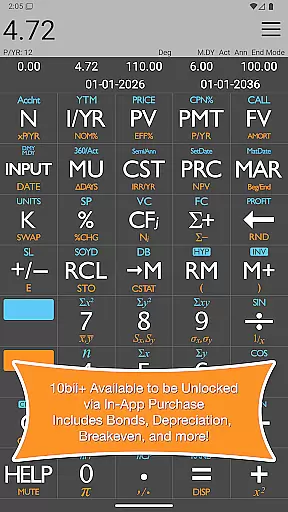

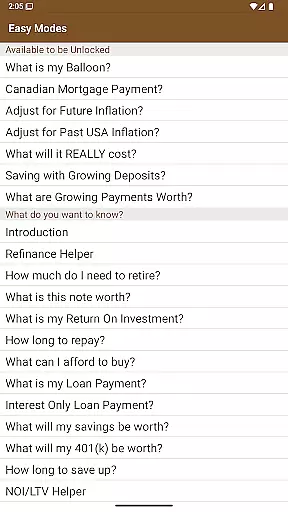
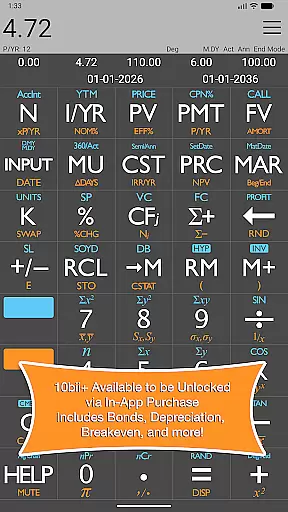

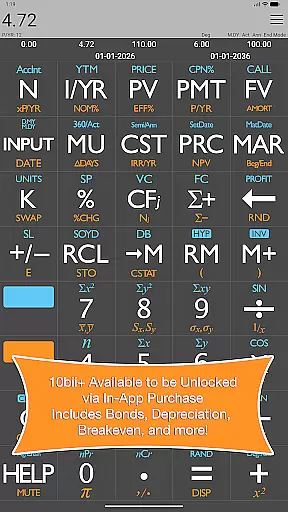
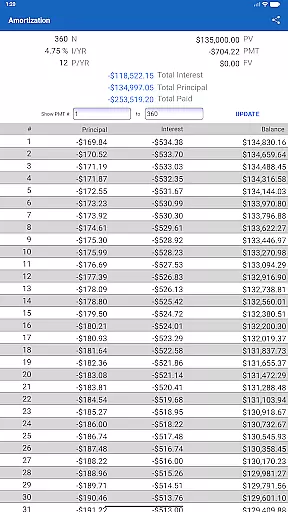

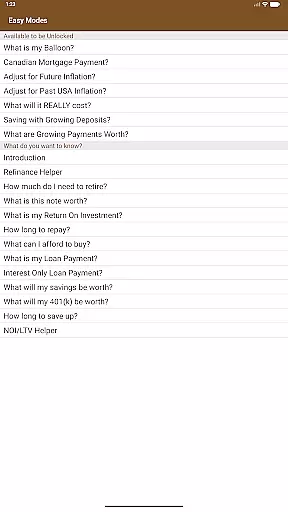
The 10bii Financial Calculator is a versatile and powerful financial calculator which features more than 105 different functions for financial analysis, business, statistics, and general mathematics. Modeled after the extremely popular 10bII Financial Calculator by Hewlett Packard, it combines precise mathematics, intuitive display, and ease-of-use in one compact package.
With this app, you can easily calculate loan payments, interest rates, amortization, time value of money, investment value, and more using a combination of powerful and intuitive equation-writing functionality and helpful worksheets. It allows quick and intuitive building and visualization of TVM (Time Value of Money) calculations and Uneven Cash Flow scenarios.
This app is ideal for teaching the power of compounding interest, analyzing potential deals or business ventures, or just doing math problems, and sharing the results of your work with others.
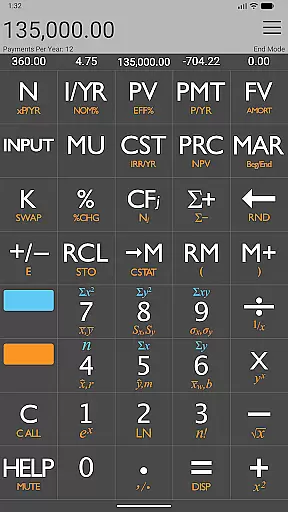
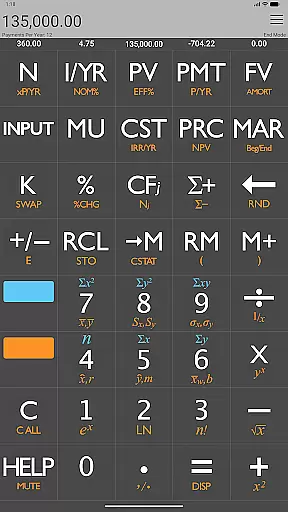
The 10bii Financial Calculator offers a wide range of features that make financial calculations easier and more efficient. It displays current N, I/YR, PV, PMT, and FV values right above buttons, allowing users to quickly reference these figures during calculations.
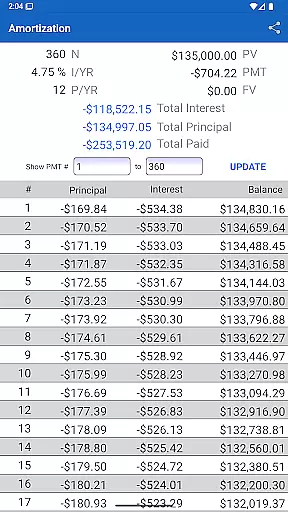
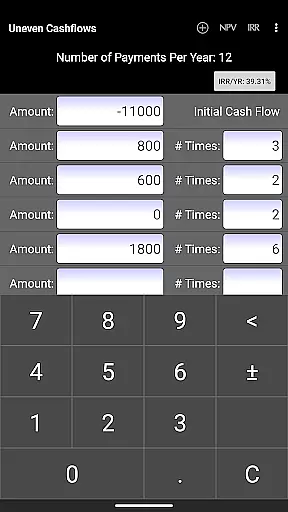
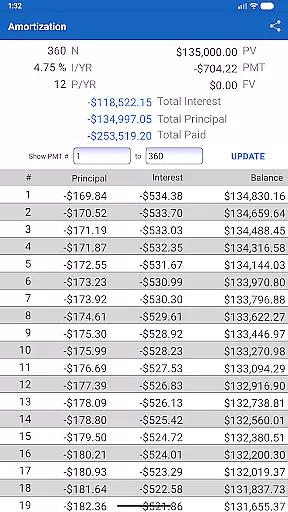
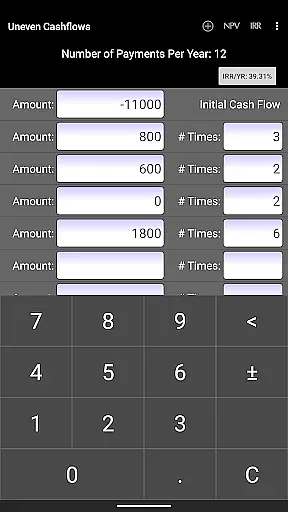
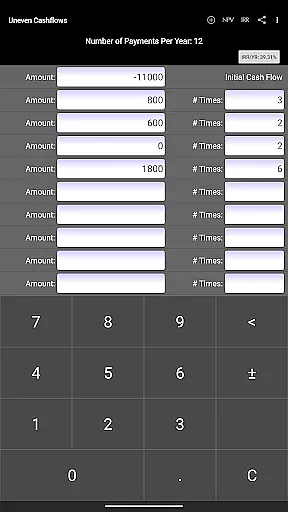
One standout feature is the ability to print or save PDF Amortization Schedules, making it easy to track loan repayment progress over time. Additionally, users can easily enter their Uneven Cashflows in a spreadsheet-like worksheet, simplifying complex financial analyses.
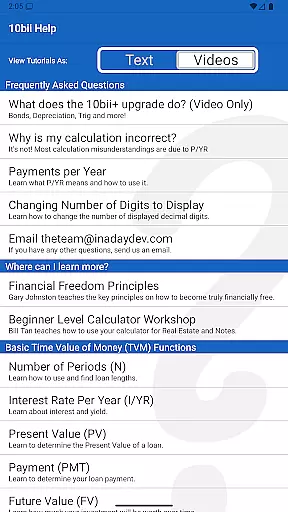
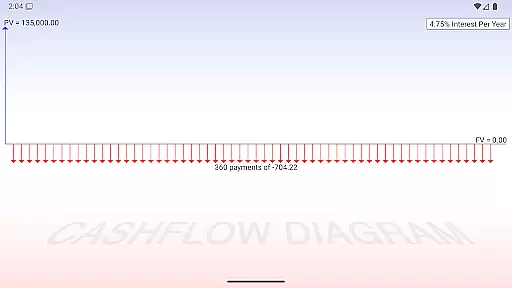
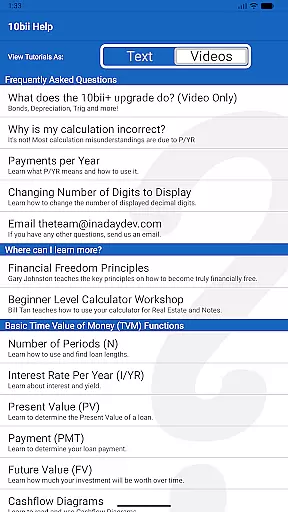
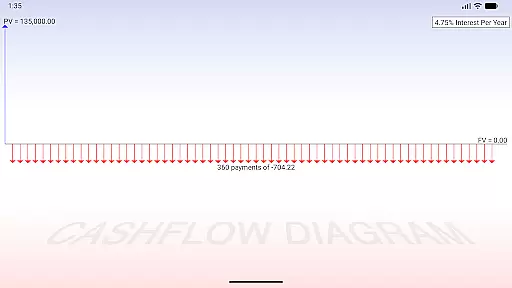
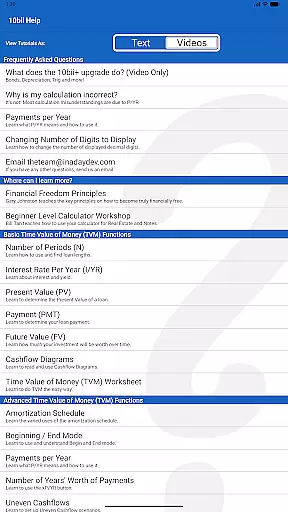
Other notable features include video tutorials available in the Help section, cashflow diagrams for simple TVM or complex Uneven Cashflows, and the ability to save recent calculations for easy reloading. These features combine to create a comprehensive tool that caters to both novice and experienced users alike.
When it comes to financial applications like the 10bii Financial Calculator, account and fund security are of paramount importance. This app ensures that all calculations involving Present Value (PV), Nominal Interest (I/YR), Loan Payments (PMT), and Future Value (FV) are accurate and protected from unauthorized access. The app does not store personal data or require cloud synchronization, which minimizes risks associated with data breaches.
The 10bii Financial Calculator provides users with a secure environment for performing sensitive financial analyses without the need for internet connectivity. By allowing calculations to be carried out locally on the device, it prevents potential interception of data during transmission. Additionally, the app's developers offer prompt customer support to address any concerns regarding the functionality or security of the calculator.
Users can confidently input their financial details knowing that their computations are kept private and secure. The app's straightforward interface means there is no requirement for complex account setups or personal information entry, thus maintaining user anonymity and safeguarding against identity theft. With features such as saving recent calculations, users can easily retrieve their work while being assured of its protection from unauthorized use.
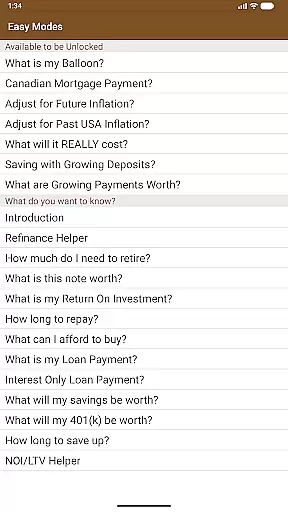
The transaction experience in the 10bii Financial Calculator is designed to be seamless and efficient, catering to both novice and experienced financial professionals. The app allows for quick and intuitive building of Time Value of Money (TVM) calculations, enabling users to effortlessly determine loan payments, interest rates, and investment values. Its equation-writing functionality and helpful worksheets make complex financial problem-solving accessible to everyone.
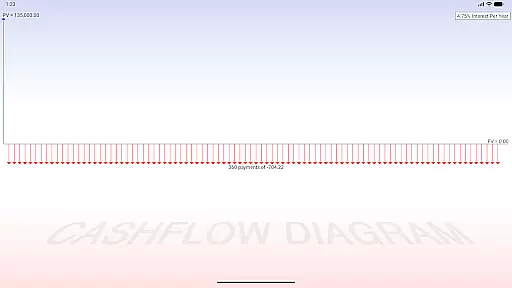
One of the key strengths of this app is its ability to visualize TVM calculations through cash flow diagrams, providing a graphical representation that enhances understanding. Users can see the values for N (number of periods), PV (present value), I (interest rate), PMT (payment), and FV (future value) displayed right above their respective keys, ensuring clarity and precision when entering data or reviewing results.
Moreover, the 10bii Financial Calculator offers advanced features such as Uneven Cash Flow analysis and statistical data point evaluation, including standard deviation and linear regression forecasting. These capabilities contribute to an enriched transaction experience by empowering users to analyze potential business ventures or teaching scenarios with ease. With dedicated interfaces for adding, editing, and reordering cash flows, the app streamlines what could otherwise be a cumbersome process into a series of simple, logical steps.
User-friendly interface
Comprehensive financial functions
Accurate calculations
Helpful video tutorials
Save and reload calculations
Paid upgrade required
Complex for beginners
Limited free features
No offline support
Occasional bugs reported

PayMe helps you claim money from settlements on companies that harmed you.
 4.80
4.80
Get 250$ Cash Advance to solve emergencies instantly in loan app called LendMe
4.70
Early payday & cash advances with no-fee mobile banking!
4.60
Your Big Financial Friend
4.70
Car Insurance Made For You.
4.50
Save, spend & get paid faster²
4.50
NFC mobile payment app Use your phone as a contactless bank card
4.00
Read and extract public data on NFC Contactless banking card (VISA, MasterCard
4.30
Our Chase Mobile App makes it easy for you to bank on the go 24/7.
4.60
Secure, simple money transfer app. Send money to Mexico and worldwide fast.
4.80
The Citi Mobile® App lets you manage your accounts virtually anytime, anywhere
4.80
Wells Fargo Mobile allows you to access your investment and bank accounts.
4.80
“Money Manager” is an optimized application for personal asset management.
4.70
Need help before payday? Get cash advances with no interest or credit checks.
4.60
Debt pay off. Build credit history. AI budget tool. Loan offers.
4.60
The US Debt Clock .org App gives you a Real-Time glimpse of US Financial Stats
4.60
Manage your account, make a payment, and redeem your rewards on the go.
4.50
Get, Earn, and Save Money
4.30
View BSC Transactions for multiple accounts
3.90


User Reviews