
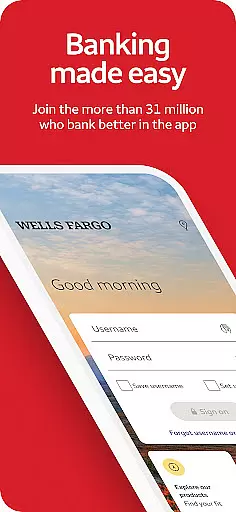
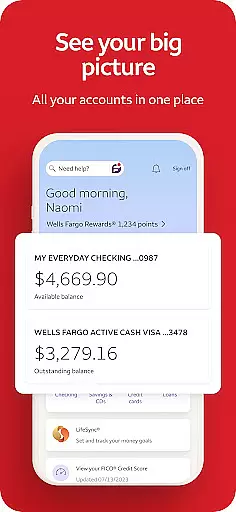
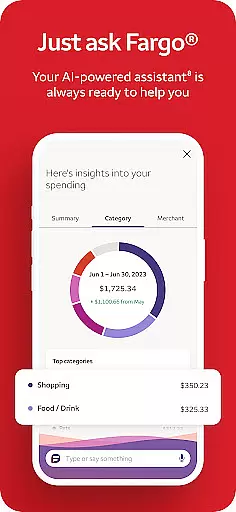
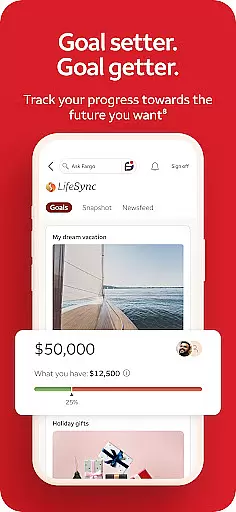
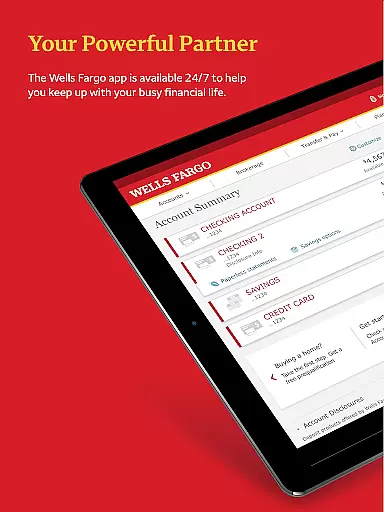
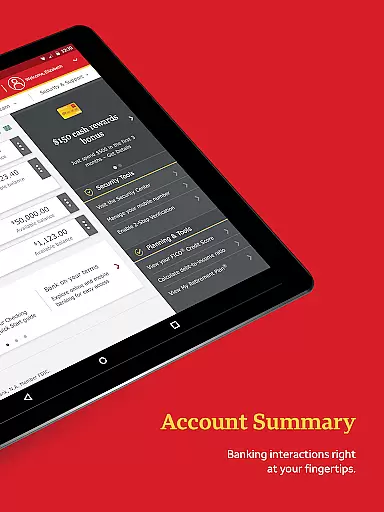
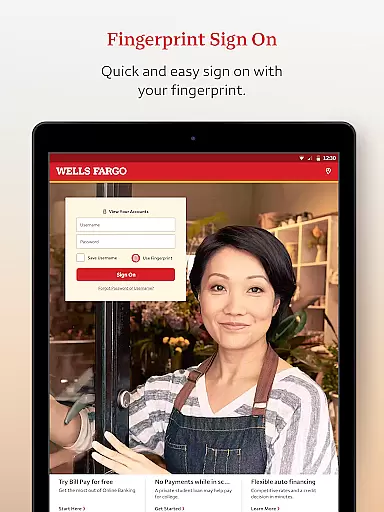
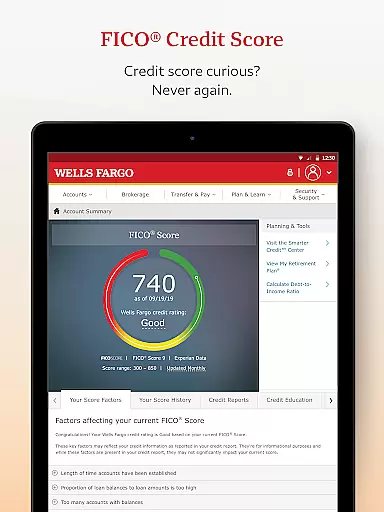
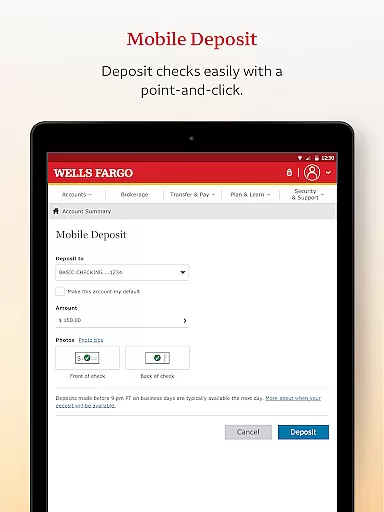
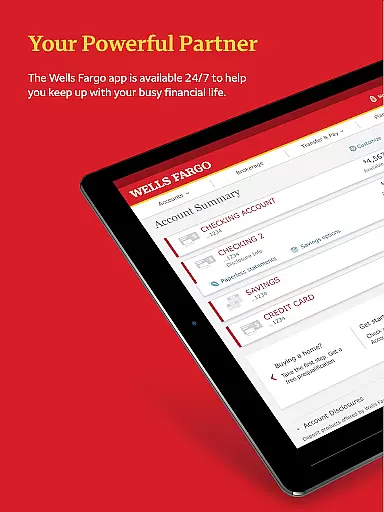
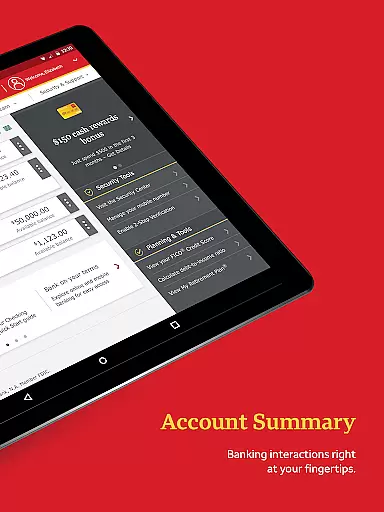
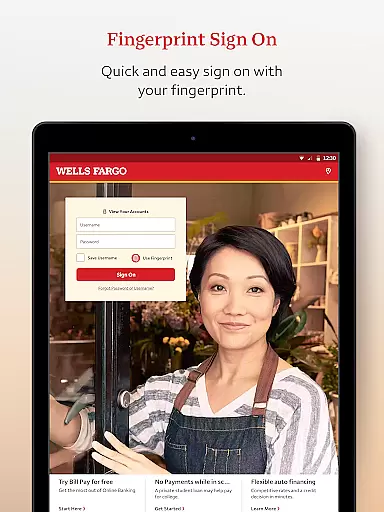
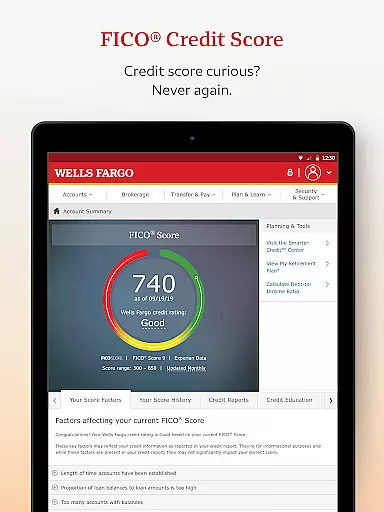
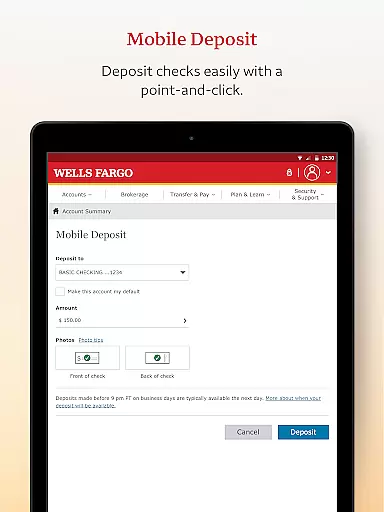
Wells Fargo Mobile is a comprehensive financial management application designed for seamless account management, secure transactions, and real-time monitoring of investments. The app allows users to access their cash, credit, and investment accounts using advanced security features like Fingerprint Sign On or Biometric Sign On. With functionalities ranging from reviewing account balances to depositing checks via the Android camera, the app ensures convenience without compromising security.
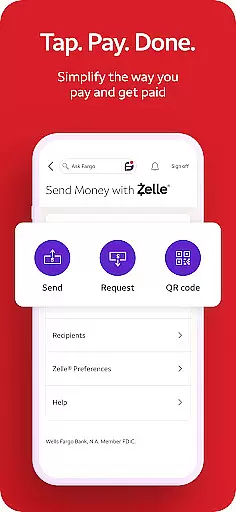
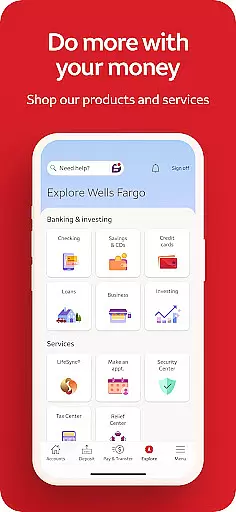
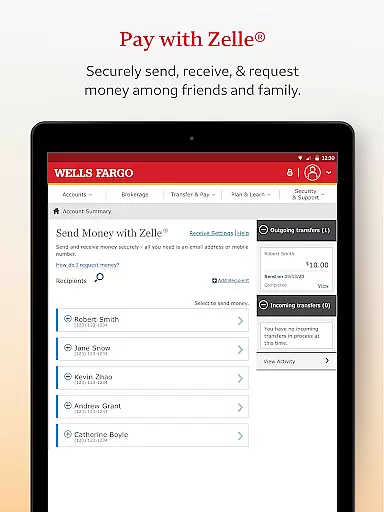
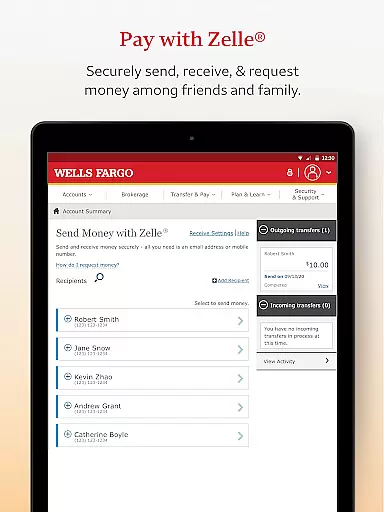
In addition to basic banking operations, Wells Fargo Mobile offers specialized tools such as Card Settings for managing card access, Zelle® integration for transferring money, and an intuitive interface for tracking investments. Whether you're activating cards, paying bills, or monitoring market data, this app provides a complete suite of services tailored for modern banking needs. Its ability to send instant alerts for suspicious activities further enhances user trust and safety.
One of the standout features of Wells Fargo Mobile is its robust account management system. Users can easily review activity, view credit card transactions, and manage rewards directly from their mobile devices. The inclusion of Card Settings allows customers to activate or deactivate cards, add them to digital wallets, and oversee recurring payments. These capabilities ensure that users have full control over their financial instruments while simplifying everyday banking tasks.
The app also excels in providing investment tracking tools. Customers with WellsTrade® accounts can monitor balances, holdings, and open orders with ease. Real-time quotes, charts, and market data are readily accessible, empowering users to make informed decisions about their investments. Furthermore, the app's integration with Zelle® enables quick money transfers to friends and family using just a U.S. mobile phone number or email address, making it a versatile tool for both personal and professional financial interactions.
In the realm of mobile banking, security is paramount, and Wells Fargo Mobile sets a high standard in safeguarding user accounts and funds. The app employs advanced security measures such as Fingerprint Sign On and Biometric Sign On, ensuring that only authorized users can access their financial information. This authentication process leverages the unique biological traits of users, significantly reducing the risk of unauthorized access.
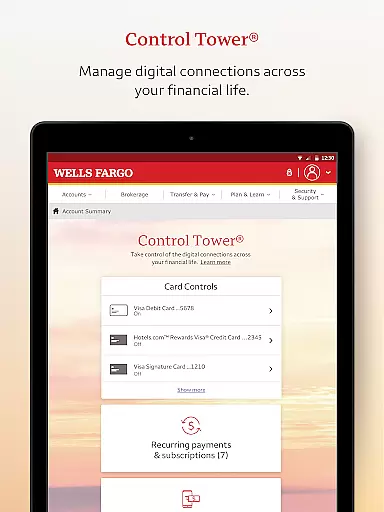
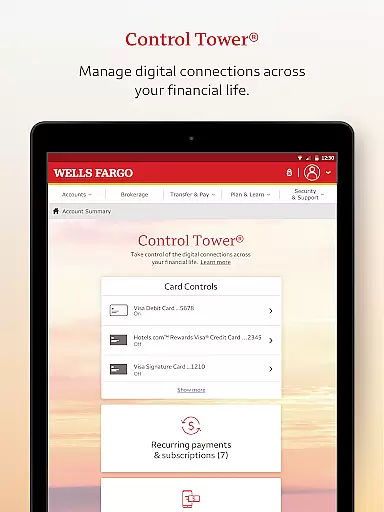
Moreover, Wells Fargo Mobile provides users with tools to actively manage their account security. Through features like Card Settings, customers can easily activate or deactivate their cards, add them to digital wallets, and view recurring payments. These capabilities empower users to have better control over their financial instruments, enhancing both convenience and protection against potential fraud.
The application also includes a Security Center where users can report any fraudulent activities and manage alerts for suspicious card transactions. By receiving instant notifications, customers can act swiftly to prevent further unauthorized use of their accounts. Additionally, access to one's FICO Credit Score within the app allows for continuous monitoring of credit health, which is crucial for maintaining overall financial security.
Wells Fargo Mobile offers a seamless transaction experience by integrating multiple functionalities that cater to various banking needs. Users can effortlessly transfer funds between their Wells Fargo accounts and other financial institutions directly from their mobile devices. This flexibility ensures that managing finances remains convenient and efficient, regardless of the user's location or time constraints.
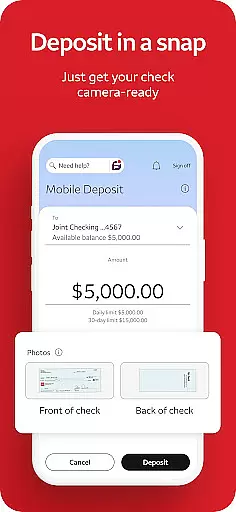
A standout feature is the ability to deposit checks using the Android camera, allowing customers to perform deposits without visiting a physical branch. Once a check is captured via the camera, it instantly appears as a processing deposit in the user's account, streamlining the entire deposit process. This functionality not only saves time but also enhances accessibility for users who require immediate fund availability.
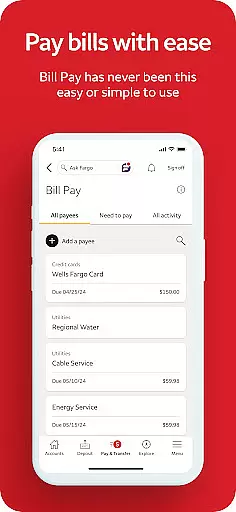
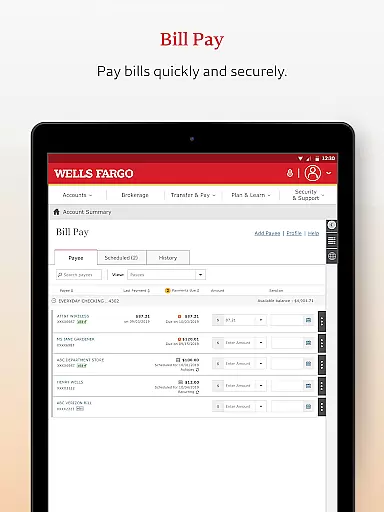
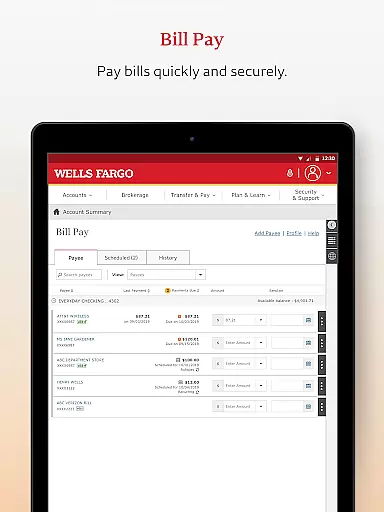
Furthermore, the integration of Zelleu00ae enables users to send and receive money using just a U.S. mobile phone number or email address. This service facilitates quick peer-to-peer transactions, making it easier than ever to split bills or reimburse friends and family. Combined with comprehensive bill payment options, Wells Fargo Mobile delivers a robust platform that supports diverse transactional requirements while maintaining ease of use and reliability.
User-friendly interface
Advanced security features
Comprehensive account management
Real-time investment tracking
Convenient fund transfers
Limited to eligible devices
Some features require enrollment
Deposit limits apply
Additional fees for agent-assisted trades
Not all smartphones supported

Manage your account, make a payment, and redeem your rewards on the go.
 4.50
4.50
Currency Converter, Exchange Rates, Widgets
4.90
Download the MySynchrony App to manage your accounts securely and conveniently!
4.60
Your insurance, anytime, anywhere
4.00
No credit checked needed.
4.80
Earn cash back. Build credit.
4.60
Cash Advance, Credit Cards, Credit Lines, Score Monitoring, Saving, Budgeting
4.70
Navigate your unique financial path confidently with help from Credit Karma.
4.70
Trade NFL, NBA, Crypto, Tech
4.50
Currency Converter supports all currencies of the world.
5.00
Simple & secure international money transfers - for personal & business needs.
4.80
Join 12M+ users. Instant cash advances, personal loans, build credit, save money
4.80
Your Big Financial Friend
4.70
Powerful Money Manager, Expense & Savings Tracker, Budget Planner - Pro Version
4.70
Access State Farm accounts, policies, ID cards and more
4.60
Change the way you money with Credit Genie
4.30
Registration of your debts and Mdionatk and assembled, as well as a significant reports
4.30
Earn money as a tester with Testerup, get cash testing apps and games
4.20
Retirement plan, IRA, retail and HSA customers serviced by Empower.
3.10


User Reviews