

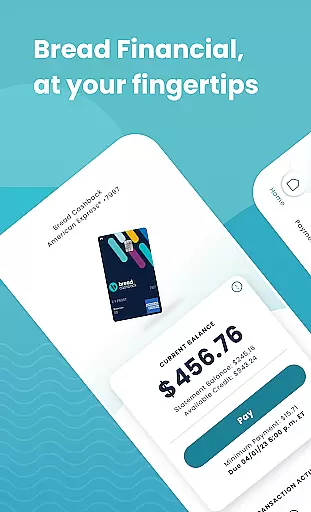
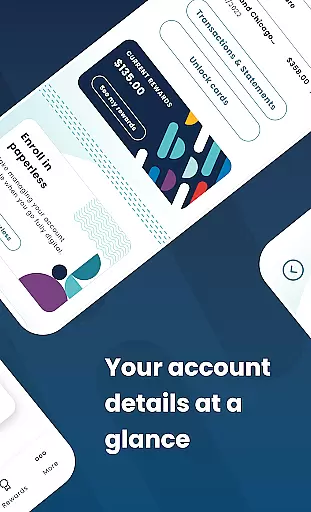
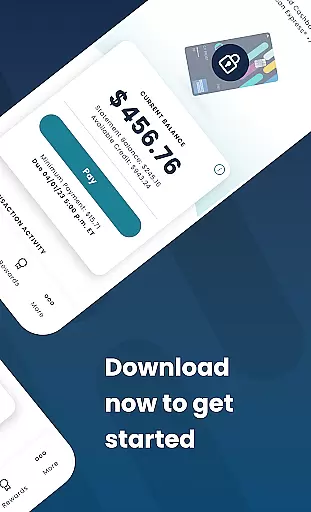
Bread Financial is a mobile application designed for managing credit card accounts on the go. It supports Bread Cashback™ American Express® Credit Card, Bread Rewards™ American Express® Credit Card, and AAA Visa Signature® credit card accounts. Users can access their accounts anytime, anywhere, using the same login credentials as Account Center. The app offers features such as making payments, redeeming rewards, reviewing transaction history, and more.
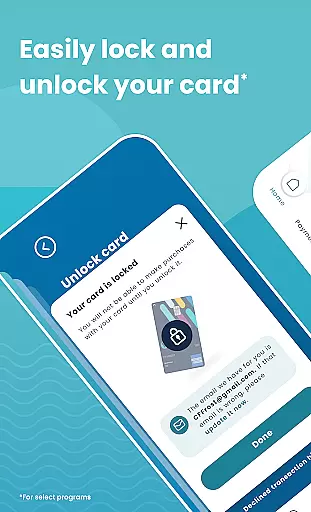
The app provides secure and quick login options including username/password or biometrics. It allows users to review transactions and statements, search recent activity, and filter as needed. Additionally, users can activate their card, add an authorized buyer, and lock/unlock their card for select programs. Bread Financial ensures safe and secure communication through its Secure Message Center.
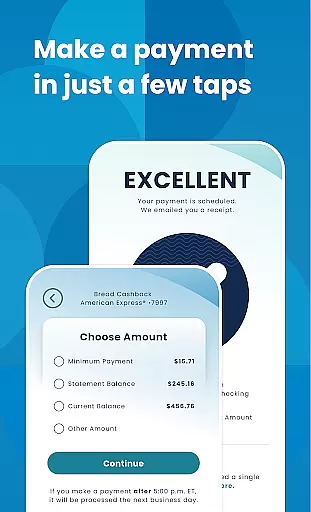
Bread Financial stands out with its comprehensive set of features tailored for efficient account management. The app enables users to make payments in just a few taps by setting up automatic payments, scheduling one-time payments, and editing or deleting scheduled payments. This streamlined process enhances user convenience significantly.
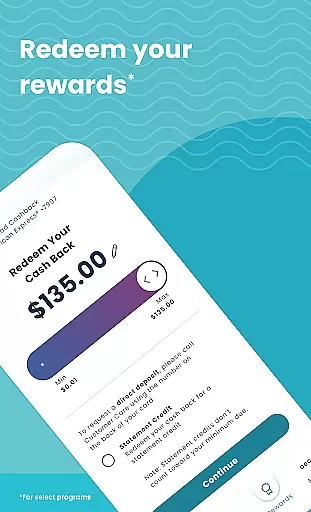
For select programs, users can track their reward earnings, redeem them in any amount they prefer, and unlock exclusive offers on the partner site linked within the app. These features not only simplify financial management but also incentivize users to maximize their benefits while shopping.
Security is paramount, and Bread Financial ensures this by providing safe and secure communication channels via its Secure Message Center. Users can reach out anytime, ensuring peace of mind when managing their finances digitally.
Account and fund security is a critical aspect of any financial application, ensuring that users' sensitive information and funds are protected from unauthorized access. Bread Financial employs advanced security measures to safeguard user data and transactions. The app allows secure login through username/password or biometrics, providing an additional layer of protection.
The application ensures that all communications between the user's device and the server are encrypted, preventing interception by malicious actors. This encryption extends to the review of transactions and statements within the app, ensuring that users can safely manage their financial activities without exposure to potential threats.
Bread Financial also offers features such as the ability to lock and unlock cards for select programs, adding another dimension of control over account security. Users can activate their cards, add authorized buyers, and manage card usage directly from the app, ensuring that only approved transactions are processed.
By integrating these comprehensive security protocols, Bread Financial not only protects users' financial assets but also enhances their peace of mind while managing their accounts on the go. This commitment to security empowers users to focus on enjoying the convenience and benefits of digital banking without compromising safety.
A seamless transaction experience is essential for any financial app, allowing users to perform necessary actions quickly and efficiently. Bread Financial excels in this area by offering intuitive features that simplify the process of managing credit card accounts. Users can make payments, redeem rewards, and review transaction history with just a few taps.
The app provides options for setting up automatic payments, scheduling one-time payments, and editing or deleting scheduled payments. These functionalities ensure that users maintain control over their financial obligations while avoiding late fees and penalties. The straightforward navigation and clear presentation of payment options enhance the overall user experience.
In addition to basic transaction management, Bread Financial includes advanced features like tracking reward earnings and redeeming them in any amount desired. This flexibility adds value to the user's interaction with the app, making each transaction more rewarding. Exclusive offers available through partner sites further enrich the transaction journey, encouraging continued engagement.
Overall, Bread Financial delivers a superior transaction experience by combining ease of use with valuable features that cater to modern consumers' needs. Whether reviewing past transactions or planning future expenditures, users benefit from a streamlined interface that prioritizes efficiency and satisfaction.
User-friendly interface
Secure login options
Comprehensive account management
Reward tracking and redemption
Exclusive shopping offers
Limited to specific credit cards
Some features for select programs only
No integrated budgeting tools
Occasional syncing issues
Additional fees for certain services

The all-in-one app to save, earn, travel, and put more money in your pocket
 4.50
4.50
Download the MySynchrony App to manage your accounts securely and conveniently!
4.60
Get a cash advance instantly. File taxes & cover unexpected bills in minutes.
4.60
Need help before payday? Get cash advances with no interest or credit checks.
4.60
No credit check, no interest, no worries.
4.70
Manage budget, save money, or file tax. Build, track & improve your credit score
4.40
Join 12M+ users. Instant cash advances, personal loans, build credit, save money
4.80
Earn money as a tester with Testerup, get cash testing apps and games
4.20
Navigate your unique financial path confidently with help from Credit Karma.
4.70
Manage your Discover account conveniently from anywhere.
4.80
The Citi Mobile® App lets you manage your accounts virtually anytime, anywhere
4.80
Early payday cash advance up to $150 a day with a max of $1,000 per pay period
4.70
Play for fun, earn for real. Collect rent by owning virtual land & get cashback
4.60
Payday cash advance & Instant cash advance: Borrow money instantly, Get cash now
4.60
Access State Farm accounts, policies, ID cards and more
4.60
Our Chase Mobile App makes it easy for you to bank on the go 24/7.
4.60
Amazing Financial Calculator. Based on HP 10bII, but easier to use!
4.40
NFC mobile payment app Use your phone as a contactless bank card
4.00
StockTiles lets you view prices & charts of your favorite stock assets
2.30


User Reviews