
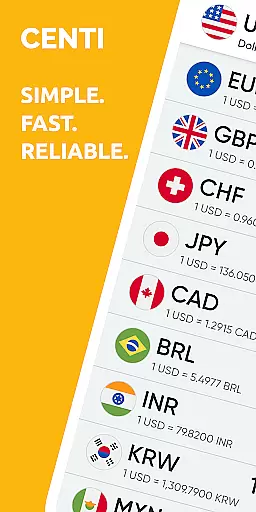
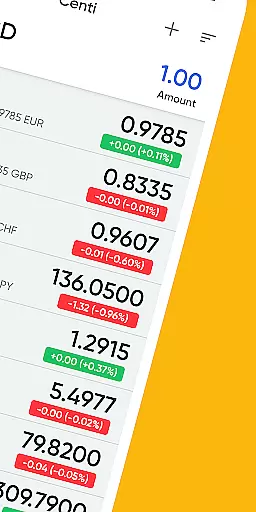
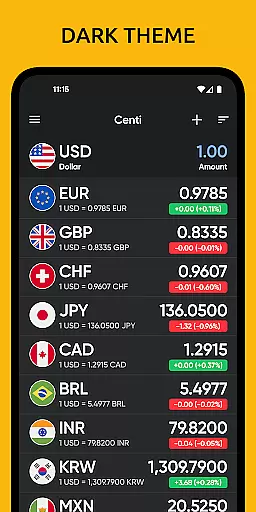
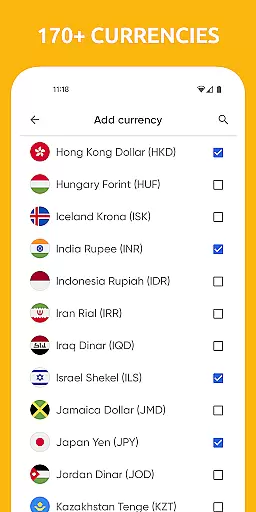
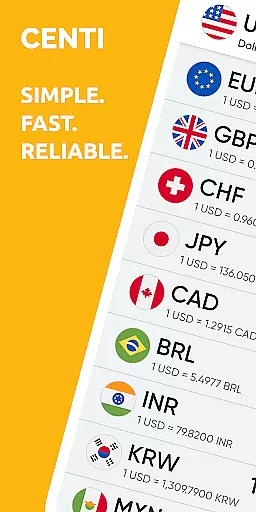
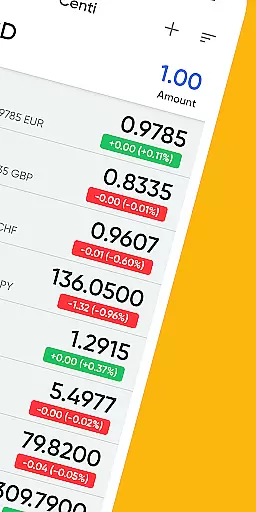
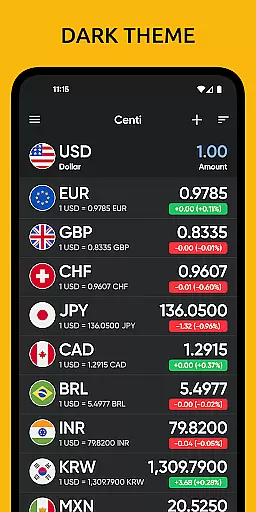
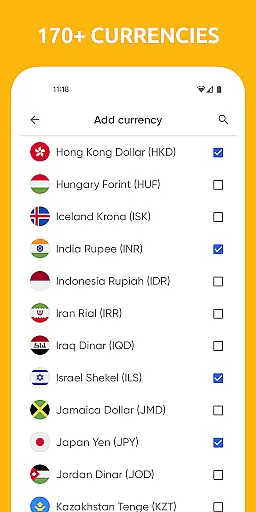
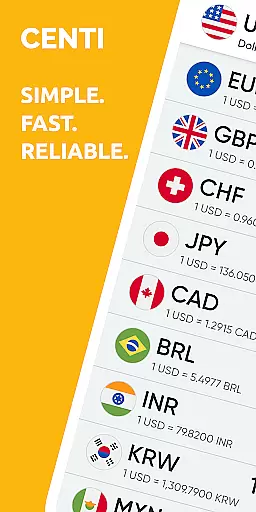
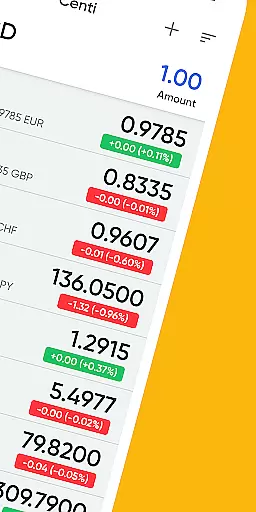
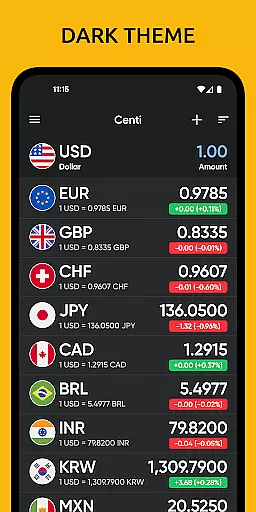
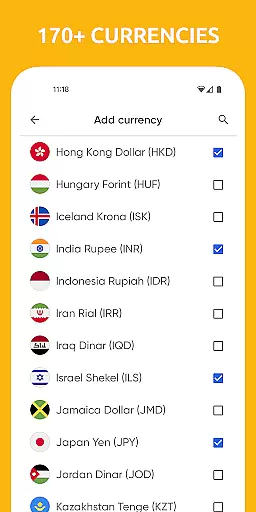
Centi PRO is a premier currency converter app designed for users who require accurate and up-to-date exchange rate information across more than 170 currencies. Its user-friendly interface ensures quick access to essential conversions, making it an indispensable tool for travelers and those monitoring foreign markets.
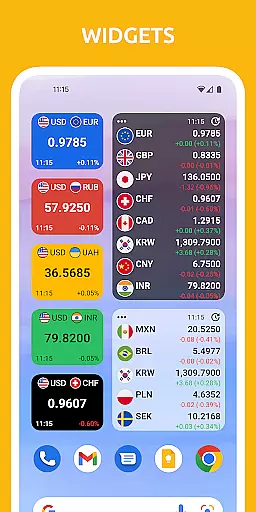
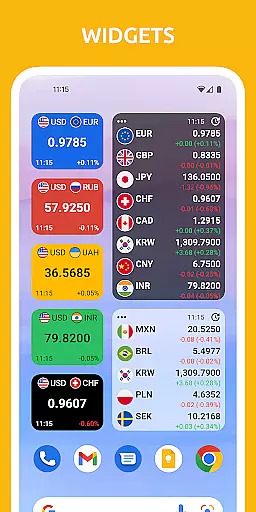
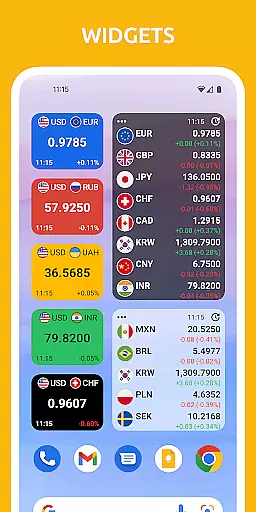
The app stands out with its advanced features such as customizable widgets, the ability to create custom currencies, and offline functionality that stores the latest exchange rates for use without an internet connection. With Yahoo! Finance API integration, Centi PRO provides reliable data while optimizing battery usage by only downloading data when the app is in use.
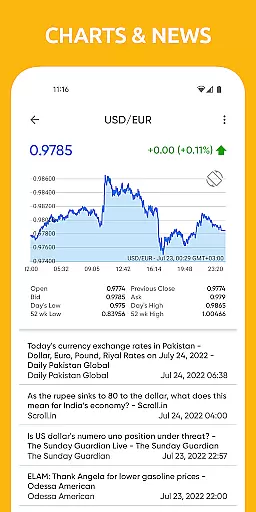
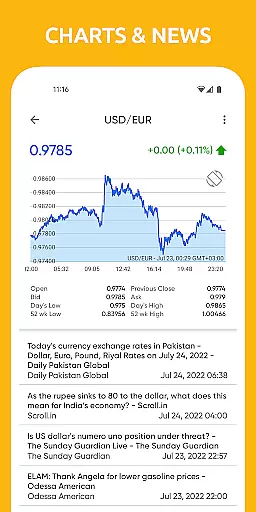
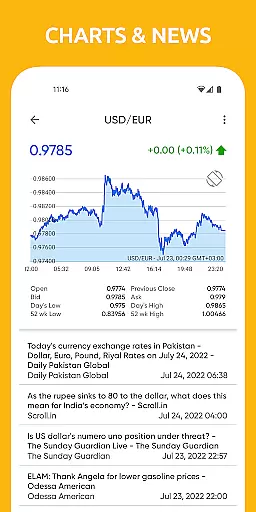
Centi PRO offers a comprehensive suite of features including real-time conversion for over 170 currencies, historical charts, and personalized settings like night theme and Wi-Fi only data download. The app allows users to tailor their experience by setting update frequencies and choosing decimal displays.
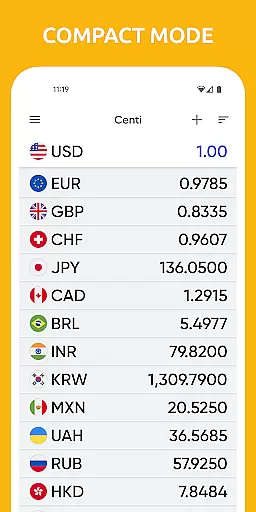
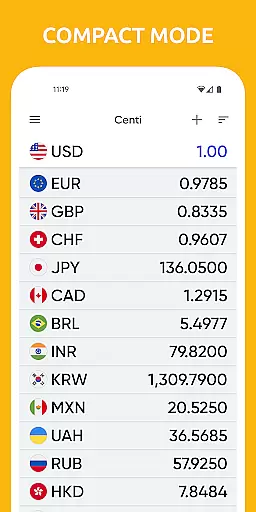
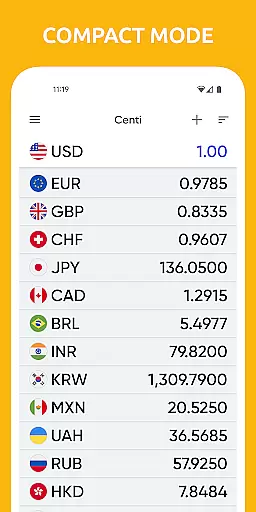
One of the standout functionalities is its offline mode, which caches the last updated exchange rates, ensuring users have access to crucial information even without an internet connection. Additionally, the app supports precious metals conversion and provides detailed exchange rate listings akin to electronic boards seen at currency exchanges.
When it comes to financial applications like Centi PRO - Currency Converter, account and fund security is of utmost importance. This app ensures that your data remains protected through various means.
The application does not run background services or download data unless you are actively using it, which significantly reduces the risk of unauthorized access. This approach not only optimizes battery use but also enhances security by limiting data exposure.
Furthermore, the app stores the last updated exchange rates for offline use, ensuring that even without an internet connection, you can access crucial information without compromising your privacy. The absence of background data download means your financial data stays within the app.
By providing a secure environment for currency conversion and financial monitoring, Centi PRO allows users to manage and track their international finances with peace of mind, making it a reliable tool for travelers and those watching foreign markets.
A seamless transaction experience is vital for any finance-related app, and Centi PRO - Currency Converter excels in providing just that. With its user-friendly interface, users can swiftly convert over 170+ currencies with up-to-date exchange rate information.
The app's efficiency is enhanced by features such as on-demand updates and automatic updates at predefined intervals. This ensures that users have access to the latest exchange rates, which are cached locally for offline use, allowing transactions to be conducted smoothly without constant internet reliance.
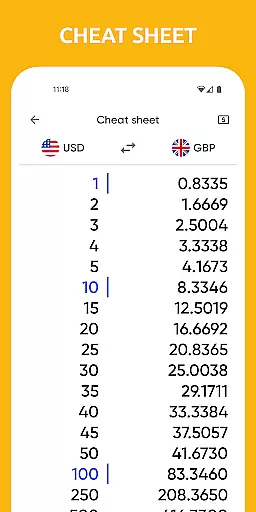
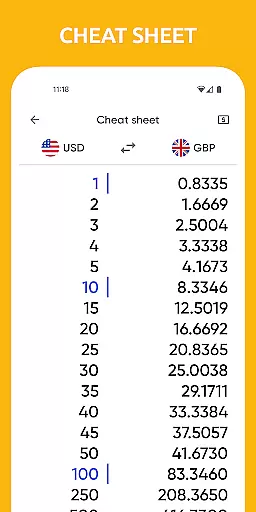
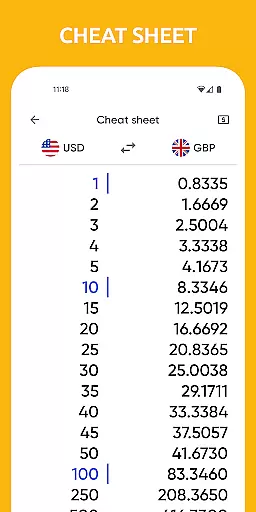
Moreover, the ability to copy calculation results directly from the app adds to the overall transactional ease, streamlining the process when reporting or recording financial exchanges.
Centi PRO's dedication to a hassle-free transaction experience makes it an indispensable tool for anyone involved in currency exchange, from frequent travelers to financial market enthusiasts.
Fast and Accurate Conversions
User-Friendly Interface
Offline Functionality
Customizable Settings
Trusted Exchange Rates
No Background Updates
Limited Design Options
Dependent on Yahoo Finance
Occasional Data Lag
Premium Only Features

Currency Converter supports all currencies of the world.
 5.00
5.00
Bank better with our new app
3.80
The all-in-one app to save, earn, travel, and put more money in your pocket
4.50
Need help before payday? Get cash advances with no interest or credit checks.
4.60
Manage and cancel subscriptions, lower bills, track expenses, create budgets.
4.60
No credit check, no interest, no worries.
4.70
Amazing Financial Calculator. Based on HP 10bII, but easier to use!
4.40
Join 12M+ users. Instant cash advances, personal loans, build credit, save money
4.80
Access State Farm accounts, policies, ID cards and more
4.60
BA Financial Calculator PRO – Perfect for CFA/FRM/CPA and finance professionals
4.90
Companies owe you money.
4.80
Simple & secure international money transfers - for personal & business needs.
4.80
All expenses at a glance.
4.80
Manage your credit card account with the Credit One Bank mobile app.
4.70
“Money Manager” is an optimized application for personal asset management.
4.70
Download the MySynchrony App to manage your accounts securely and conveniently!
4.60
Easily invest, save, and plan—all in one app.
4.60
Manage your account, make a payment, and redeem your rewards on the go.
4.50
Earn money as a tester with Testerup, get cash testing apps and games
4.20


User Reviews