


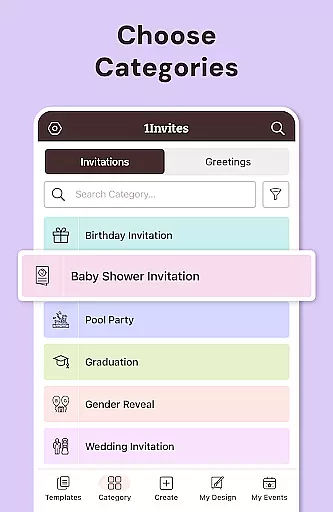





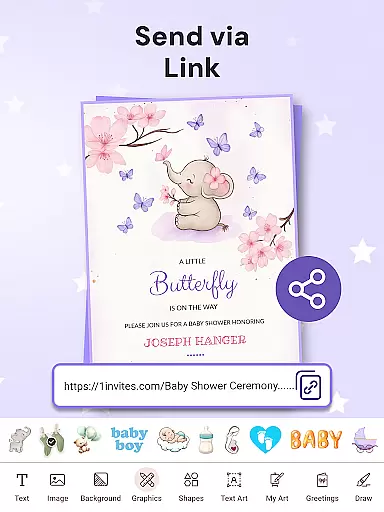
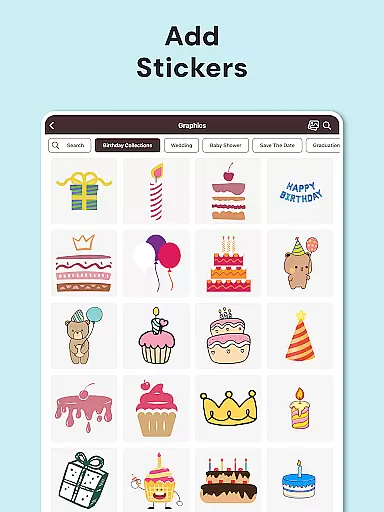




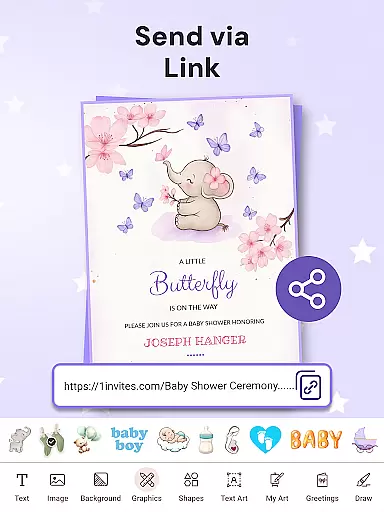
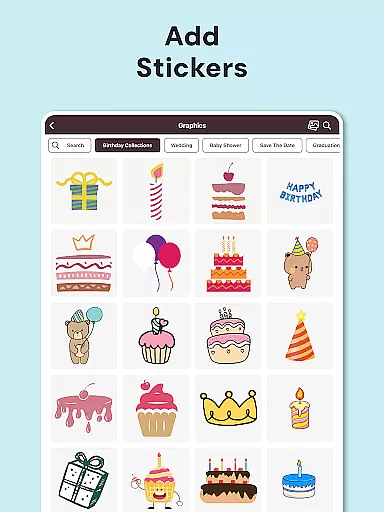









1Invites is a comprehensive event management application designed to simplify the process of creating invitations and managing guest lists. With over 20,000 customizable templates, it caters to various events such as weddings, birthdays, and corporate gatherings. The app's intuitive editor allows users to personalize invitations with ease, while its smart RSVP tracking system ensures real-time updates on attendee responses.
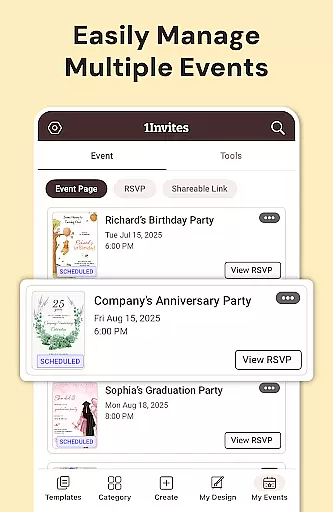
Beyond invitation design, 1Invites offers complete event planning tools including venue details, date settings, and guest list management. Its unique features like clickable PDF links for maps and websites make event coordination seamless. Suitable for both personal and professional occasions, this app eliminates the need for manual follow-ups and messy spreadsheets, making event management efficient and stress-free.
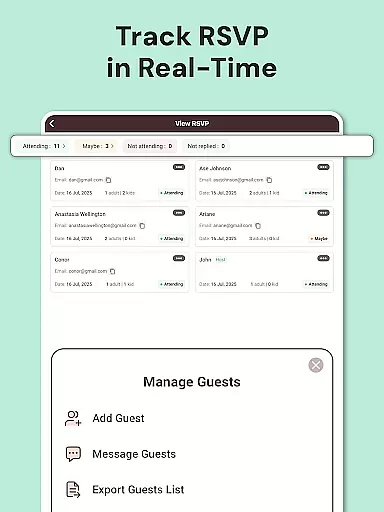
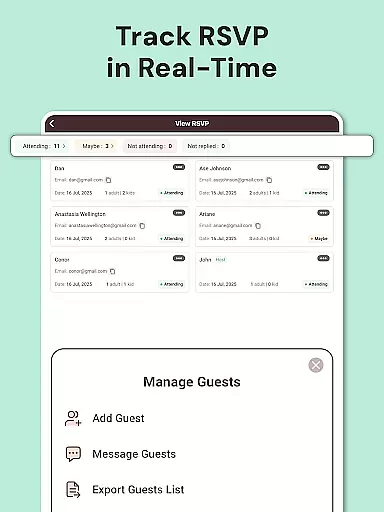
1Invites stands out with its extensive library of premium features tailored for effortless event planning. The app provides an advanced RSVP Management System that tracks responses in real time, ensuring planners always have updated guest information. Its Invitation Card Maker includes thousands of professionally designed templates, allowing users to create stunning cards without any design experience.
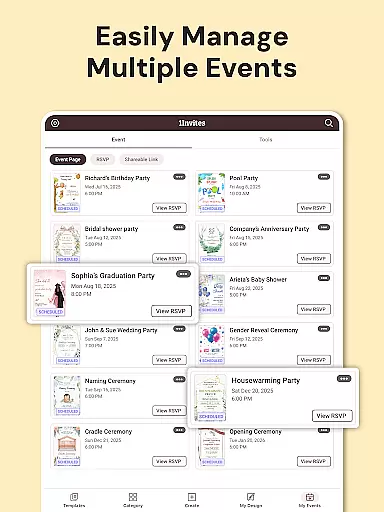
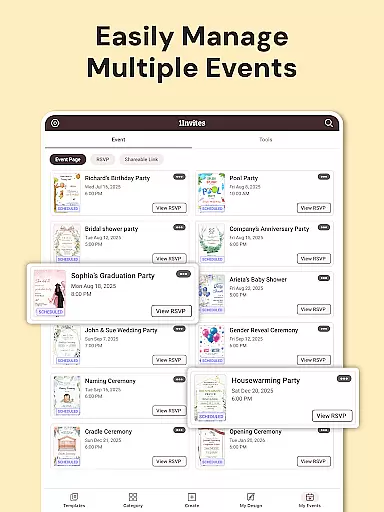
The Event Creation Tools enable users to organize all event details in one place, from scheduling to guest management. Smart PDF Links allow embedding of external URLs directly into digital invitations, enhancing convenience for guests. Additionally, the Guest List Manager helps track attendance, dietary preferences, and special notes, offering a complete solution for managing every aspect of an event with precision and ease.
Task creation and detail customization are essential features for any event planning application. With 1Invites, users can effortlessly create comprehensive event profiles that include all necessary details such as date, time, venue, and guest lists. This functionality ensures that every aspect of the event is meticulously planned and clearly communicated to guests.
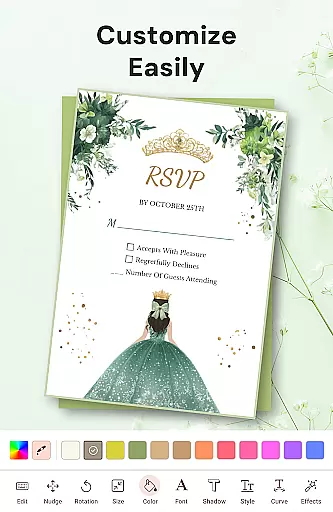
The app provides an intuitive interface that allows users to customize each element of their event. From selecting one of the 20,000 stunning invitation templates to tailoring event specifics, the process is seamless and user-friendly. Users can add personal touches like photos, colors, and styles, ensuring that invitations perfectly match the theme and tone of their celebration.
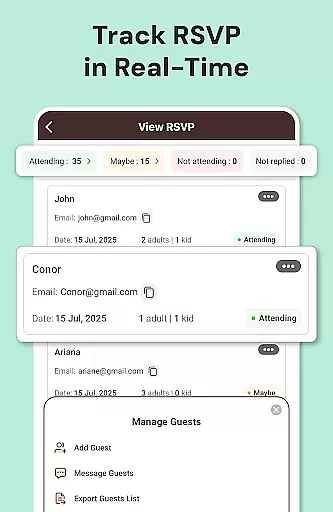
Moreover, 1Invites goes beyond just creating tasks by integrating smart RSVP management. This feature enables real-time tracking of guest responses, which significantly reduces the administrative burden on event organizers. The ability to see who has confirmed attendance, declined, or not yet responded streamlines follow-ups and helps in making informed decisions regarding event logistics.
Ultimately, the task creation and customization capabilities of 1Invites empower users to plan their events with precision and ease. By consolidating design tools with sophisticated event management features, the app transforms a typically complex process into a stress-free experience, allowing hosts to focus on enjoying their special occasions with peace of mind.
Reminder settings play a crucial role in ensuring that both event organizers and guests stay informed and up-to-date with event details. In 1Invites, this feature is designed to send timely notifications to guests who have pending RSVPs, gently prompting them to respond. This proactive approach minimizes last-minute uncertainties and helps maintain accurate guest counts.
The reminder system within 1Invites is highly customizable, allowing users to set specific times and dates for when reminders should be dispatched. Whether it's a gentle nudge a week before the event or a final reminder a day prior, users have the flexibility to tailor these alerts according to their needs. Such customization ensures that reminders are both timely and relevant, enhancing their effectiveness without being intrusive.
Beyond managing RSVPs, reminder settings also contribute to overall event coordination. Organizers can use this feature to notify guests about important updates, such as changes in venue or schedule adjustments. By keeping everyone in the loop, 1Invites fosters better communication and organization, leading to smoother event execution.
In summary, the reminder settings in 1Invites exemplify how thoughtful design can enhance user engagement and streamline event planning. By providing timely prompts and updates, the app not only simplifies the process for organizers but also enhances the guest experience, ensuring that every event runs seamlessly from start to finish.
User-friendly interface
Extensive template library
Real-time RSVP tracking
All-in-one event management
Professional design options
Limited free templates
Premium features require subscription
Occasional bugs reported
Learning curve for new users
Export quality varies

Here you can choose tickets for films, performances, concerts and other events
 4.60
4.60
Microsoft Build is an annual developer conference hosted by Microsoft
4.20
Invitation card maker for birthday party & Wedding. Digital greeting card editor
4.90
Listen Full Quran MP3 Offline - Qibla Compass, Salah Timing & 99 Names of Allah
4.60
No invest, Easy way to earn USDT through crypto cloud mining
3.80
Digital Income Wallet of the Final Libertadores 2025
4.3
The official app of the Carmel Christkindlmarkt!
4.2
Find EDM shows near you! See your favorite artists live, and discover new music.
4.90
Design Invitations & Cards for Any Occasion
4.80
TodayTix is the easiest way to get tickets to the best shows in your city.
4.90
CUE Live utilizes ultrasonic sound waves to sync devices at CUE enabled events
4.80
The KRUU app - plan, celebrate, remember
4.80
Find Live Event Ticket Deals to Sports, Concerts, Festivals, & Comedy For Less!
4.80
The Ultimate Tournament Hub
4.70
Create Wedding Invitation and Wedding Anniversary Cards using our app
4.60
Connect with an ecosystem of 5M+ eventgoers and organizers.
4.50
Manages display and transfer of tickets from the Mundo Tickets platform
3.80
ETH Mining provides secure way to mine Ethereum & earn ETH in Cloud mining app
3.50
It is an Event Planning Application.
4.1


User Reviews