
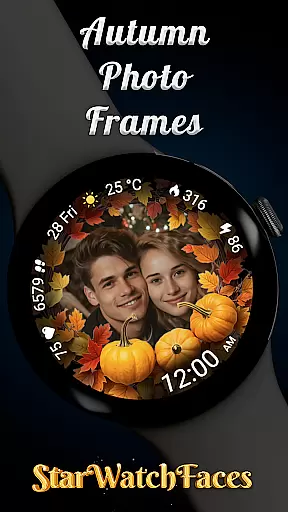
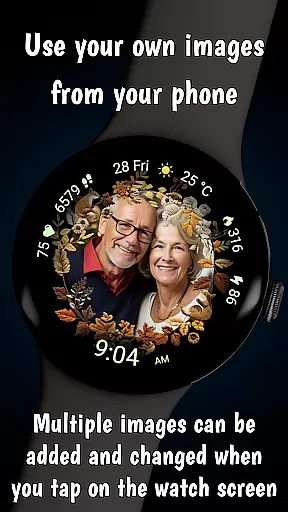

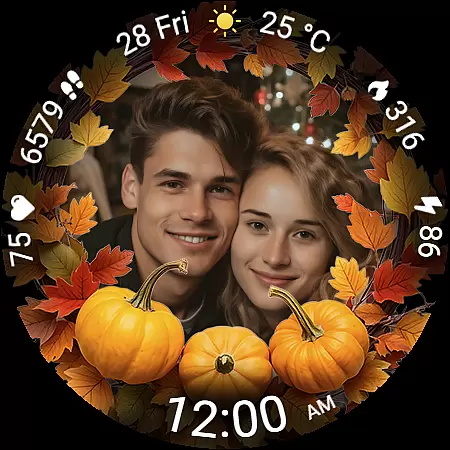
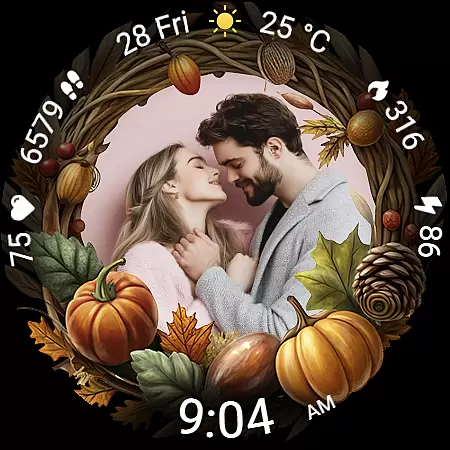
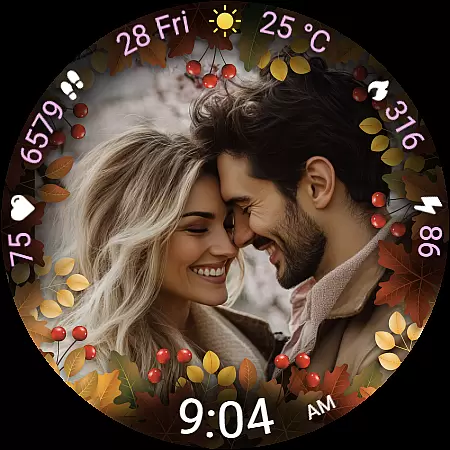
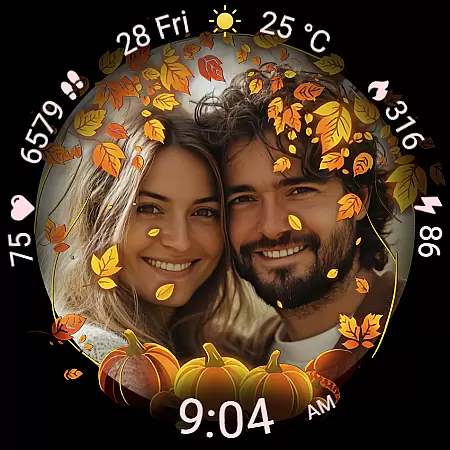
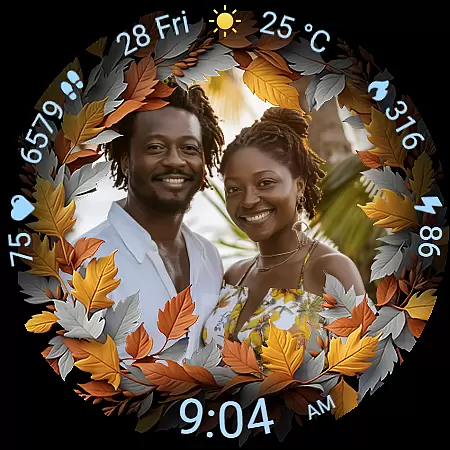
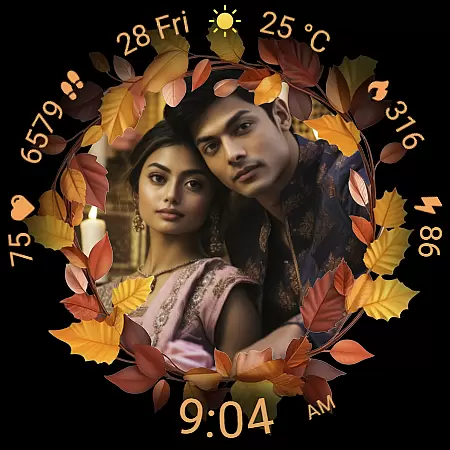
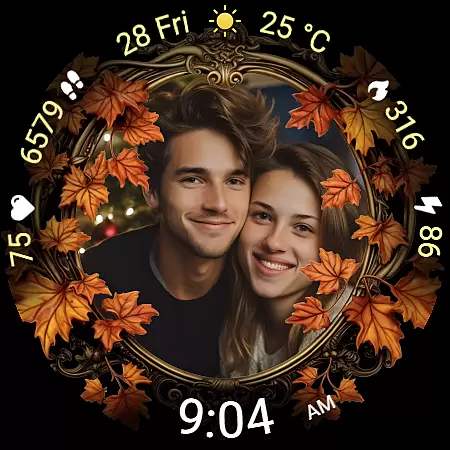
Autumn Photo Frames for WearOS is a premium lifestyle watchface that combines personalization with seasonal aesthetics. This app allows users to display cherished photos within beautifully designed autumn-themed frames directly on their smartwatch, making it perfect for those who value emotional connection and customization.
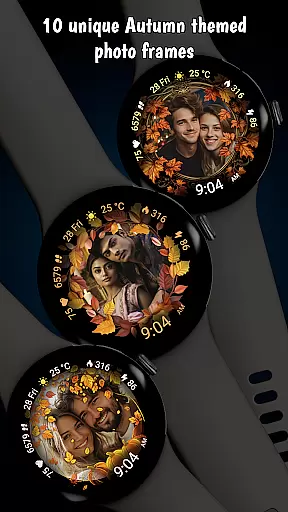
The watchface offers 10 unique autumn frames, 30 color themes, and essential features like heart rate monitoring, step counting, and weather updates. Compatible with Wear OS 6 and newer, it transforms your smartwatch into both a functional device and a personal gallery, ideal for celebrating meaningful moments while staying practical.
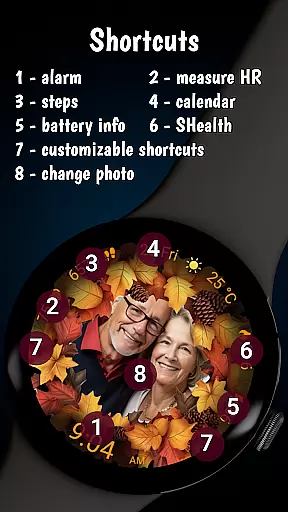
Autumn Photo Frames stands out with its rich feature set tailored for personalization enthusiasts. Users can upload custom photos via the companion app, choosing from 10 autumn-inspired frames that suit various moods or styles. The inclusion of 30 color themes ensures seamless integration with individual preferences.
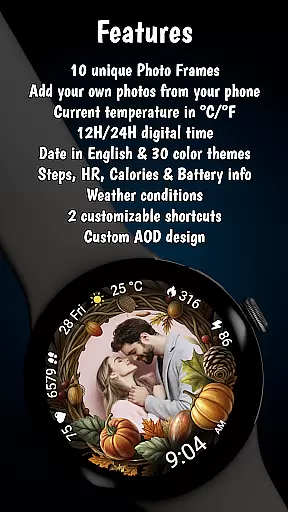
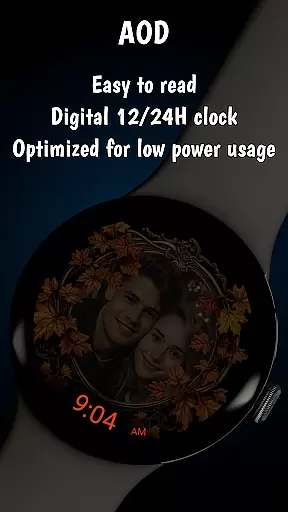
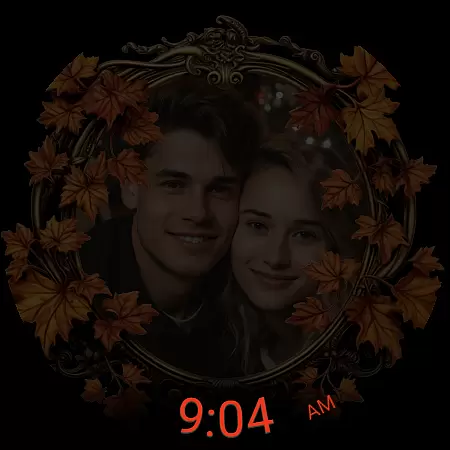
Practicality meets design through features such as an always-on digital clock (12h/24h), date display, battery status indicator, real-time heart rate tracking, step counter, calorie tracker, and weather information in °C/°F. Additionally, two customizable shortcuts provide quick access to frequently used apps, enhancing usability without compromising style.
In the realm of wearable technology, lifestyle applications play a pivotal role in personalizing user experiences. The Autumn Photo Frames for Wear OS stands out by offering comprehensive lifestyle category coverage that resonates with users on an emotional level. This watchface is not just about telling time; it's about celebrating life's moments.
With 10 unique autumn-themed frames, users can encapsulate their cherished memories within a seasonal aesthetic that adapts to their personal style. Whether it's family photos, travel snapshots, or motivational images, this application allows for rich customization options that cater to diverse tastes and preferences.
The inclusion of practical features such as heart rate monitoring, step counting, calorie tracking, and weather updates ensures that while users personalize their smartwatches, they do not compromise on functionality. These elements are seamlessly integrated into the design, providing both sentimental value and utility.
By supporting Wear OS 6 and newer versions, this app guarantees compatibility with a wide range of devices, making it accessible to a broad audience seeking to enhance their daily lives through thoughtful technology integration.
Authenticity in digital content is crucial, especially when it comes to applications that aim to create a personal connection with users. The Autumn Photo Frames for Wear OS emphasizes content authenticity by allowing users to infuse their own images into the watchface, ensuring that each frame tells a genuine story unique to its owner.
Expertise shines through in the thoughtful design of the 30 color themes and customizable shortcuts, which have been crafted to complement any photo while maintaining an elegant appearance. This attention to detail extends to practical aspects like battery status indicators and always-on display optimization, reflecting a deep understanding of user needs.
Furthermore, AI-generated promotional materials set clear expectations without misleading potential customersu2014a transparent approach that builds trust. Users can be confident that behind this app lies a team dedicated to delivering high-quality, reliable smartwatch enhancements backed by expertise in wearable tech aesthetics.
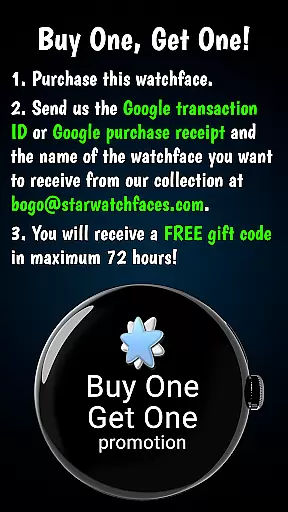
By combining these elements with responsive customer service initiatives such as the BOGO promotion, Autumn Photo Frames establishes itself as a credible source for enriching oneu2019s digital lifestyle experience.
Highly customizable
Beautiful autumn themes
Real-time health metrics
Weather integration
User-friendly interface
Limited to Wear OS
Requires companion app
Premium cost
Complex setup
Battery intensive

Smart controls for your Ember Smart Mugs
 4.10
4.10
Earn points with every purchase with Moe Rewards.
4.20
BILT interactive 3D instructions help you get the job done right
3.50
Do you want to communicate with spirits?
3.80
Get the news, events and savings that matter to you with AARP Now.
4.80
A smart Siddur with halachic times
4.50
An Eerie Musical Trigger Toy for Spirits to Play with!
3.50
Celebrate the holidays with Advent Calendar: daily surprises and festive fun!
4.1
AAA Mobile provides on-the-go access to the services you know and trust.
4.60
Good magnifier app to see tiny things bigger and more clearly!
4.80
Tap to the beat with interactive videos — warm up your reflexes & have fun
4.70
Crochet made easy: step-by-step tutorials, beginner patterns & projects
4.60
Zodiac & Horoscope Launcher: Daily Sign Predictions & Astrology
4.40
This minimalist yet classic board design brings a futuristic twist to your wrist
4.20
What is my face shape? Find out your face shape from picture, see fitting frames
3.90
Going above and beyond known spirit communication
3.60
Smart home security protection
3.20
Bring the warm colors of fall directly to your wrist with Autumn Leaves!
4.3
Customize your Wear OS watch with festive Christmas figures and colors!
4.2


User Reviews