
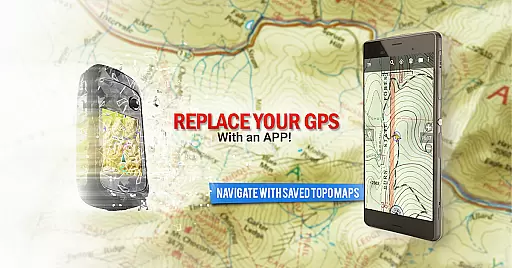
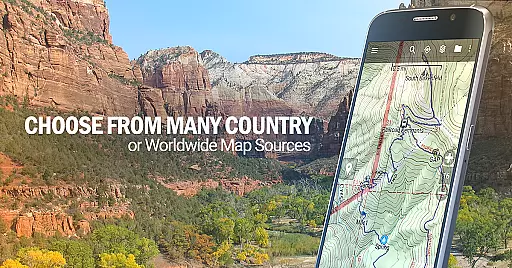
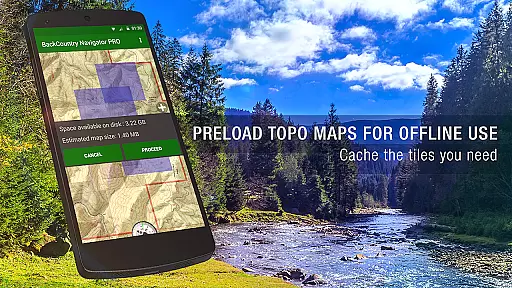
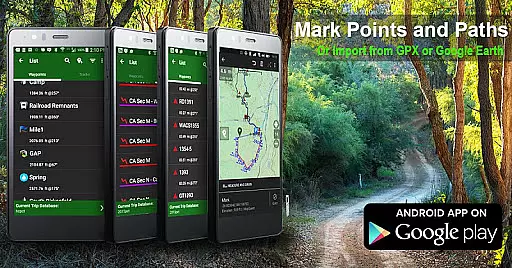
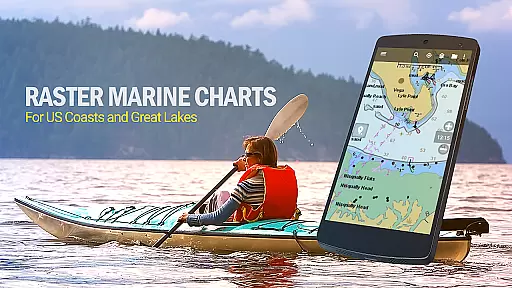
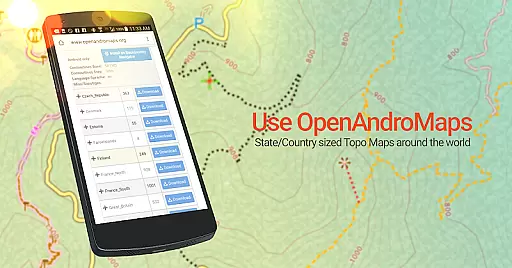
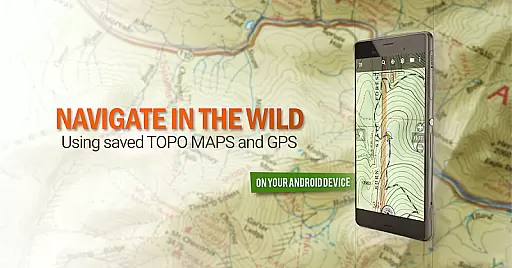
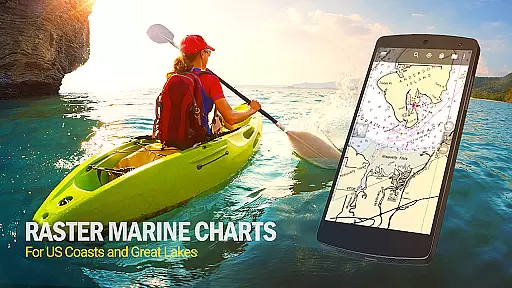
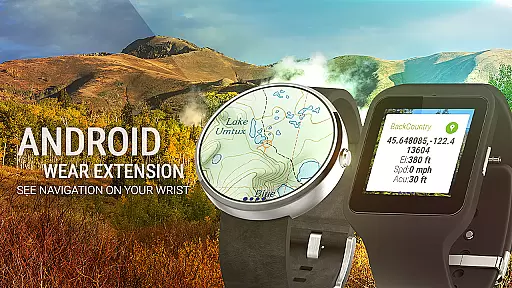
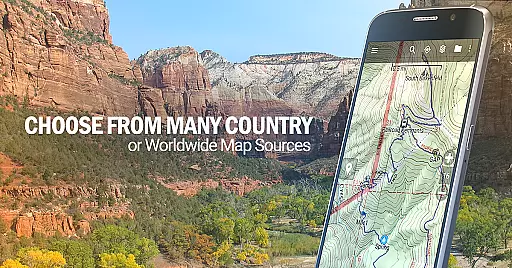
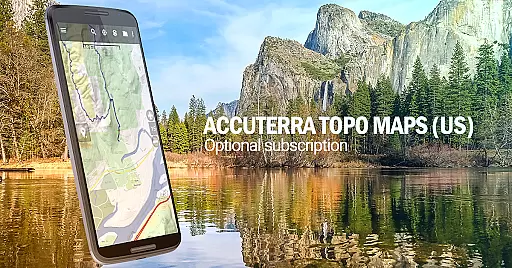
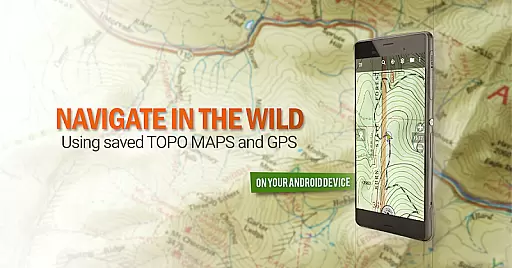
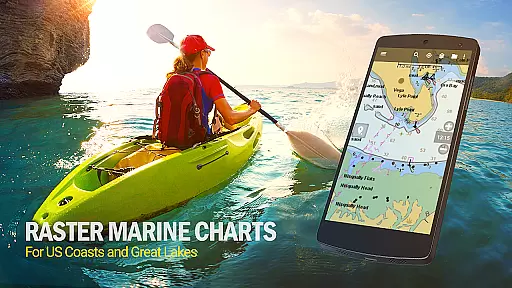
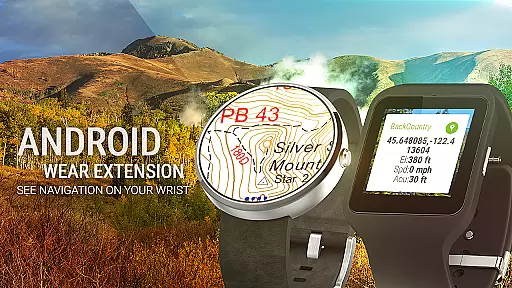
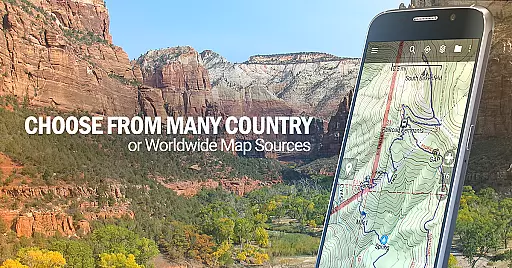
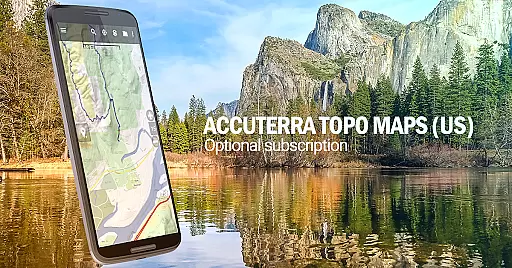
BackCountry Navigator GPS PRO is a premier outdoor navigation app designed for adventurers who require reliable mapping solutions beyond cell coverage. This app transforms your Android device into an advanced offroad GPS tool, offering downloadable topographic maps for offline use across the US and numerous other countries.
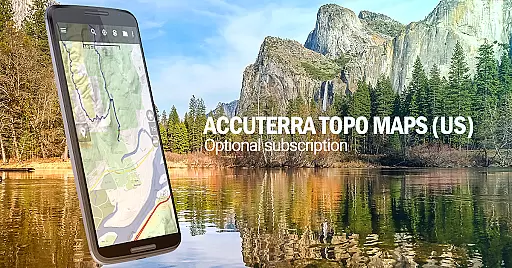
The app supports multiple coordinate systems including GPX and KML files, enabling users to input custom waypoints and navigate using longitude/latitude or UTM coordinates. With additional map sources available as in-app purchases, such as Accuterra Topo and Thunderforest Maps, it caters to diverse terrains and activities. Whether you're hiking, hunting, fishing, or kayaking, BackCountry Navigator provides essential tools for safe and enjoyable outdoor experiences.
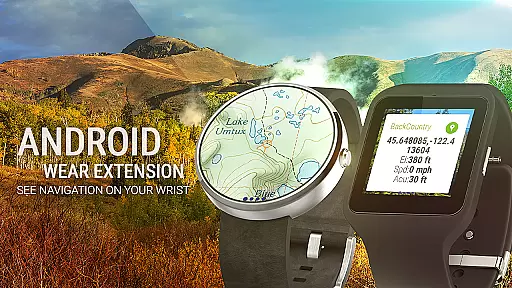
Its compatibility with Android Wear allows quick access to navigation data on your wrist, while features like track recording and geocaching support make it a versatile companion for various outdoor pursuits. By leveraging your device's built-in GPS, this app ensures accurate positioning without relying on cellular networks, making it ideal for exploring remote wilderness areas.
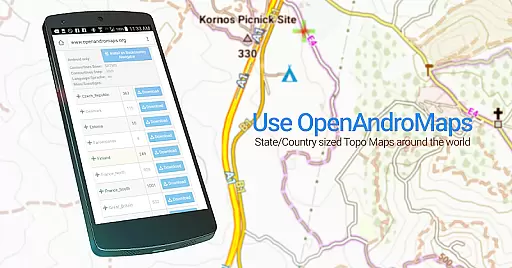
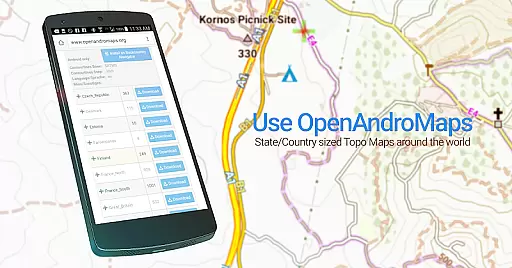
BackCountry Navigator GPS PRO stands out with its comprehensive feature set tailored for outdoor enthusiasts. The app offers extensive map source options, including free downloads from OpenStreetMaps, OpenCycleMaps, and USGS Topo Maps, alongside premium choices like Accuterra and Thunderforest. These maps cover a wide range of terrains globally, ensuring users have access to detailed topographic information wherever their adventures take them.
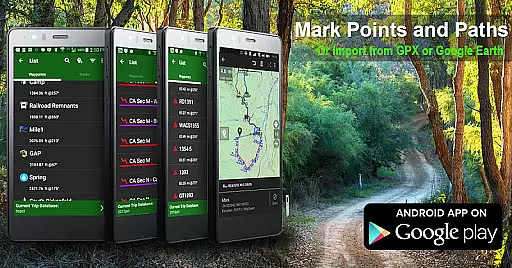
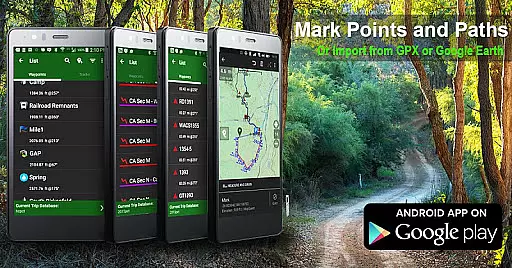
One of the key strengths of this app is its robust waypoint management system. Users can import GPS data from GPX or KML files, manually enter coordinates, and utilize the GOTO function for precise navigation. Additionally, the inclusion of specialized overlays, such as BLM boundary maps and GMU boundaries, enhances its utility for hunters and land managers. The ability to create custom maps via Mobile Atlas Creator further expands its versatility.
Beyond traditional mapping, BackCountry Navigator integrates seamlessly with wearable technology through Android Wear support, providing at-a-glance navigation updates. Its offline capabilities allow uninterrupted service in areas lacking cellular connectivity, while advanced functionalities like track recording and geocaching integration cater to specific recreational needs. Overall, these features combine to deliver a powerful, flexible solution for anyone seeking dependable GPS navigation in the great outdoors.
Map accuracy is a critical feature for any navigation app, and BackCountry Navigator GPS PRO excels in this area. The app provides access to a wide range of topographic maps from reputable sources, ensuring that users have reliable and precise mapping data at their fingertips. These maps cover various terrains and are continually updated to reflect the latest geographical information.
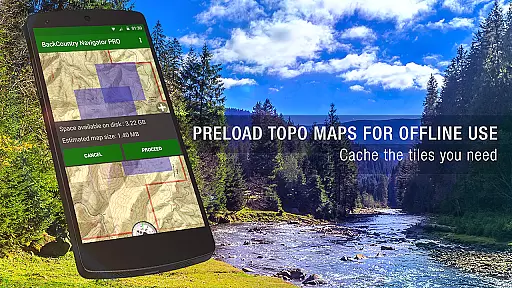
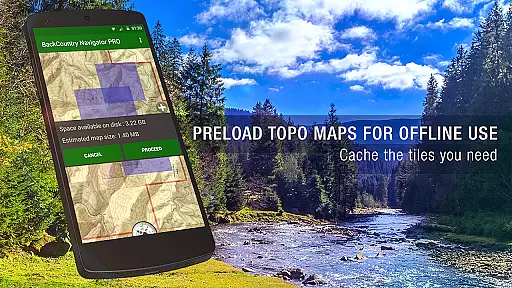
The app supports offline map downloads, which means you can have accurate map data even without cell coverage. This is particularly useful for outdoor enthusiasts who venture into remote areas where network connectivity might be unavailable. By downloading maps in advance, users can trust that their location data remains accurate regardless of their environment.
BackCountry Navigator GPS PRO also allows users to overlay different map types, such as boundary maps and lake contours, enhancing the level of detail and accuracy available. Whether you're hiking, hunting, or kayaking, having these detailed maps ensures that you can navigate with confidence. The accuracy provided by these maps helps users make informed decisions about their routes and destinations.
Ultimately, the map accuracy offered by BackCountry Navigator GPS PRO empowers users to explore the outdoors safely and efficiently. With precise mapping data, adventurers can focus on enjoying their experiences without worrying about getting lost or encountering unexpected obstacles. This reliability makes the app an essential tool for anyone who spends time in nature.
Route planning is an essential aspect of any outdoor adventure, and BackCountry Navigator GPS PRO offers robust tools to help users chart their courses effectively. The app allows users to input GPS waypoints using various coordinate systems, including longitude/latitude and UTM. These waypoints serve as crucial markers for navigation, helping users establish clear routes to their destinations.
In addition to manual waypoint entry, the app supports importing GPX or KML files, enabling users to leverage pre-existing route data. This feature is particularly beneficial for those who want to follow established trails or share routes with others. By integrating these files, users can plan complex journeys with multiple stops and alternate paths, ensuring flexibility during their trips.
BackCountry Navigator GPS PRO enhances route planning with its ability to display various map layers, such as topographic and aerial photography. These layers provide additional context for terrain and landmarks, allowing users to anticipate challenges and opportunities along their routes. Whether planning a day hike or a multi-day trek, having access to diverse map sources enriches the planning process.
By offering comprehensive route planning capabilities, BackCountry Navigator GPS PRO ensures that users can prepare thoroughly for their outdoor activities. With reliable tools for setting waypoints and visualizing paths, adventurers can embark on their journeys with confidence, knowing they have planned for a safe and enjoyable experience.
User-friendly interface
Extensive map sources
Offline functionality
Precise waypoint management
Versatile activity support
Premium maps costly
Complex setup required
Occasional sync issues
Limited customer support
High storage demands

The fastest and most convenient way to pay for parking on our lots.
 4.40
4.40
Explore a light pollution map to find suitable dark sky locations for observing.
4.30
Complete offline 1:50k South Island topo map including DOC Hunting Permit Areas
4.60
GPS Speedometer & Odometer: Track car, bike, truck speed & distance in real-time
4.70
GPS Navigation: Get map directions and find the shortest routes to avoid delays!
4.00
Find routes fast with GPS Maps, GPS Navigation & driving directions.
4.10
Get route, find shortest path, near by places and weather update
3.90
Navigate seamlessly with Real-Time Traffic, Offline Maps, and Voice Navigation.
4.10
Track friends in real-time and explore worldwide live cameras.
4.60
Find EV & Tesla charging stations with PlugShare
4.70
Explore with GPS Navigation with GPS offline, voice GPS, speed camera radar
4.60
Navigate MTA, NJ Transit, MBTA, SEPTA, BART, MARTA, CTA & 900+ cities
4.60
Affordable rides and food delivery with incredible discounts in just one app.
4.50
CamSam PLUS - The speed and red light camera warning system!
4.40
Find radar, speed camera, flight tracker. Use hud, location tracker, speedometer
4.20
Number locator, real connection map
4.10
Navigation, weather, offline maps & tools for smarter, safer travel planning.
4.00
Drive safe with real-time speed camera radar, police, and traffic alerts
3.80
Start your next adventure confidently using our Accurate Compass App
3.70


User Reviews