
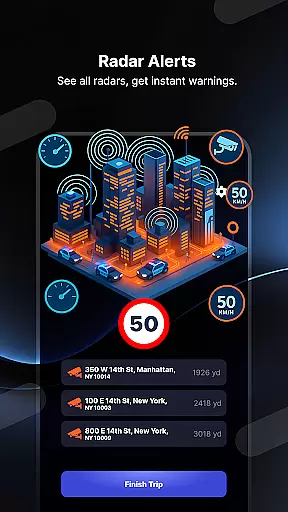
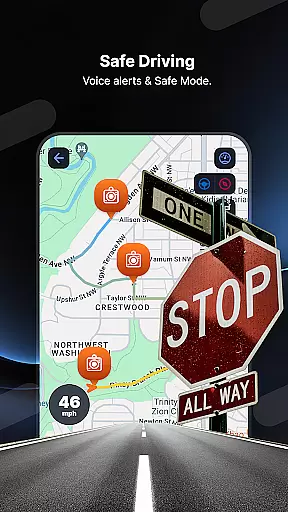
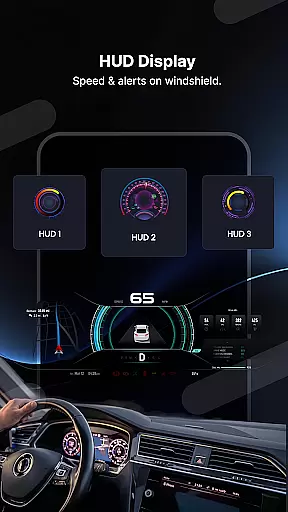
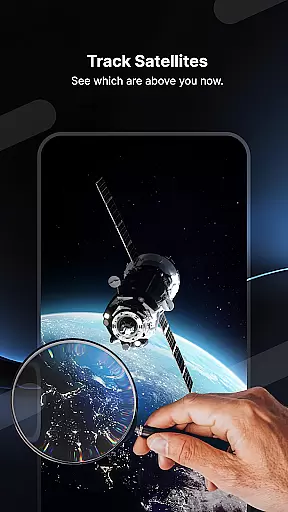
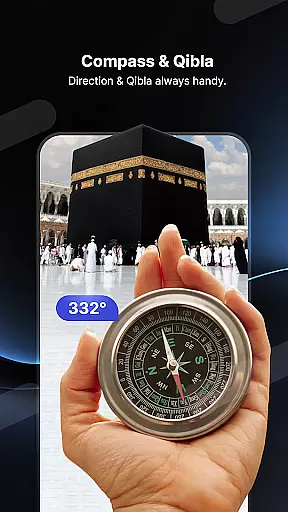
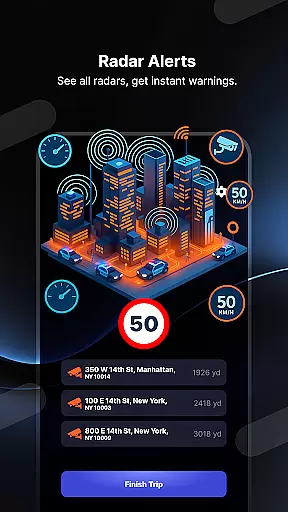
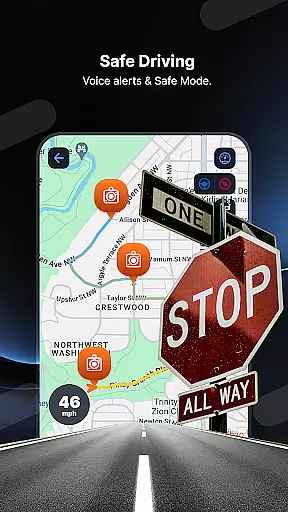
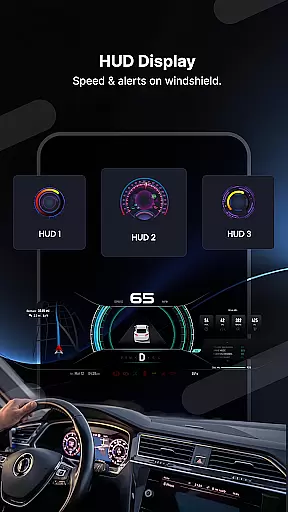
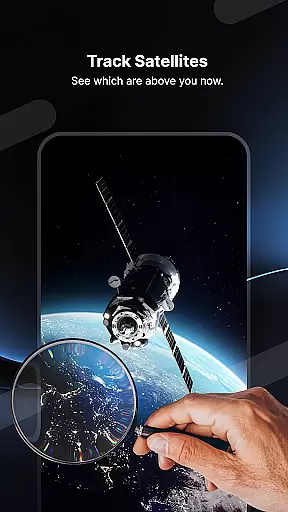
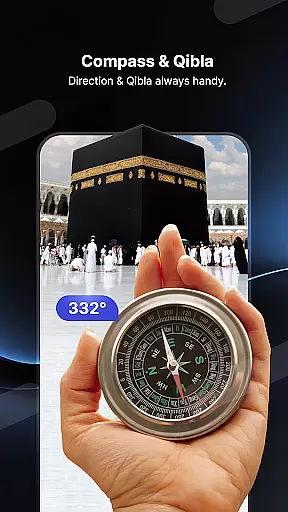
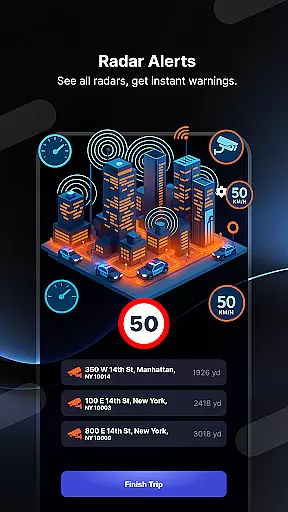
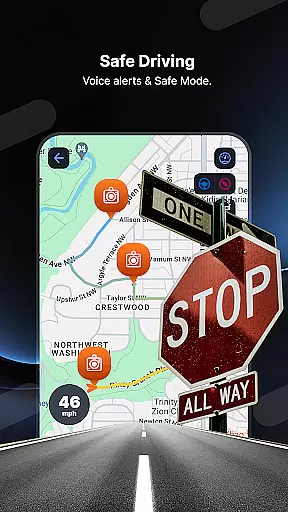
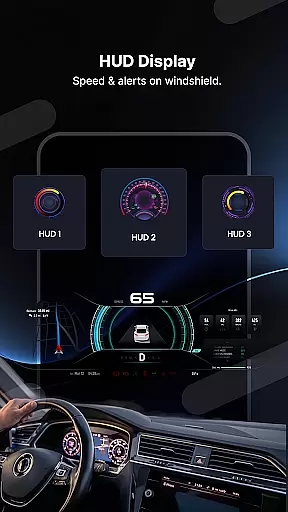
Radar GO-X is a comprehensive navigation and tracking app that transforms your smartphone into an advanced speed camera detector, GPS tracker, and real-time map system. With features like HUD (Head-Up Display), police radar alerts, and flight inquiries, this app provides drivers with essential tools to enhance road safety while offering additional functionalities such as airport information and weather forecasts.
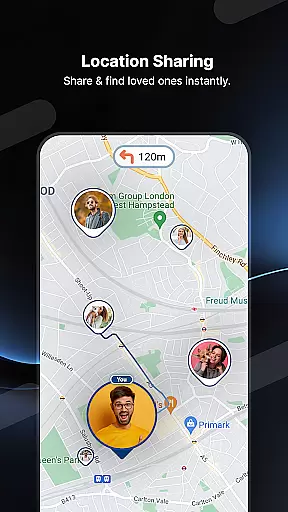
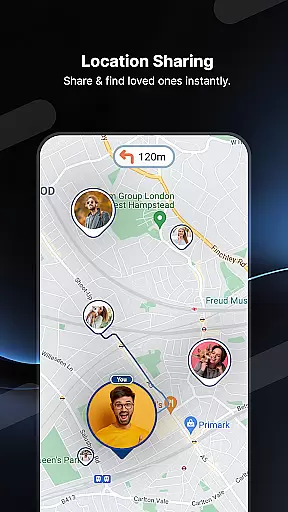
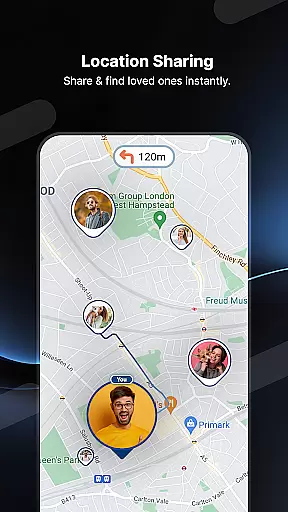
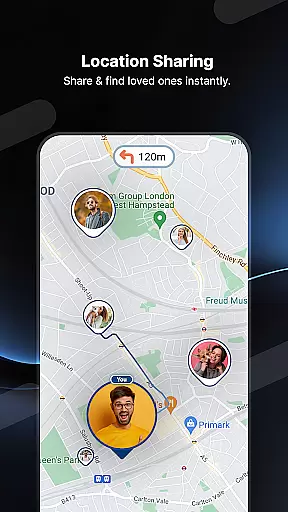
The app's core strength lies in its ability to detect speed cameras and police radar locations, providing users with timely alerts through sound notifications and visual cues. Additionally, Radar GO-X includes a family locator feature, allowing users to track loved ones' locations securely. Whether you're driving locally or traveling internationally, the app's detailed maps, live traffic updates, and heads-up display ensure a safer and more informed journey.
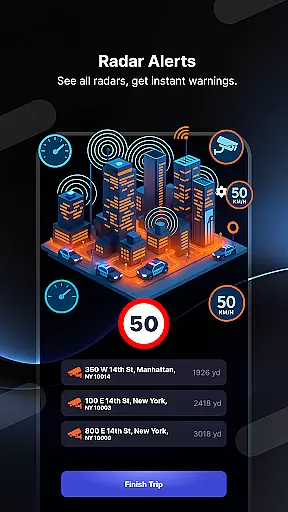
Radar GO-X stands out for its diverse range of features designed to assist drivers, travelers, and families alike. The app's primary functionality revolves around detecting speed cameras and police radars, helping users avoid fines by adhering to speed limits. Its real-time radar alert system uses GPS technology to mark the location of speed checks on the map, displaying critical details such as distance, direction, and speed limits.
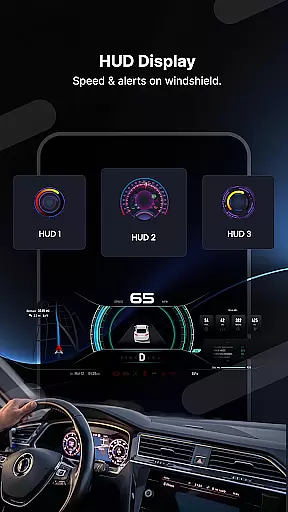
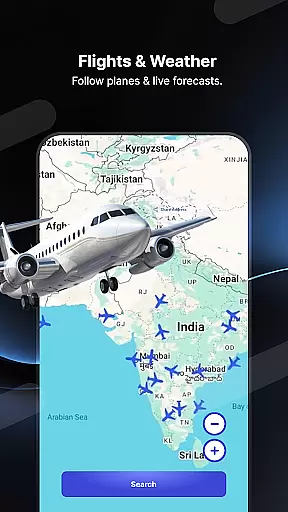
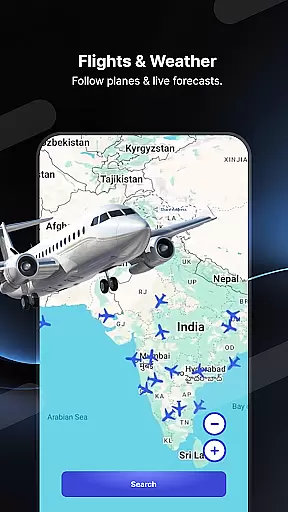
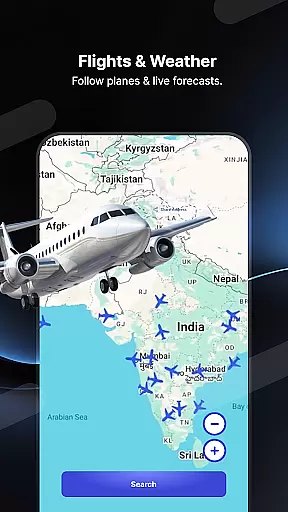
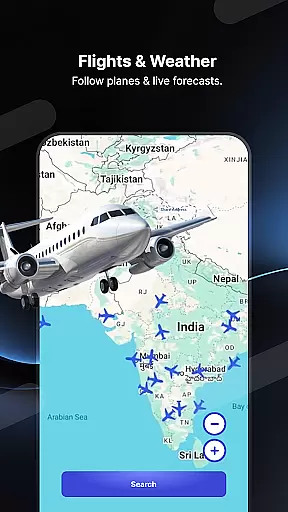
Beyond navigation, Radar GO-X offers innovative tools like HUD, which projects vital driving information onto the windshield for hands-free monitoring. It also doubles as a flight tracker, enabling users to monitor aircraft positions, locate nearby airports, and access timetables. Furthermore, the built-in family locator ensures peace of mind by allowing users to share and track locations securely. These multifunctional capabilities make Radar GO-X an indispensable companion for both daily commutes and long-distance travel.
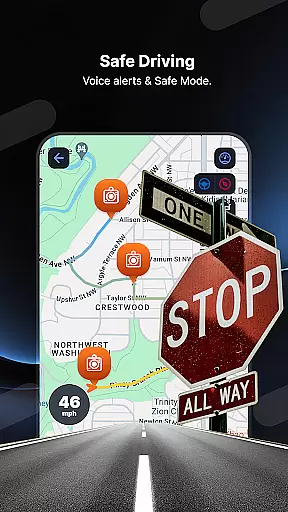
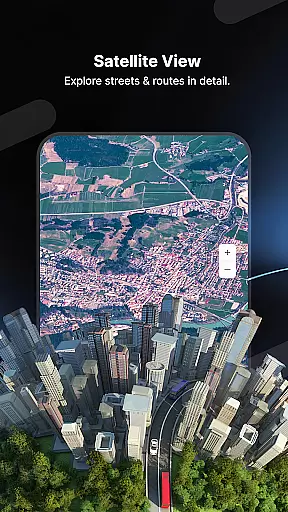
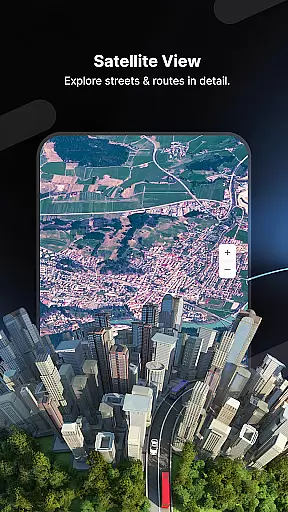
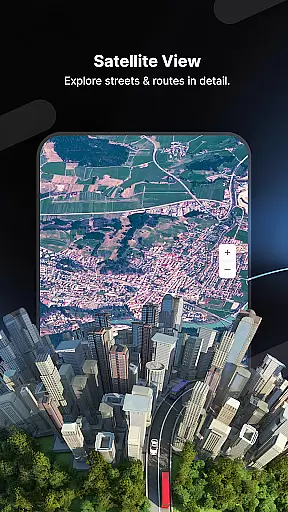
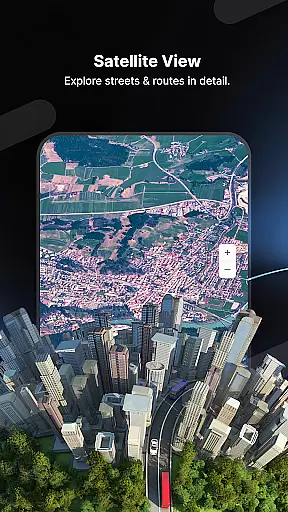
Map accuracy is a critical feature for any navigation app, and Radar GO-X excels in this area. The application provides real-time maps that are updated continuously to ensure users have the most precise location data available. This includes detailed information about speed cameras, police radar locations, and other essential points of interest on the map.
Radar GO-X uses advanced GPS technology to deliver high-precision mapping services. Users can rely on the app to navigate with confidence, knowing that the displayed map reflects the current road conditions and traffic situations accurately. Whether driving in urban areas or rural roads, the accuracy of the map ensures that users won't miss important details like sudden changes in speed limits or upcoming hazards.
The value of accurate mapping extends beyond just avoiding fines; it enhances overall safety and convenience. With features such as live traffic alerts and speed camera detection, drivers can adjust their routes proactively, saving both time and fuel costs. Additionally, the app's ability to display nearby airports and calculate flight paths adds another layer of utility for travelers who need comprehensive navigation support.
In summary, Radar GO-X offers an exceptional level of map accuracy that empowers users to make informed decisions while traveling. By providing reliable and up-to-date mapping information, the app not only helps prevent costly speeding tickets but also contributes significantly to safer and more efficient journeys.
Route planning is a fundamental aspect of Radar GO-X, designed to optimize travel efficiency and safety. The app offers sophisticated route calculation algorithms that take into account various factors such as real-time traffic conditions, speed limits, and proximity to speed checks. This ensures that users receive the best possible guidance tailored to their specific journey needs.
One standout feature of Radar GO-X is its ability to provide multiple route options, allowing users to choose based on preferences such as shortest distance or least congested paths. The inclusion of voice directions and offline maps further enhances usability, ensuring seamless navigation even without internet connectivity. Moreover, the appu2019s heads-up display (HUD) projects crucial driving information directly onto the windshield, keeping drivers focused on the road ahead.
Beyond standard vehicle navigation, Radar GO-X extends its route planning capabilities to air travel. Users can track flights, locate nearby airports, view timetables, and calculate routes between different aviation hubs. This multifaceted approach makes the app invaluable for those requiring detailed logistical support across various modes of transportation.
Ultimately, Radar GO-X transforms route planning into a dynamic and interactive experience. By integrating cutting-edge technology with user-centric design principles, the app delivers unparalleled convenience and peace of mind. Drivers and travelers alike benefit from optimized routes that save time, reduce stress, and enhance overall trip satisfaction.
User-friendly interface
Real-time speed alerts
Comprehensive mapping tools
Family location sharing
Accurate weather forecasts
Requires constant GPS usage
May drain battery quickly
In-app purchases available
Offline mode limited
Permissions needed for full functionality

Turn your Android device into a real off-road GPS using off-line topo maps!
 4.40
4.40
Easy, Moderate and difficult offroad adventures.
4.00
Play in the outdoors with Android as your Handheld GPS and offline topo maps!
3.50
OpenCPN is a full featured ChartPlotter and Navigator for Android.
3.60
America’s largest public fast charging network, with over 500 charging stations.
4.50
GPS Navigation: Get map directions and find the shortest routes to avoid delays!
4.00
Navigate seamlessly with Real-Time Traffic, Offline Maps, and Voice Navigation.
4.10
Use GPS Maps and GPS Voice Navigation to find your way and get directions
4.10
Navigate MTA, NJ Transit, MBTA, SEPTA, BART, MARTA, CTA & 900+ cities
4.60
Truck Safe GPS Navigation & Maps: Parking, Fuel, Diesel, Weight Station
4.80
Offline maps & GPS for hiking, travel, fieldwork & outdoor adventures
4.70
Parcel map, property lines, owner, acres, land use, zoning and more from Regrid.
4.60
Affordable rides and food delivery with incredible discounts in just one app.
4.50
Instant diesel discounts - save big with each fill up!
4.40
Maps, Driving Directions & GPS navigation using directions app & GPS App
4.30
GPS navigation offers route finder, compass, translator, currency converter, etc
4.30
GPS phone tracker, family locator, secure location sharing app
4.20
Find routes fast with GPS Maps, GPS Navigation & driving directions.
4.10
MapQuest is your go-to app for maps, GPS, voice navigation & live traffic.
3.80


User Reviews