
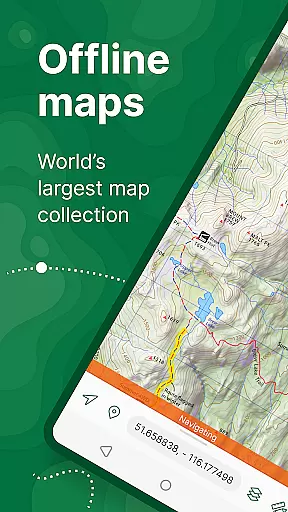
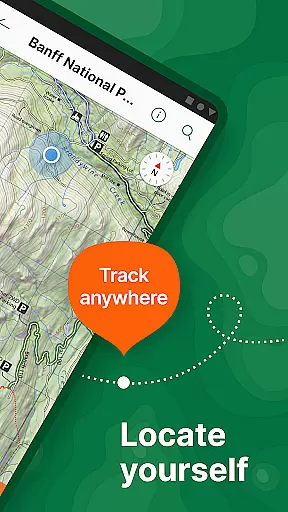
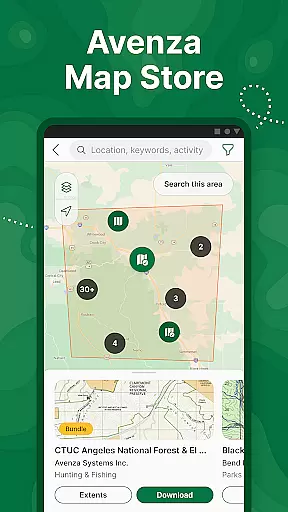
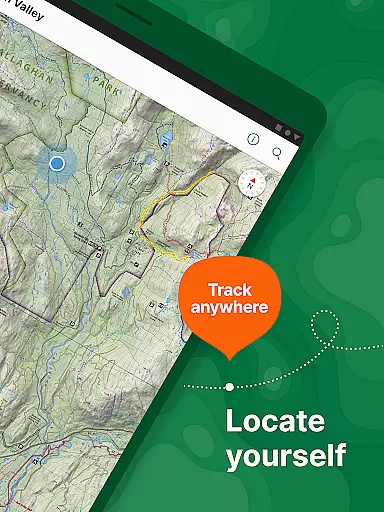
Avenza Maps is a premier offline mapping application designed for outdoor enthusiasts and professionals alike. This app offers an extensive collection of maps from top publishers, including National Geographic and the National Park Service, making it ideal for hiking, biking, and exploring trails. With offline GPS functionality, users can confidently navigate without internet connectivity while precisely tracking their location.
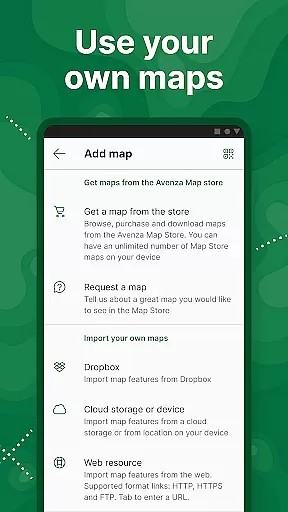
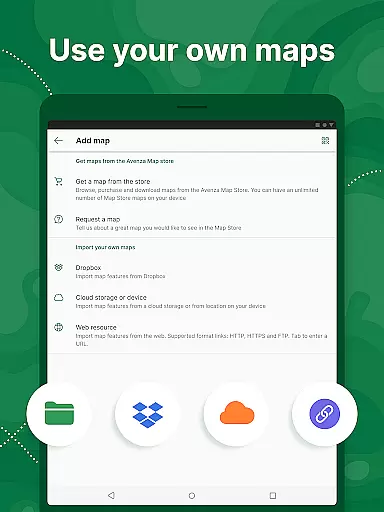
The app's versatility extends beyond recreational use, providing advanced tools for professional applications. Users can import custom geospatial maps in various formats, add placemarks, measure distances, and even record GPS tracks during activities. Avenza Maps also supports integration with high-accuracy GPS devices, enhancing its utility for surveyors, researchers, and adventurers who require precision and reliability in remote locations.
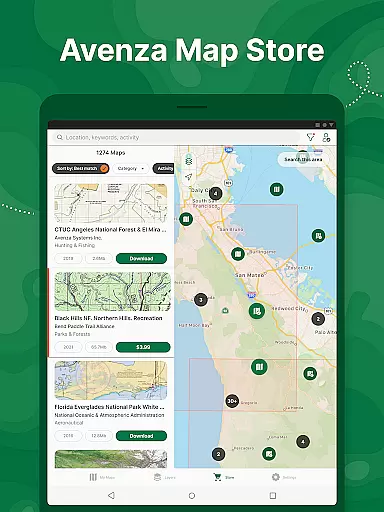
Avenza Maps stands out with its robust feature set tailored for both casual explorers and professional users. The app includes a vast Map Store where users can access thousands of premium maps across categories such as topographic, cycling, nautical, and trail maps. These maps are sourced from renowned publishers like USGS, NOAA, and Michelin, ensuring accuracy and detail.
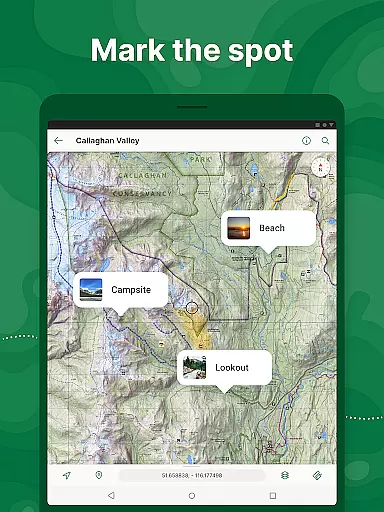
For enhanced navigation, Avenza Maps provides real-time GPS positioning, compass tools, and the ability to add photos and notes directly onto maps. Advanced functionalities include geofencing, map orientation lock, and support for industry-standard file formats like KML, GPX, and Shapefiles. Subscribers to the Plus or Pro plans gain access to unlimited custom map imports, additional coordinate display formats, and priority technical support, making this app indispensable for serious mapping needs.
Map accuracy is a critical feature for any navigation app, and Avenza Maps excels in this area. The application offers maps from reputable sources such as National Geographic, the US Forest Service, and NOAA, ensuring that users have access to reliable and precise mapping data. These maps cover a wide range of terrains and are continuously updated to reflect the latest geographical information.
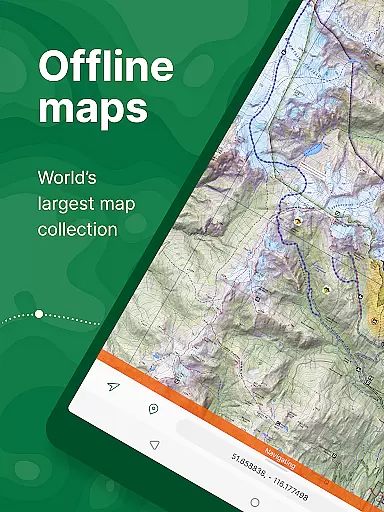
Avenza Maps provides offline functionality, allowing adventurers to download maps for use without an internet connection. This ensures that even in remote areas where connectivity is limited or non-existent, users can still pinpoint their location with confidence. The inclusion of what3words integration further enhances precision, enabling users to identify and share their exact location anywhere on the planet using just three words.
For professionals who require high levels of accuracy, Avenza Maps Pro supports advanced features like GPS averaging and additional coordinate display formats. Users can also connect high-accuracy GPS devices via Bluetooth, which is essential for tasks that demand exact positioning. With these capabilities, Avenza Maps not only meets but exceeds the expectations of both recreational explorers and professional mappers alike.
Route planning is an indispensable tool for anyone embarking on a journey, whether it's a casual hike or a complex off-road expedition. Avenza Maps equips its users with comprehensive route planning features that cater to various activities including hiking, biking, and off-roading. By providing detailed topographic, cycling, and trail maps, the app allows users to prepare for their trips by studying terrain elevations, road conditions, and potential obstacles before setting out.
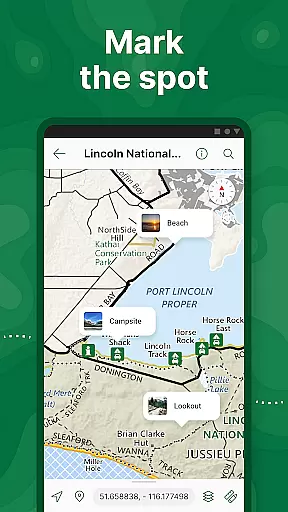
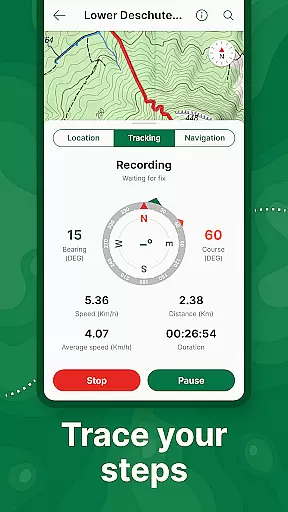
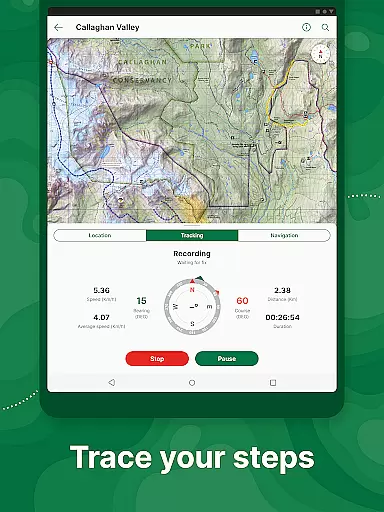
The app's ability to record GPS tracks adds another layer of utility to route planning. As users traverse their chosen paths, they can document their routes, making it easier to retrace steps or share successful trails with fellow adventurers. Additionally, the map annotation tools let users add placemarks, photos, and notes directly onto the map, creating personalized waypoints that enhance navigation and provide valuable context during future expeditions.
For those requiring more sophisticated planning options, Avenza Maps Pro offers advanced functionalities such as geofencing and converting tracks into areas. These features allow for strategic planning around specific zones, which is particularly useful for environmental monitoring or resource management projects. Overall, Avenza Maps delivers robust route planning capabilities that empower users to explore confidently while staying informed about their surroundings.
User-friendly interface
Offline GPS capability
Extensive map library
Custom map import
Professional-grade tools
Premium maps cost extra
Pro subscription expensive
Complex for beginners
Limited free features
High data usage

The fastest and most convenient way to pay for parking on our lots.
 4.40
4.40
Navigate with your watch and keep the phone in your pocket!
4.60
OpenCPN is a full featured ChartPlotter and Navigator for Android.
3.60
Airport parking, with airport shuttle (TPS shuttle), reservations, and Spot Club
4.80
Plan routes, share locations, and set custom alert zones
4.40
Ride CTA, Metra & Pace: Manage your fares, buy Metra tickets, get arrivals.
3.00
Your real-time window to the world. Explore anywhere, anytime.
3.30
Explore Live Earth Map with 3D World Map & locate cites, mountains real time.
3.80
Get matched with a nearby driver — you’ll be on your way in minutes.
4.30
Get there with the Waymo Driver — The World’s Most Experienced Driver™
4.90
America’s largest public fast charging network, with over 500 charging stations.
4.50
Maps, Driving Directions & GPS navigation using directions app & GPS App
4.30
Find radar, speed camera, flight tracker. Use hud, location tracker, speedometer
4.20
TACNAV-X: Precision MGRS navigation, built specifically for the military.
4.00
GPS Navigation: Get map directions and find the shortest routes to avoid delays!
4.00
Discover over 800 points of interest along the canal.
3.70
NJ TRANSIT information and ticketing at your fingertips
3.70
Compass is an accurate compass and a great tool for any outdoor activities
4.2
Fully offline 1:50k New Zealand topographical map North Island
4.3


User Reviews