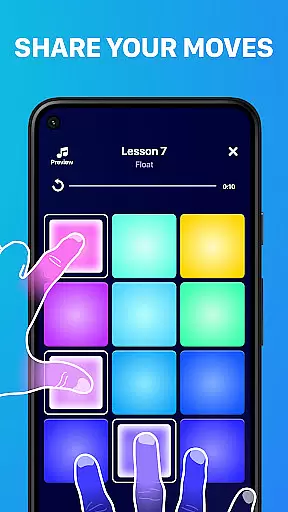
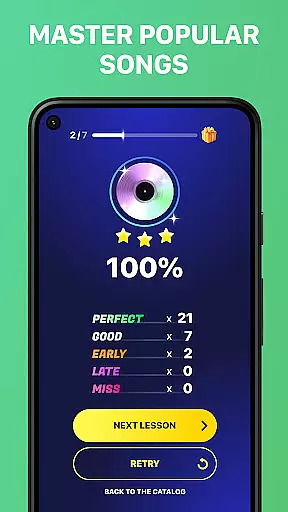
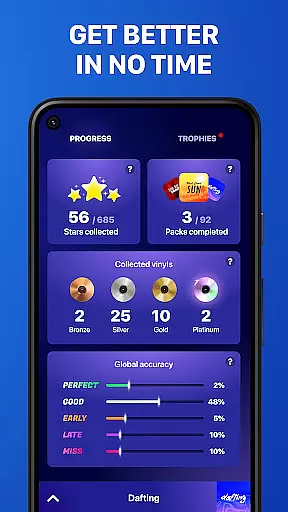
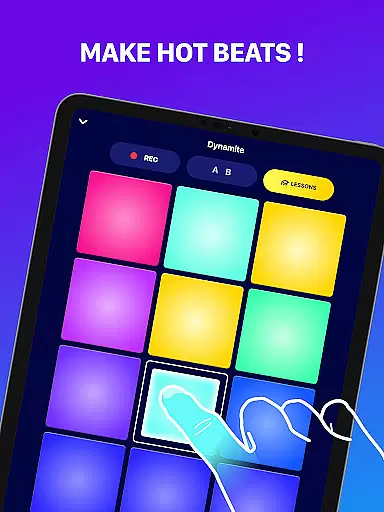
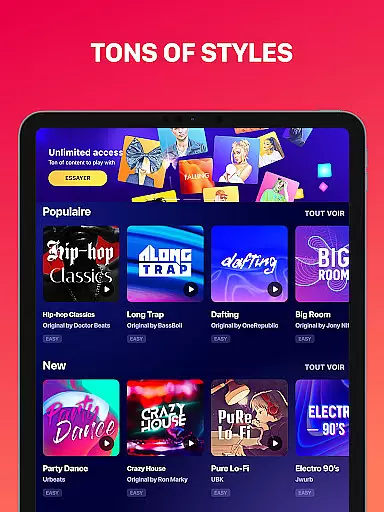
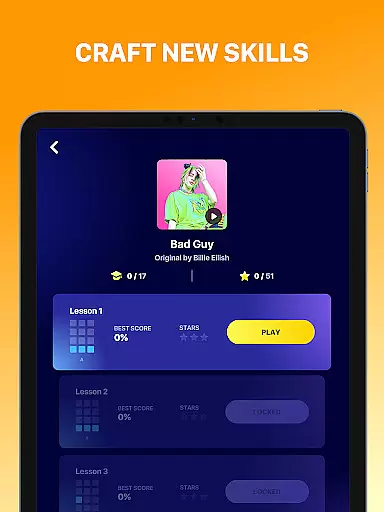
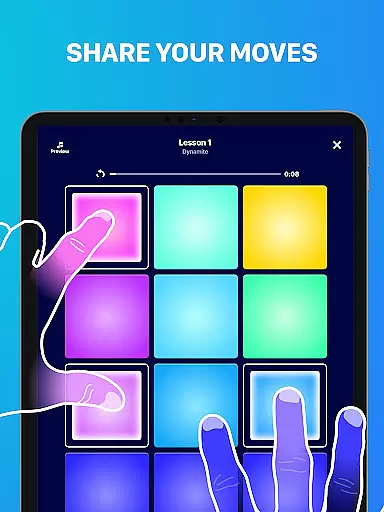
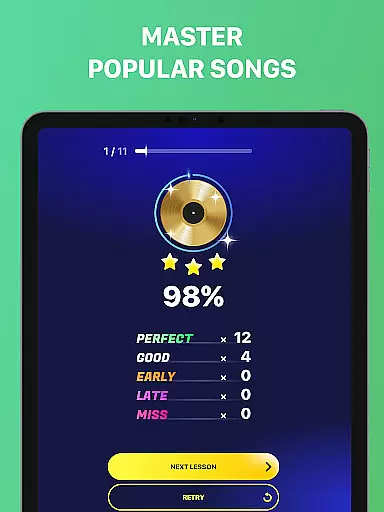
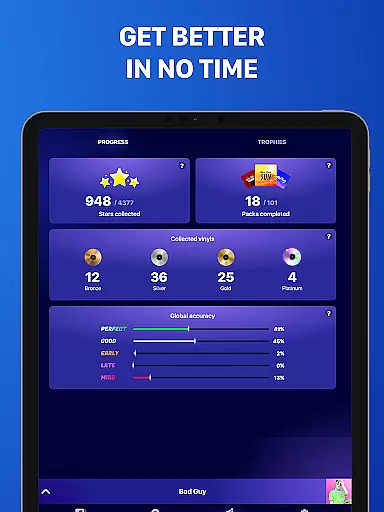
Beat Maker Pro is a powerful music creation tool that allows users to produce professional-quality beats and melodies right from their mobile device. Designed for both aspiring and experienced DJs, this app provides an intuitive platform to create music across various genres including dubstep, trap, EDM, and hip-hop.
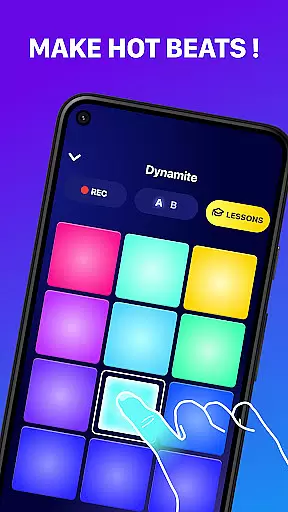
The app features a 24-pad drum machine interface that lets users craft intricate rhythms and experiment with different sounds. Whether you're looking to learn the basics of beat-making or seeking to refine your skills as a music producer, Beat Maker Pro offers comprehensive tools and lessons to support your creative journey.
Ideal for on-the-go music production, this application serves as a portable studio that empowers musicians to remix songs, develop unique beats, and explore diverse musical styles anytime, anywhere.
Beat Maker Pro stands out with its versatile feature set designed to cater to music producers of all levels. The app's centerpiece is its 24-pad drum machine interface, providing users with extensive sound manipulation capabilities and real-time performance controls.
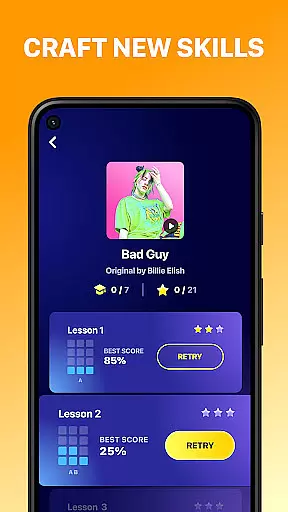
Advanced functionality includes multi-track recording, tempo adjustment, and a comprehensive library of pre-made loops and samples. Users can also benefit from interactive beat-making lessons and tutorials that cover fundamental techniques to complex rhythm patterns. The app supports seamless integration with other music production software, making it suitable for both casual experimentation and professional-grade music creation.
Additional notable features include customizable pad layouts, high-quality audio effects, and cloud synchronization for accessing projects across multiple devices. These robust capabilities ensure that users can achieve studio-quality results directly from their mobile devices.
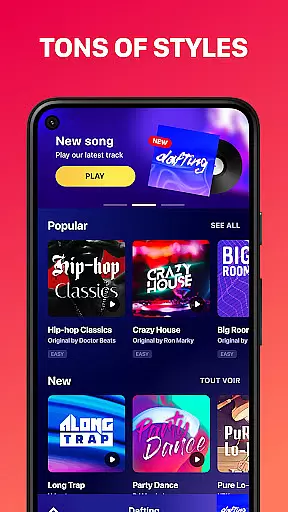
Beat Maker Pro offers an extensive music library that caters to a wide array of genres including dubstep, trap, EDM, and hip-hop. This vast collection ensures that users have access to a diverse set of sounds and loops, which is crucial for creating unique and engaging beats.
The app emphasizes copyright authenticity, providing users with the assurance that all the music content available for creating melodies and rhythms is legally licensed. This commitment to legal compliance not only protects users but also supports artists and creators whose work is featured within the app.
With Beat Maker Pro, users can confidently explore and utilize the full extent of the music library to experiment with different styles and genres. The availability of such a comprehensive and legally sound music library empowers users to produce professional-quality tracks without concerns about copyright infringement.
Audio quality is paramount when producing music, and Beat Maker Pro excels in delivering high-quality audio output. The app provides various audio quality options, allowing users to select the best setting that suits their needs, whether they are creating music for personal enjoyment or professional distribution.
Users can enjoy clear and crisp sound reproduction thanks to advanced audio processing technologies integrated into Beat Maker Pro. These technologies ensure that every beat, loop, and melody produced maintains its intended tone and character, preserving the artistic vision of the creator.
Furthermore, the app's support for multiple audio formats enhances its versatility, enabling seamless integration with other music production tools and platforms. This flexibility in audio quality options makes Beat Maker Pro an indispensable tool for aspiring and professional DJs alike, ensuring that their musical creations sound impeccable across different playback systems.
User-friendly interface
Extensive sound library
Real-time performance tools
Comprehensive learning resources
Cross-device project sync
Limited free content
Occasional interface lag
No MIDI support
Subscription fees apply
Steep learning curve

Formerly known as Spotistats! View your top tracks, artists, albums and more!
 4.40
4.40
Control your MIDI USB or Bluetooth devices in app and avoid some trampling
3.30
Simple & Intuitive Metronome
4.70
Visualize the guitar fretboard, master scales & play through changes like a pro!
4.50
Make songs with AI! Any genre, custom lyric, song generator for music creation!
4.80
Learn and play 2M+ music tabs & chords on guitar, ukulele, bass, and more
4.30
The original SP-1200 experience on your iPad
4.20
Turn Every Moment into Music
3.60
Get alarms that fit your lifestyle and wake up to the sounds you love.
4.80
24,000 free audio books and no ads!
4.90
JBL PartyBox APP works with 110/310/710/120/320/520/Encore/Encore 2/Encore Ess 2
4.80
Responsive piano with great sounds, graphics, and songs
4.80
Offline Music Player&MP3 Player with themes, equalizer, lyrics, music play mode
4.60
Help you quickly get started with Shokz headphones
4.40
Powerful 10-Band equalizer pro with sound booster improves Android audio quality
4.30
Master Salsa Rhythm quickly and with a lot of fun!
4.30
Smart piano keyboard, Classical to Pop, Real-time multiplayer connection!
4.20
Turn your phone into a musical instrument from the future!
3.90
MilkDrop for Android TV
3.00


User Reviews