
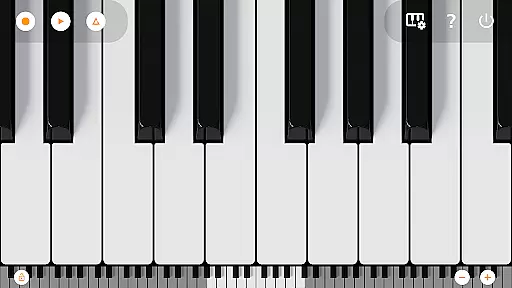
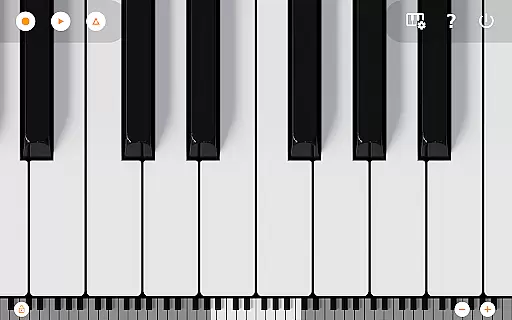
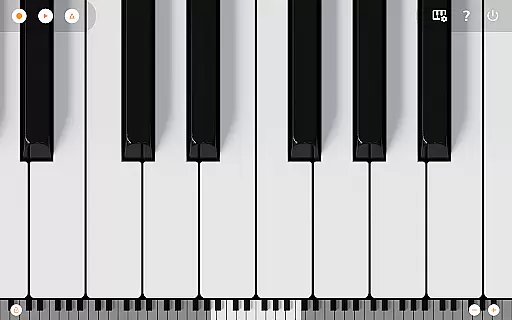
Mini Piano Pro is a top-tier piano application designed for Android users who appreciate high-quality sound and responsive performance. This app offers an immersive playing experience with its meticulously optimized features, all while maintaining a minimal install size.
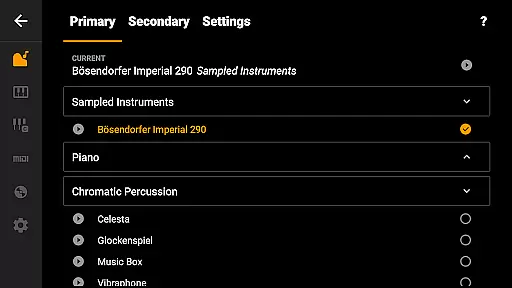
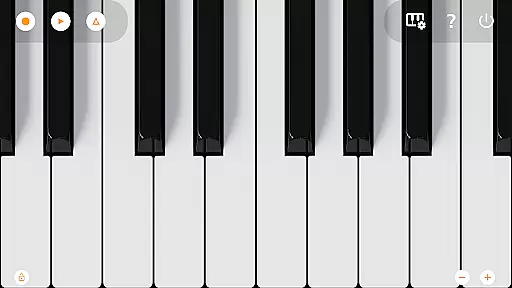
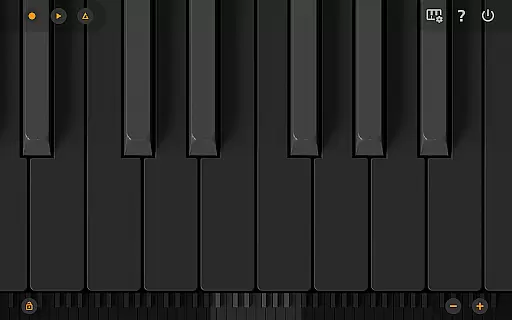
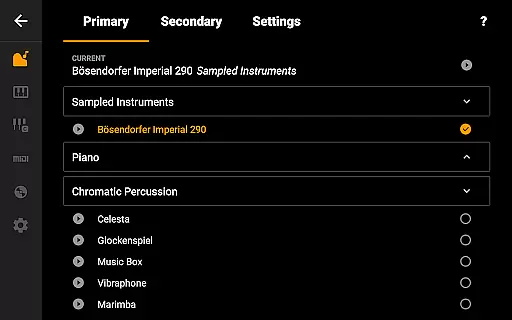
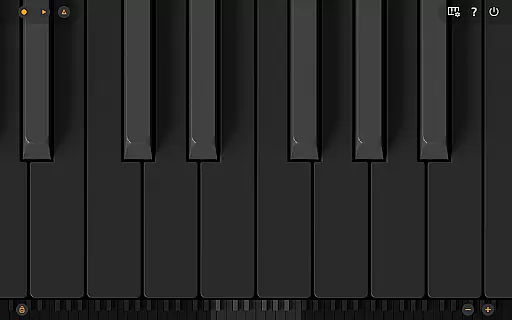
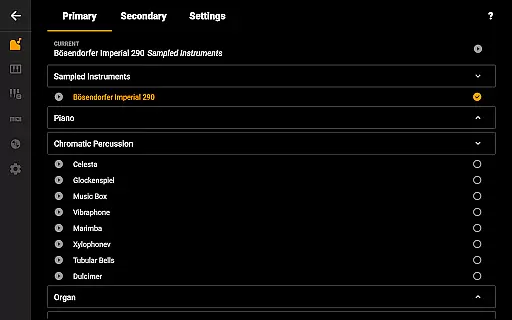
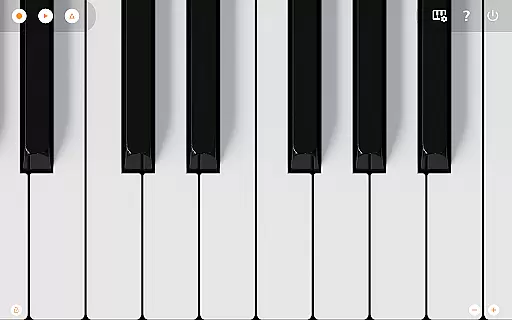
The app boasts a full 88-key keyboard that is both zoomable and scrollable, catering to the needs of both amateur and professional musicians. With various display modes, including an eye-friendly Dark Mode, users can customize their interface for the most comfortable experience. The default instrument is a beautifully sampled piano sound that closely mimics an acoustic piano, complemented by 128 additional MIDI instruments covering a broad spectrum of musical genres.
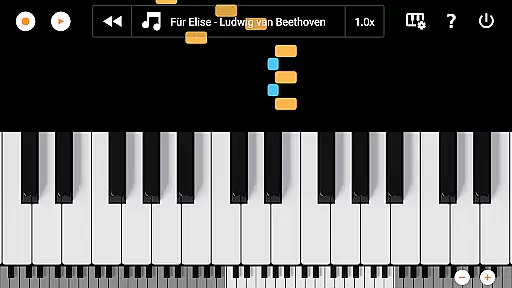
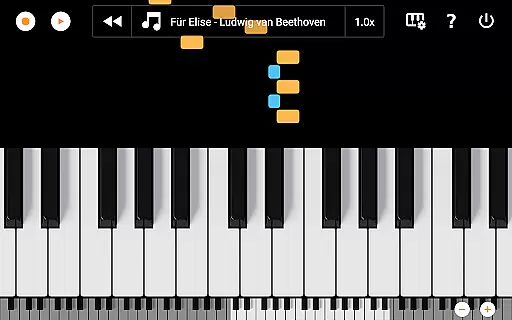
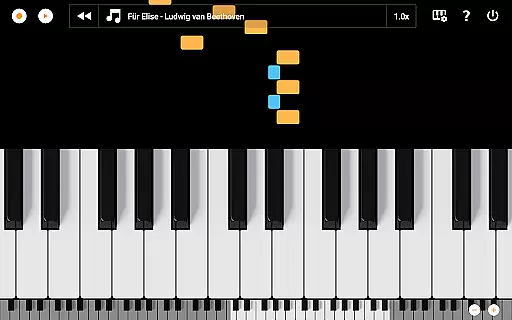
Designed with simplicity in mind, Mini Piano Pro provides a seamless recording feature, allowing users to capture their musical ideas as MIDI files and export them in multiple formats such as MP3, AAC, or WAV. Additionally, the song mode with falling blocks aids in learning new pieces, making it an ideal tool for music education and practice.
Mini Piano Pro stands out with its comprehensive set of features tailored for music enthusiasts. The app includes a full 88-key keyboard that mirrors a real piano, providing a realistic playing experience with great sampled piano sounds. Users can explore 128 different MIDI sounds, each offering unique tones and styles to suit diverse musical preferences.
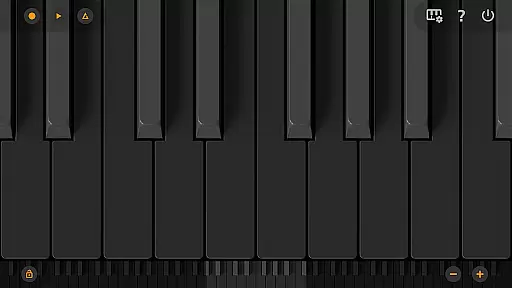
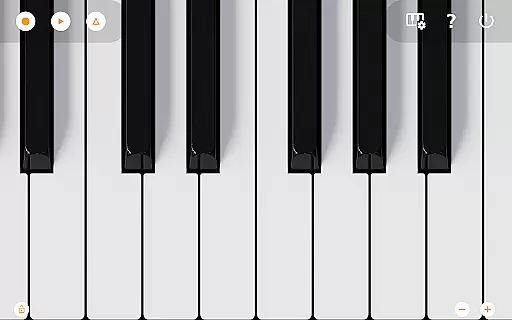
One of the key highlights is the Dark Mode support, which presents a fully darkened keyboard for those who prefer low-light environments. The app is optimized for various devices, including phones, tablets, and Chromebooks, ensuring a consistent experience across platforms. Multitouch support allows for complex compositions using all fingers, while easy zooming capabilities let users adjust the keyboard to fit their screen perfectly.
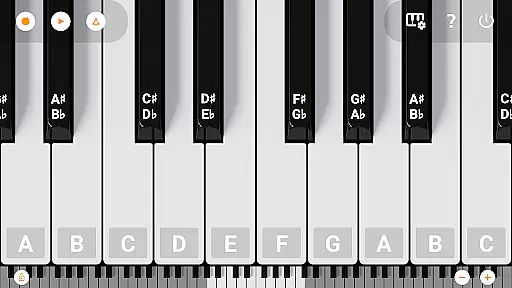
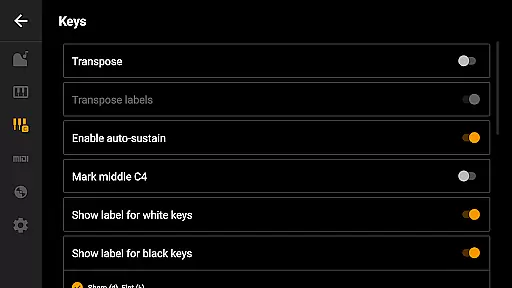
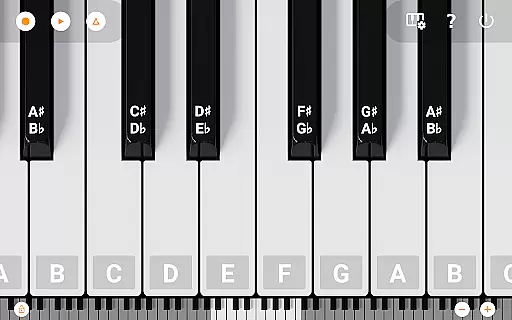
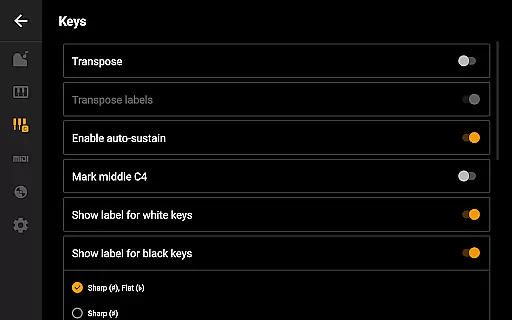
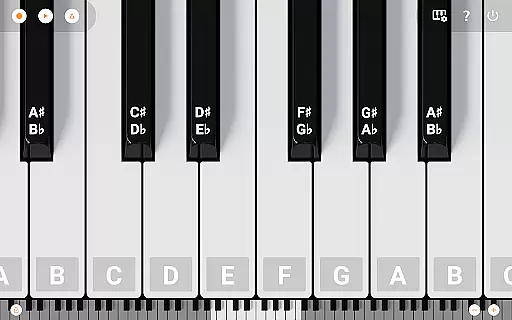
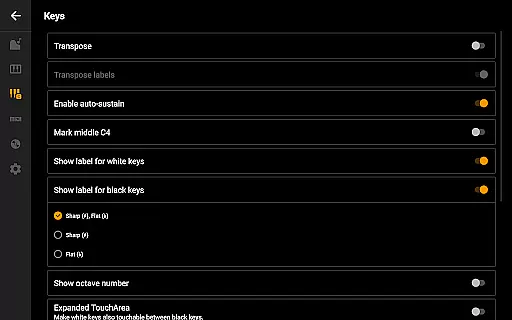
Additional functionalities include labeling notes with their names and octaves, setting a metronome for tempo control, transposing the keyboard by note or tuning it by Hz, and MIDI in/out support for integration with external keyboards or PCs. These features collectively make Mini Piano Pro a versatile tool for both casual play and serious music production.
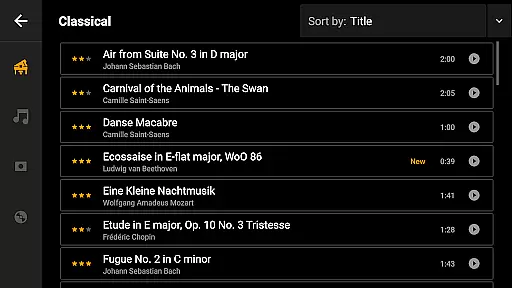
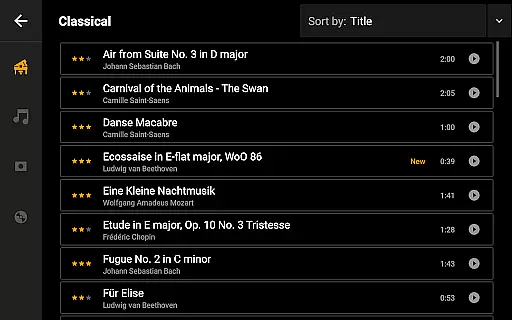
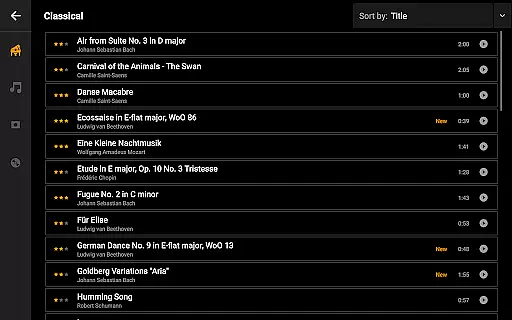
Mini Piano Pro offers an extensive music library that caters to a wide array of musical preferences. With 128 MIDI sounds included, the app covers various instrument types, ensuring that users have access to a rich and diverse selection of audio samples.
The app features a beautifully sampled piano sound that closely mimics the tonality of a real piano. This attention to detail in sound sampling not only enhances the authenticity of the music produced but also provides an immersive experience for the user, making practice and performance more enjoyable.
Copyright authenticity is taken seriously within Mini Piano Pro. The developers have ensured that all the sounds included are properly licensed, giving users peace of mind when using the app for personal enjoyment or professional projects. This commitment to legal compliance reflects the app's dedication to quality and respect for intellectual property rights.
By providing such a comprehensive and legally sound music library, Mini Piano Pro empowers musicians to explore different genres and styles without limitations. Whether you're a beginner learning your first notes or an experienced pianist looking for a portable solution, the app's vast sound repository supports your musical journey with confidence and credibility.
Audio quality is paramount in music production, and Mini Piano Pro excels in delivering pristine sound output. The app has been optimized to provide high-fidelity audio playback, which ensures that every note played retains its clarity and richness, essential for both practice and recording purposes.
Users can export their recordings in multiple formats including MP3, AAC, or WAV. This flexibility allows musicians to choose the format that best suits their needs, whether it be for sharing quick demos or producing high-quality tracks intended for distribution or further editing in professional software environments.
In addition to supporting various export formats, Mini Piano Pro also includes features like multitouch support and the ability to transpose the keyboard by note or tune it by Hz. These functionalities contribute to a versatile playing experience where nuances in expression and pitch can be finely controlled, resulting in superior audio outcomes.
With its focus on delivering top-notch audio quality options, Mini Piano Pro stands out as a powerful tool for musicians who demand excellence from their digital instruments. Its robust feature set makes it suitable for everything from casual play to serious music creation, affirming its status as a go-to application for discerning artists.
Realistic piano sound
Extensive instrument library
User-friendly interface
Multi-device optimization
No ads or internet permission
Limited free version
Advanced features may overwhelm beginners
Occasional bugs reported
Export options require additional steps
Learning curve for MIDI functions

 4.70
4.70
Full-featured, High-Quality Groovebox Workstation, perfect for Live Performance!
4.80
Walkout Song DJ is the most intuitive app to manage your sports music.
4.70
A sleek, no-frills player designed for true music lovers.
4.20
Play your hearts out on TouchTunes jukeboxes & connect with fellow music lovers.
4.80
Turn your Android phone into a professional audio analyser with up to 120 bands.
4.00
PowerAudio is a powerful offline music player.
4.20
One-tap booster for max volume - enjoy powerful sound with this audio booster
4.50
Get alarms that fit your lifestyle and wake up to the sounds you love.
4.80
Music, News & Sports Radio Tuner App. Tune in Live FM & AM Radio Stations.
4.80
Super Sound Editor, Song Maker & Mixer, Vocal Remover, Voice Recorder & Changer!
4.60
Recording studio w/ 10k beats, pro vocal FX and a network of 20M rappers & fans!
4.60
Your HD audio recorder on the go for music, meetings, ambience, animal sounds…
4.30
Enjoy singing any song, no matter how high or low it is
4.30
Master Salsa Rhythm quickly and with a lot of fun!
4.30
The official Sonos app
4.10
Offline Tunes, Unlimited Vibes
3.90
Simple mp3 and mp4 player with advanced features.
3.40
Control your MIDI USB or Bluetooth devices in app and avoid some trampling
3.30


User Reviews