
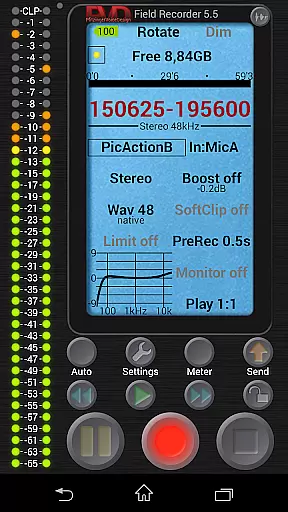
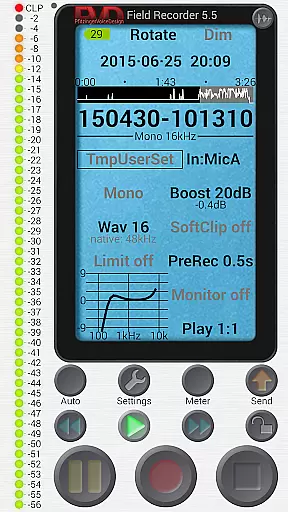
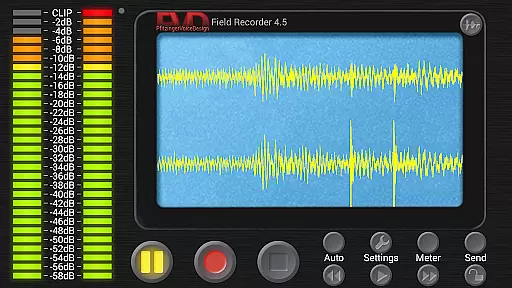
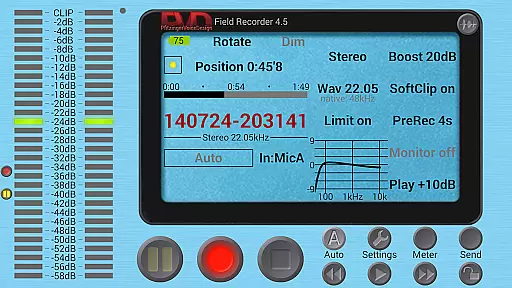
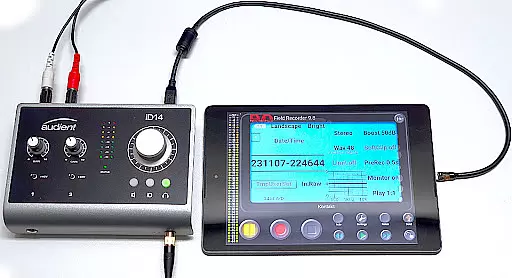
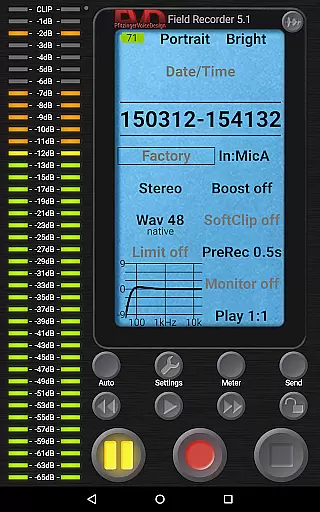
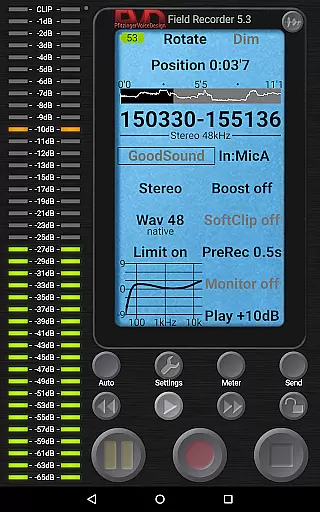
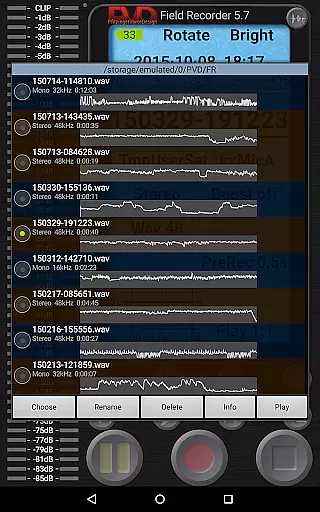
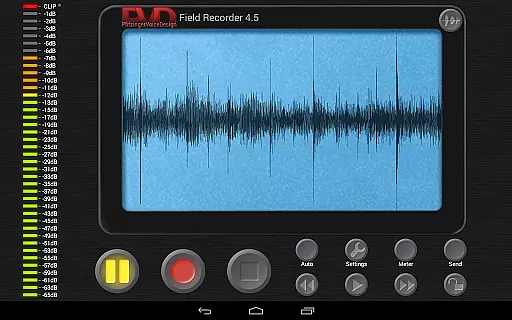
Field Recorder transforms your mobile device into a versatile audio recording tool, perfect for capturing high-quality sound on the go. With support for internal and external microphones as well as USB sound cards, it offers professional-grade recording capabilities in a portable package.
The app provides extensive control over audio parameters, allowing users to adjust settings with precision and save them as presets for quick access. Whether you're recording concerts, interviews, meetings, or natural sounds, Field Recorder ensures you never miss an important moment.
Designed for both casual users and audio professionals, this app enables direct sharing of recordings to various platforms immediately after capture. Its intuitive interface and customizable features make it an essential tool for anyone needing reliable and flexible audio recording.
Field Recorder stands out with its advanced audio processing capabilities. The app includes a range of professional tools such as low-cut filters, parametric equalizers, and stereo balance correction, ensuring optimal sound quality regardless of the recording environment.
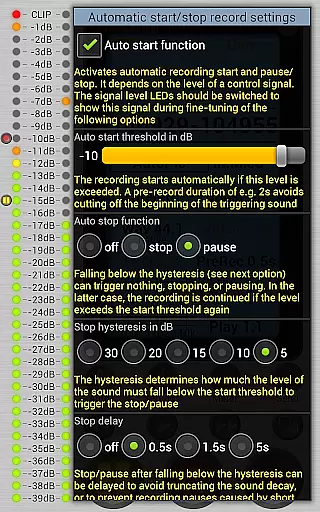
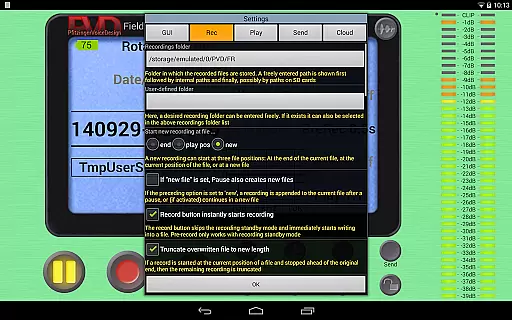
Users can take advantage of automatic features like volume-based start/stop control, email alerts for noise thresholds, and seamless file splitting at 4GB limits. These smart functions help maintain uninterrupted recording sessions while preventing data loss.
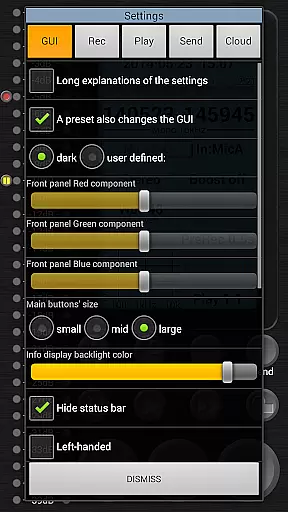
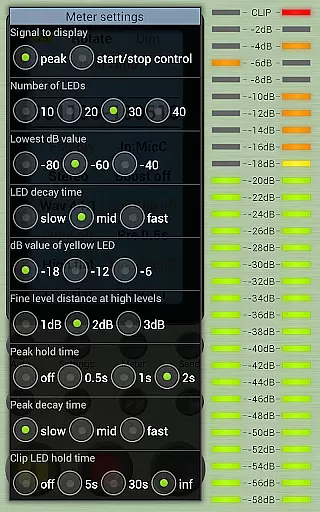
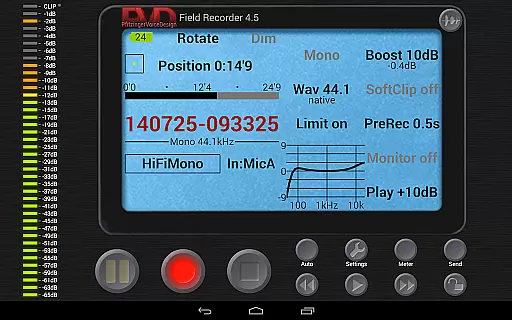
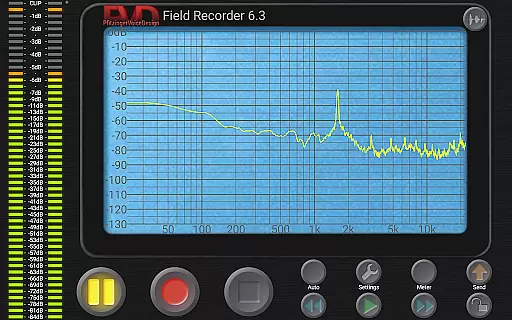
The app's monitoring system offers real-time visual feedback through spectrum, signal, and sonogram displays. Additionally, its highly configurable GUI lets users personalize their experience with color schemes, layout options, and button size adjustments, creating a truly customized recording setup.
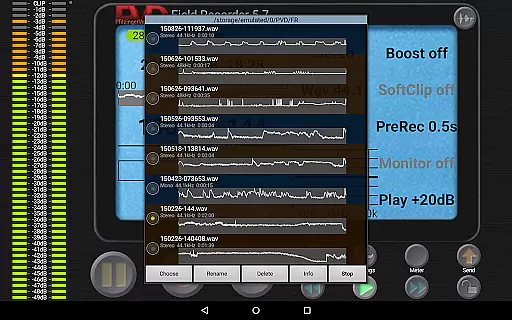
Field Recorder offers an extensive suite of features that make it a standout choice for audio recording. While it doesn't provide a traditional music library, its capabilities allow users to create a vast personal archive of recordings. These can range from band rehearsals and lectures to animal sounds and audio logs, all saved in formats like WAV, MP3, AAC, or FLAC.
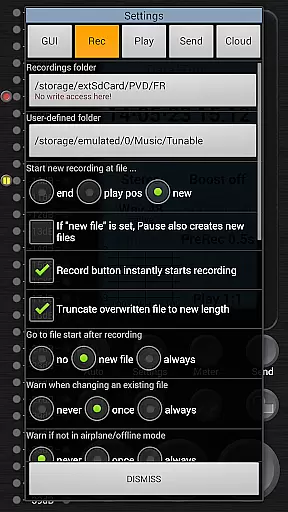
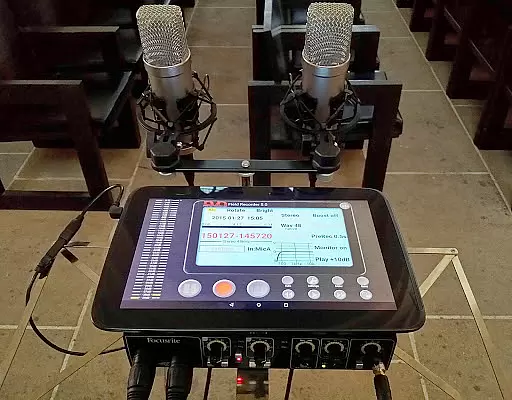
The app ensures copyright authenticity by giving users the tools to record original content using their devices. With support for internal and external microphones, as well as USB sound cards, Field Recorder allows for professional-grade stereo recordings at resolutions up to 192kHz/24-bit. This guarantees that your audio archive remains authentic and high-quality.
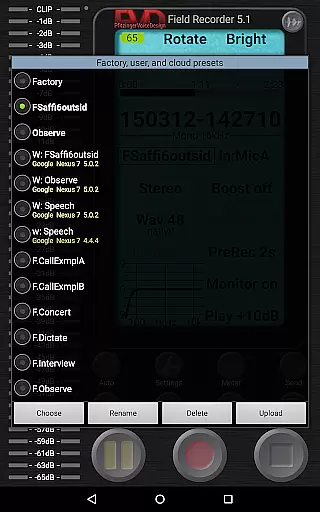
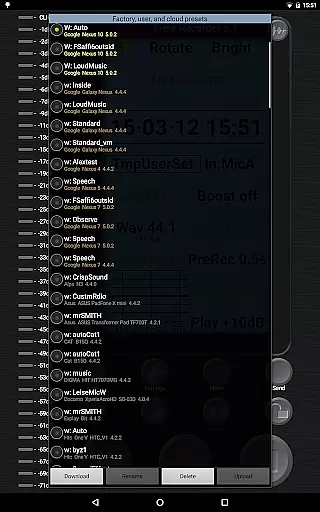
Users benefit from the ability to save and switch between custom presets, ensuring that their recordings are consistently tailored to specific scenarios. Whether you're recording a concert or monitoring environmental sounds, the app's versatility supports a wide array of use cases while maintaining the integrity and ownership of your audio files.
Audio quality is at the heart of Field Recorder's design. The app provides unparalleled control over audio parameters, allowing users to adjust settings more precisely than with any other recorder. Options include mono/16kHz/16-bit for efficient recordings or stereo/192kHz/24-bit for professional output, ensuring that users can achieve the desired balance between file size and sound fidelity.
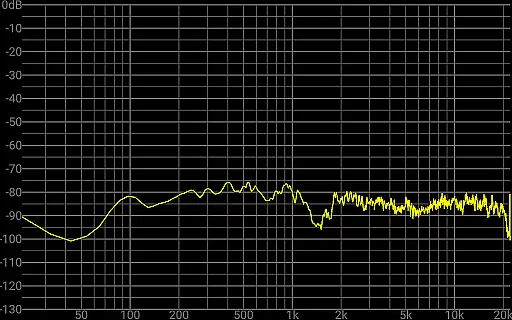
In addition to format flexibility, Field Recorder incorporates advanced audio processing tools. Features such as low-cut filters, parametric and shelving equalizers, and stereo balance correction help mitigate common recording issues. A configurable limiter, soft clipping, noise shaping, and dithering further enhance the final product, making sure every recording meets high standards of clarity and precision.
For those who demand the best in audio quality, Field Recorder also includes real-time monitoring with latency as low as 20ms. This feature, combined with a spectrum analyzer and sonogram display, empowers users to capture pristine audio in diverse environments. Whether you're recording a podcast or conducting fieldwork, these tools ensure exceptional results every time.
User-friendly interface
High-quality audio recording
Extensive customization options
Professional audio processing tools
Convenient file sharing capabilities
Complex for beginners
Requires additional apps for format conversion
Some features need specific hardware
Advanced settings may overwhelm casual users
Interface customization takes time to learn

The Cubase remote control app
 3.60
3.60
Time Trainer: accurate metronome w tools to help you develop your internal time!
4.20
JBL PartyBox APP works with 110/310/710/120/320/520/Encore/Encore 2/Encore Ess 2
4.80
Listen radio AM / FM Stations. Live AM / FM Radio App Station. Radio Com.
4.70
Voice recorder - Audio recorder. Best recorder for recording
4.90
Smart piano keyboard, Classical to Pop, Real-time multiplayer connection!
4.20
PowerAudio is a powerful offline music player.
4.20
Offline Tunes, Unlimited Vibes
3.90
Sing, record, and create music together — enhanced by smart voice tools.
4.00
Play your hearts out on TouchTunes jukeboxes & connect with fellow music lovers.
4.80
Gorgeous UI, Powerful music Search and Equalizer, the great choice for you!
4.70
A complete sound package for the sound engineer or enthusiast
4.60
DJ Music Mixer - DJ Remix: remix songs, make beat music & record mix of DJ.
4.40
Play KORG’s revolutionary touch-based instrument on a variety of devices.
4.40
Ringtone Maker is free app create ringtone from music files or your recording.
4.40
Full featured mp3 and audio player with Chromecast and Android Auto support.
4.40
Next generation modular control surface
4.10
The official Sonos app
4.10
Remove ads permanently from Music Visualizer
4.0


User Reviews