
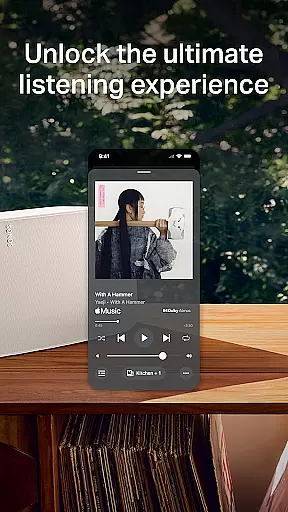
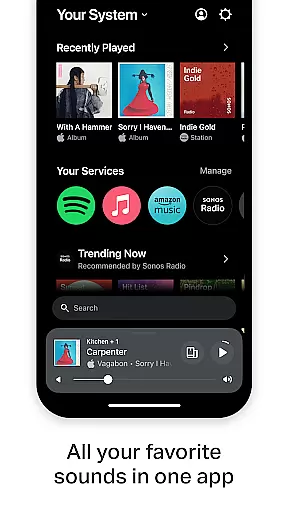
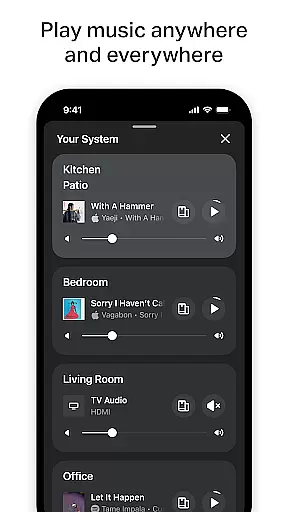
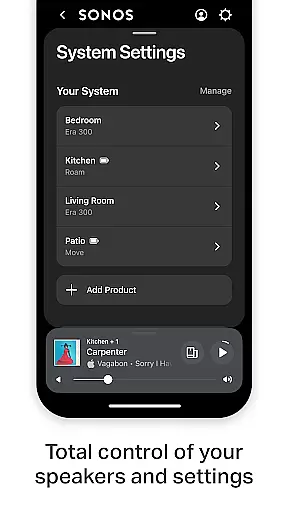
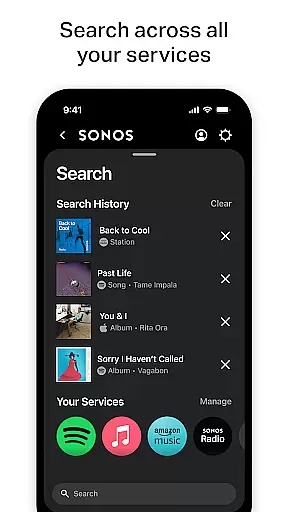
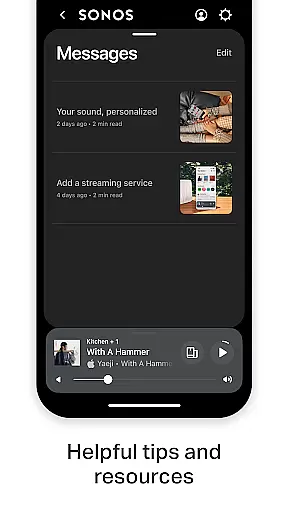
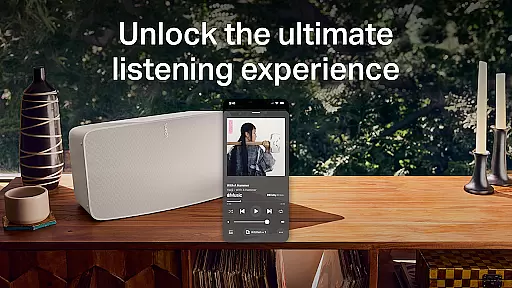
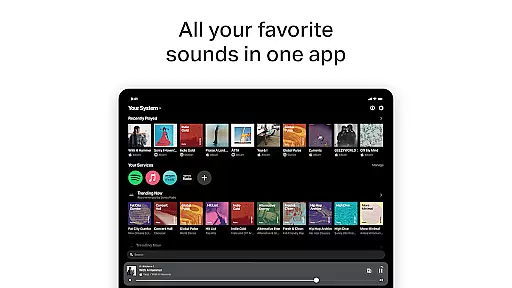
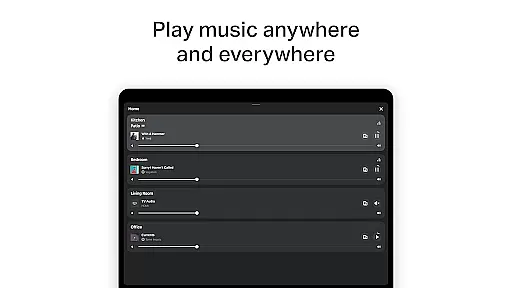
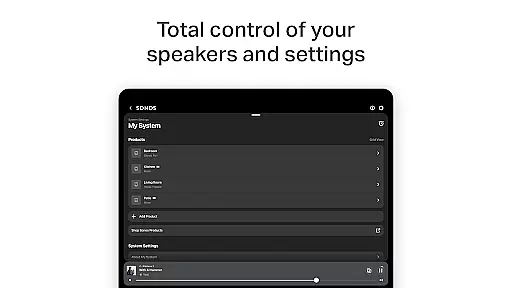
The Sonos app is your ultimate control center for managing all Sonos products and enhancing your listening experience. It consolidates content from various streaming services like Spotify, Apple Music, and Amazon Music into one intuitive interface. With features such as Whole-Home Control, you can play different music in each room or synchronize the same track throughout your home.
Personalized Listening allows you to save favorite artists and playlists while Trueplay™ tuning optimizes sound for your space. The app also simplifies setup with automatic product detection and easy configuration of stereo pairs or surround sound systems. Additionally, Sonos Voice Control offers hands-free operation, making it easier than ever to enjoy high-quality audio tailored to your preferences.
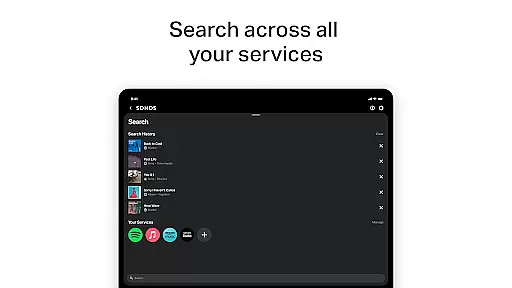
The Sonos app boasts a range of advanced features designed to elevate your audio experience. One standout is its ability to integrate multiple streaming services, allowing seamless browsing and playback from platforms like Spotify, Apple Music, and more. This unified approach eliminates the need to switch between apps, streamlining your listening process.
Another key feature is Whole-Home Control, which lets you manage music playback across different rooms. You can play unique tracks in each area or sync them for a consistent sound experience. Personalized Listening enhances this further by enabling users to save favorite content and fine-tune speaker settings with Trueplay™ technology. Easy Setup ensures that even newcomers can quickly configure their system, detecting devices automatically and guiding you through creating immersive audio setups.
The Sonos app offers an extensive music library, integrating multiple streaming services such as Spotify, Apple Music, Amazon Music, and more. This vast aggregation ensures that users have access to millions of songs, albums, and playlists from around the world.
Copyright authenticity is a cornerstone of the Sonos experience. By partnering directly with music service providers, Sonos guarantees that all content available through its platform is fully licensed and legal. This commitment to copyright compliance provides peace of mind for users who want to enjoy their music without concerns about legality.
Moreover, the app allows users to save their favorite artists, albums, and playlists to Sonos Favorites, creating a personalized music library that respects copyright laws. This feature not only enhances user convenience but also supports artists and content creators by ensuring their work is properly credited and compensated.
Audio quality is paramount in the Sonos app, offering various options to suit different listener preferences and network conditions. Users can choose between standard and high-quality audio streams, balancing sound fidelity with bandwidth usage for an optimal listening experience.
The app supports advanced audio formats and technologies, delivering crystal-clear sound across all compatible devices. Whether enjoying music through headphones or filling a home with multi-room audio, Sonos ensures consistent quality that meets audiophile standards.
Additionally, features like Trueplayu2122 allow for fine-tuning of audio settings based on the acoustic properties of each room. This customization capability ensures that every note sounds exactly as intended, providing listeners with an immersive and true-to-source auditory experience regardless of their environment.
User-friendly interface
Wide service compatibility
Whole-home audio control
Personalized listening options
Easy setup process
Voice control limited by region
Requires compatible hardware
Advanced features need premium subscription
Occasional connectivity issues
Steep learning curve for beginners

Your HD audio recorder on the go for music, meetings, ambience, animal sounds…
 4.30
4.30
Equalizer, Bass Booster and Volume Booster (Eq & Bass) improve sound quality
4.30
The ultimate media player for Android devices
3.90
Voice recorder - Audio recorder. Best recorder for recording
4.90
No wifi music app. Mp3 offline. Tuner radio, young radio music. Music downloader
4.20
Offline Music Player&MP3 Player with themes, equalizer, lyrics, music play mode
4.60
Let your Android device with the sound effects you want
4.50
Listen to offline music and sounds from all categories
4.70
Be a true music maker: create beats, mix and make music like a real DJ!
4.30
Performance-Synthesizer & Multi-Track-Sequencer, polyphonic + multi timbral!
4.70
Ultimate Sonos Controller
4.70
Listen radio AM / FM Stations. Live AM / FM Radio App Station. Radio Com.
4.70
Bass Booster & Volume Equalizer Pro improves your music and video sound quality
4.60
Full featured mp3 and audio player with Chromecast and Android Auto support.
4.40
Smart piano keyboard, Classical to Pop, Real-time multiplayer connection!
4.20
Offline and always ad-free - stream in the highest quality available.
4.10
USB audio recording and playback finally possible on Android 3.1 or higher!
3.90
Slow music down without changing pitch.
3.70
MilkDrop for Android TV
3.00


User Reviews