
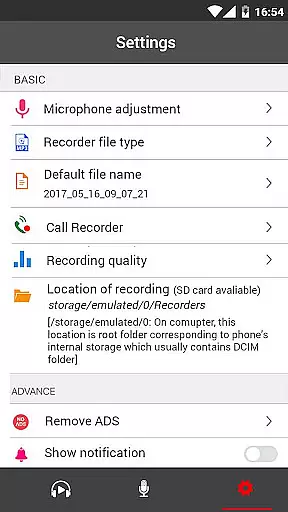
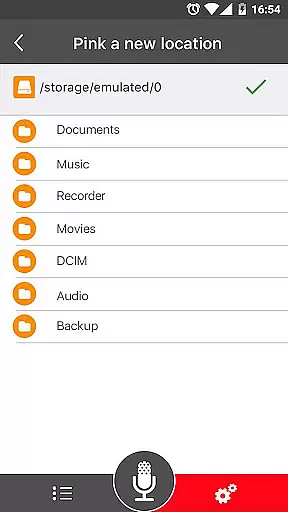
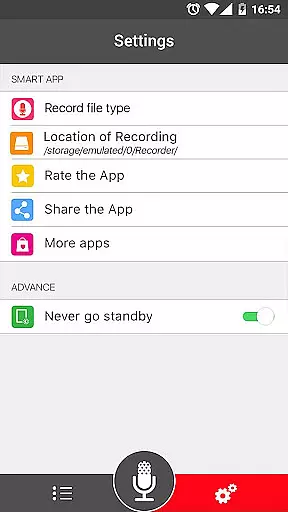
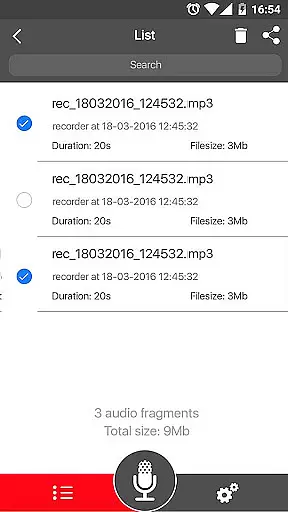

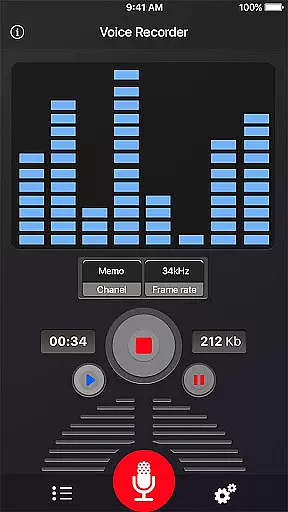
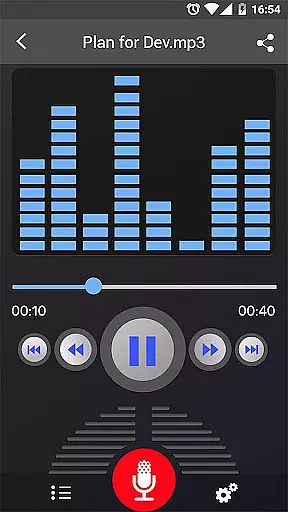
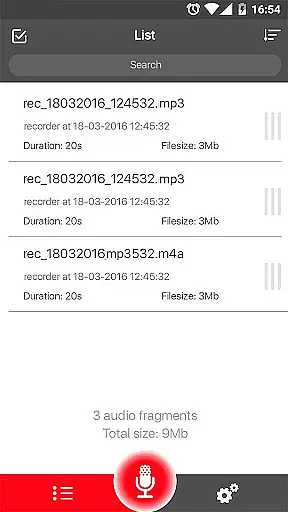
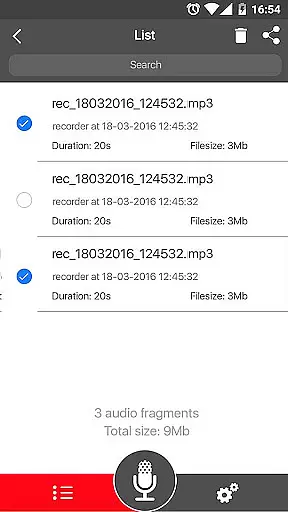
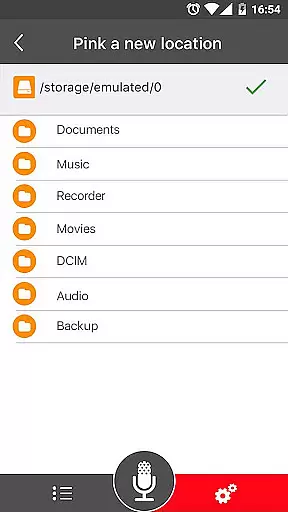
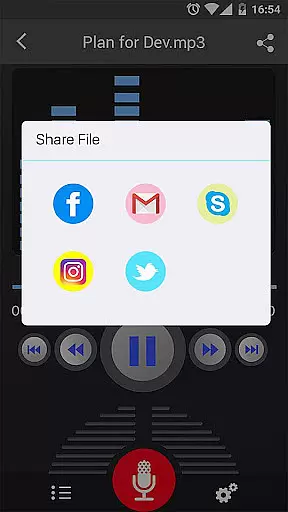
Voice Recorder is a top-tier audio recording application designed for capturing high-quality sound recordings across various scenarios. This app allows users to reliably document meetings, personal notes, lectures, interviews, and more, without any time restrictions. Its intuitive interface ensures ease of use while offering professional-grade recording capabilities.
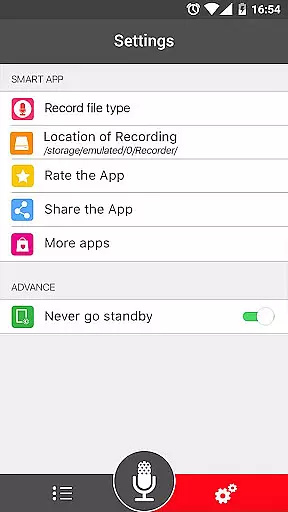
One of the standout features of Voice Recorder is its ability to support multiple file formats such as MP3 and OGG, making it versatile for different user needs. Additionally, the app provides advanced functionalities like live audio spectrum analysis, MP3 encoding with adjustable sample rates, and background recording. These features make it an ideal tool for both casual and professional recording requirements.
Whether you're a student wanting to record lectures, a professional needing to capture meetings, or a musician recording new ideas, Voice Recorder offers a complete package that caters to all these needs efficiently and effectively.
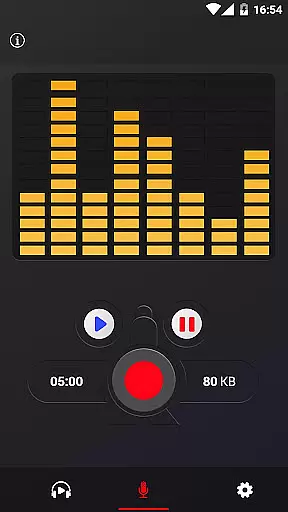
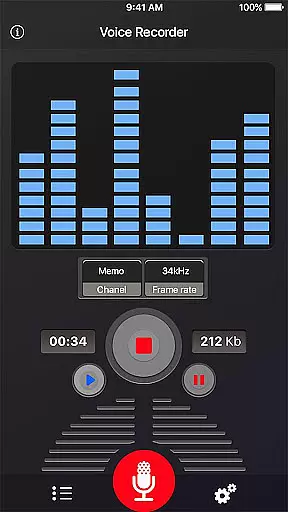
Voice Recorder stands out due to its comprehensive set of features tailored for high-quality audio recording. The app supports multiple file formats including MP3 and OGG, providing flexibility in how recordings are stored and shared. With options for MP3 encoding at adjustable sample rates between 8-44 kHz, users can customize the quality and size of their audio files according to their preferences.
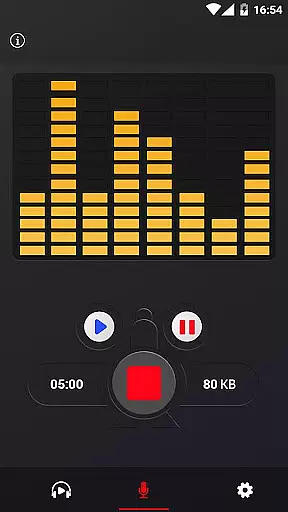
The app also includes a live audio spectrum analyzer, which helps users monitor sound levels in real-time during recording sessions. Another notable feature is the ability to record in the background, even when the display is off, ensuring uninterrupted recording. Additionally, the microphone gain calibration tool allows users to fine-tune audio input levels for optimal recording quality.
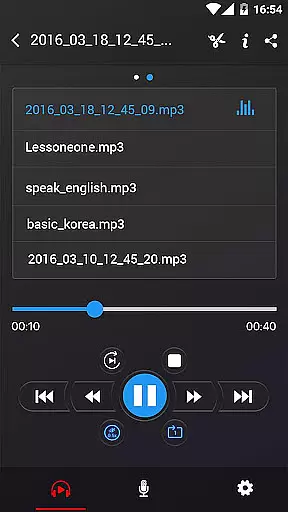
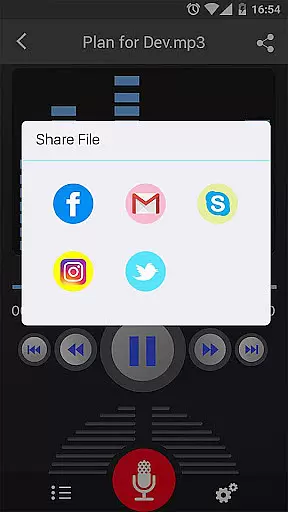
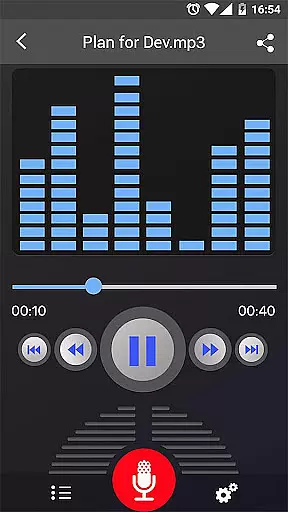
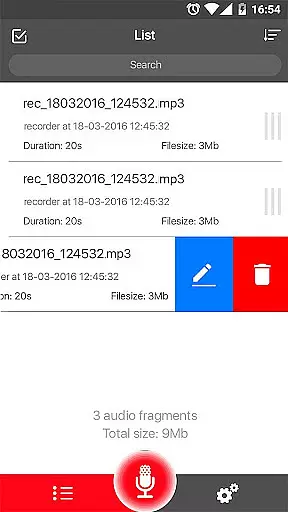
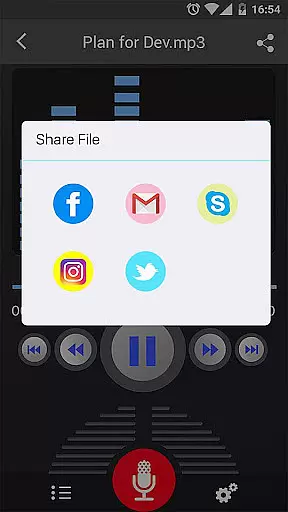
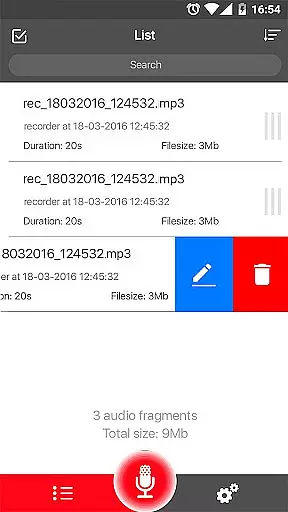
Other essential features include the ability to play, pause, stop, delete, and share recordings directly from the app. Users can send their recordings via email, SMS, MMS, or popular social media platforms like Facebook and WhatsApp. Despite its robust feature set, it's important to note that Voice Recorder does not support call recording functionality.
When it comes to recording and managing audio files, the size and authenticity of the music library are crucial. Voice Recorder offers a robust set of features that ensure high-quality recordings while maintaining copyright integrity. With support for multiple formats like MP3 and OGG, users can create a diverse library of audio content.
The application allows for mp3 encoding with adjustable sample rates ranging from 8 to 44 kHz, ensuring that each recording meets the necessary quality standards. This flexibility in format and quality settings enables users to build an extensive and versatile music library tailored to their specific needs.
Moreover, Voice Recorder provides tools such as a microphone gain calibration tool and live audio spectrum analyzer, which help in producing clear and professional-grade recordings. These features collectively contribute to the creation of a comprehensive music library that respects copyright laws, making it a reliable choice for both personal and professional use.
Audio quality is paramount when recording voice or sound, and Voice Recorder excels in providing various options to ensure top-notch audio output. The app supports high-quality recording with features like background recording and adjustable sample rates, allowing users to capture every detail with precision.
One standout feature is the ability to record in the background, even when the display is off. This ensures uninterrupted recording sessions, which is particularly useful for long meetings or lectures. Additionally, the app's support for different file formats such as MP3 and OGG gives users the flexibility to choose the best format for their audio needs.
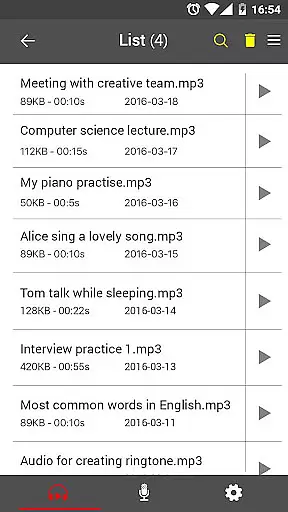
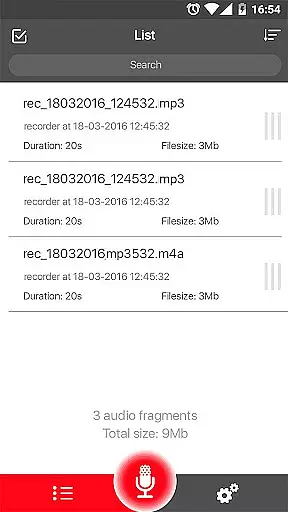
Voice Recorder also includes playback controls such as play, pause, and stop, along with an easy-to-use recordings list. Users can share their recordings via email, SMS, MMS, Facebook, WhatsApp, Dropbox, and more. These sharing options enhance the overall user experience by providing seamless integration with other platforms, thus ensuring that the audio quality remains uncompromised during transmission.
User-friendly interface
High-quality recordings
Multiple file format support
Background recording capability
Live audio spectrum analyzer
No call recording feature
Limited sharing options
Occasional bugs reported
Ads present in free version
Advanced features require learning

Turn your phone into a musical instrument from the future!
 3.90
3.90
Make music anywhere. Turn your device into an instrument.
4.2
Tune in to the greatest hits on UK Radio | The home of Capital, Smooth & Heart.
4.90
Pay Once, no monthly payment
4.60
Walkout Song DJ is the most intuitive app to manage your sports music.
4.70
A High-Precision Audio Spectrum Analysis App
4.20
The Minimalistic Premium Music Player. Handmade with passion for music
2.20
Offline Tunes, Unlimited Vibes
3.90
Reverse your voice & songs instantly! Fun singing challenge with cool effects.
4.60
Performance-Synthesizer & Multi-Track-Sequencer, polyphonic + multi timbral!
4.70
Most Advanced AI Song Generator and Music Creator. Rap, Pop, Rock, Gospel & more
4.70
Visualize the guitar fretboard, master scales & play through changes like a pro!
4.50
Help you quickly get started with Shokz headphones
4.40
Play KORG’s revolutionary touch-based instrument on a variety of devices.
4.40
Equalizer, Bass Booster and Volume Booster (Eq & Bass) improve sound quality
4.30
Enjoy singing any song, no matter how high or low it is
4.30
No wifi music app. Mp3 offline. Tuner radio, young radio music. Music downloader
4.20
The original SP-1200 experience on your iPad
4.20
The Skullcandy App Experience
3.20


User Reviews