
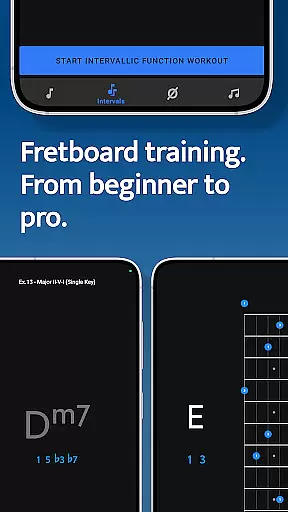
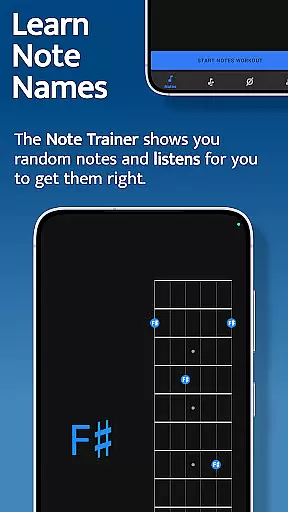
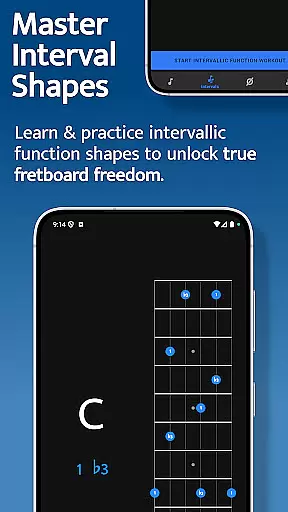
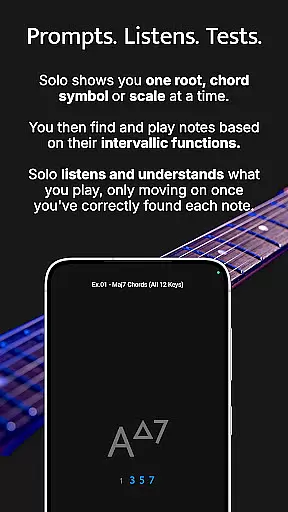

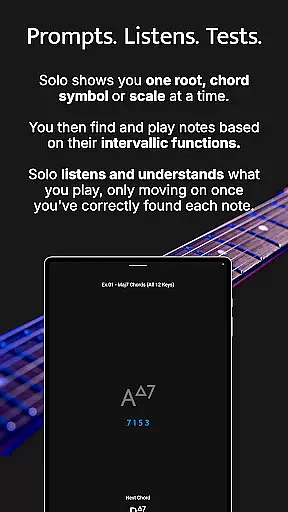

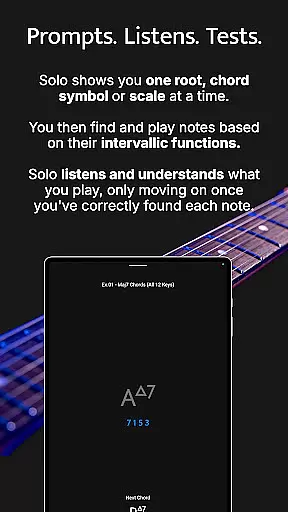

Solo is a premier practice application designed to help guitarists and bassists master fretboard visualization. Developed by renowned guitarists Tom Quayle and David Beebee, this app offers four powerful fretboard trainers that focus on different aspects of learning. Users can work on memorizing note names, understanding interval shapes, outlining chord changes, and practicing scales. Solo listens to the notes played and ensures each exercise is completed correctly before progressing, making it an essential tool for musicians at any level.
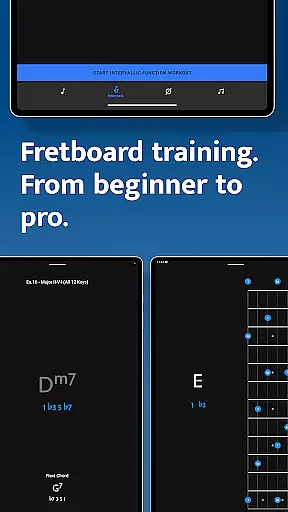
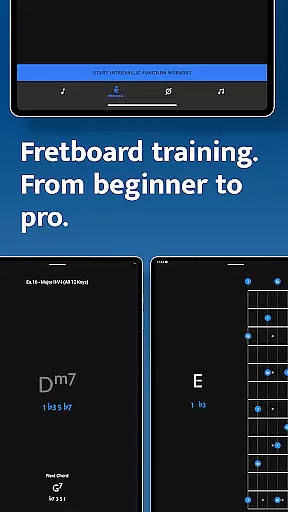
The app caters to both beginners and advanced players, providing features like interactive fretboards, custom interval groups, and duration-based workouts. Whether you're learning basic note names or complex melodic structures, Solo transforms your playing and boosts confidence on the fretboard. Its comprehensive approach helps users break out of scale boxes and truly understand the fretboard's layout.
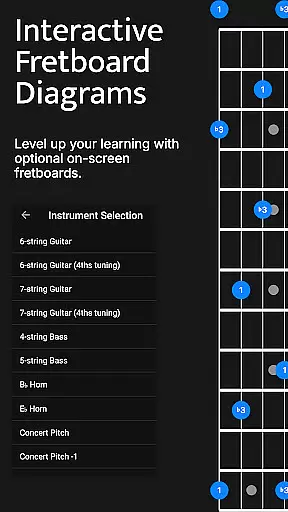
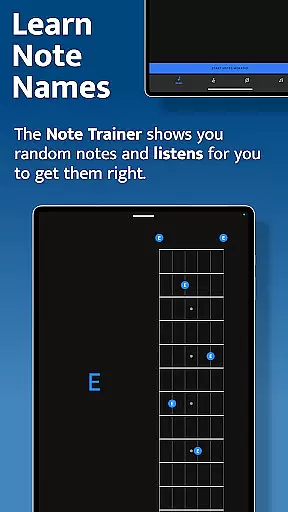
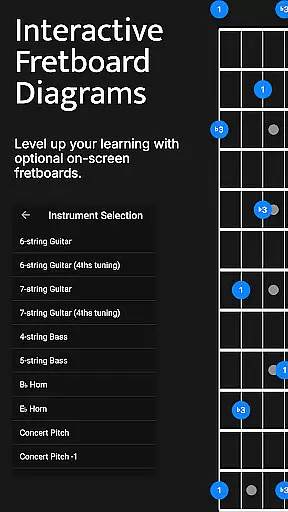
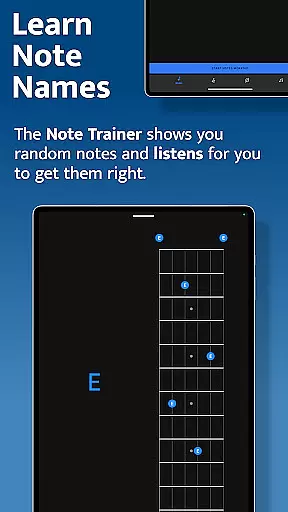
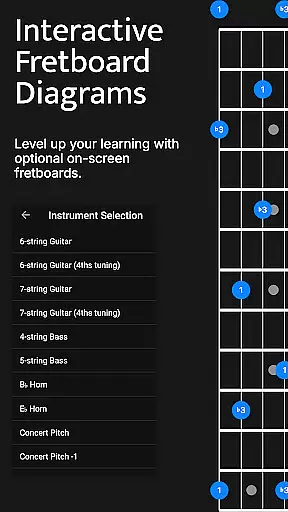
Solo stands out with its four specialized trainers: Note Trainer, Interval Trainer, Changes Trainer, and Scale Trainer. The Note Trainer is ideal for beginners, helping them learn note names through random root notes and interactive diagrams. It supports various string configurations, including 6-string guitars and 4-string basses, allowing users to study alternative options and practice within set durations.
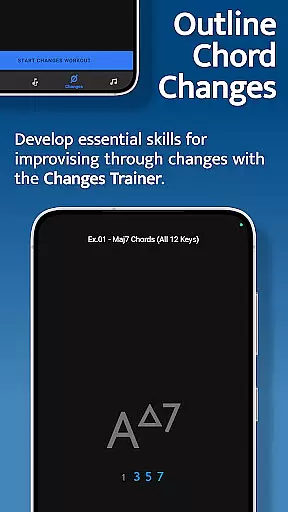
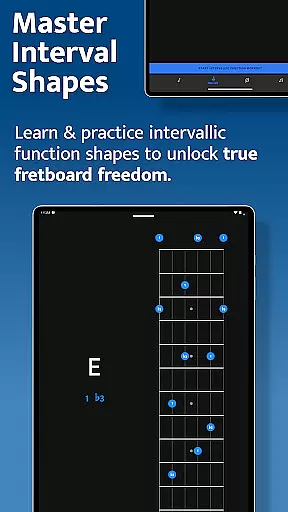
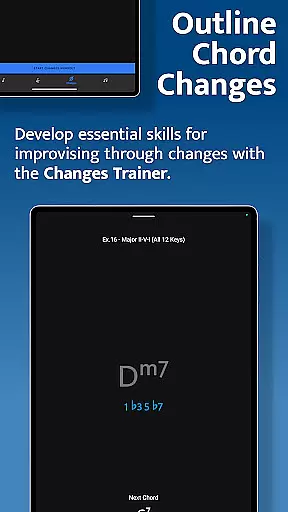
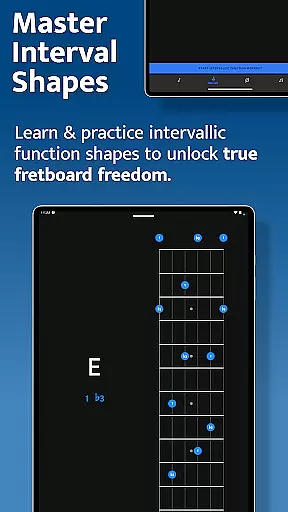
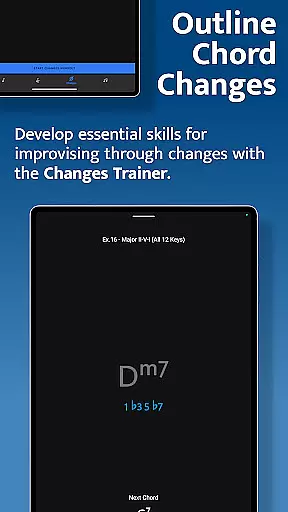
The Interval Trainer focuses on interval shapes using intervallic functions, crucial for achieving fretboard freedom. Users can customize intervals, practice against fixed or random root notes, and access diagrams showing interval shapes across the neck. The Changes Trainer aids in outlining chord changes, offering over 100 progressions and single-chord exercises. It intelligently maps intervals over chords and listens for correct sequences, while also providing transposition and voice-leading options.
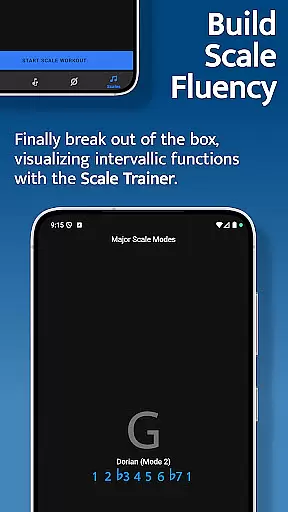
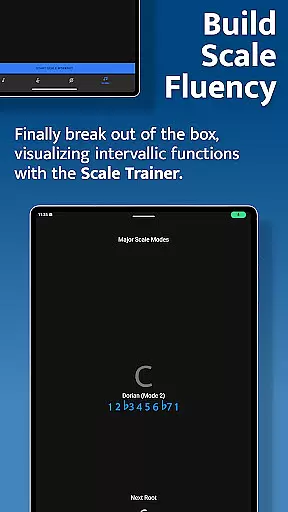
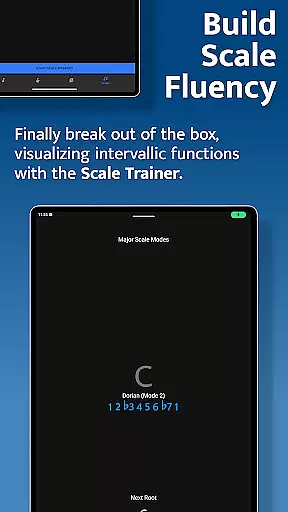
The Scale Trainer contains over 50 scales and modes, enabling users to break out of traditional scale boxes. With powerful workout options and melodic sequence settings, musicians can deepen their understanding of scale construction. These features collectively offer a robust platform for mastering the fretboard, ensuring users develop a comprehensive skill set tailored to their musical journey.
When it comes to music and audio applications, the size and authenticity of the music library are crucial factors. Solo - Fretboard Visualization offers an extensive collection of over 50 scales and modes within its Scale Trainer feature. This vast array ensures that musicians at all levels have access to a wide variety of musical resources for practice and learning.
The application is designed not only to provide quantity but also quality in its offerings. Each scale and mode has been carefully selected and integrated into the training modules by world-renowned guitarists Tom Quayle and David Beebee, ensuring the credibility and legitimacy of the content provided.
Users can be confident that they are engaging with a thoroughly vetted library that respects copyright laws and provides authentic material for mastering fretboard visualization. The emphasis on legitimate content means users can focus on their practice without concerns about the legality or accuracy of the materials.
By offering such a comprehensive and verified music library, Solo empowers musicians to break out of traditional scale boxes and develop a deeper understanding of how scales are constructed on the fretboard, thus greatly enhancing their musical proficiency and confidence.
Audio quality is paramount when training one's ear and practicing music. Solo - Fretboard Visualization takes this into account by providing high-quality audio output options that allow users to experience clear and accurate sound reproduction during their practice sessions.
The app listens to the notes played by the user, providing real-time feedback on their performance. This interactive feature requires superior audio processing to ensure that each note is captured precisely as intended, which Solo delivers through its advanced audio settings.
Moreover, the ability to customize audio preferences caters to individual needs, allowing musicians to tailor their auditory experience according to their specific practice requirements or personal taste. Options may include adjusting sample rates or selecting different sound profiles that match various instruments or playing styles.
This attention to audio fidelity ensures that users receive immediate and precise feedback, enabling them to improve their skills effectively while enjoying an immersive and customizable auditory experience that supports their unique musical journey.
User-friendly interface
Comprehensive training modules
Interactive fretboard diagrams
Customizable practice sessions
Wide range of scales and modes
Steep learning curve
Premium pricing model
Limited free content
Requires consistent practice
Advanced features may overwhelm beginners

Equalizer, Bass Booster and Volume Booster (Eq & Bass) improve sound quality
 4.30
4.30
10-Band Audio Equalizer, Sound / Bass Booster for Spotify Users & Music Players
4.40
DJ Music Mixer - DJ Remix: remix songs, make beat music & record mix of DJ.
4.40
More downloads than any other metronome. Includes drum machine & tempo trainer.
4.80
The ultimate media player for Android devices
3.90
Music Streaming suite for Ampache, Nextcloud Music and compatible backends.
4.4
Learn and play 2M+ music tabs & chords on guitar, ukulele, bass, and more
4.30
Ringtone Maker is free app create ringtone from music files or your recording.
4.40
Responsive piano with great sounds, graphics, and songs
4.80
Offline Music Player & MP3 Player.Powerful equalizer, Lyrics, Themes, Tag Editor
4.80 4.70
4.70
Gorgeous UI, Powerful music Search and Equalizer, the great choice for you!
4.70
SqueezePlayer turns your Android phone or tablet into a SqueezeBox on its own!
4.60
Learn the notes on the guitar fretboard fast with this easy and fun app
4.60
Offline and always ad-free - stream in the highest quality available.
4.10
The iconic iOS metronome app is now on Android.
3.70
The Cubase remote control app
3.60
The Minimalistic Premium Music Player. Handmade with passion for music
2.20
Remove ads permanently from Music Visualizer
4.3


User Reviews