
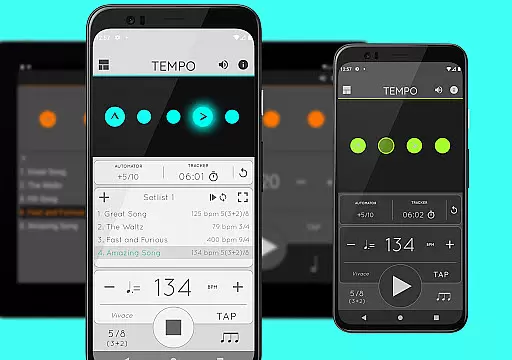
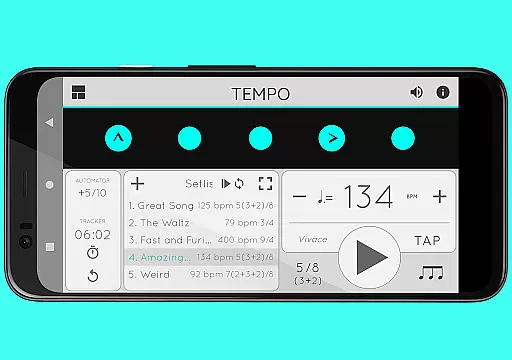
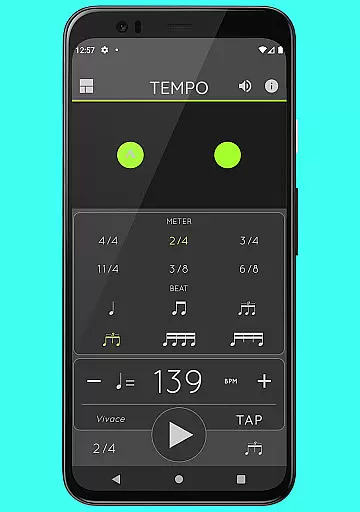
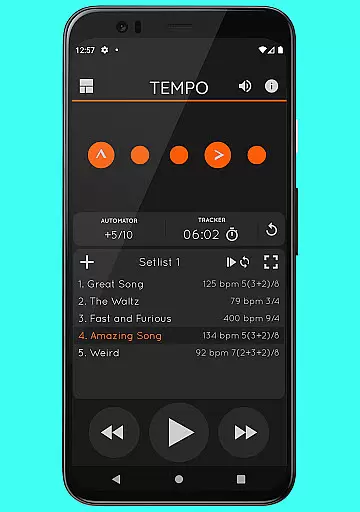
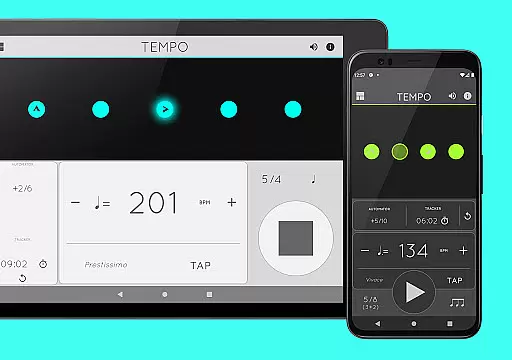
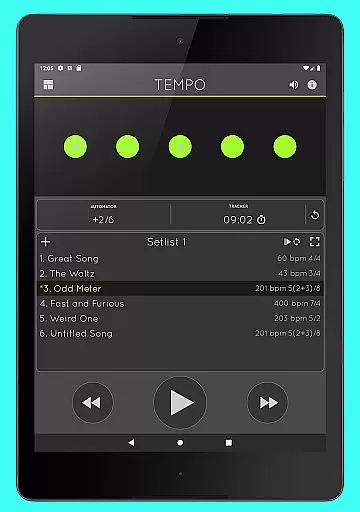
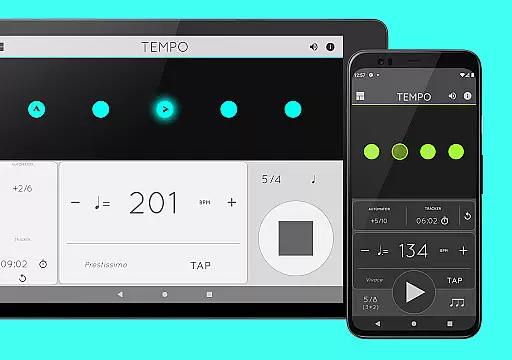
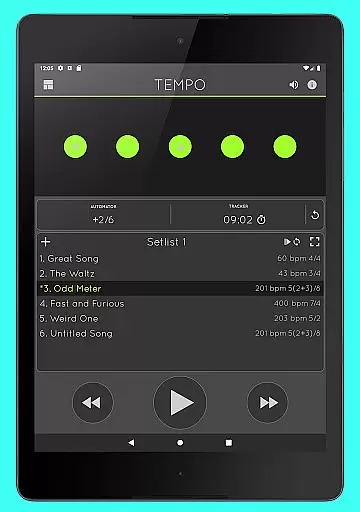
Tempo is a premier mobile metronome app designed for performing artists, teachers, students, and even athletes. It combines high accuracy and stability with an attractive, user-friendly interface. The app allows users to customize beats through innovative flashing LED buttons, save configurations as songs in setlists, and share them with others. Its standout feature is the morphing interface that adapts to five modes—Basic, Preset, Setlist, Practice, and Gig—each optimized for specific tasks.
Whether you're preparing for a gig, conducting a lesson, or engaging in personal practice, Tempo provides the tools necessary to enhance your rhythm and timing. With functionalities like tap tempo, visual feedback via pulsating LEDs, and compatibility with AirTurn Bluetooth controllers, this app ensures precision and convenience. It's particularly valuable for musicians who need reliable timing solutions across various scenarios.
Tempo offers an extensive range of features tailored to meet diverse musical needs. The app supports 30 different time signatures and includes six rhythm patterns for simple meters and three for compound meters. Users can customize accents or mute beats to create complex rhythms. Additional functionalities include a tap tempo feature, tempo ranges from 10 to 400, and visual feedback through pulsating LEDs.
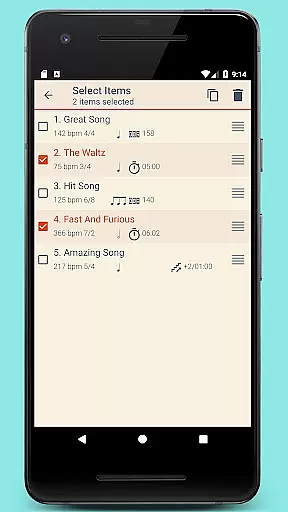
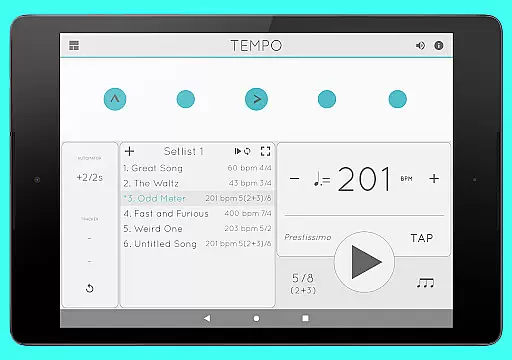
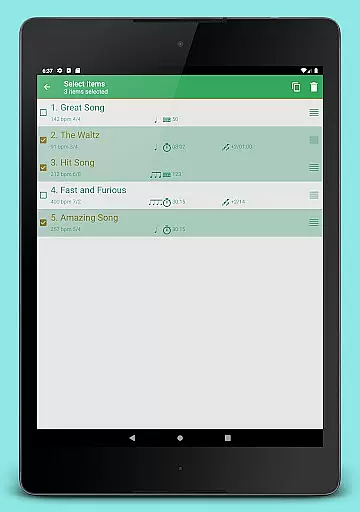
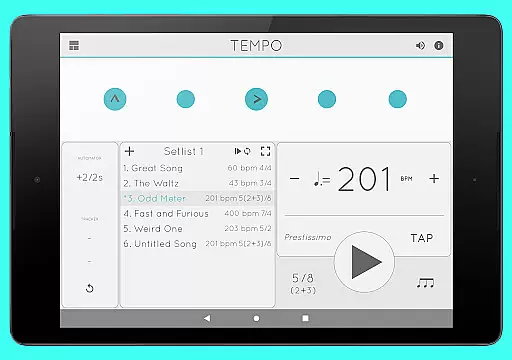
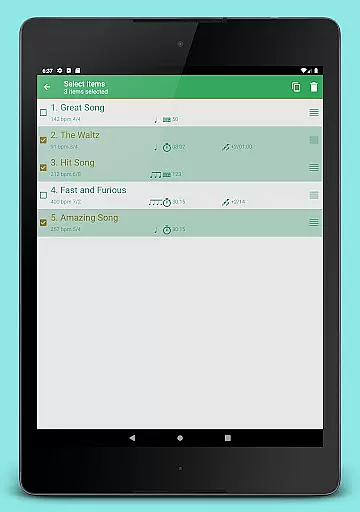
For advanced users, Tempo provides robust setlist management. You can store presets in multiple setlists, perform quick edits, and utilize advanced options like search, overwriting, and multi-deletion. Sharing and backing up setlists is possible via email, and the data files are compatible with Tempo for iOS. The app also includes a Tracker and Automator for timed practices and automatic tempo adjustments, along with Coach Mode for alternating muted and unmuted bars.
When it comes to music and audio applications, the size and authenticity of the music library are crucial factors. Tempo offers an extensive selection of sound sets, including twelve unique options tailored for various musical contexts. This ensures users have access to a rich diversity of high-quality audio resources.
The app's dedication to copyright authenticity is evident in its meticulous curation process. Each sound set is carefully selected and optimized, such as the one specifically designed for live drumming click tracks. This attention to legal detail provides peace of mind for professional musicians and educators who rely on legitimate audio sources.
Furthermore, Tempo's comprehensive library isn't just about quantity; it maintains exceptional quality standards across all sound sets. The inclusion of volume control and multi-tasking support demonstrates the app's commitment to both depth and practical usability in its audio offerings.
Audio quality stands as a fundamental aspect of any music application, and Tempo excels in delivering superior sound experiences. The app features an advanced audio engine, purpose-built from scratch to ensure high accuracy and stability during playback. This technical foundation guarantees that musicians and performers receive consistent, professional-grade audio output.
Tempo provides users with twelve distinct sound sets, each offering different audio characteristics and catering to specific musical requirements. From classical metronome sounds to specialized live drumming click tracks, these options enable precise customization of the audio experience. The inclusion of Italian tempo markings further enhances the authenticity of performance practice.
Practical features complement the core audio quality, including robust volume control and seamless background playback functionality. These elements, combined with AirTurn Bluetooth controller support, create a versatile audio environment that maintains exceptional quality across various usage scenarios and device interactions.
User-friendly interface
Highly customizable
Accurate timing
Versatile sound sets
Setlist sharing
Premium price point
Complex for beginners
Limited free features
Occasional bugs
Heavy on resources

Over 100 million tracks available for high quality streaming and download
 4.60
4.60
Powerful beat maker & DJ mixer to remix tracks, make music, & perform DJ mix
3.70
Visualize the guitar fretboard, master scales & play through changes like a pro!
4.50
Next generation modular control surface
4.10
Guzheng Master supports many playing techniques as an acoustic Guzheng
4.50
Recording studio w/ 10k beats, pro vocal FX and a network of 20M rappers & fans!
4.60
Make songs with AI! Any genre, custom lyric, song generator for music creation!
4.80
Powerful 10-Band equalizer pro with sound booster improves Android audio quality
4.30
PowerAudio is a powerful offline music player.
4.20
Gorgeous UI, Powerful music Search and Equalizer, the great choice for you!
4.70
Bass Booster & Volume Equalizer Pro improves your music and video sound quality
4.60
Super Sound Editor, Song Maker & Mixer, Vocal Remover, Voice Recorder & Changer!
4.60
Play KORG’s revolutionary touch-based instrument on a variety of devices.
4.40
Time Guru will strengthen your internal sense of musical time via random muting.
4.30
The Music Journey in Your Hands
4.30
Network/Cloud Streaming, Visualization, Graphic Equalizer and Sound Effects.
4.20
Learn to play the piano using falling notes!
3.80
Simple mp3 and mp4 player with advanced features.
3.40
MilkDrop for Android TV
3.00


User Reviews