
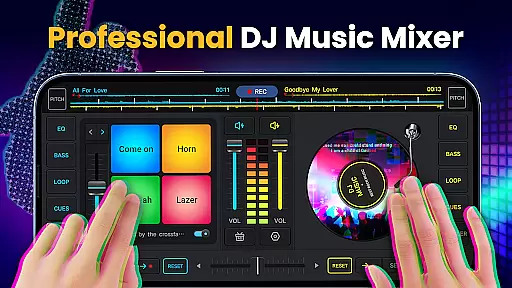
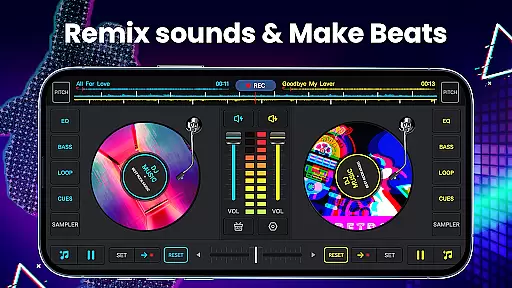
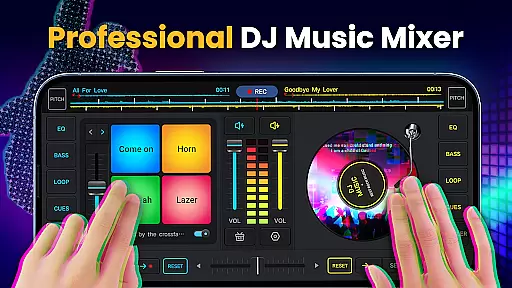
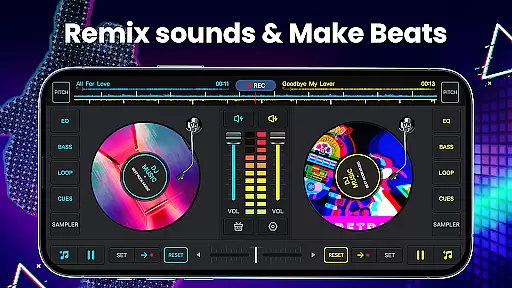
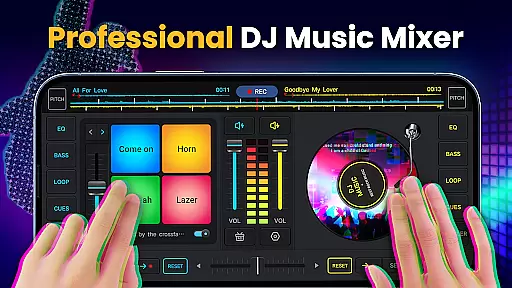
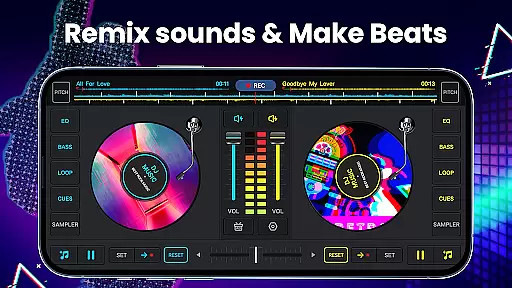
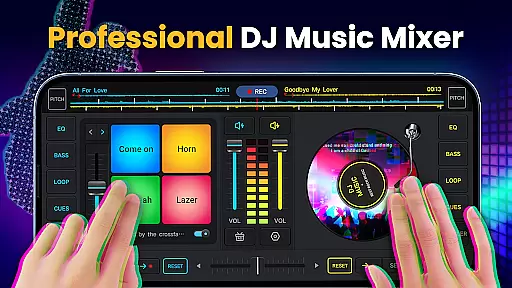
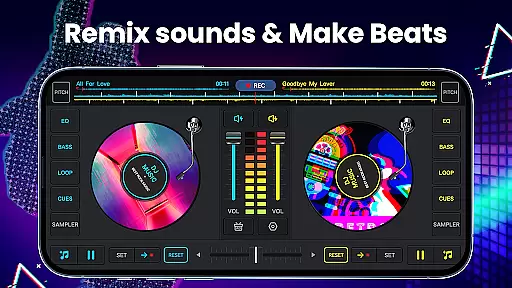
DJ Music Mixer - DJ Mix Studio is a feature-rich virtual DJ application designed for both professional and novice DJs. This app allows users to create, customize, and record music mixes with ease using powerful mixing tools, sound effects, and loops.
With an intuitive interface and advanced features like the five-band equalizer, bass booster, and real crossfader, it offers a seamless mixing experience on any mobile device. Whether you're remixing songs, making beat music, or recording mixes in high-quality MP3 format, this app has everything needed to produce amazing DJ mixes.
Ideal for parties or personal creativity, DJ Music Mixer makes it easy for music lovers to experiment with sounds and master their beat-making talents.
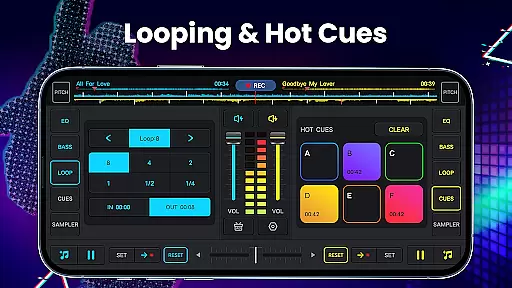
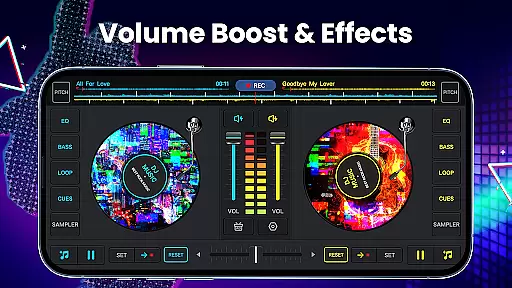
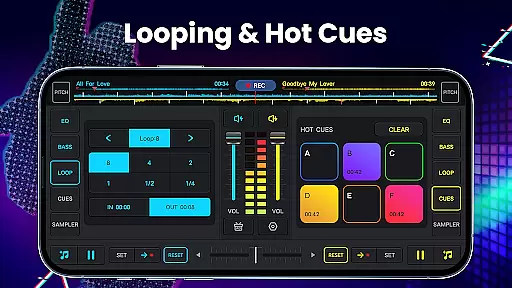
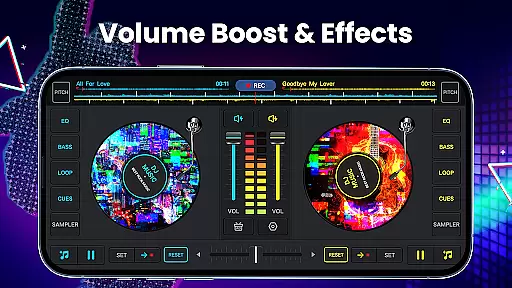
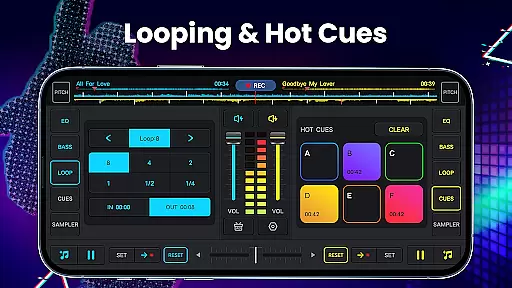
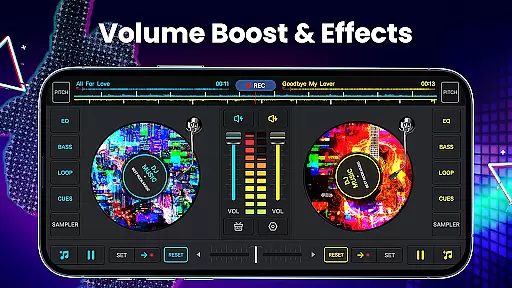
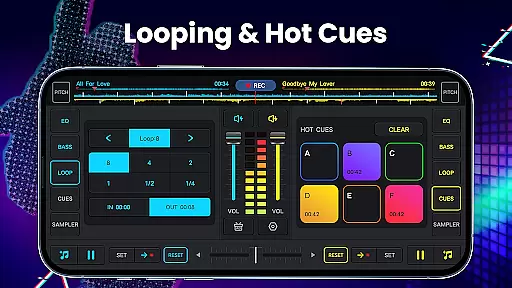
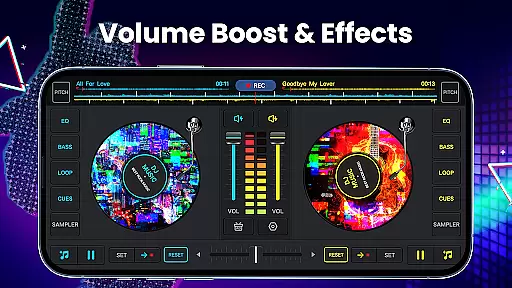
DJ Music Mixer provides an extensive set of features that cater to all levels of DJs. The app includes two virtual turntables with a real crossfader, allowing flexible mixing options. Users can set up to six hot cues on each deck and choose from various loop lengths ranging from 1/64 to 128 beats.
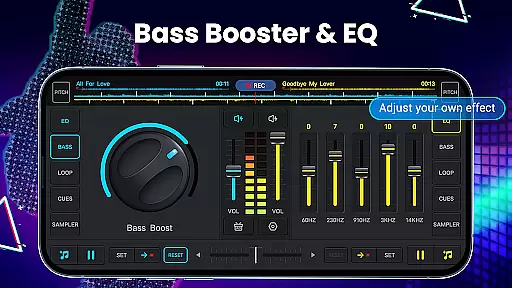
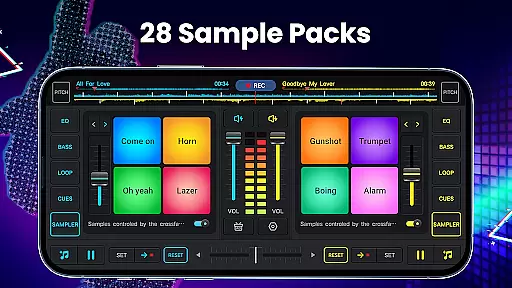
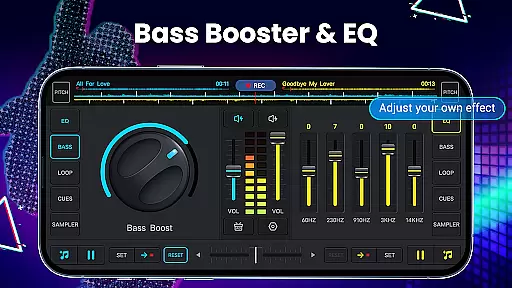
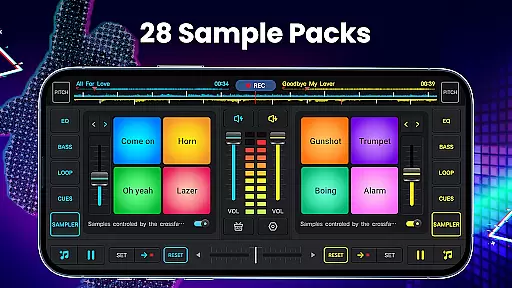
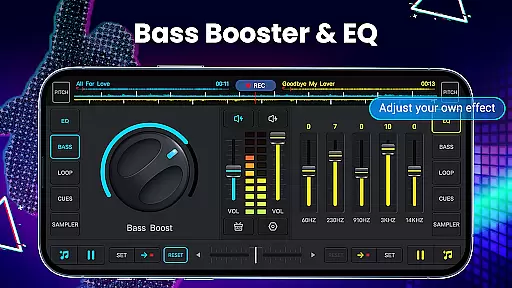
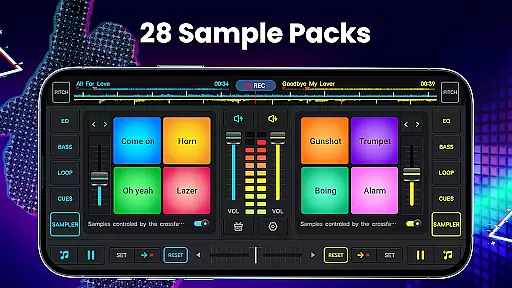
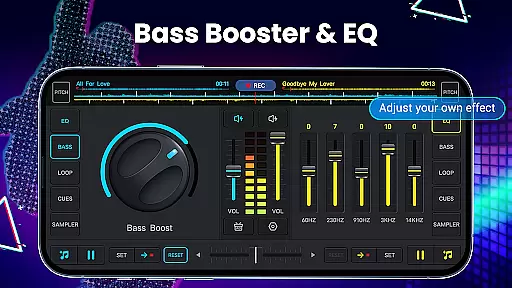
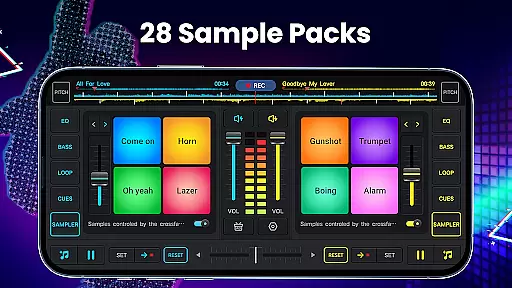
In addition to its built-in sound effects, the app offers 28 free sample packs such as gunshots, booms, claps, and scratches. The five-band equalizer and adjustable pitch control provide precise audio adjustments while the bass boost enhances low-frequency sounds for impactful mixes.
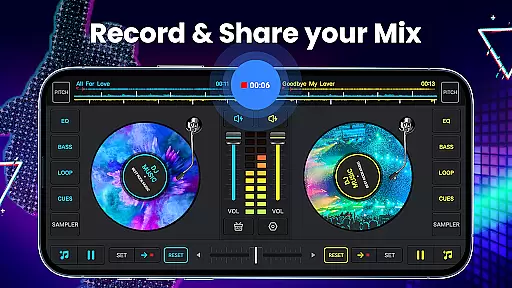
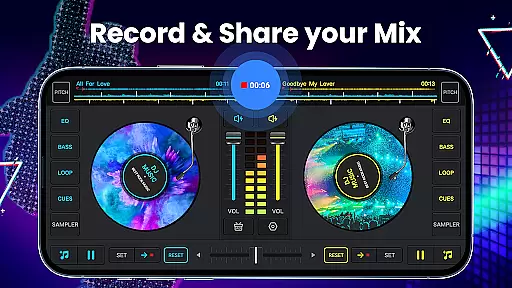
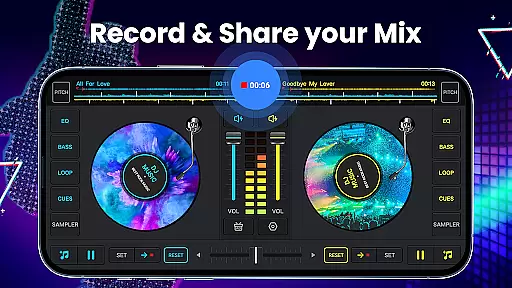
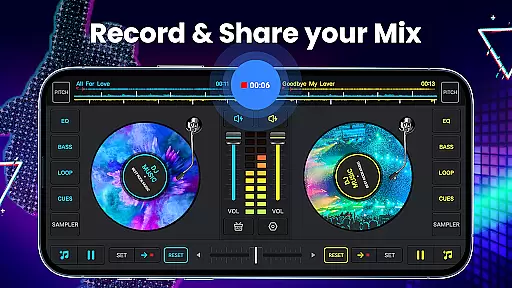
The app also supports high-quality uninterrupted recording of mixes in MP3 format, access to device-stored music libraries, and wide audio spectrum optimization for beat detection. These features ensure users have all they need to create professional-sounding tracks.
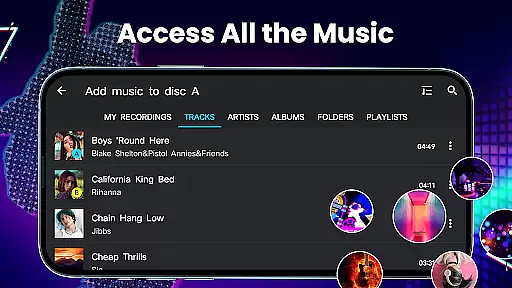
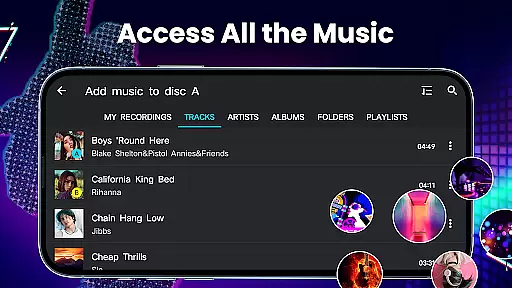
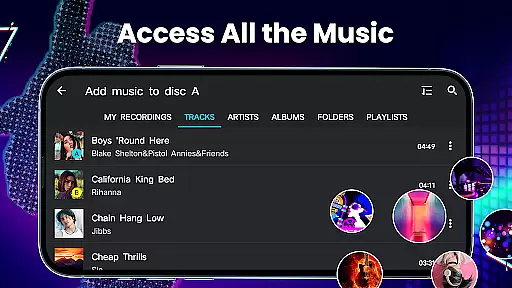
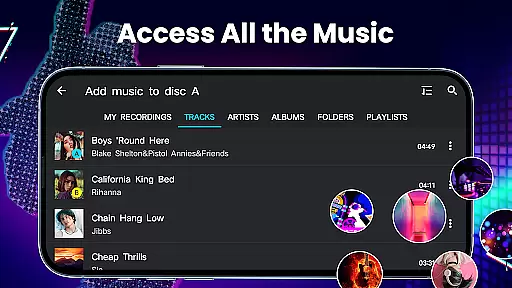
In the realm of digital music creation, having access to a vast and diverse music library is crucial for any DJ or music producer. DJ Music Mixer - DJ Mix Studio offers an extensive music library that draws from the user's device, organizing tracks by categories such as TRACKS, ARTISTS, ALBUMS, and FOLDERS.
This organization not only simplifies navigation but also enhances the creative process, allowing users to swiftly locate and incorporate their desired tracks into mixes. The app supports importing music into a playlist library, streamlining the workflow for creating complex musical pieces.
Regarding copyright authenticity, while the app itself does not provide tracks, it ensures that users can utilize their legally acquired music within the app. This respects copyright laws and encourages users to use their own collections, thus maintaining the integrity and legality of their creations.
For DJs and music producers, audio quality is paramount, influencing both the listening experience and the professionalism of the final mix. DJ Music Mixer - DJ Mix Studio addresses this need with high-quality audio features designed to satisfy even the most discerning audiophiles.
The app includes a five-band equalizer and bass boost, enabling precise sound shaping. Users can adjust mix volume and pitch, ensuring seamless transitions between tracks and customized sound profiles tailored to individual preferences or environments.
Additionally, the app records mixes in high-definition .mp3 format, capturing every nuance of the performance without interruption. This feature guarantees that the final output retains the clarity and richness of the original compositions, making DJ Music Mixer - DJ Mix Studio an indispensable tool for anyone serious about their music production endeavors.
User-friendly interface
Wide range of effects
High-quality recording
Customizable mixing options
Free to download
Limited free sample packs
Advanced features may overwhelm beginners
Occasional bugs reported
Ads present in free version
Interface could be outdated for some

Turn your phone into a musical instrument from the future!
 3.90
3.90
Over 100 million tracks available for high quality streaming and download
4.60
Performance-Synthesizer & Multi-Track-Sequencer, polyphonic + multi timbral!
4.70
Remove ads permanently from Music Visualizer
4.5
The only true audiophile music player with Hi-Fi audio rendering and DSP engine
3.90
Advanced 10-Band Audio Graphic Equalizer Sound Booster Pro
4.30
The iconic iOS metronome app is now on Android.
3.70
Customize Your Favorite Songs and Videos with booster.
4.70
Play your music offline without limits
4.80
Your song collections with lyrics and chords on Android smartphones and tablets.
4.80
Listen to live FM radio stations, sports, music and news on global radios online
4.70
Record, Mix & Master with all n-Track effects, 64-bit audio and Stem Separation.
4.70
Unleash your creativity! Turn simple prompts into full fledged songs.
4.70
Formerly known as Spotistats! View your top tracks, artists, albums and more!
4.40
Time Guru will strengthen your internal sense of musical time via random muting.
4.30
A High-Precision Audio Spectrum Analysis App
4.20
Turn your Android phone into a professional audio analyser with up to 120 bands.
4.00
Slow music down without changing pitch.
3.70
Simply convert wav to mp3. Clear. Reliable. Safe.
4.1


User Reviews