
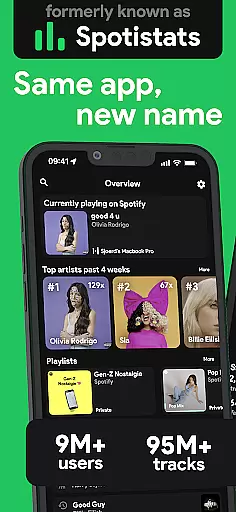
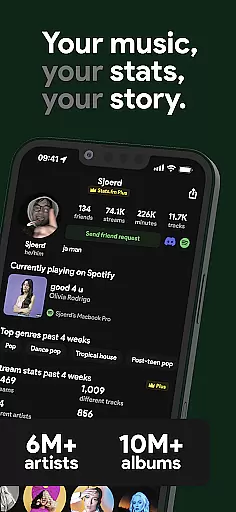
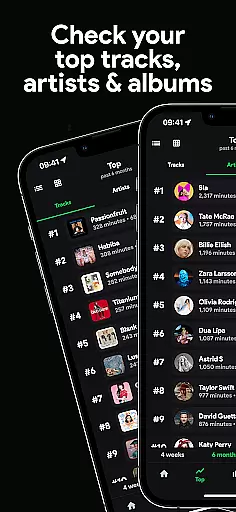


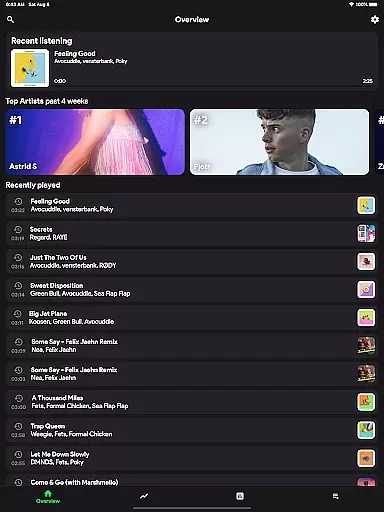
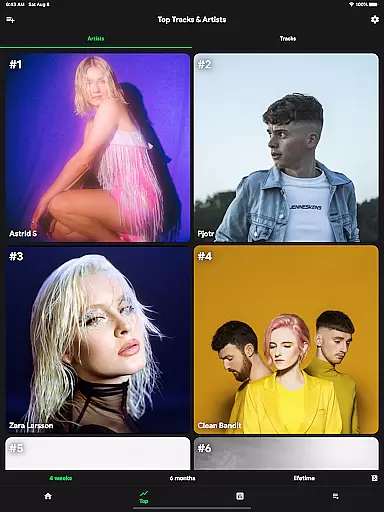


stats.fm for Spotify is a comprehensive music analytics app that provides users with detailed insights into their listening habits. With over 10 million users globally, the app offers statistics on tracks, albums, and artists, allowing users to explore their most listened songs and artists across various periods.
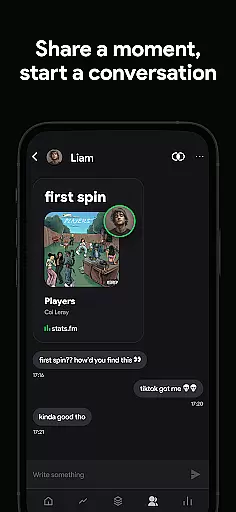
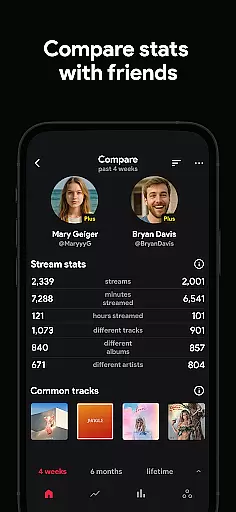
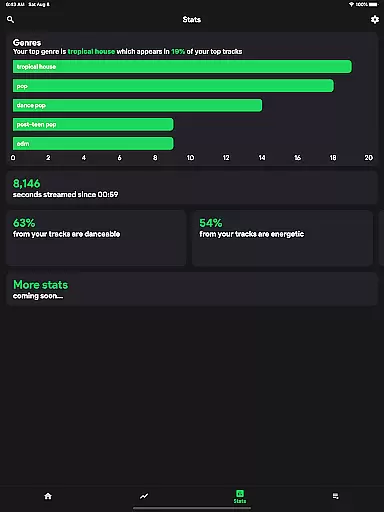
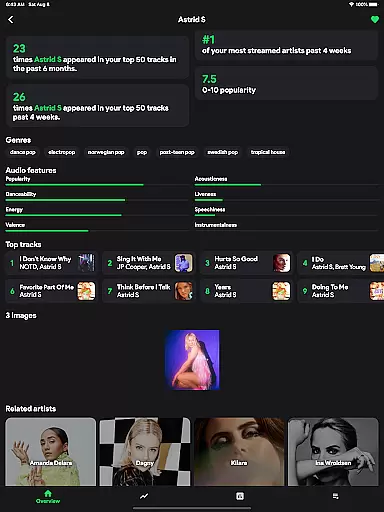
The app stands out by offering features similar to Spotify Wrapped but available anytime. Users can view playcounts, streaming minutes, and even analyze their music preferences by genre and mood. The Plus subscription unlocks advanced features like individual track playcounts. stats.fm also enables social comparisons, letting users add friends and compare listening stats.
One of the key strengths of stats.fm is its robust feature set that caters to music enthusiasts' analytical needs. The app provides an impressive array of statistics including top tracks, artists, albums, and genres. Its listening clock feature shows when users typically listen to music, while detailed breakdowns reveal how much time they spend streaming.
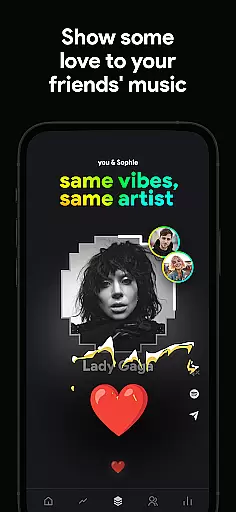
Advanced features include song popularity metrics, top listener comparisons, and lifetime streaming histories for individual songs or artists. The app's strength lies in its ability to present complex data through intuitive graphs and charts. Users particularly appreciate the ability to flex their musical knowledge by comparing stats with friends, making it more than just a personal analytics tool but a social platform for music lovers.
When it comes to music streaming services, the size and authenticity of the music library are crucial factors for users. stats.fm for Spotify boasts an impressive collection of over 14 million albums and 6 million artists, ensuring that users have access to a vast array of music from all genres and eras.
The app's extensive database is not just about quantity; it also emphasizes quality and legitimacy. Every track, album, and artist listed on stats.fm is verified to ensure copyright authenticity. This means users can trust that they are engaging with genuine content that respects intellectual property rights.
For music enthusiasts, this level of detail provides peace of mind and enhances the overall listening experience. Whether you're exploring new releases or revisiting classic favorites, stats.fm offers a reliable platform where you can dive deep into your musical interests without worrying about encountering unauthorized or pirated material.
Audio quality is a significant aspect of any music service, influencing how listeners perceive their favorite songs. stats.fm for Spotify understands this need and offers various audio quality options tailored to different preferences and devices.
Users can choose between standard and high-quality streaming settings, allowing them to optimize their listening based on internet speed and device capabilities. High-fidelity sound ensures that every note and beat is captured accurately, providing an immersive auditory experience.
This flexibility in audio settings caters to audiophiles who demand pristine sound as well as casual listeners who prioritize convenience. By offering these customizable options, stats.fm empowers its users to enjoy their music exactly as intended by the artists, enhancing both satisfaction and engagement with the platform.
User-friendly interface
Comprehensive music stats
Social comparison features
Detailed streaming history
Regular feature updates
Premium features require payment
Some features need data import
Limited without Spotify account
Occasional sync issues
Third-party app risks

Full-featured, High-Quality Groovebox Workstation, perfect for Live Performance!
 4.80
4.80
Powerful beat maker & DJ mixer to remix tracks, make music, & perform DJ mix
3.70
A High-Precision Audio Spectrum Analysis App
4.20
Your song collections with lyrics and chords on Android smartphones and tablets.
4.80
More downloads than any other metronome. Includes drum machine & tempo trainer.
4.80
Record, Mix & Master with all n-Track effects, 64-bit audio and Stem Separation.
4.70
A complete sound package for the sound engineer or enthusiast
4.60
One-tap booster for max volume - enjoy powerful sound with this audio booster
4.50
Listen to offline music and sounds from all categories
4.70
24,000 free audio books and no ads!
4.90
Music, News & Sports Radio Tuner App. Tune in Live FM & AM Radio Stations.
4.80
Make songs with AI! Any genre, custom lyric, song generator for music creation!
4.80
Responsive piano with great sounds, graphics, and songs
4.80
Listen to live FM radio stations, sports, music and news on global radios online
4.70
Listen radio AM / FM Stations. Live AM / FM Radio App Station. Radio Com.
4.70
Let your Android device with the sound effects you want
4.50
10-Band Audio Equalizer, Sound / Bass Booster for Spotify Users & Music Players
4.40
Sing, record, and create music together — enhanced by smart voice tools.
4.00
The iconic iOS metronome app is now on Android.
3.70


User Reviews