
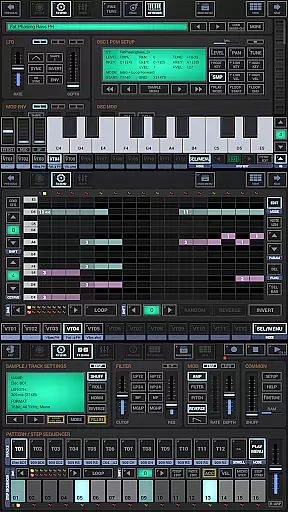
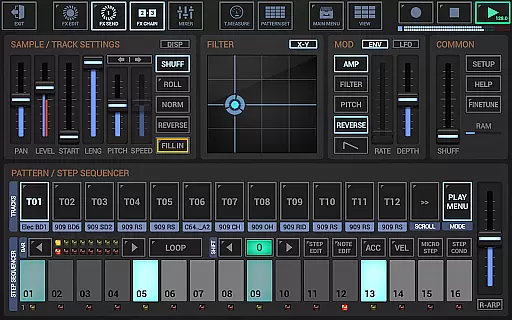
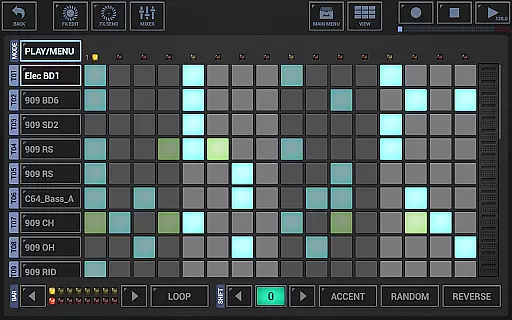
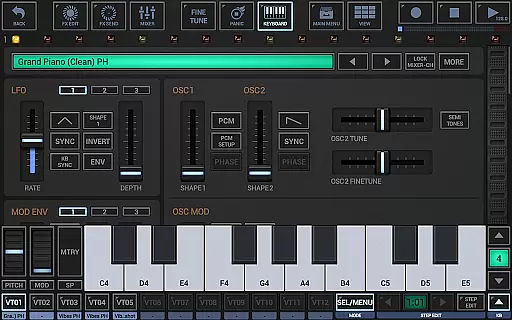
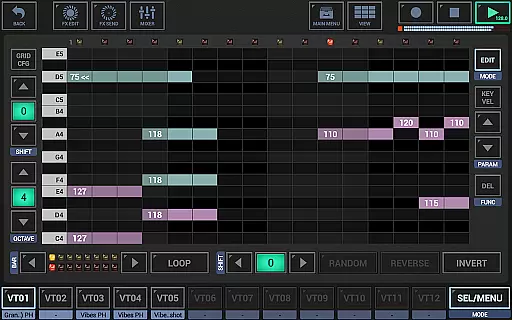
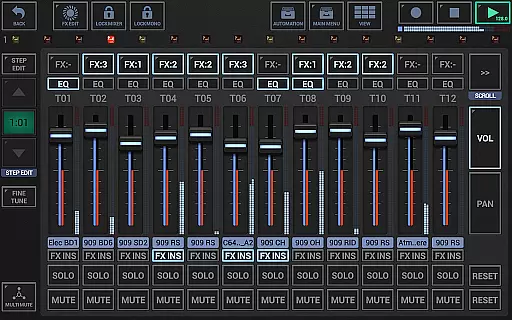
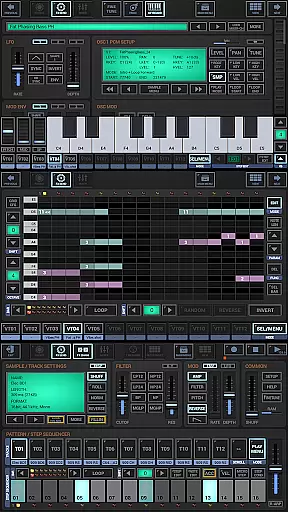
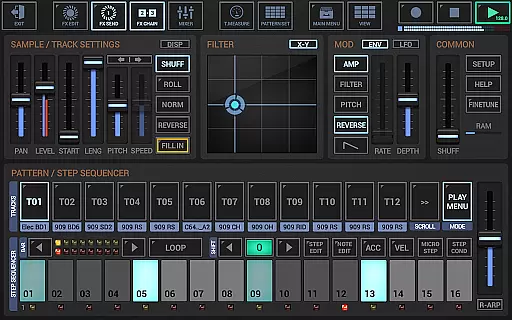
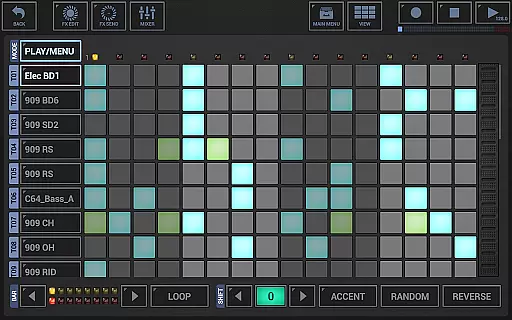
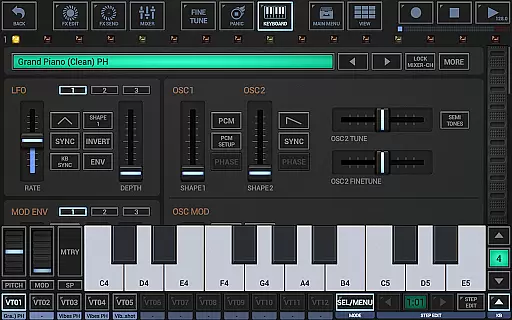
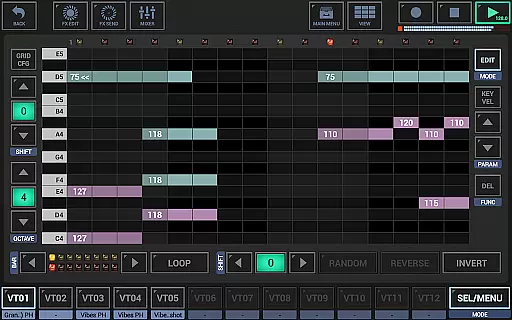
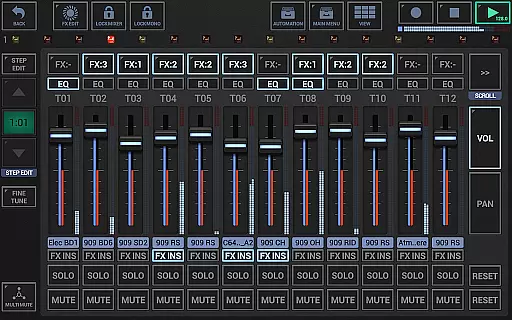
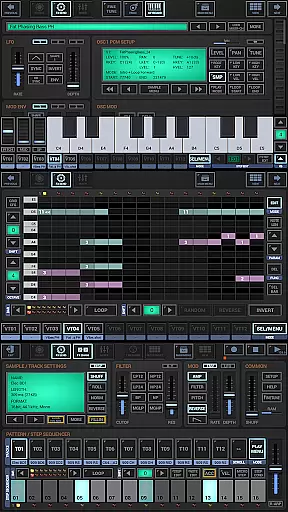
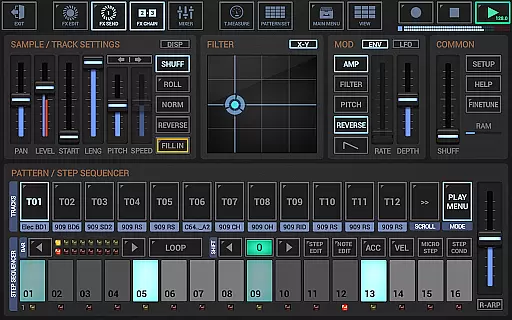
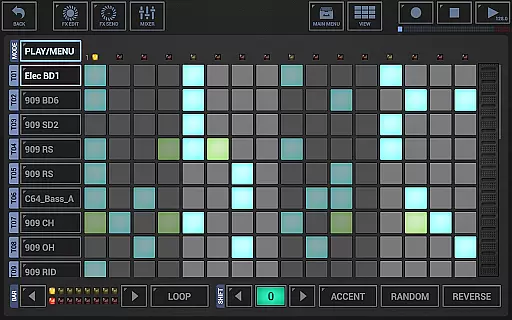
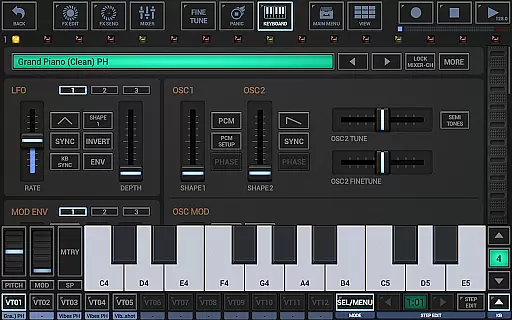
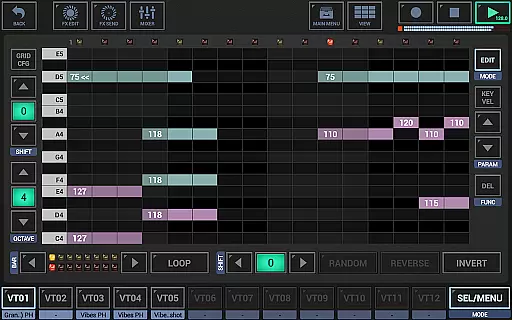
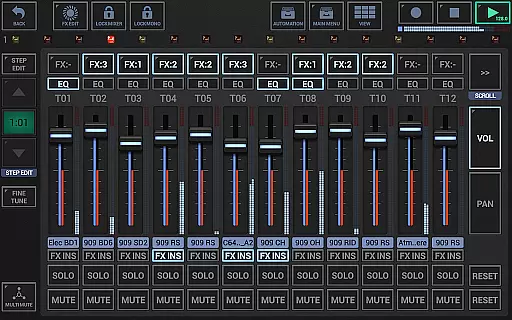
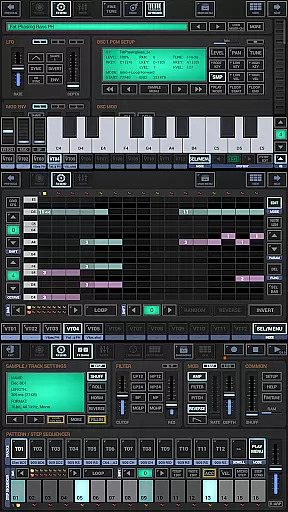
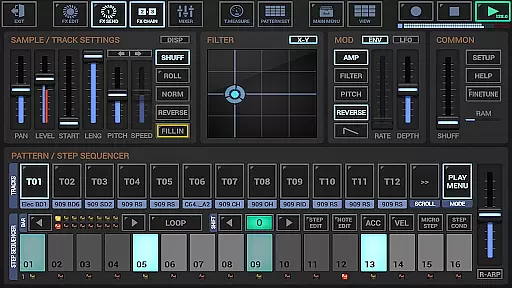
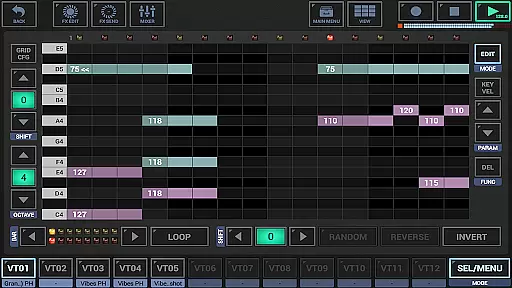
G-Stomper Studio is a comprehensive music production tool optimized for electronic live performances in studio quality. This feature-packed application combines a step sequencer-based drum machine, a sampler, and the VA-Beast synthesizer to create complex synthetic sounds with impressive clarity. Whether you're an experienced sound designer or a beginner, G-Stomper Studio offers an intuitive interface that allows users to explore factory sounds or design their own.
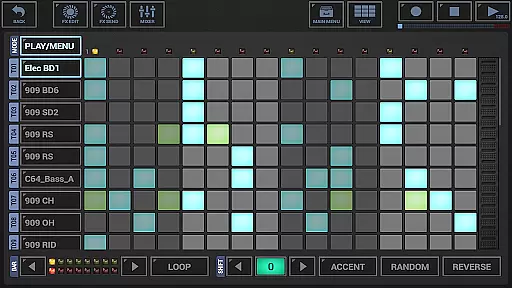
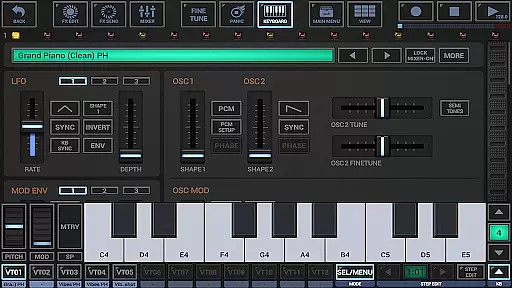
With its wide array of instruments including a polyphonic step sequencer, piano keyboard, 24 drum pads, effect rack, and more, this app provides everything needed for creating high-quality music on the go. The inclusion of Ableton Link, full round-trip MIDI integration, and a high-quality audio engine ensures seamless connectivity and pristine sound output. Its tablet optimization and portrait mode make it suitable for devices with screens as small as five inches.
The true value of G-Stomper Studio lies in its ability to deliver professional-grade music production capabilities directly to your mobile device. Users can start creating their own music wherever they are, thanks to features like real-time sample modulation, user sample support, and motion sequencing/automation support. It's particularly beneficial for musicians who require flexibility and portability without compromising on functionality or sound quality.
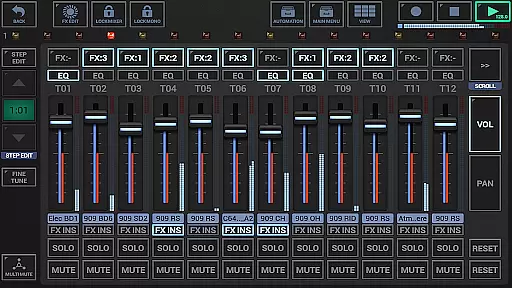
G-Stomper Studio stands out with its robust set of features tailored for music producers. The integrated VA-Beast synthesizer supports advanced FM synthesis and waveform-based synthesis, enabling users to craft intricate sounds. With up to 24 tracks available in the drum machine and various grid-based sequencers, users have extensive control over their compositions. Additionally, the app includes a line mixer with parametric 3-band equalizers and insert effects per channel, ensuring precise mixing capabilities.
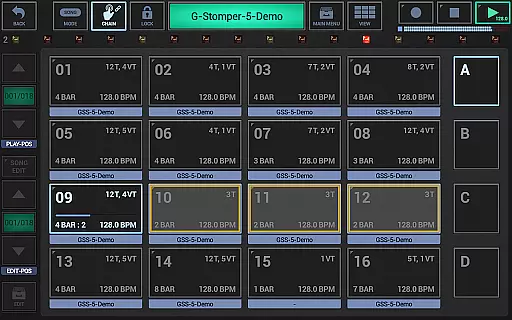
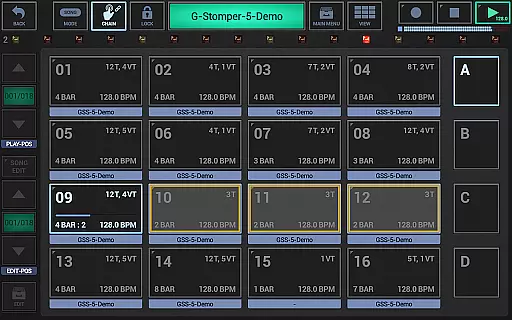
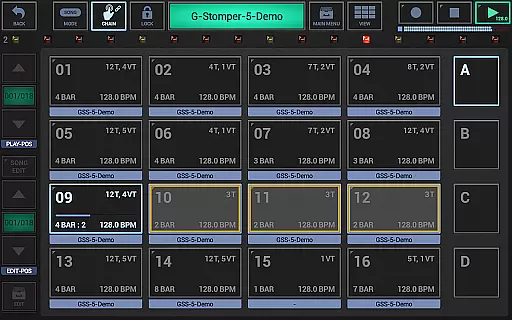
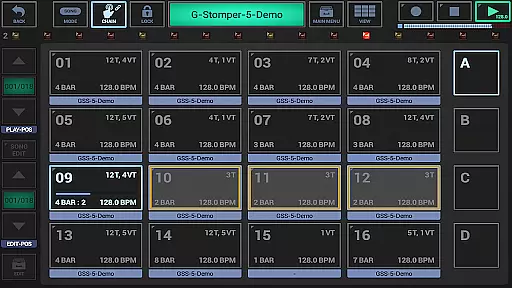
One notable feature is the live pattern/song arranger which allows for 64 concurrent patterns, providing immense creative freedom during live performances. The graphical sample editor/recorder further enhances the user experience by allowing detailed editing of samples. Moreover, full motion sequencing and automation support enable dynamic changes within compositions, while the import of MIDI files maintains song arrangements across different platforms.
Exclusive to the full version are functionalities such as WAV file export, real-time audio recording, and exporting patterns as MIDI. These features facilitate integration with digital audio workstations (DAWs), making G-Stomper Studio not just a standalone app but part of a larger music production ecosystem. Such versatility makes it an indispensable tool for both amateur enthusiasts and professional musicians seeking a portable yet powerful music creation solution.
G-Stomper Studio offers an extensive music library that caters to a wide range of electronic music production needs. The app includes a variety of high-quality samples and factory sounds, ensuring users have access to a rich palette for their compositions.
With support for user-imported samples in multiple formats such as WAV, AIFF, MP3, OGG, and FLAC, the diversity of the library is virtually limitless. This allows musicians to expand their sound collection legally and with confidence in the authenticity of the content.
The inclusion of VA-Beast Synthesizer adds another layer to the library's depth, providing users with the ability to create their own unique sounds. This feature not only enhances creative possibilities but also guarantees that all synthesized audio is original and copyright-compliant.
By focusing on legal sample usage and offering tools for original sound design, G-Stomper Studio ensures that its users can produce music that respects copyright laws while enjoying professional-grade quality.
Audio quality is paramount in music production, and G-Stomper Studio excels in delivering pristine sound through its advanced audio engine. Utilizing 32-bit float DSP algorithms, the app processes audio with exceptional clarity and precision, making it suitable for studio-quality productions.
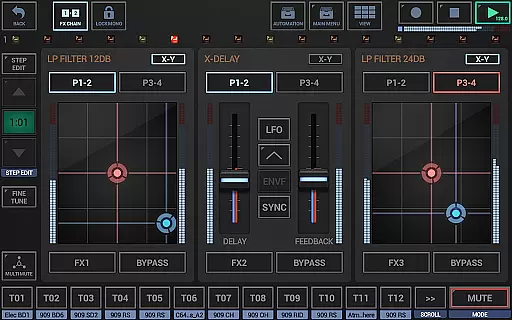
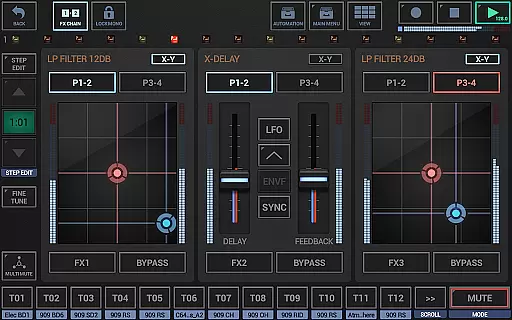
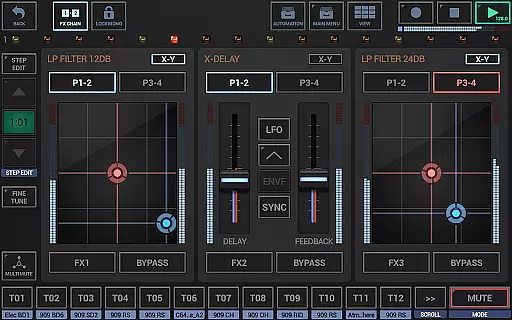
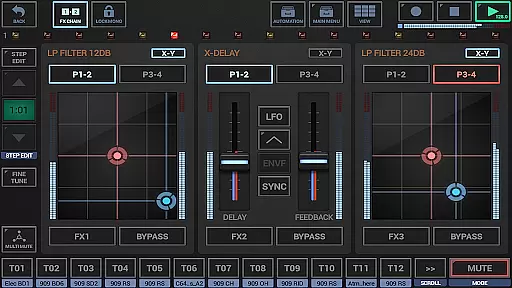
The app provides a plethora of effect types including dynamic processors, resonant filters, distortions, delays, reverbs, and vocoders. These effects come with additional features like sidechain support, tempo sync, LFOs, and envelope followers, allowing for intricate sound manipulation and enhancement.
G-Stomper Studio supports high-quality audio export options, enabling users to save their work in resolutions up to 32-bit at 96kHz. Whether exporting individual tracks or the final mixdown, producers can maintain the integrity of their sound throughout the production process.
Furthermore, real-time audio recording capabilities ensure that live sessions are captured accurately without degradation in quality. This makes G-Stomper Studio a reliable tool for capturing spontaneous musical ideas with professional-grade fidelity.
User-friendly interface
High-quality audio engine
Extensive instrument library
Real-time MIDI integration
Flexible export options
Requires powerful hardware
Complex for beginners
Bluetooth connectivity issues
Limited free version
Occasional bugs reported

The Cubase remote control app
 3.60
3.60
Taal player that lets you sing any Indian & Western song with Tabla & Tanpura
4.60
Most Advanced AI Song Generator and Music Creator. Rap, Pop, Rock, Gospel & more
4.70
Advanced 10-Band Audio Graphic Equalizer Sound Booster Pro
4.30
Recording studio w/ 10k beats, pro vocal FX and a network of 20M rappers & fans!
4.60
A complete sound package for the sound engineer or enthusiast
4.60
Slow music down without changing pitch.
3.70
Full featured mp3 and audio player with Chromecast and Android Auto support.
4.40
Sing, record, and create music together — enhanced by smart voice tools.
4.00
24,000 free audio books and no ads!
4.90
Voice recorder - Audio recorder. Best recorder for recording
4.90
Gorgeous UI, Powerful music Search and Equalizer, the great choice for you!
4.70
Over 100 million tracks available for high quality streaming and download
4.60
Formerly known as Spotistats! View your top tracks, artists, albums and more!
4.40
10-Band Audio Equalizer, Sound / Bass Booster for Spotify Users & Music Players
4.40
Ringtone Maker is free app create ringtone from music files or your recording.
4.40
Time Guru will strengthen your internal sense of musical time via random muting.
4.30
Master Salsa Rhythm quickly and with a lot of fun!
4.30
Remove ads permanently from Music Visualizer
4.5


User Reviews