
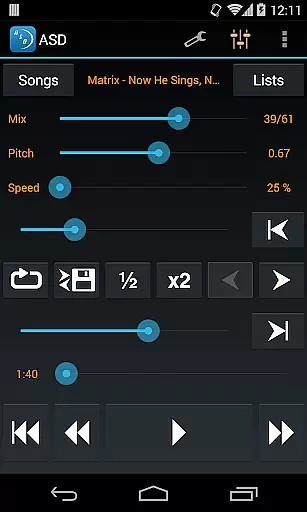
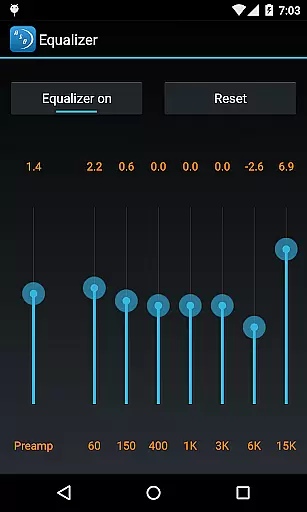
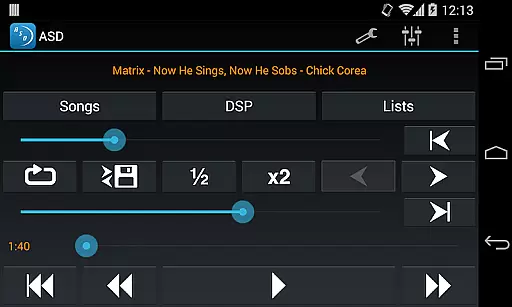
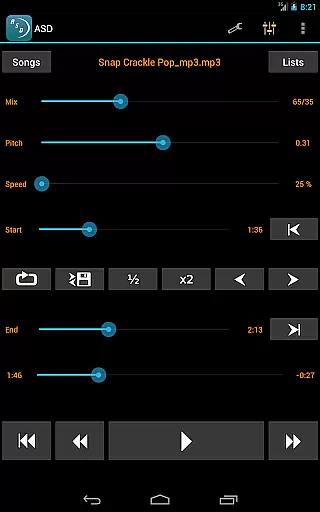
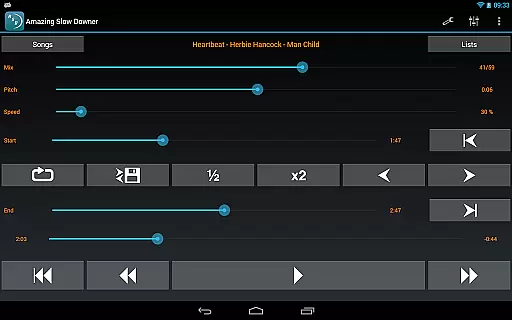
Amazing Slow Downer is a powerful tool designed for musicians, transcribers, and dancers who want to learn and improve their skills. This app allows users to slow down music without changing the pitch, making it easier to learn new songs and techniques.
With Amazing Slow Downer, you can repeat any section of the music at full speed, slow it down, or even speed it up between 25% (1/4 of original speed) and 200% (double speed). The app also supports changing the tuning or musical key, providing seamless loops by touching the 'Set' buttons during playback.
This app is ideal for anyone wanting to analyze music in detail, practice dance moves, or perfect their instrumental performance. Its outstanding sound quality ensures an excellent listening experience while learning.
Amazing Slow Downer offers a range of features that make it stand out as a top choice for musicians and dancers. One of its main features is the ability to change the speed of audio playback from 25% to 200% without altering the pitch, allowing for detailed analysis and practice.
The app provides seamless loop creation by simply touching 'Set' buttons during playback, enabling users to focus on specific sections of a song. Additionally, it supports changing the tuning or musical key, which is particularly useful for musicians who need to adapt pieces to different instruments or vocal ranges.
Despite no official support for Spotify playback, Amazing Slow Downer has been compatible with slowing down Spotify audio streams, although this feature will be discontinued starting September 1, 2022, according to Spotify's new policies.
When evaluating a music application like Amazing Slow Downer, the size and variety of its music library play a crucial role in user satisfaction. A comprehensive library ensures that musicians have access to a wide range of tracks for practice and learning.
This app allows users to import their own music files, meaning the library size is virtually limitless, depending on the user's personal collection. This flexibility offers an extensive repertoire for musicians to explore different genres and styles at their preferred speed.
Regarding copyright authenticity, Amazing Slow Downer respects intellectual property rights by enabling users to manipulate only the music files they legally own. This approach avoids copyright infringement issues while promoting legal music consumption.
By focusing on personal music libraries, the app maintains high standards of copyright compliance, ensuring that all music used within the app is authentic and legally acquired.
Audio quality is paramount when dealing with music applications, especially for those aimed at musicians and transcribers. Amazing Slow Downer excels in delivering outstanding sound quality even when altering playback speeds.
The app supports high-quality audio formats, which means users can enjoy clear and crisp sound whether they're slowing down or speeding up tracks. This feature is essential for musicians who need to discern subtle nuances in the music they are studying.
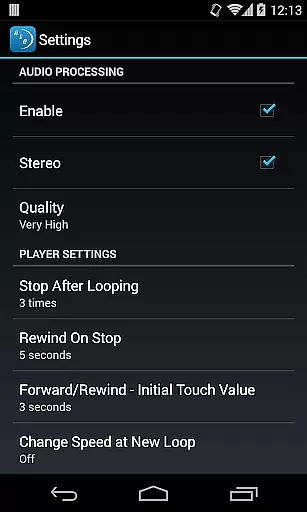
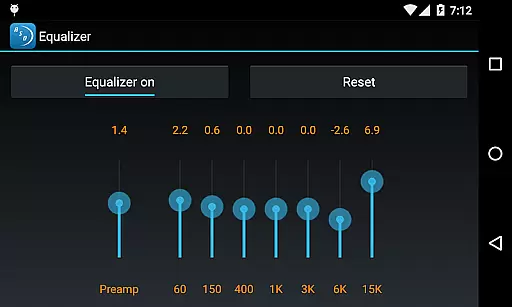
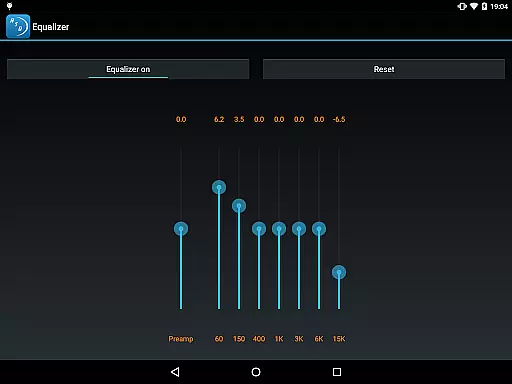
Amazing Slow Downer also provides various audio quality settings, allowing users to adjust according to their needs without compromising the listening experience. These options ensure that every note remains distinct and true to the original piece.
Ultimately, the ability to maintain excellent audio fidelity across different speeds enhances the overall effectiveness of Amazing Slow Downer as a tool for musical improvement and skill development.
User-friendly interface
High-quality audio processing
Seamless looping functionality
Supports various audio formats
Precise speed adjustments
No longer supports Spotify playback
Limited advanced editing tools
Interface may feel outdated
Occasional bugs reported
Subscription required for full features

SqueezePlayer turns your Android phone or tablet into a SqueezeBox on its own!
 4.60
4.60
Pay Once, no monthly payment
4.60
Performance-Synthesizer & Multi-Track-Sequencer, polyphonic + multi timbral!
4.70
Remove ads permanently from Music Visualizer
4.4
Advanced 10-Band Audio Graphic Equalizer Sound Booster Pro
4.30
Super Sound Editor, Song Maker & Mixer, Vocal Remover, Voice Recorder & Changer!
4.60
Learn to play the piano using falling notes!
3.80
Full featured mp3 and audio player with Chromecast and Android Auto support.
4.40
Melody Beat: Great for travel, workouts, offline vibes, play your tunes anytime.
4.10
Tune in to the greatest hits on UK Radio | The home of Capital, Smooth & Heart.
4.90
AI Music Maker: Generate And Compose AI Tunes & AI Songs & AI Music & AI Melody!
4.60
10-Band Audio Equalizer, Sound / Bass Booster for Spotify Users & Music Players
4.40
The Music Journey in Your Hands
4.30
Learn and play 2M+ music tabs & chords on guitar, ukulele, bass, and more
4.30
Master Salsa Rhythm quickly and with a lot of fun!
4.30
Offline and always ad-free - stream in the highest quality available.
4.10
The only true audiophile music player with Hi-Fi audio rendering and DSP engine
3.90
USB audio recording and playback finally possible on Android 3.1 or higher!
3.90
The Skullcandy App Experience
3.20


User Reviews