

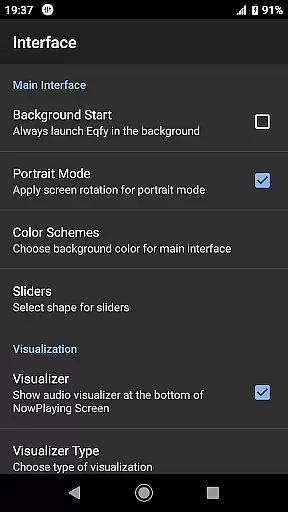
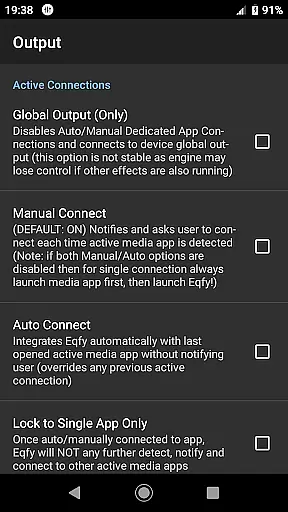
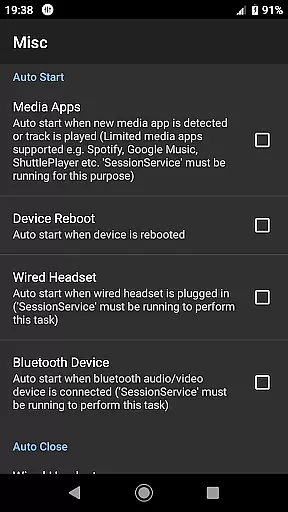
Eqfy Equalizer for Spotify is a powerful audio enhancement tool designed to elevate your music listening experience. This app works seamlessly with Spotify and other music players on Android devices, offering advanced equalization options that allow users to fine-tune their audio output.
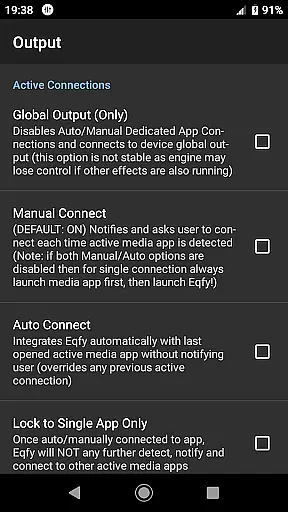
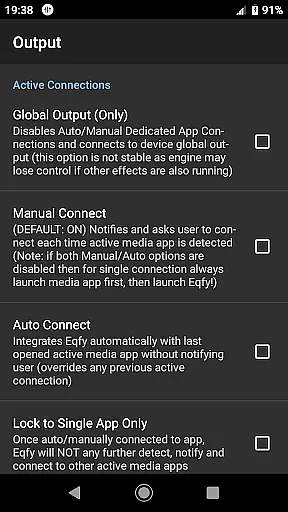
The core feature of Eqfy is its dedicated audio engine which supports global output, making it compatible with various music and audio apps including YouTube Music. With its user-friendly interface and robust functionality, the app enables users to adjust sound settings such as bass, treble, and volume levels to achieve an optimal audio experience.
Whether you're a casual listener or an audiophile, Eqfy provides the tools necessary to customize your sound profile. From deep bass enhancements to virtual surround sound, this app ensures that every note and beat is heard with clarity and precision, enhancing the overall enjoyment of your favorite tracks.
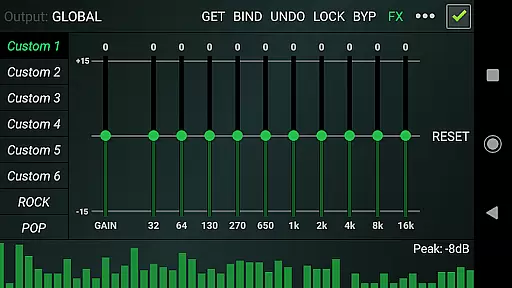
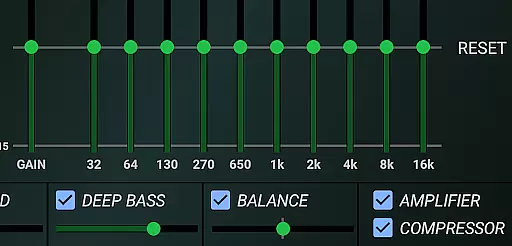
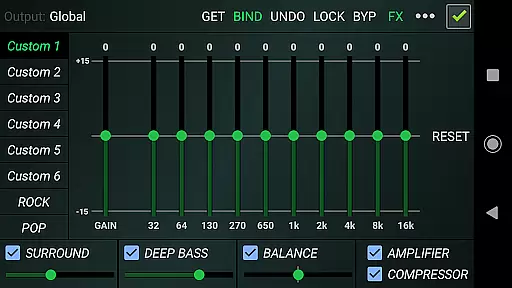
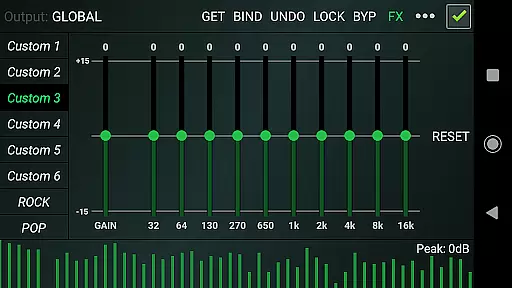
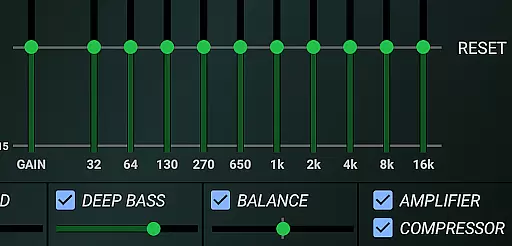
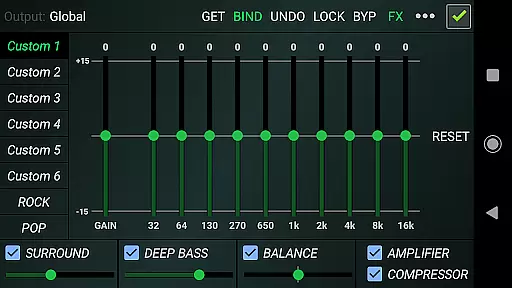
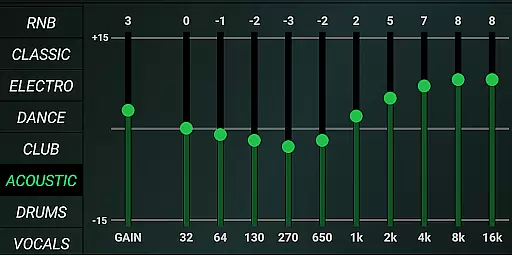
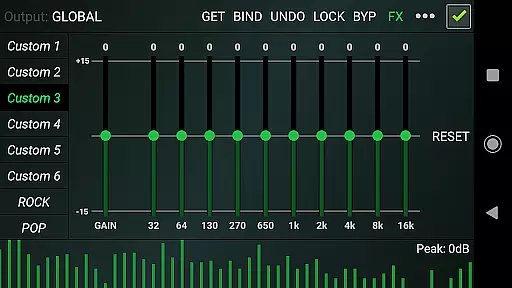
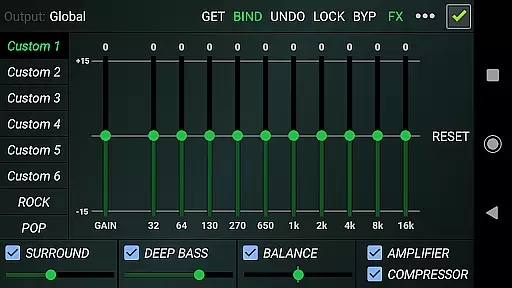
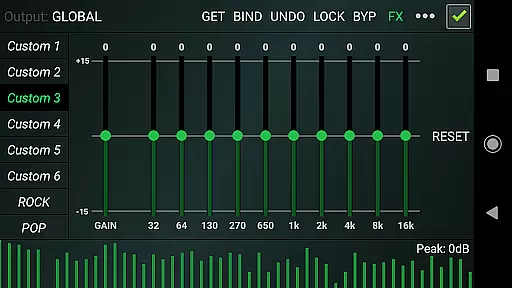
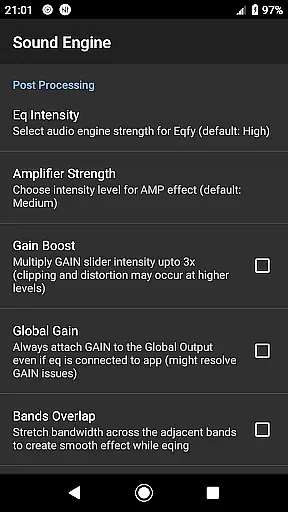
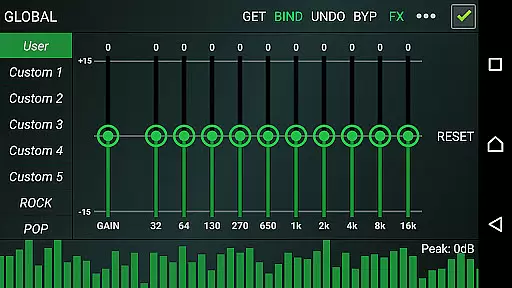
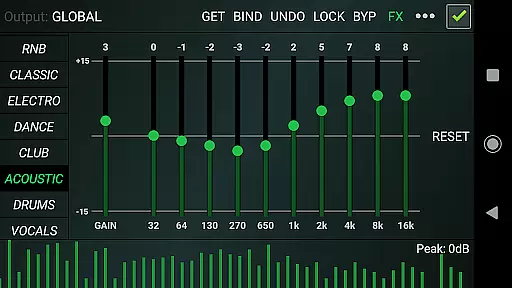
Eqfy Equalizer stands out with its comprehensive suite of features tailored for audio enthusiasts. The app includes a multi 10-Band equalizer with a powerful pre-amp gain, allowing users to boost loudness and volume effectively. This feature is complemented by optimized audio effects like compressor, amplifier, and sound balance adjustments.
One of the key highlights is the inclusion of 21 configurable presets, ranging from factory settings like Rock, Pop, and Classic to customizable user slots. These presets can be saved and read as files, providing flexibility and personalization options. Additionally, the app offers a music visualizer with peak values, adding a dynamic visual element to your listening sessions.
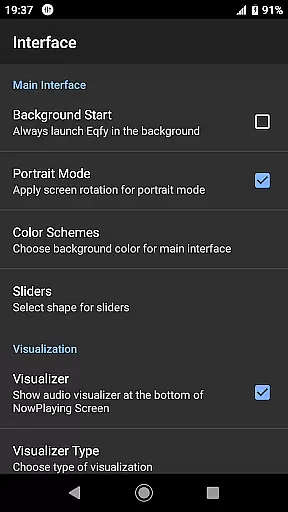
The quick and responsive user interface ensures that all these advanced features are easily accessible. Whether adjusting left-right stereo channels or applying deep bass boosts, Eqfy's intuitive design makes it simple for users to enhance their audio experience without any hassle.
Eqfy Equalizer for Spotify offers a unique approach to enhancing music quality rather than providing a built-in music library. Its strength lies in its ability to work seamlessly with various music and audio apps, including Spotify and YouTube Music. This compatibility ensures that users can enjoy an enriched audio experience across different platforms without worrying about copyright issues.
The app's global output feature supports Android music and audio apps, making it versatile and adaptable to a wide range of services. Users can apply Eqfy's advanced equalizer settings to any compatible app, ensuring that their listening experience is consistently high-quality, regardless of the source.
While Eqfy doesn't directly manage music libraries or copyright matters, its integration capabilities indirectly contribute to a more diverse and legal music consumption ecosystem. By enhancing the sound quality of legitimate streaming services, it encourages users to continue using these authorized platforms.
For audiophiles who value both quantity and quality in their music collection, Eqfy serves as an essential tool that complements their existing music library while maintaining strict adherence to copyright laws through its partnership with established music services.
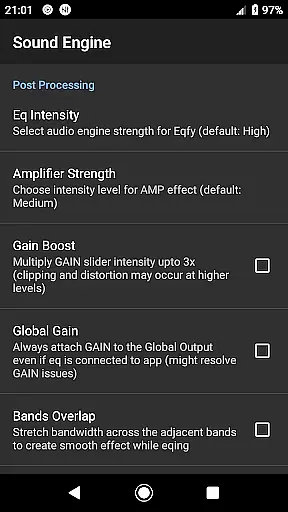
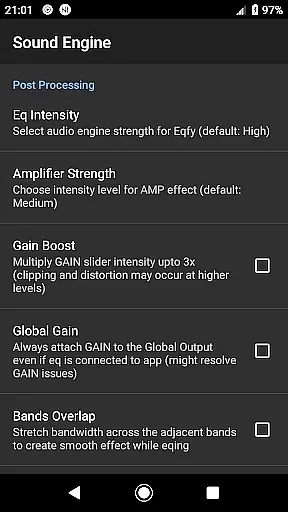
At the core of Eqfy's functionality is its powerful audio engine, which delivers exceptional sound quality through multiple features. The 10-band equalizer with pre-amp gain allows users to fine-tune their audio experience with precision, offering both loudness enhancement and volume boost capabilities.
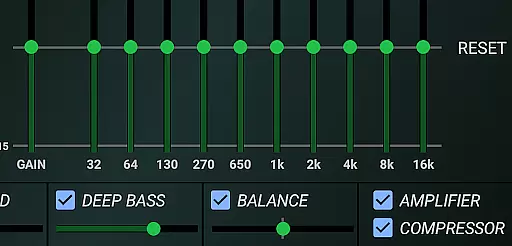
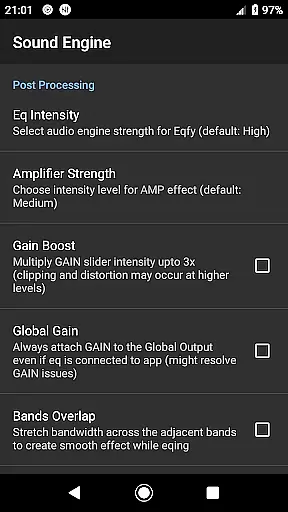
The app includes optimized audio effects such as compressor, amplifier, and deep bass boost, alongside virtual surround sound options. These features work together to create a rich, immersive listening experience that caters to various musical preferences and genres.
With 21 configurable presets including factory settings for rock, pop, classical, and dance, plus custom slots for user-defined configurations, Eqfy provides unparalleled flexibility in audio quality adjustment. The ability to save and read presets as files further enhances this customization potential.
Despite its sophisticated features, Eqfy maintains a quick, responsive, and simple user interface, making professional-grade audio quality accessible to both casual listeners and audio enthusiasts alike. This combination of advanced functionality and user-friendly design establishes Eqfy as a premier choice in music and audio equalizers.
Advanced equalizer settings
User-friendly interface
Wide compatibility with apps
Customizable presets
Powerful audio enhancements
Requires manual adjustments
Limited iOS support
Premium features locked
Occasional bugs reported
Not part of Spotify

DJ Music Mixer Pro is a real DJ controllers and DJ Music Studio to remix DJ.
 4.40
4.40
Your song collections with lyrics and chords on Android smartphones and tablets.
4.80
Ultimate Sonos Controller
4.70
Bass Booster Pro takes auto-equalizing to the next level!
4.30
Recording studio w/ 10k beats, pro vocal FX and a network of 20M rappers & fans!
4.60
Learn and play 2M+ music tabs & chords on guitar, ukulele, bass, and more
4.30
The official Sonos app
4.10
Full featured mp3 and audio player with Chromecast and Android Auto support.
4.40
Turn Every Moment into Music
3.60
Unleash your creativity! Turn simple prompts into full fledged songs.
4.70
Listen to live FM radio stations, sports, music and news on global radios online
4.70
Enjoy singing any song, no matter how high or low it is
4.30
A High-Precision Audio Spectrum Analysis App
4.20
Network/Cloud Streaming, Visualization, Graphic Equalizer and Sound Effects.
4.20
The alternative folder based music player.
4.20
Sing, record, and create music together — enhanced by smart voice tools.
4.00
The ultimate media player for Android devices
3.90
Simple mp3 and mp4 player with advanced features.
3.40
Make music anywhere. Turn your device into an instrument.
4.4


User Reviews