
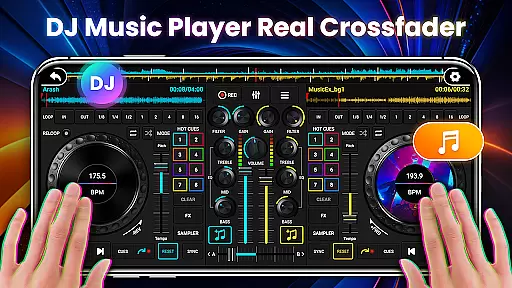
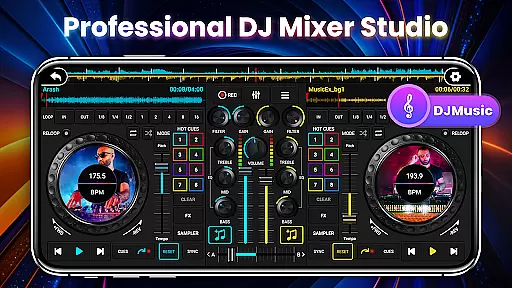
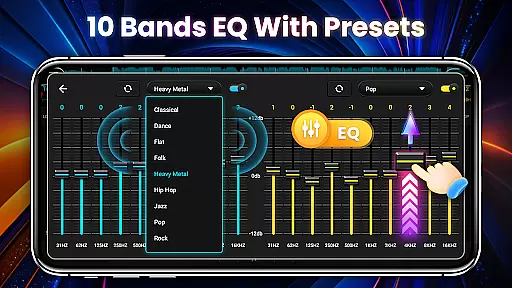
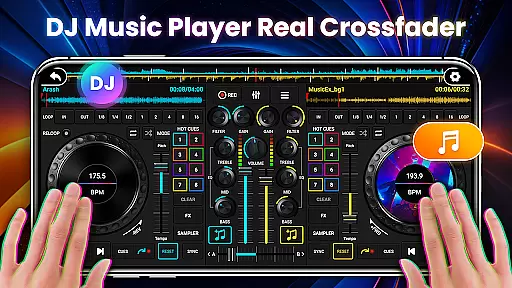
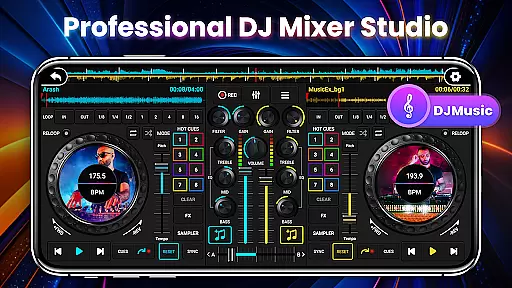
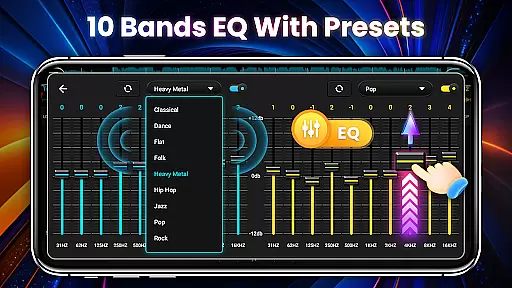
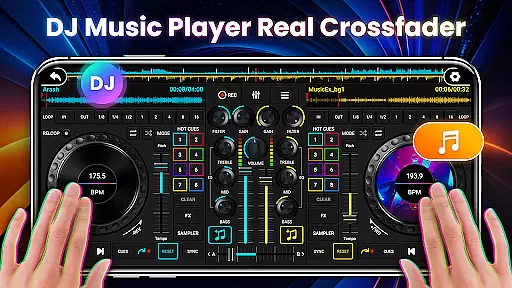
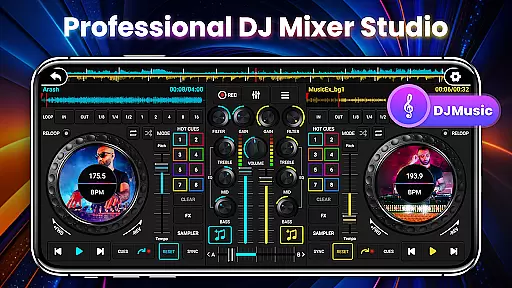
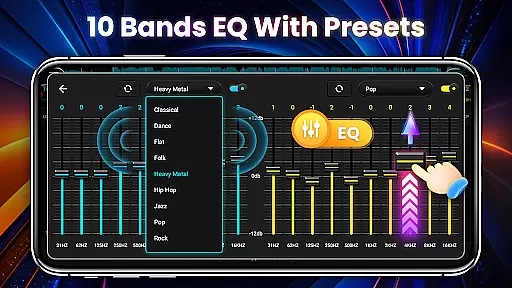
DJ Mixer Studio Pro is a professional-grade virtual DJ music studio designed for both beginners and experienced DJs. The app offers an ad-free experience with a realistic DJ console interface, allowing users to mix and remix songs on two decks simultaneously. It includes advanced features such as a 3-band EQ mixer, FX effects, 10-band equalizer, and bass booster.
With intuitive controls that simulate real-world DJ equipment, users can slide control bars, rotate knobs, and scrub discs back and forth. The app supports precise adjustments of ten-segment EQ, BPM synchronization, high and low pass filters, and various loop modes. These features make it suitable for creating professional-quality music mixes while providing an engaging interactive experience.
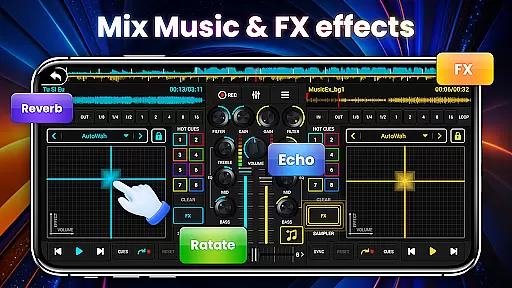
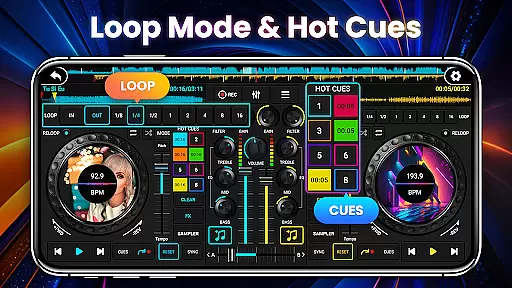
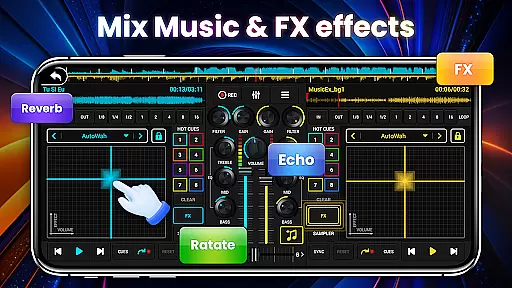
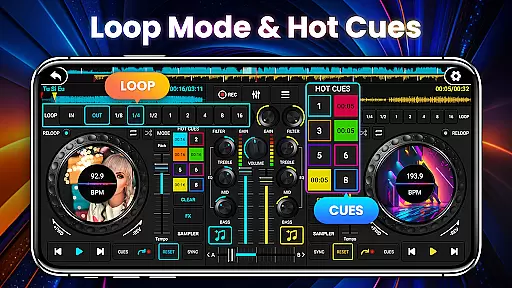
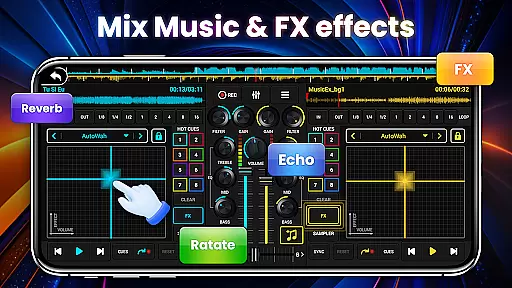
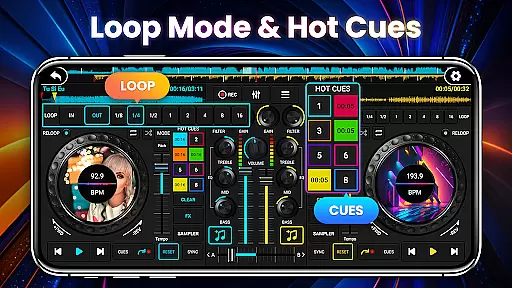
DJ Mixer Studio Pro stands out with its comprehensive set of professional DJ tools. The app provides three quick EQ adjustment buttons and a ten-segment equalizer for precise sound tuning. It includes seven FX effects processors such as AutoWah, Echo, Reverb, and Chorus, along with eight loop modes ranging from 1/8 to 16 beats.
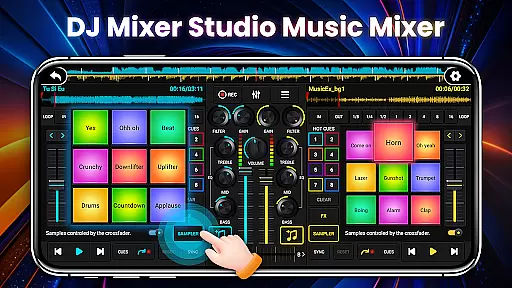
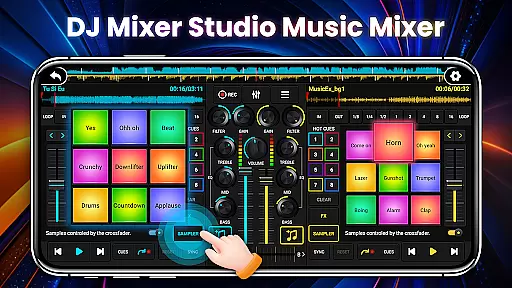
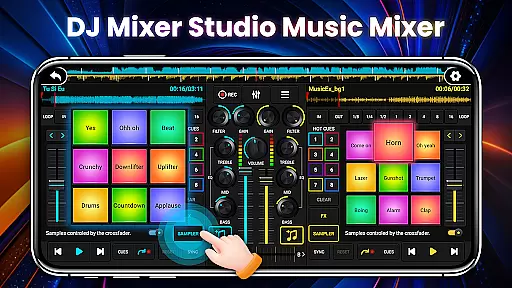
The app ensures smooth transitions between tracks with real-time BPM display, synchronization, and tone-locking functions. Users can set up to eight hotspots and utilize 27 free sample packages with stunning sound effects. The dual-deck console allows simultaneous or alternating playback, while the crossfader enables smooth volume transitions between tracks.
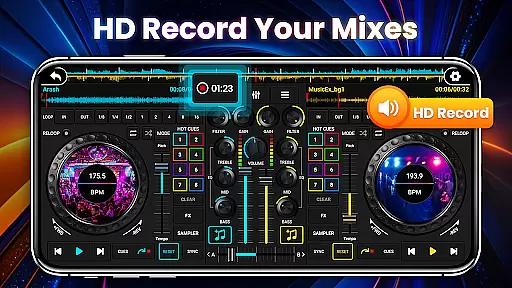
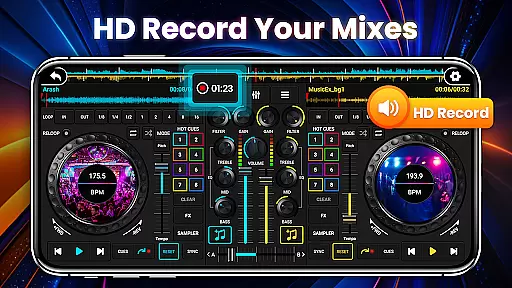
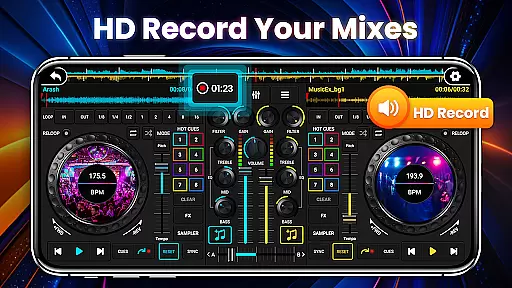
Designed for all skill levels, the app features an intuitive interface adapted for mobile devices, complete with beginner tutorials and one-click recording functionality. These capabilities make DJ Mixer Studio Pro a versatile tool for both learning and professional music production.
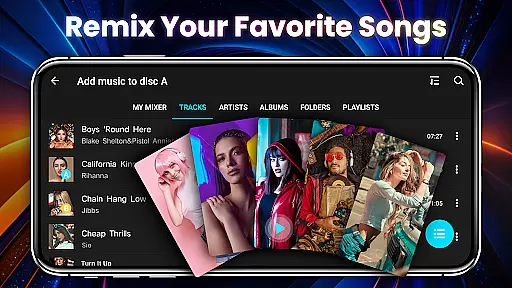
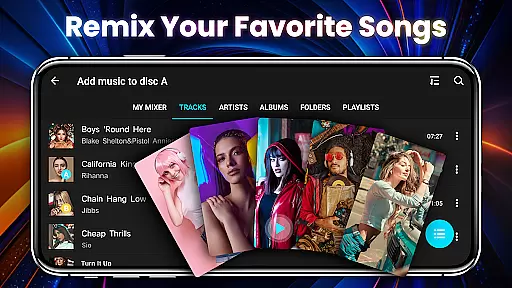
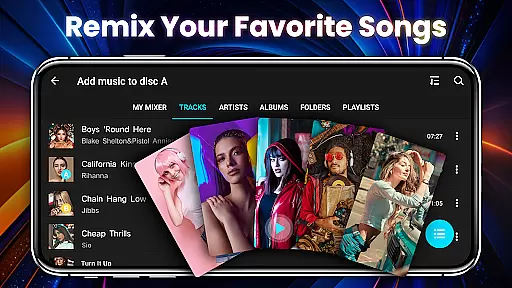
In the realm of DJ Mixer Studio Pro, users are granted access to an extensive music library that caters to both amateur enthusiasts and professional DJs. The application allows for quick reading and sorting of local songs on your device, enabling a personalized music mixing experience.
Copyright authenticity is taken seriously within this app's framework, ensuring that all music tracks and sample packages provided are free from legal encumbrances. This gives users peace of mind when utilizing the vast array of sound effects and loops in their mixes.
The inclusion of 27 completely free sample packages with stunning sound effects underlines the app's commitment to providing a rich, creative toolkit without infringing on intellectual property rights. These samples can be seamlessly inserted into songs, enhancing the user's ability to create unique compositions.
By focusing on a comprehensive and legally sound music library, DJ Mixer Studio Pro empowers its users to explore their creativity without limitations while respecting original artists' work. This balance between freedom and responsibility is crucial for maintaining a trustworthy platform for music creation.
Audio quality is paramount in the DJ Mixer Studio Pro, offering users advanced tools such as a 10-band equalizer and bass booster to fine-tune their audio output. These features allow for precise adjustments, ensuring that every mix sounds clear and powerful across different playback systems.
The app provides seven FX effects processors including AutoWah, Echo, Damp, Reverb, Chorus, Phaser, and Rotate, which add depth and texture to music tracks. Such versatility in audio manipulation enables users to craft complex soundscapes that elevate their DJ sets.
With high and low pass filters alongside BPM proofreading synchronization, the app ensures seamless transitions between tracks. Users can lock tones during BPM adjustments, preserving the integrity of the original recordings while achieving perfect harmony in their mixes.
Ultimately, DJ Mixer Studio Pro delivers exceptional audio quality options that cater to audiophiles and professionals alike. Its robust feature set supports an immersive mixing experience where every beat, note, and effect can be meticulously controlled for optimal performance.
User-friendly interface
Comprehensive DJ tools
Realistic console simulation
Ad-free experience
Professional-grade features
Requires learning curve
Advanced features may overwhelm beginners
Occasional performance issues
Limited customer support
Premium price point

Offline and always ad-free - stream in the highest quality available.
 4.10
4.10
The Cubase remote control app
3.60
Remove ads permanently from Music Visualizer
4.1
Your song collections with lyrics and chords on Android smartphones and tablets.
4.80
Network/Cloud Streaming, Visualization, Graphic Equalizer and Sound Effects.
4.20
Visualize the guitar fretboard, master scales & play through changes like a pro!
4.50
USB audio recording and playback finally possible on Android 3.1 or higher!
3.90
The official Sonos app
4.10
PowerAudio is a powerful offline music player.
4.20
Most Advanced AI Song Generator and Music Creator. Rap, Pop, Rock, Gospel & more
4.70
SqueezePlayer turns your Android phone or tablet into a SqueezeBox on its own!
4.60
Reverse your voice & songs instantly! Fun singing challenge with cool effects.
4.60
Time Guru will strengthen your internal sense of musical time via random muting.
4.30
Advanced 10-Band Audio Graphic Equalizer Sound Booster Pro
4.30
Learn and play 2M+ music tabs & chords on guitar, ukulele, bass, and more
4.30
Turn your Android phone into a professional audio analyser with up to 120 bands.
4.00
Sing, record, and create music together — enhanced by smart voice tools.
4.00
Sheet music reader, piano & music note player. Play music score & learn to read.
3.90
Make music anywhere. Turn your device into an instrument.
4.1


User Reviews