
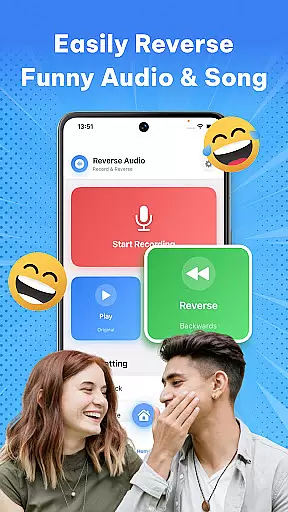
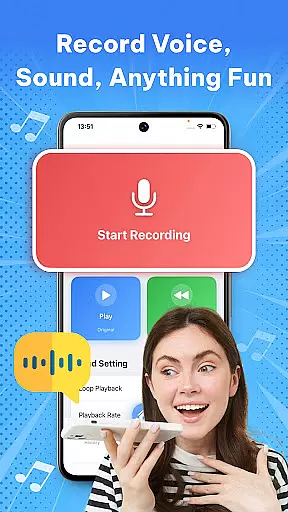

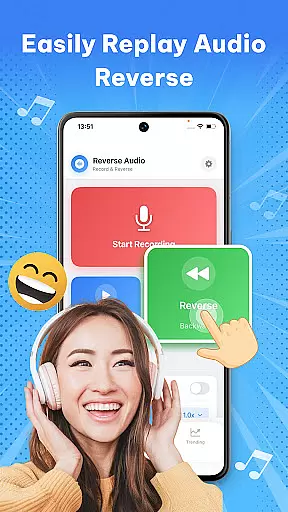
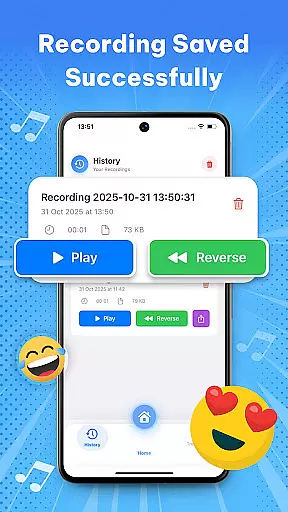

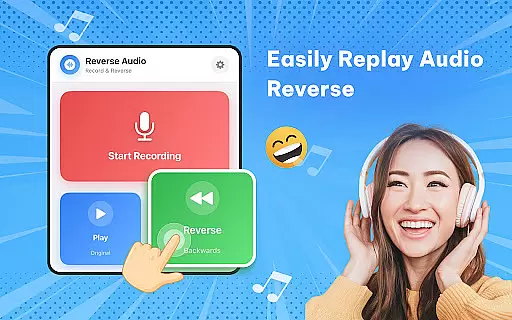
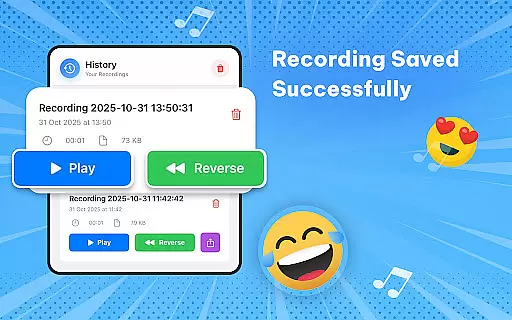
Reverse Audio: Sing Challenge is a creative audio tool that allows users to record, reverse, and manipulate sound clips with ease. Designed for music enthusiasts, content creators, and prank lovers, this app transforms ordinary audio into extraordinary creations by flipping it backward. Whether you're looking to experiment with viral singing challenges or simply have fun with reversed voice messages, the app offers a complete package of features to explore.
The app's core functionality lies in its ability to instantly reverse any recorded sound while providing additional tools like pitch adjustment, playback speed control, and high-quality audio processing. With seamless offline functionality and intuitive controls, Reverse Audio ensures a smooth user experience across all creative endeavors.
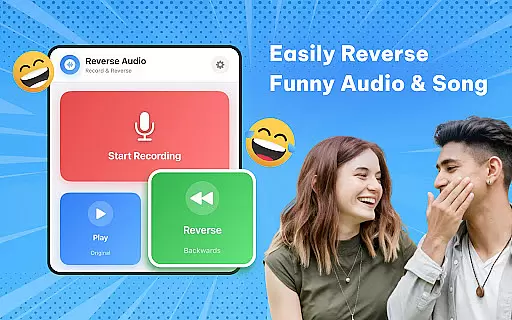
One of the standout aspects of Reverse Audio: Sing Challenge is its diverse feature set tailored for both casual users and serious creators. The app allows instant reversal of any voice or sound recording, making it easy to create funny phrases, unique sound effects, or even practice singing backward. Its precision in flipping audio opens up endless possibilities for creativity.
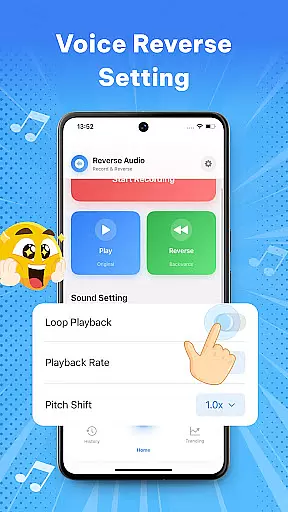
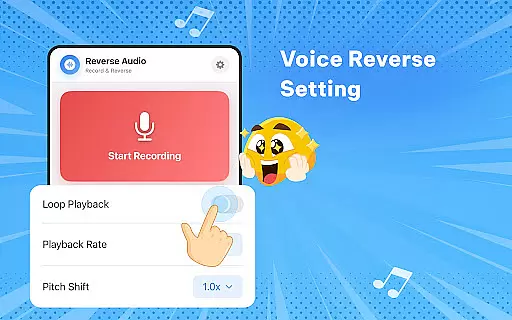
Beyond basic reversal, the app includes advanced options such as playback speed adjustments, pitch modifications, and customizable filters. These features enable users to fine-tune their reversed audio for various purposes, from social media challenges to professional video editing. Additionally, the app supports high-quality sound output and smooth performance, ensuring that every clip sounds clear and polished.
When it comes to music and audio applications like Reverse Audio: Sing Challenge, the size and variety of the music library play a crucial role in user engagement. A vast music library ensures that users have access to a wide range of sounds and audio clips that they can experiment with.
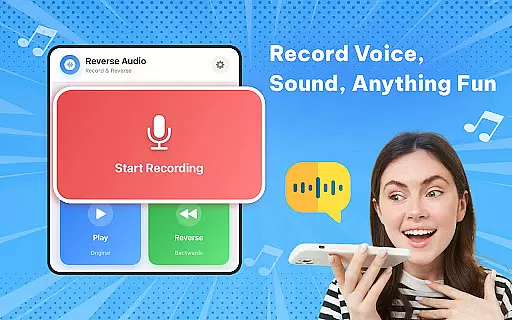
Reverse Audio doesn't just provide an extensive library; it also allows users to record and reverse their audio clips, making every sound unique and personalized. This feature is essential for creators who want to add a distinct touch to their videos or music projects.
Copyright authenticity is another critical aspect that Reverse Audio takes seriously. By ensuring that all provided audio content is free from copyright infringement, the app safeguards users from legal issues that may arise from using unauthorized audio clips.
The combination of a diverse music library and stringent copyright compliance makes Reverse Audio: Sing Challenge a reliable tool for both entertainment and professional use, allowing users to unleash their creativity without limitations.
Audio quality is paramount when dealing with sound-based applications. Reverse Audio: Sing Challenge offers high-quality sound processing that ensures crystal-clear audio even after being reversed. This attention to audio fidelity enhances the overall user experience, making it not only fun but also suitable for professional use.
In addition to pristine sound quality, the app provides various options for playback speed and pitch adjustments. These features allow users to experiment with their reversed audio clips, creating weird, spooky, or hilarious effects that add an extra layer of creativity to their projects.
Smooth performance is another hallmark of Reverse Audio. The app's ability to process audio quickly and efficiently means that users can create and share their reversed clips without any noticeable lag or distortion. This seamless performance is vital for maintaining user engagement and satisfaction.
Whether you're a creator looking to add unique sound effects to your videos or someone who enjoys experimenting with audio for fun, Reverse Audio: Sing Challenge delivers top-notch audio quality options that cater to both casual and professional needs.
User-friendly interface
High-quality audio processing
Versatile sound manipulation
Offline functionality
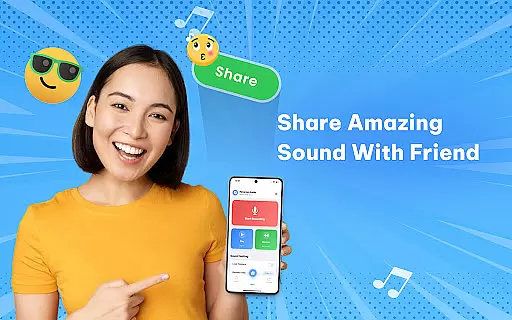
Social sharing options
Limited advanced tools
No batch processing
Few customization presets
Basic UI design
Occasional glitches

Equalizer, Bass Booster and Volume Booster (Eq & Bass) improve sound quality
 4.30
4.30
JBL PartyBox APP works with 110/310/710/120/320/520/Encore/Encore 2/Encore Ess 2
4.80
The best music and audio player, with beautiful UI, music search and equalizer.
4.60
Bass Booster & Volume Equalizer Pro improves your music and video sound quality
4.60
Super Sound Editor, Song Maker & Mixer, Vocal Remover, Voice Recorder & Changer!
4.60
Slow music down without changing pitch.
3.70
PowerAudio is a powerful offline music player.
4.20
Full featured mp3 and audio player with Chromecast and Android Auto support.
4.40
Be a true music maker: create beats, mix and make music like a real DJ!
4.30
Full-featured, High-Quality Groovebox Workstation, perfect for Live Performance!
4.80
Responsive piano with great sounds, graphics, and songs
4.80
Taal player that lets you sing any Indian & Western song with Tabla & Tanpura
4.60
Learn the notes on the guitar fretboard fast with this easy and fun app
4.60
10-Band Audio Equalizer, Sound / Bass Booster for Spotify Users & Music Players
4.40
Help you quickly get started with Shokz headphones
4.40
VB-AUDIO Software / VBAN-Receptor allows listening to any VBAN Streams
4.10
Sheet music reader, piano & music note player. Play music score & learn to read.
3.90
Control your MIDI USB or Bluetooth devices in app and avoid some trampling
3.30
Make music anywhere. Turn your device into an instrument.
4.4


User Reviews