
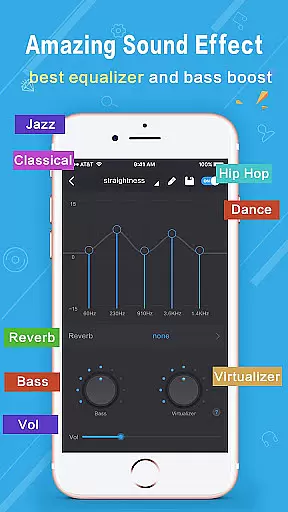
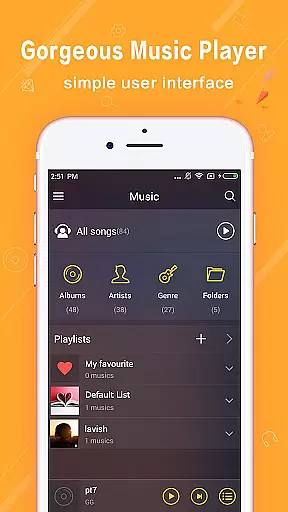
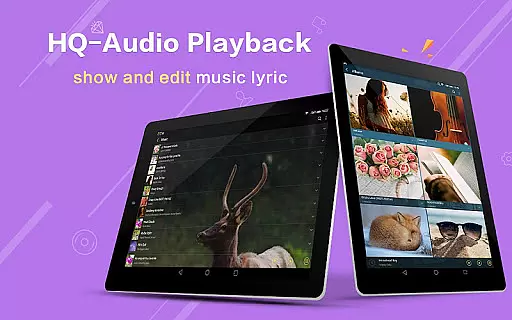
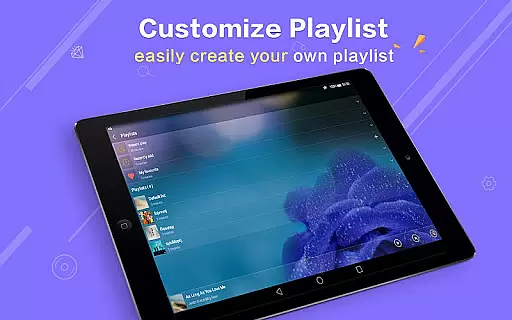
Music Player Plus is a feature-rich audio player designed to enhance your music listening experience. This app supports all popular music file formats and offers an intuitive interface for organizing and playing your music library. With its powerful equalizer, you can choose from over 22 pre-set tone styles or customize your own sound settings.
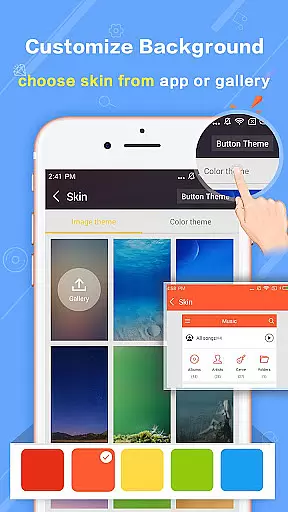
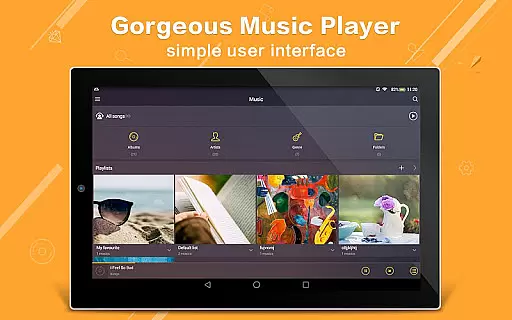
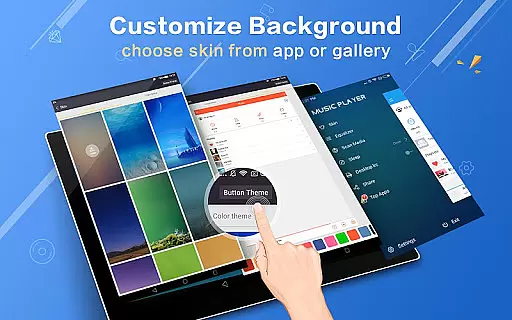
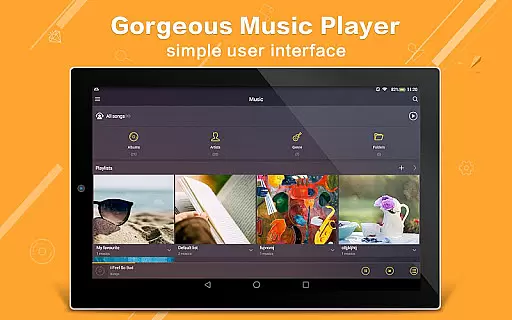
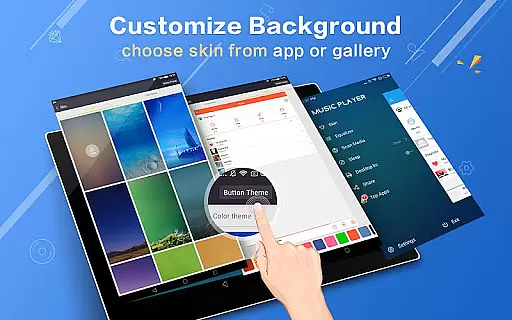
The app stands out with its customizable background skins, allowing users to personalize the appearance of their music player. Whether you want to browse music by albums, artists, playlists, or folders, Music Player Plus provides seamless navigation. Its unique features like shake-to-change-song and lyric file support make it a versatile choice for music enthusiasts.
Ideal for audiophiles who value both functionality and aesthetics, this app is perfect for those who want complete control over their music playback style while enjoying a visually appealing interface.
Music Player Plus boasts an impressive array of features that cater to diverse user needs. The app's powerful equalizer lets you adjust audio settings with precision, offering more than 22 pre-set music tone styles such as Normal, Classic, Dance, Folk, and Hip Hop. Users can also manually tweak the equalizer to create their preferred sound profile.
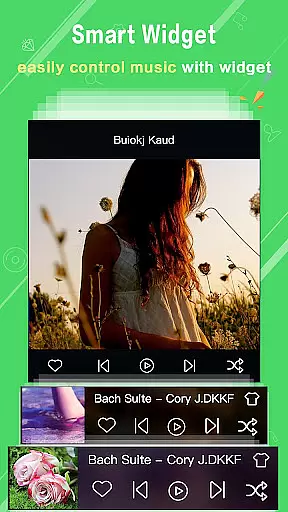
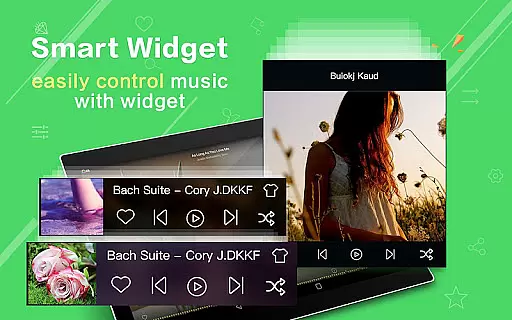
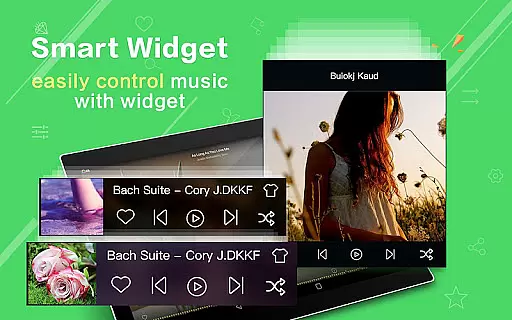
One of the standout features is the customizable background skin. With 22 built-in skins and the option to use personal gallery photos, users can tailor the app's appearance to their liking. The app also includes practical widgets (4x1, 2x2, 4x1) for quick access to controls and supports notification status displays with album artwork.
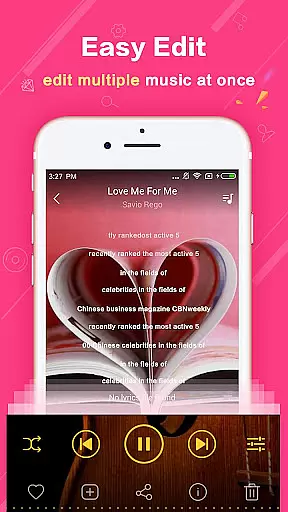
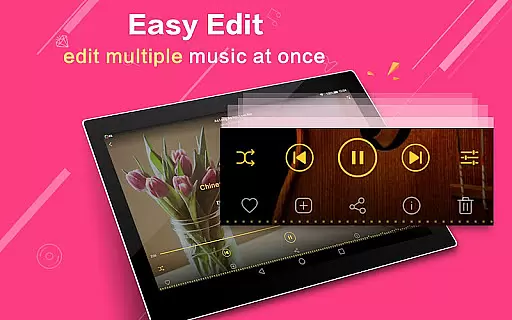
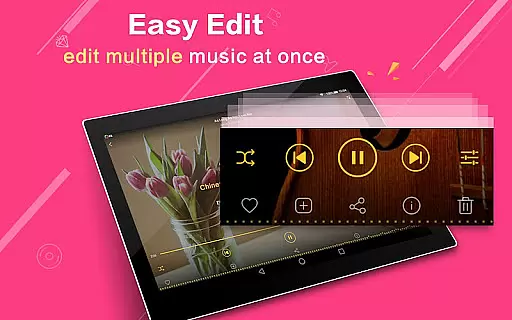
Additional innovative features include shake-to-change-song functionality, automatic lyric file matching, and multi-select operations for managing music files. These thoughtful additions make Music Player Plus a comprehensive solution for organizing, customizing, and enjoying your music collection.
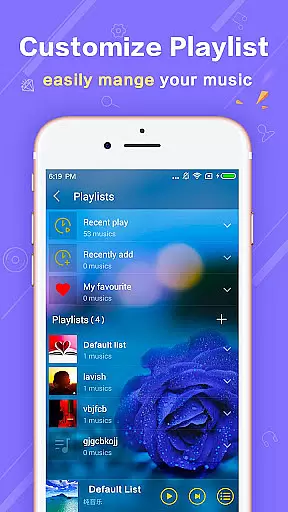
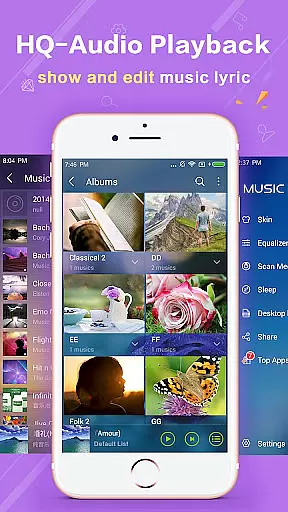
Music Player Plus offers an extensive music library that supports all the most popular music file formats, ensuring users can access and play their entire collection without compatibility issues. The application's ability to browse and play music by albums, artists, songs, playlists, and folders highlights its comprehensive approach to music management.
Regarding copyright authenticity, this app respects user-loaded content's legal status, providing tools for easy search and organization without infringing on intellectual property rights. Users are free to re-edit album and artist names, enhancing personalization while maintaining respect for original creators.
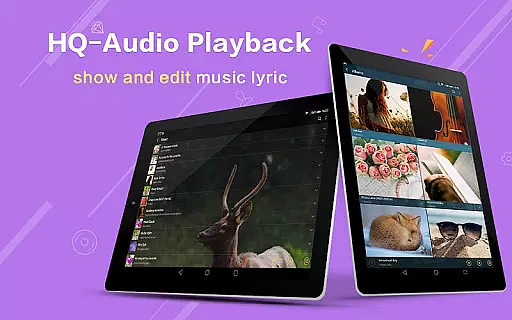
The inclusion of genre lists and support for lyric files further enriches the music listening experience, allowing for deeper engagement with music content. Automatic scanning and matching of lyric files ensure that listeners can follow along with their favorite tracks accurately.
At the heart of Music Player Plus lies its powerful equalizer, which boasts more than 22 preset music tone styles, including Normal, Classic, Dance, Folk, Heavy, Hip Hop, Jazz, Pop, Rock, and more. This feature allows users to tailor their audio experience according to personal preference or mood, significantly enhancing sound quality.
Custom tone music styles and manual equalizer adjustments empower users to fine-tune their listening experience beyond predefined settings. Such flexibility ensures optimal audio output, making each track sound as professional as possible.
Furthermore, the app's support for high-quality audio playback, combined with its notification status showing album artwork and playback controls, elevates the overall auditory experience. Whether using standard headphones or Bluetooth devices, Music Player Plus delivers exceptional sound fidelity and convenience.
User-friendly interface
Powerful equalizer options
Customizable background skins
Comprehensive file format support
Intuitive folder-based organization
No built-in streaming service
Limited advanced editing tools
Occasional performance issues
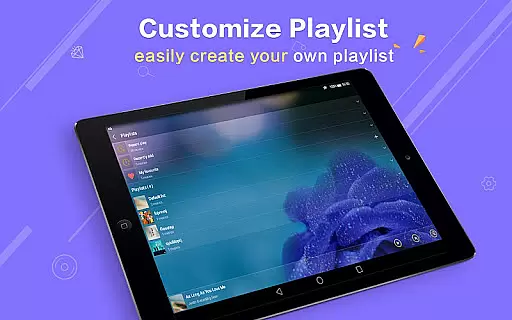
Basic playlist management
Ads in free version

Offline and always ad-free - stream in the highest quality available.
 4.10
4.10
Time Trainer: accurate metronome w tools to help you develop your internal time!
4.20
Most Advanced AI Song Generator and Music Creator. Rap, Pop, Rock, Gospel & more
4.70
Super Sound Editor, Song Maker & Mixer, Vocal Remover, Voice Recorder & Changer!
4.60
Recording studio w/ 10k beats, pro vocal FX and a network of 20M rappers & fans!
4.60
Unleash your creativity! Turn simple prompts into full fledged songs.
4.70
Listen radio AM / FM Stations. Live AM / FM Radio App Station. Radio Com.
4.70
Offline Music Player & MP3 Player.Powerful equalizer, Lyrics, Themes, Tag Editor
4.80
Offline Tunes, Unlimited Vibes
3.90
24,000 free audio books and no ads!
4.90
Your song collections with lyrics and chords on Android smartphones and tablets.
4.80
Gorgeous UI, Powerful music Search and Equalizer, the great choice for you!
4.70
Walkout Song DJ is the most intuitive app to manage your sports music.
4.70
The only true audiophile music player with Hi-Fi audio rendering and DSP engine
3.90
USB audio recording and playback finally possible on Android 3.1 or higher!
3.90
Sheet music reader, piano & music note player. Play music score & learn to read.
3.90
Control your MIDI USB or Bluetooth devices in app and avoid some trampling
3.30
MilkDrop for Android TV
3.00
Music Streaming suite for Ampache, Nextcloud Music and compatible backends.
4.3


User Reviews