
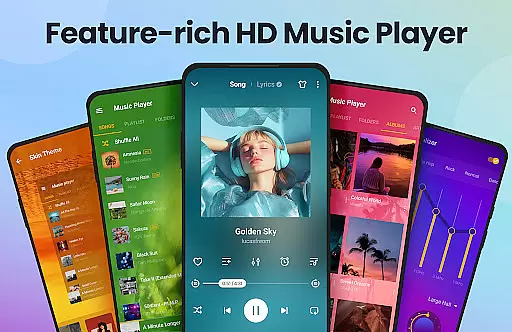
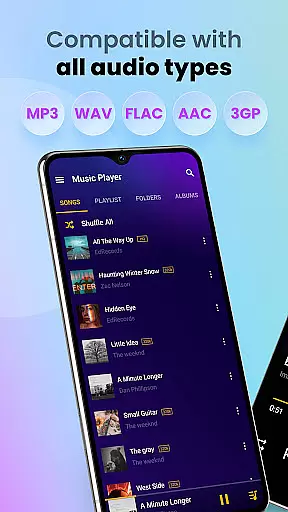
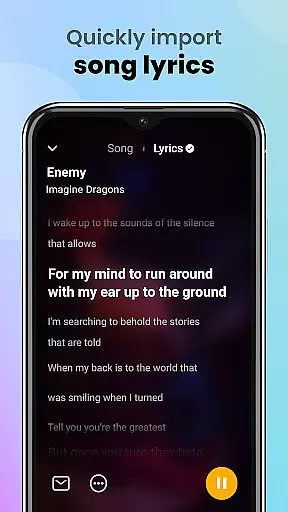
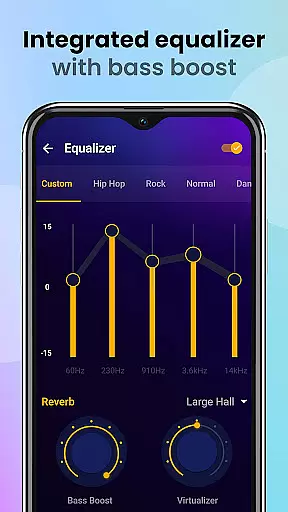
Music Player & MP3 Player is a premier audio playback application for Android devices, offering an exceptional music listening experience. This app supports all major audio formats including MP3, MIDI, WAV, FLAC, AAC, and APE, ensuring comprehensive compatibility with your music library. With its powerful built-in equalizer, users can customize their sound experience using features like bass boost and reverb effects.
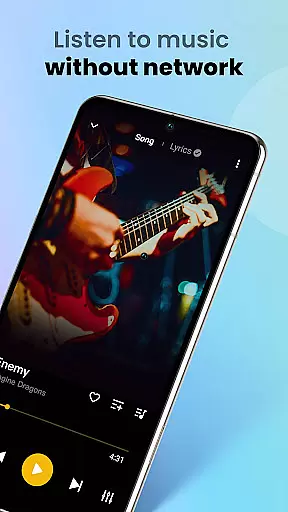
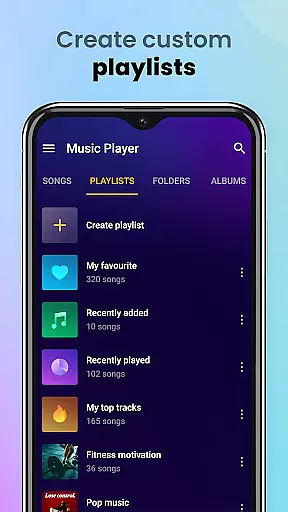
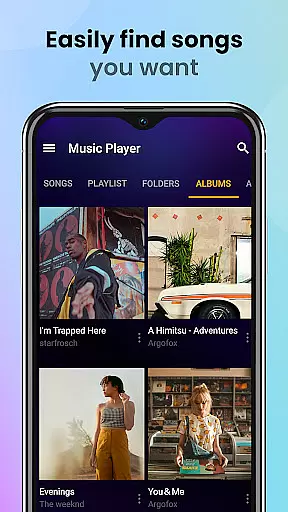
The app's sleek and modern user interface provides an intuitive navigation experience. Users can browse their music collection by songs, artists, albums, folders, or playlists. The offline playback capability allows you to enjoy your favorite tracks without an internet connection, making it perfect for travel or areas with limited connectivity. Music Player & MP3 Player truly enhances the way you interact with your music collection.
One of the standout features of Music Player & MP3 Player is its advanced equalizer, which offers various sound-enhancing options such as bass boost and reverb effects. These tools allow users to fine-tune their listening experience according to personal preferences. Additionally, the app supports high-quality audio playback for all popular formats, ensuring that your music sounds as good as possible.
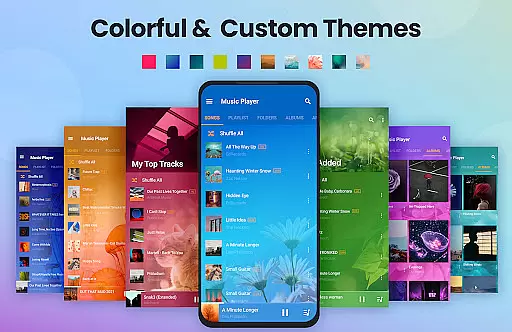
The app also includes practical functionalities such as automatic scanning and organization of audio files, customizable playlists, and the ability to set songs as ringtones. Users can manage their music effortlessly with features like shuffle, repeat, and sleep timer modes. Moreover, the lock screen controls and notification bar playback provide convenient access to music controls. With support for widgets and various themes, Music Player & MP3 Player combines functionality with personalization.
Music Player & MP3 Player offers an extensive music library that supports all major audio formats including MP3 MIDI WAV FLAC AAC and APE. This ensures users have the freedom to upload and play any song from their personal collections without format restrictions.
The app emphasizes copyright authenticity by allowing users to manage and play only their legally acquired local files. By focusing on local music playback rather than streaming or downloading it maintains compliance with copyright laws while delivering high-quality audio playback.
With its offline functionality users can organize their music libraries by albums artists playlists or folders creating a personalized and authentic music experience. The app also enables features like setting ringtones and sharing tracks while ensuring all content remains legitimately owned by the user.
Delivering exceptional audio quality is a core feature of Music Player & MP3 Player. It supports high-quality playback for all compatible formats ensuring listeners enjoy their music in the best possible fidelity available from their local files.
The built-in equalizer enhances sound output with advanced settings such as bass boost and reverb effects. These customizable audio options allow users to tailor their listening experience according to their preferences whether they seek deeper bass or clearer treble tones.
In addition to superior sound quality the app provides lock screen controls and notification bar playback options. This seamless integration ensures users can easily manage their audio experience without compromising on quality making it ideal for various scenarios including workouts or relaxation.
User-friendly interface
High-quality audio playback
Comprehensive format support
Powerful equalizer settings
Offline music access
No built-in music downloader
Limited advanced playlist options
Occasional UI glitches reported
Ads in free version
Equalizer presets could be expanded

Performance-Synthesizer & Multi-Track-Sequencer, polyphonic + multi timbral!
 4.70
4.70
Listen to live FM radio stations, sports, music and news on global radios online
4.70
A High-Precision Audio Spectrum Analysis App
4.20
Next generation modular control surface
4.10
Unleash your creativity! Turn simple prompts into full fledged songs.
4.70
Offline Music Player&MP3 Player with themes, equalizer, lyrics, music play mode
4.60
Let your Android device with the sound effects you want
4.50
Full featured mp3 and audio player with Chromecast and Android Auto support.
4.40
Get alarms that fit your lifestyle and wake up to the sounds you love.
4.80
24,000 free audio books and no ads!
4.90
Full-featured, High-Quality Groovebox Workstation, perfect for Live Performance!
4.80
SqueezePlayer turns your Android phone or tablet into a SqueezeBox on its own!
4.60
Advanced 10-Band Audio Graphic Equalizer Sound Booster Pro
4.30
Bass Booster Pro takes auto-equalizing to the next level!
4.30
No wifi music app. Mp3 offline. Tuner radio, young radio music. Music downloader
4.20
USB audio recording and playback finally possible on Android 3.1 or higher!
3.90
Offline Tunes, Unlimited Vibes
3.90
Learn to play the piano using falling notes!
3.80
Control your MIDI USB or Bluetooth devices in app and avoid some trampling
3.30


User Reviews