
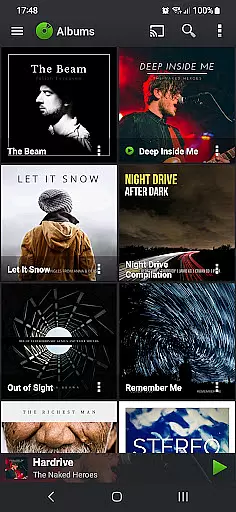
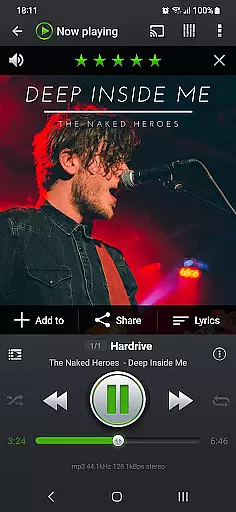
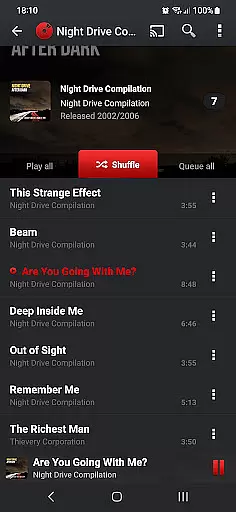
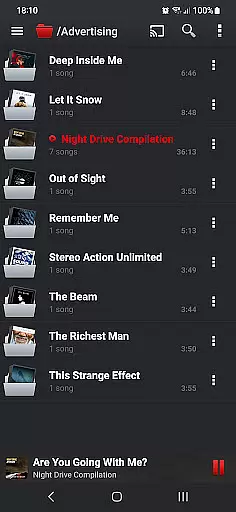
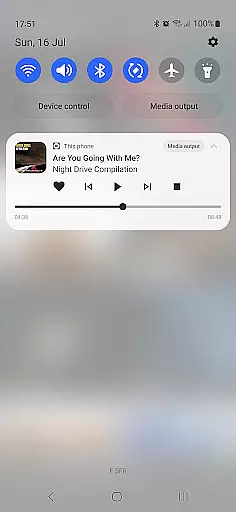
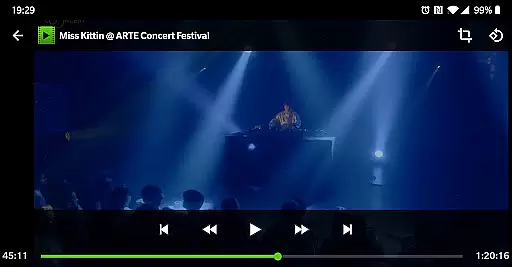
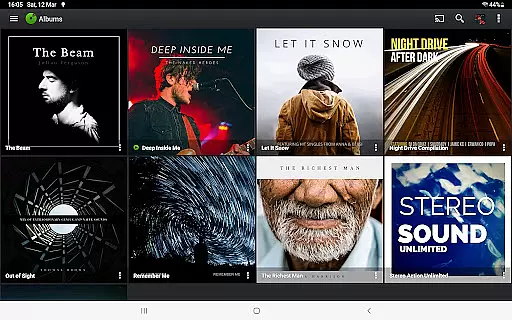
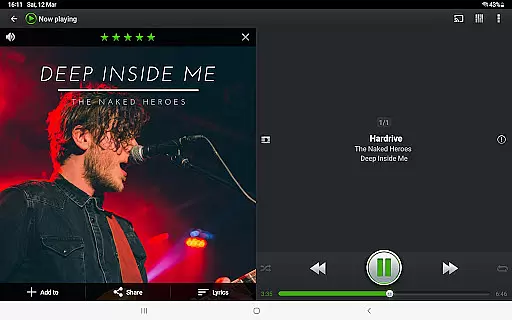
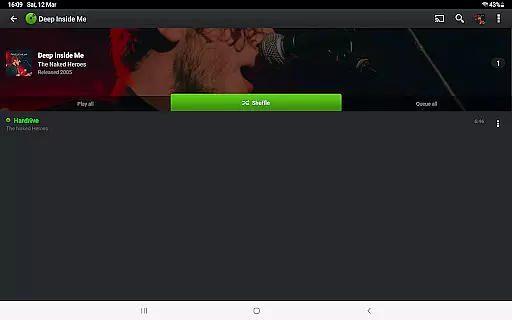
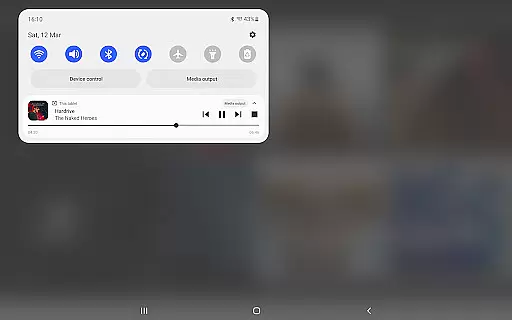
PlayerPro Music Player (Pro) is a premium music and video player for Android devices, offering an advanced audio experience. With its intuitive interface and powerful configuration options, it caters to audiophiles seeking both style and functionality. The app supports various browsing methods including albums, artists, genres, and playlists, while enabling users to stream content to Chromecast devices.
Beyond basic playback, PlayerPro enriches your library with album artwork and offers customization through skins and layout options. It includes professional-grade DSP effects, ID3 tag editing, and smart playlists. Integration with Android Auto, Google Drive backup, and scrobbling services make it versatile for all listening environments. Whether driving or relaxing at home, this app provides a complete multimedia solution.
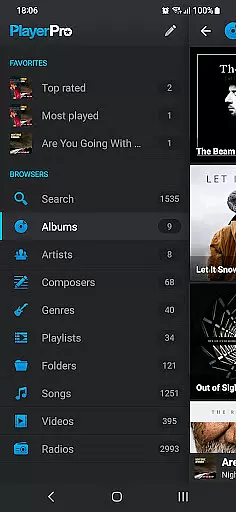
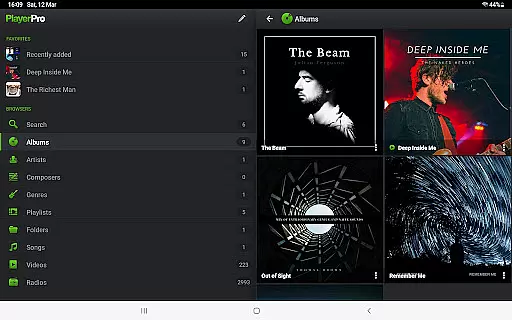
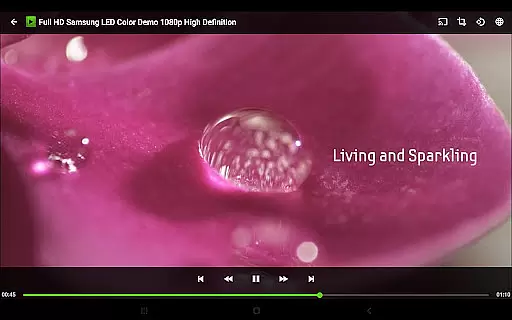
PlayerPro stands out with its comprehensive feature set tailored for music enthusiasts. The app allows browsing through multiple categories such as albums, artists, and genres, while also supporting video playback and worldwide radio streaming. Its compatibility with Android Auto and Chromecast enhances accessibility across devices.
Customization is key in PlayerPro, offering users the ability to personalize their interface with skins, grid or list views, and lock screen widgets. Advanced functionalities include professional DSP effects via a free plugin, extensive ID3 tag editing, and smart playlist creation based on various criteria. Additional features like sleep timer, voice search, and social sharing further elevate the user experience.
PlayerPro Music Player (Pro) offers an extensive music library that supports all major audio formats including Mp3, Mp4, Ogg Vorbis, Flac, Wav, Aif, Dsf, Wma, Opus, and Speex. This ensures users can access a vast range of music without compatibility issues.
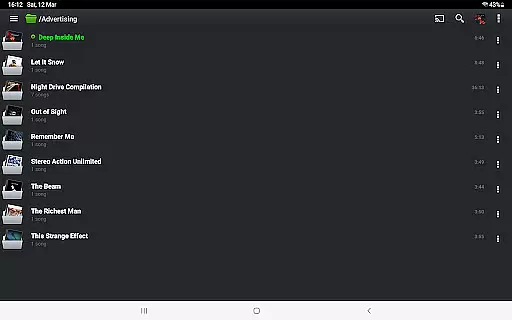
The app allows browsing and playing music in multiple ways such as by albums, artists, genres, playlists, folders, or songs. This flexibility enhances user experience by catering to individual preferences and organizational habits.
In addition to its expansive library, PlayerPro emphasizes copyright authenticity by enabling users to edit ID3 tags directly within the app. This feature supports up to 15 different tag fields, ensuring accurate metadata management and proper attribution of music files.
By providing both a comprehensive music library and robust copyright management tools, PlayerPro empowers users to maintain a rich and legally compliant music collection.
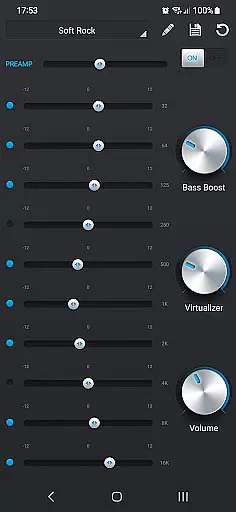
PlayerPro Music Player (Pro) stands out with its advanced audio configuration options, delivering high-quality sound experiences. The app includes a default 5-band graphic equalizer with 15 presets, allowing users to customize audio output according to their preferences.
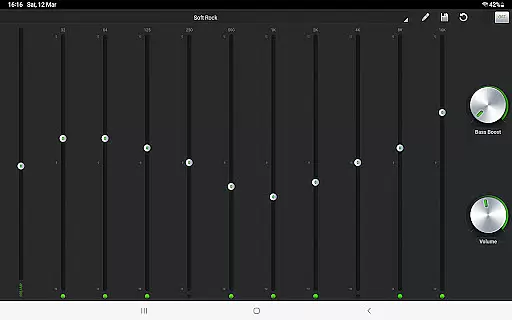
For audiophiles seeking even more control, PlayerPro offers a free DSP plugin. This professional-grade plugin supports High-Res audio up to 32-bit, 384kHz, and features a 10-band graphic equalizer, Pre-Amp control, bass boost, and stereo widening effects.
Additional audio quality enhancements include gapless playback, auto/manual crossfade, replay gain, and an audio limiter. These features ensure uninterrupted playback and consistent volume levels across tracks.
With these sophisticated audio quality options, PlayerPro caters to both casual listeners and audio enthusiasts who demand the best possible sound from their mobile devices.
Advanced audio configuration
Beautiful and intuitive interface
Wide range of customization options
Supports Chromecast streaming
Comprehensive ID3 tag editing
Paid version only
Requires additional plugin for DSP
Interface may overwhelm beginners
Limited free skins available
No built-in equalizer presets

Enhance the sound quality of your devices, listen to what you want
 4.50
4.50
Brian Eno and Peter Chilvers’ acclaimed music app Bloom, radically reinvented.
4.80
The best music and audio player, with beautiful UI, music search and equalizer.
4.60
Unleash your creativity! Turn simple prompts into full fledged songs.
4.70
Listen radio AM / FM Stations. Live AM / FM Radio App Station. Radio Com.
4.70
Make songs with AI! Any genre, custom lyric, song generator for music creation!
4.80
Learn the notes on the guitar fretboard fast with this easy and fun app
4.60
The iconic iOS metronome app is now on Android.
3.70
Customize Your Favorite Songs and Videos with booster.
4.70
Performance-Synthesizer & Multi-Track-Sequencer, polyphonic + multi timbral!
4.70
Listen to live FM radio stations, sports, music and news on global radios online
4.70
Taal player that lets you sing any Indian & Western song with Tabla & Tanpura
4.60
Play KORG’s revolutionary touch-based instrument on a variety of devices.
4.40
Enjoy singing any song, no matter how high or low it is
4.30
The only true audiophile music player with Hi-Fi audio rendering and DSP engine
3.90
Powerful beat maker & DJ mixer to remix tracks, make music, & perform DJ mix
3.70
MilkDrop for Android TV
3.00
The Minimalistic Premium Music Player. Handmade with passion for music
2.20
Music Streaming suite for Ampache, Nextcloud Music and compatible backends.
4.2


User Reviews