
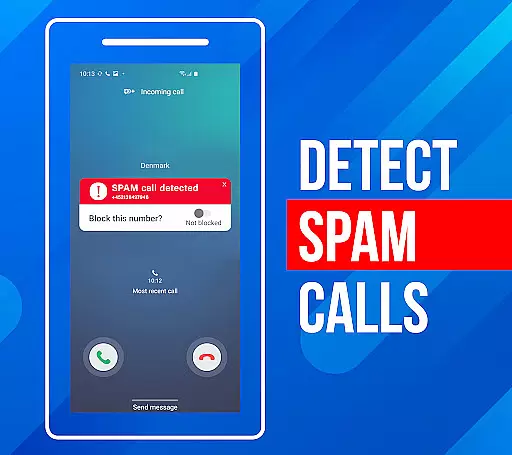
Call Block is a powerful communication app designed to help users take control of their incoming calls. The app's core functionality revolves around blocking spam calls and unwanted numbers, ensuring a more peaceful phone experience. Using advanced call filtering algorithms, it automatically identifies and blocks robocalls, telemarketers, and potential scams.
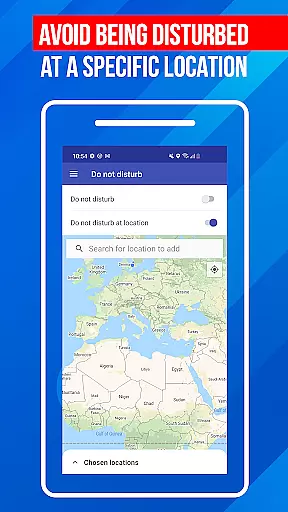
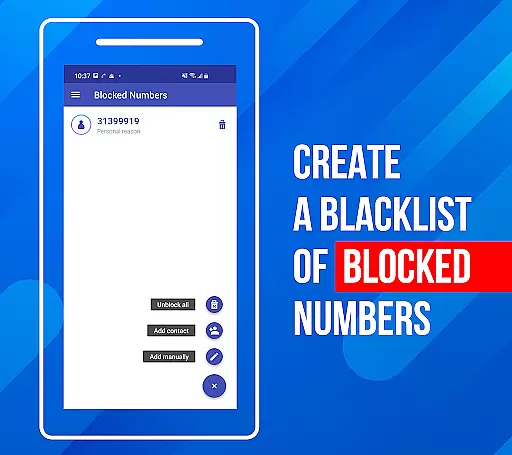
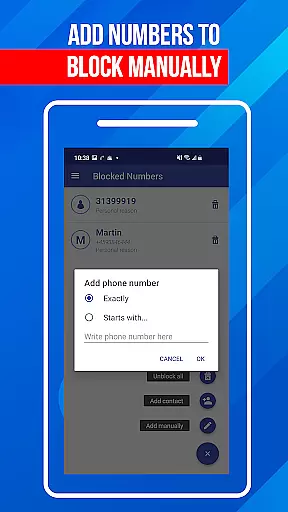
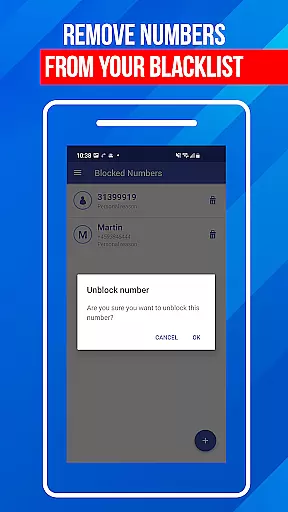
Beyond basic call blocking, the app offers additional features like a personal blacklist where users can add specific numbers or number patterns they wish to block. It also includes a 'Do Not Disturb' mode that can block all calls during specific times or locations. These features make Call Block particularly useful for professionals who need uninterrupted focus during work hours or individuals seeking privacy protection from unknown callers.
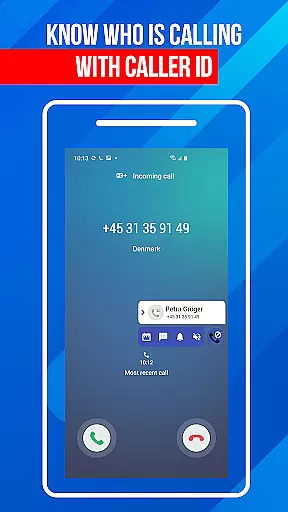
The true value of Call Block lies in its comprehensive approach to call management. With access to a database of over one billion numbers worldwide, it provides accurate caller identification and real-time protection against spam threats. This makes the app an essential tool for anyone looking to maintain control over their communication channels while protecting themselves from potential phone-based threats.
Call Block distinguishes itself through several key features that enhance its core call-blocking capabilities. First and foremost, the app utilizes sophisticated call filtering algorithms that go beyond simple number matching. These algorithms analyze calling patterns and cross-reference numbers against a vast database of known spam numbers, providing intelligent protection against various types of unwanted calls.
A standout feature is the customizable blacklist functionality. Users can create personalized blocking rules by adding specific numbers, number prefixes, or even entire area codes to their blacklist. The app also includes a 'Do Not Disturb' mode that offers flexible blocking options based on time, location, or both. Additionally, the app maintains a regularly updated database of known spam numbers, ensuring users stay protected against emerging threats.
What sets Call Block apart is its user-friendly implementation of these features. Despite its technical sophistication, the app presents its capabilities through an intuitive interface that's accessible to users of all technical backgrounds. The combination of advanced blocking technology with ease of use creates significant value for users who want robust protection without complexity.
In today's fast-paced digital world, the speed and reliability of real-time messaging are crucial for effective communication. Call Block ensures that every blocked call notification reaches you instantly, without delays or failures. This immediacy is vital when managing unwanted communications, as it allows users to stay informed about blocked activities on their device.
The app employs advanced algorithms and optimized server infrastructure to guarantee message delivery within milliseconds. This technical foundation ensures that users receive real-time updates even during peak usage periods. Whether you're at home, in the office, or traveling, you can trust that Call Block will deliver timely notifications about your call-blocking activities.
For users, this means peace of mind knowing that their call management system is working efficiently. The reliable delivery of blocking notifications enables users to take immediate action if needed, such as reviewing their blacklist or adjusting settings. This feature particularly benefits professionals who rely on uninterrupted communication for their work.
Moreover, the app's robust notification system maintains its performance across different network conditions and Android devices. This consistency ensures that all users, regardless of their location or device specifications, experience the same level of reliable service. With Call Block, real-time messaging isn't just a feature u2013 it's a commitment to quality service.
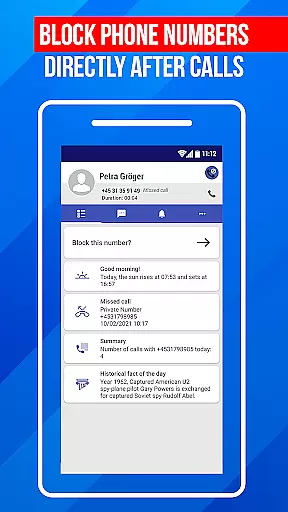
While primarily designed for call blocking, Call Block also offers valuable media sharing support features that enhance user experience. The application allows users to share important information about blocked calls, including screenshots of blocked numbers and detailed logs of spam attempts. This functionality proves especially useful when reporting persistent spammers to authorities or sharing evidence with telecommunications providers.
The app supports various file formats for sharing, including standard image files for screenshots and CSV exports for detailed call logs. Users can easily generate these files through the app's intuitive interface and share them via popular messaging apps, email clients, or cloud storage services. This versatility ensures that users can document and report spam activities using their preferred communication channels.
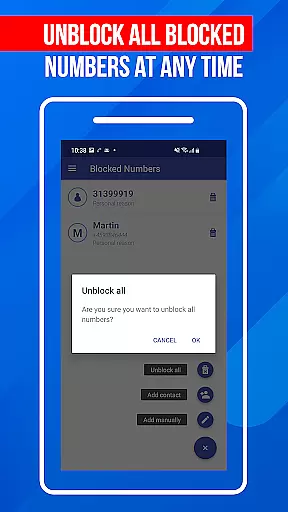
Furthermore, Call Block enables users to export their entire blacklist database, making it easy to backup or transfer their settings between devices. This feature becomes particularly valuable when upgrading phones or maintaining consistent blocking preferences across multiple devices. The exported data maintains its integrity and format, ensuring seamless integration with other systems or applications.
The media sharing capabilities extend beyond mere convenience; they contribute to a more secure communication environment. By enabling users to effectively document and share information about spam calls, the app empowers individuals to participate in collective efforts against unwanted communications. This community-oriented approach strengthens overall protection against spam and enhances the effectiveness of personal call management strategies.
Effective spam blocking
User-friendly interface
Customizable blacklist
Regular database updates
Global number recognition
Limited iOS support
Occasional false positives
Premium feature costs
Drains battery life
Complex settings

Tether to Windows, OS X, Linux PCs or Android tablets. No root. No tether fees.
 3.90
3.90
At select facilities, you now have an easy way to video visit your loved ones!
3.30
Send SMS and chat messages easily with a fast text messaging app for Android.
4.10
Simplify texting with Messages SMS, offline messaging, themes & smart tools!
4.30
Experience real private browsing without tracking, surveillance, or censorship.
4.50
Comprehensive and powerful scan tool app with enhanced functions
3.00
Manage Phone Calls, call history, and contacts easily with Phone Pro.
4.4
Call & Text Anywhere With A Canadian Number.
3.60
A customizable phone number in the cloud
4.20
Useful. Social. Expressive.
4.70
Say “hello” to privacy.
4.60
Identify unknown numbers, block spam calls, customize calls with cool themes.
4.60
Chill zone on your phone: relax with fun reels & hype shorts!
4.20
Share the moment!
4.10
Messages: Fast, simple SMS app with scheduling and smart features.
4.00
WazzapMigrator: transfer your WhatsApp history from iPhone to Android
4.00
Fast Dialer & Contact Manager with Caller ID and Spam Protection
4.00
Telegram is a messaging app with a focus on speed and security.
4.00
Fast, Simple And Secure Application That Provides SMBv3 Server On Your Device
3.30


User Reviews