
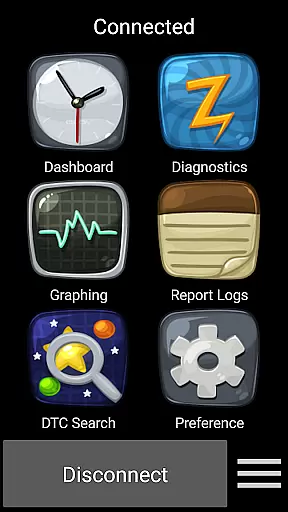
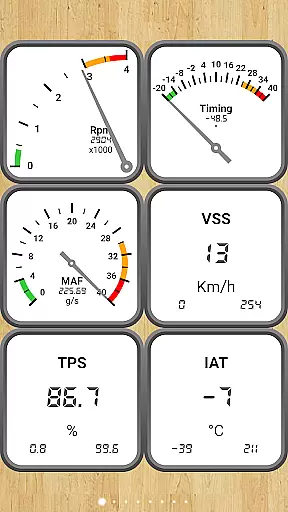
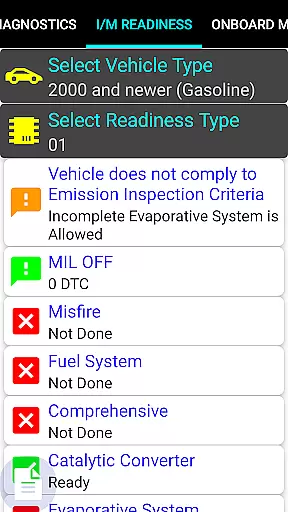
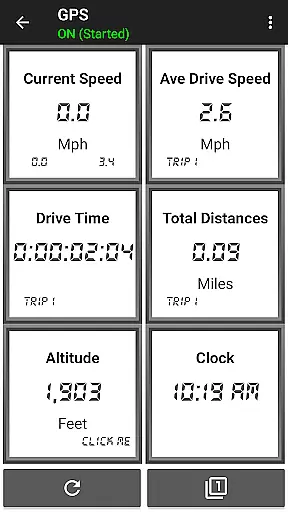
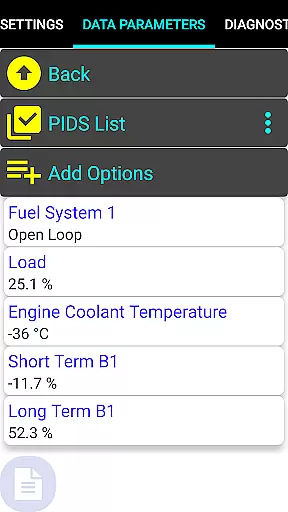
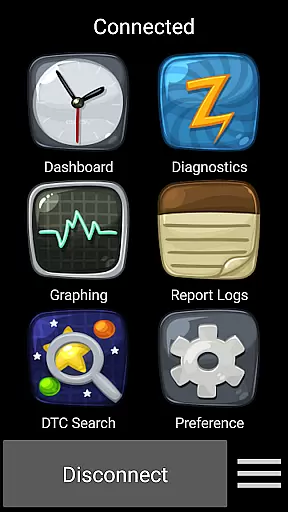
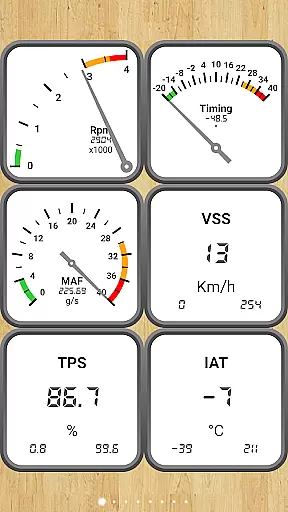
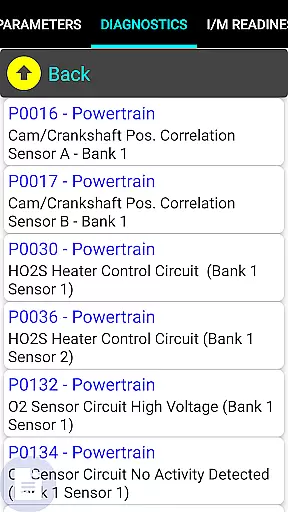
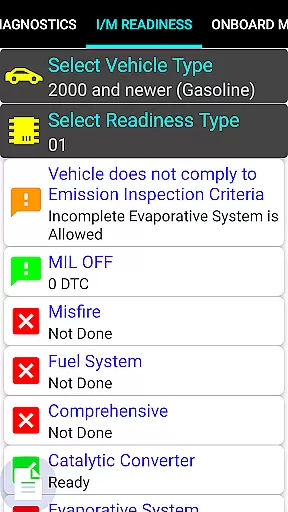
Car Gauge Pro is a comprehensive OBD2 diagnostic tool designed for all OBD2 compliant vehicles, offering both generic and enhanced diagnostic data. The app specializes in providing detailed vehicle information for Ford and Nissan models, functioning similarly to factory scan tools. It connects via the 16 Pin OBD2 diagnostic connector under the steering wheel, requiring an Elm 327 or STN Bluetooth device for operation.
This professional-grade scan tool allows users to monitor dashboard parameters, check engine light status, readiness for smog inspections, sensor functionality, and Mode 5/6 emission tests. With support for multiple modes of OBD2 functions and enhanced features for specific brands, it's an essential tool for car diagnostics and maintenance.
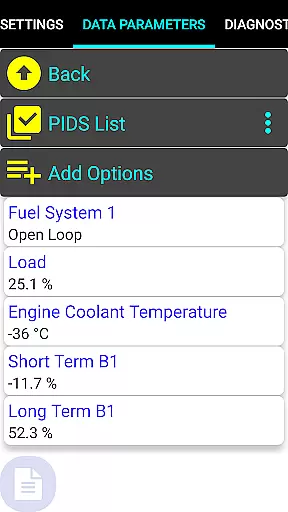
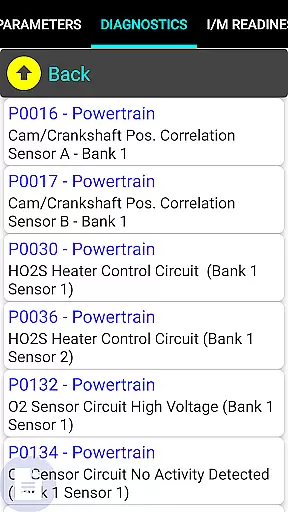
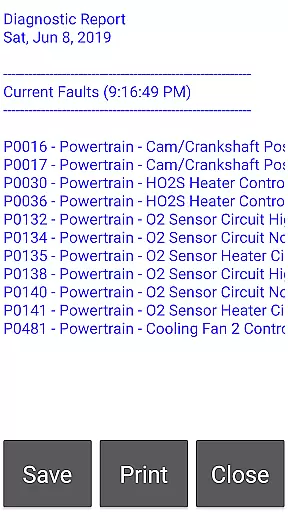
Car Gauge Pro offers extensive OBD2 functionalities including Data Parameters, Freeze Frame Data, Fault Checking and Clearing, O2 Sensor Tests, Emission On-board Tests, Pending Faults, Evap Test Enablement, and VIN-related data retrieval. These features provide users with complete control over their vehicle's diagnostic information.
In addition to standard OBD2 functions, the app provides specialized enhanced features for Ford, Nissan, GM, Toyota, and KIA vehicles. This includes advanced self-tests, ignition timing adjustments, active testing, and access to thousands of proprietary PIDs. Such capabilities make Car Gauge Pro a powerful tool for mechanics and car enthusiasts who need detailed insights into vehicle performance.
Real-time messaging speed and reliability are crucial for any communication app, including Car Gauge Pro (OBD2 + Enhance). This app ensures that the data exchange between your vehicle's onboard diagnostics system and your mobile device is both fast and dependable.
The app uses advanced protocols to communicate with the vehicle's computer through a 16 Pin OBD2 diagnostic connector. With the help of Elm 327 or STN Bluetooth devices, it provides real-time feedback on various parameters such as engine performance, sensor functionality, and emission tests.
For users, this means they can quickly diagnose issues, clear faults, and perform active tests without worrying about lag or connection drops. The reliable messaging system ensures that mechanics and car enthusiasts receive accurate information promptly.
This feature is particularly beneficial when performing time-sensitive tasks like smog inspections or checking engine lights, where immediate feedback can save time and prevent potential damage.
Media sharing support in Car Gauge Pro (OBD2 + Enhance) refers to the app's ability to share diagnostic data and reports across different platforms. While primarily a diagnostic tool, the app allows users to export and share critical vehicle information via various formats.
Users can generate detailed diagnostic reports and share them via email or other media-sharing platforms directly from the app. This includes fault codes, sensor data, readiness status, and more. Such functionality is essential for collaborative work environments like auto repair shops.
This feature benefits users by enabling them to keep digital records of their vehicleu2019s health, which can be shared with mechanics or consulted later. It also facilitates easier troubleshooting and long-term maintenance planning.
Overall, media sharing support enhances the app's utility beyond just diagnostics, making it an all-encompassing tool for vehicle management and communication.
User-friendly interface
Comprehensive OBD2 functions
Enhanced data for specific brands
Professional-level diagnostics
Wide compatibility with adapters
Requires compatible adapter
Some features model-specific
No Mini Elm 327 v2.1 support
Old version update issues
Additional hardware needed

Secure Messaging App to Enhance Messenger Texting Experience and Organize SMS.
 3.50
3.50
Use this Dialer app alone or as a TREK: Total Interface companion.
4.70
Phone Dialer with Caller ID, Address Book & Contacts Manager.
4.30
SMS & MMS Messaging App to easily send messages or schedule SMS on Chat
4.10
A Browser with powerful ad blocker to help focus on what really matters.
3.00
Manage and Fund Calling Accounts and Schedule and Join Video Sessions
3.60
Manage Phone Calls, call history, and contacts easily with Phone Pro.
4.0
A softphone app with seamless SIP calling and an intuitive VoIP dialer
3.50
Group Chat That’s Fun & Games
4.30
FolderSync enables easy sync of files between cloud storage and Android devices.
4.60
Save 10% automatically on your first international mobile top up.
4.60
Say “hello” to privacy.
4.60
Faster version of Messages. Messenger for your contacts.
4.50
Manage your mobile phone plan, check unlimited 5g data usage and track rewards
4.50
Google's fast and secure browser
4.10
Messages is Private SMS Messenger 2023 with text message, instant messaging.
4.00
Threema is the messenger with the most consistent focus on security and privacy.
4.00
TeamSpeak - Secure Chat for Gaming & Business
3.10
Radio communication simulator for gaming communities
4.1


User Reviews