
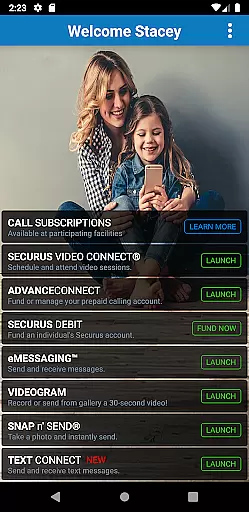
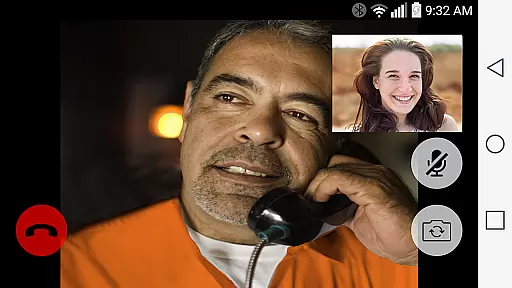
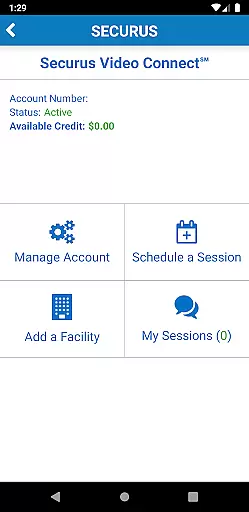
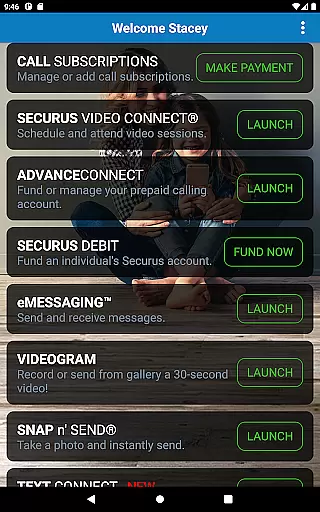
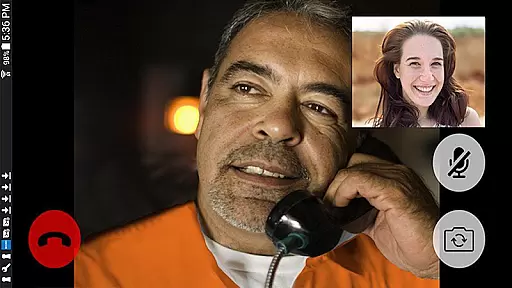
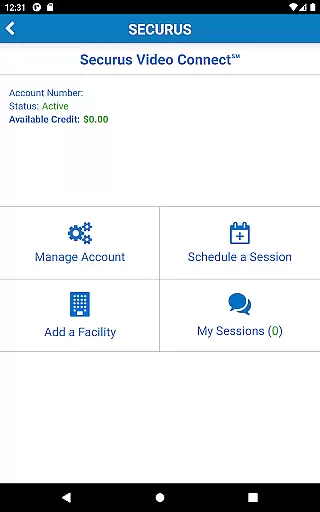
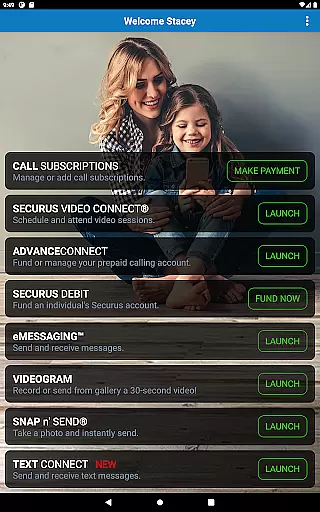
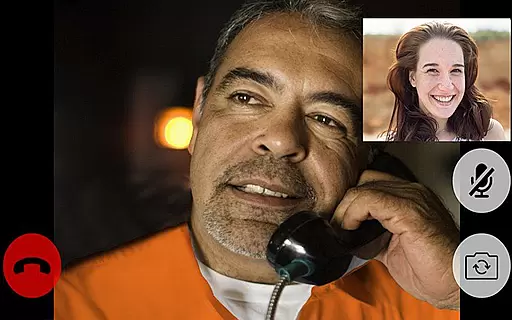
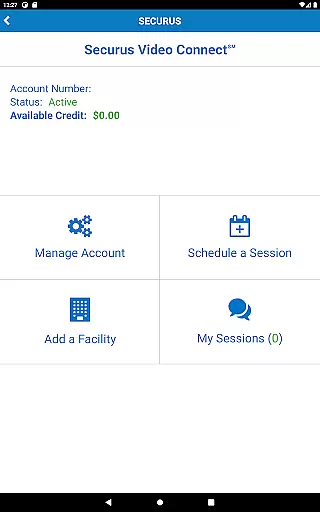
Securus Mobile is a comprehensive communication app designed specifically for staying connected with incarcerated individuals. The app offers multiple ways to maintain contact, including video calls, messaging services, and prepaid calling account management. With features like Video Connect, users can schedule and conduct video sessions from anywhere in the world with Wi-Fi or cellular data service. Additionally, the messaging services allow users to send and receive messages, eCards, and even short video messages called VideoGrams.
The app also provides robust account management tools, enabling users to create and manage their Securus Online accounts, update passwords, and set up security questions. Users can manage funds for various services through AdvanceConnect and Securus Debit accounts, ensuring seamless communication. These financial tools help users fund accounts for receiving calls, purchasing stamps for messages, and scheduling video sessions. Overall, Securus Mobile bridges the gap between incarcerated individuals and their loved ones by providing reliable and accessible communication options.
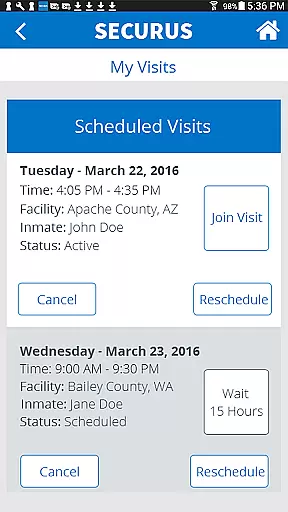
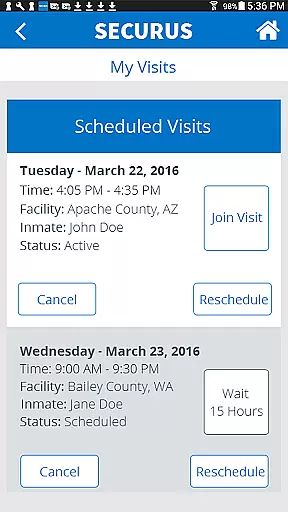
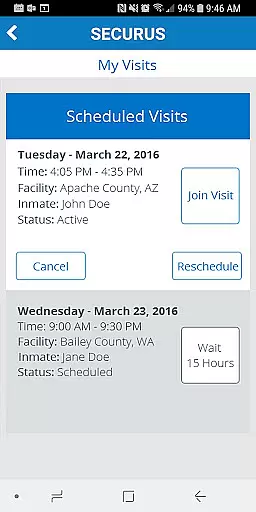
Securus Mobile stands out with its diverse range of features tailored to enhance communication with incarcerated individuals. One of the key highlights is Video Connect, which allows users to enroll, schedule, and manage video sessions effortlessly. This feature includes functionalities such as syncing session details with personal calendars, receiving notifications for upcoming sessions, and testing Wi-Fi or cellular connections to ensure high-quality video calls. Another significant feature is the messaging service, eMessaging, which supports sending and receiving messages, attaching photos, and even sending digital greeting cards known as eCards.
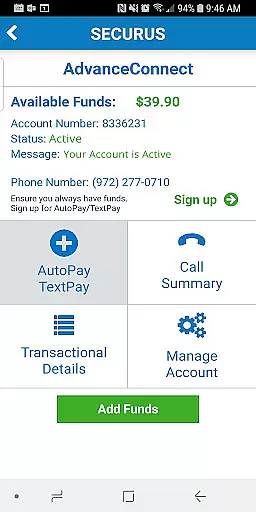
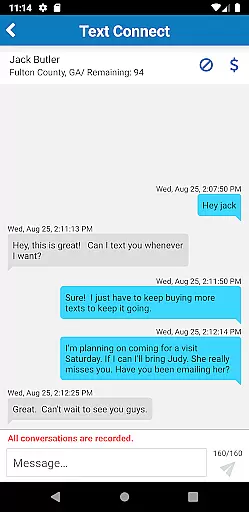
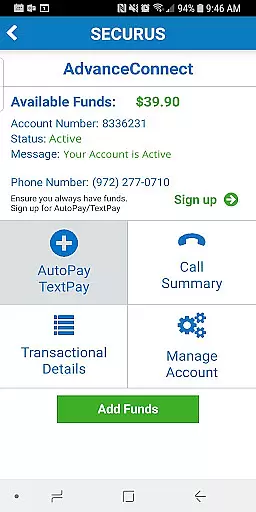
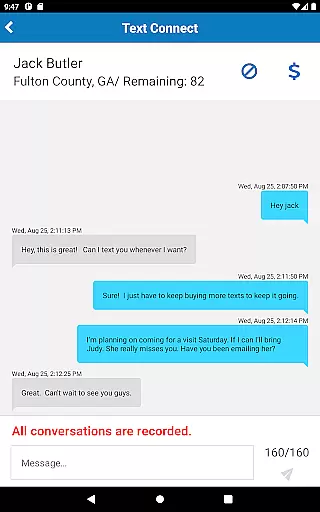
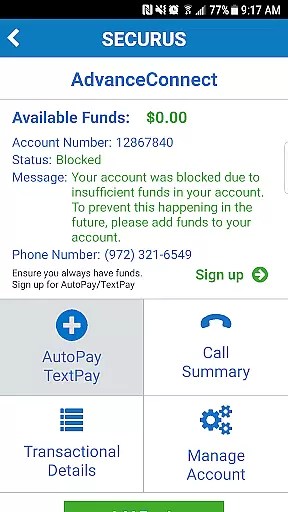
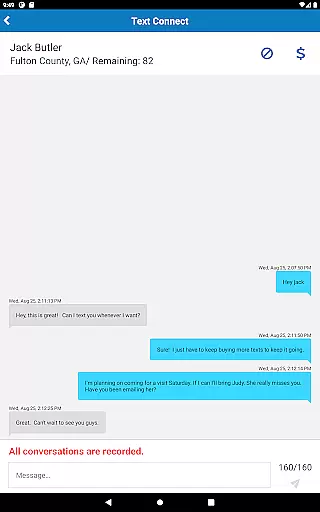
In addition to these, Securus Mobile offers prepaid calling account management through AdvanceConnect and Securus Debit. Users can add funds, view transaction histories, and manage phone numbers that are authorized to receive calls. The app also supports AutoPay and TextPay options, making it convenient to keep accounts funded. Furthermore, the Securus Text Connect feature facilitates real-time two-way text messaging, allowing users to purchase 'Connects' to communicate seamlessly. Each of these features is designed to provide flexibility and ease of use, ensuring that users can maintain meaningful connections under various circumstances.
Real-time messaging speed and reliability are crucial for maintaining seamless communication, especially in environments where timing is essential. The Securus Mobile app excels in this area by providing multiple ways to communicate with incarcerated individuals.
The app offers Video Connect, which allows users to schedule and conduct video sessions from anywhere in the world with Wi-Fi or cellular data service. Notifications for upcoming sessions ensure that users never miss a scheduled call. Additionally, the Securus Text Connect feature facilitates real-time two-way short message communication, ensuring that conversations can continue without unnecessary delays.
Securus Mobile also supports eMessaging, where users can send and receive messages, eCards, and even 30-second VideoGrams. These features collectively enhance the speed and reliability of messaging, making it easier for users to stay connected with their contacts.
By integrating various communication methods and ensuring timely notifications and session management, Securus Mobile provides a dependable platform for real-time interaction, thus significantly improving the overall user experience.
Media sharing support is an integral part of modern communication apps, allowing users to share various forms of media effortlessly. The Securus Mobile app incorporates comprehensive media sharing capabilities that cater to different user needs.
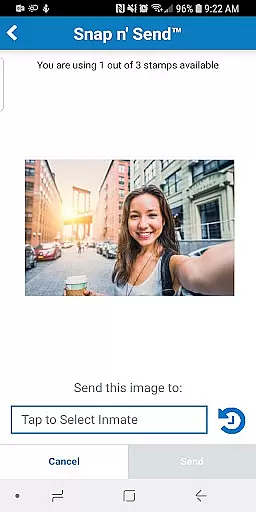
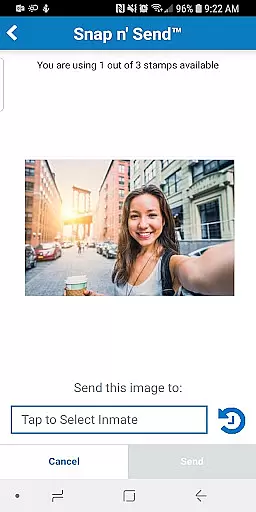
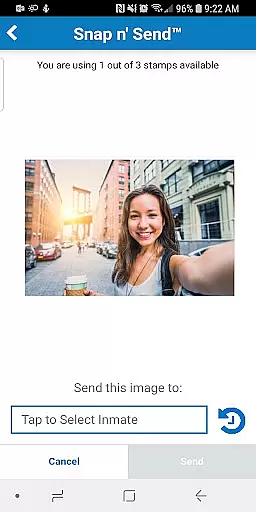
One of the standout features is the ability to attach photos to messages through the eMessaging service. Users can snap a selfie or choose images from their gallery to send to their contacts. This feature not only enhances personal interactions but also helps in verifying identities through photo management.
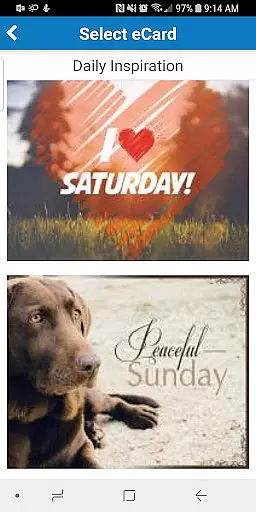
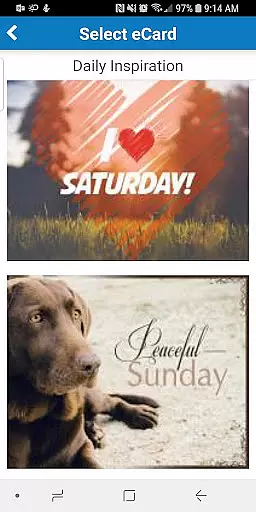
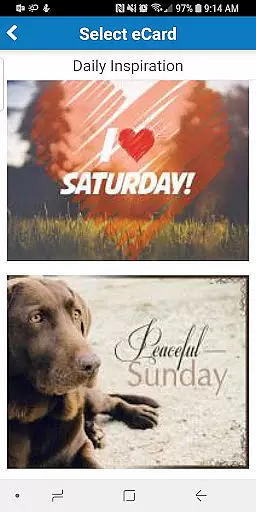
In addition to photos, the app supports sending digital greeting cards known as eCards, which can uplift and encourage incarcerated individuals. The Snap nu2019 Send feature further simplifies the process by allowing users to quickly capture and send images directly from their devices.
Moreover, the app enables the attachment of up to five eCards and photos per message, offering flexibility and convenience. By supporting diverse media types and ensuring ease of use, Securus Mobile significantly enriches the communication experience for its users.
User-friendly interface
Comprehensive account management
Multiple communication methods
Real-time notifications
Flexible payment options
Requires Android 11.0 or higher
Limited to specific facilities
Additional costs for premium features
Dependent on facility regulations
Potential connectivity issues

Manage your data, talk & text - affordable phone plans & data usage made simple
 4.30
4.30
A Browser with powerful ad blocker to help focus on what really matters.
3.00
WazzapMigrator: transfer your WhatsApp history from iPhone to Android
4.00
Fun, free app that lets kids video call and message family and close friends.
3.80
Comprehensive and powerful scan tool app with enhanced functions
3.00
RemoteHams.com Android RCForb Client Pre-Release
4.30
Weargram is an unofficial Telegram Client for Wear OS.
3.50
Fast internet with AI, Adblock & VPN. Browse on a safe, incognito web browser.
4.70
Get through your inbox faster with the mail app designed to simplify your life.
4.40
Browse fast on Opera Mini, with Data Saving, News, Football Scores, and Download
4.60
Talk & text free with a second phone number plus unlimited 5G data, no fees.
4.50
Fast and mini browser with Ad Blocker,Video Downloader and Video Player
4.40
Create a secure hotspot on-the-go with Portable WiFi - Mobile hotspot.
4.40
Group Chat That’s Fun & Games
4.30
SMS & MMS Messaging App to easily send messages or schedule SMS on Chat
4.10
Messenger app for faster and simpler SMS text messaging, and personalized themes
4.10
Caller ID, Spam Call & SMS Blocker
3.80
Auto Reply SMS, Text Messaging, Away SMS Response, Busy SMS messages, Block Text
3.10
Bringing the functionality of Winlink to your Android device
4.3


User Reviews