
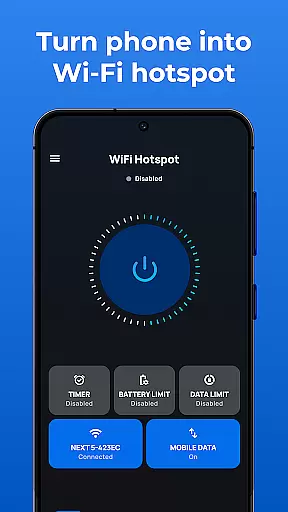
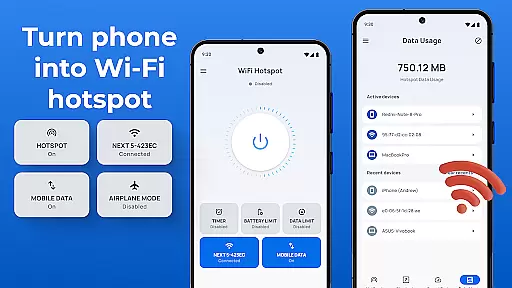
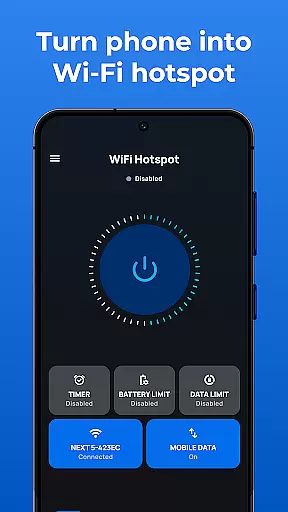
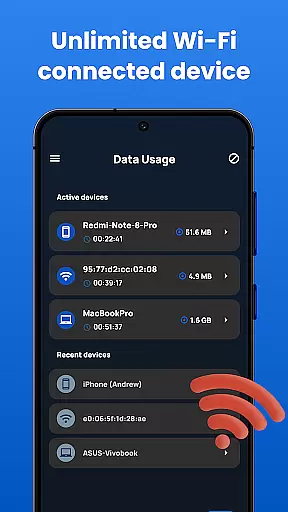
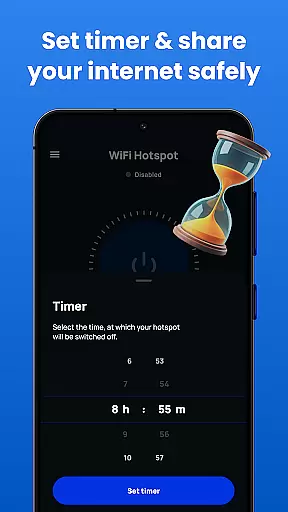
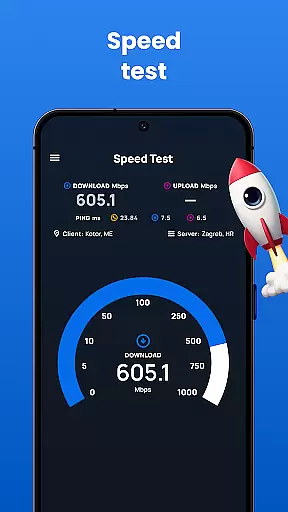
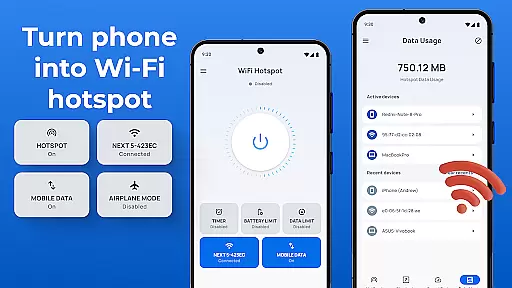
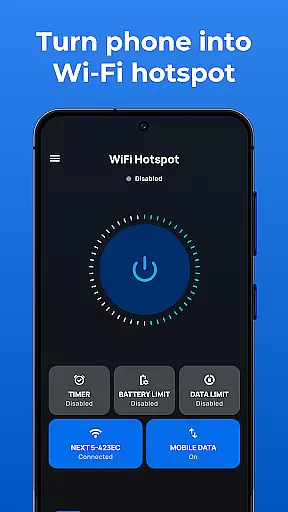
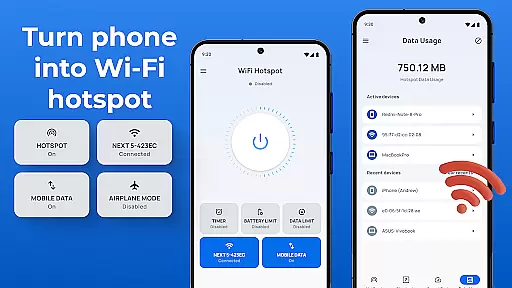
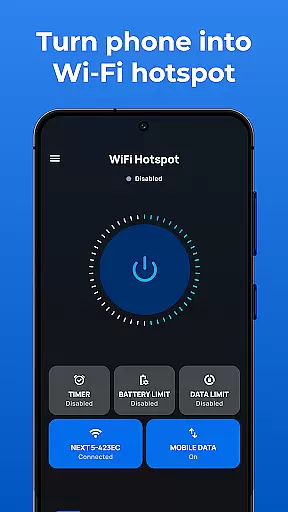
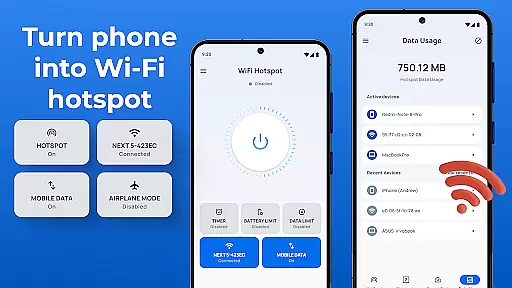
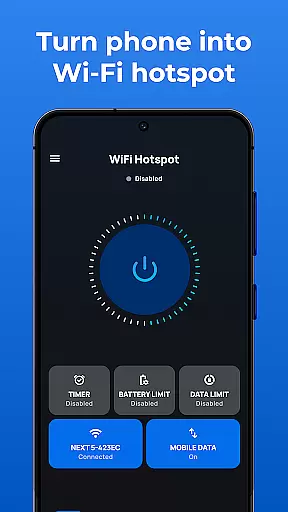
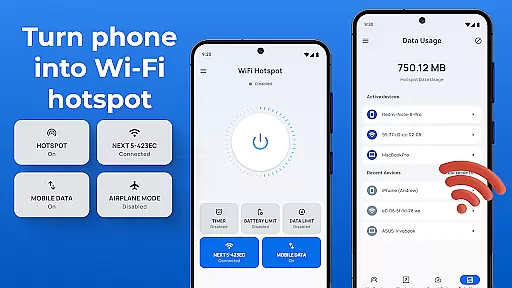
Portable WiFi is a powerful communication app designed to transform your Android device into a mobile hotspot. The application allows users to share their internet connection with other devices through WiFi, Bluetooth, or USB tethering. With its user-friendly interface and robust functionality, this app makes it easy to create a personal hotspot in just a few steps.
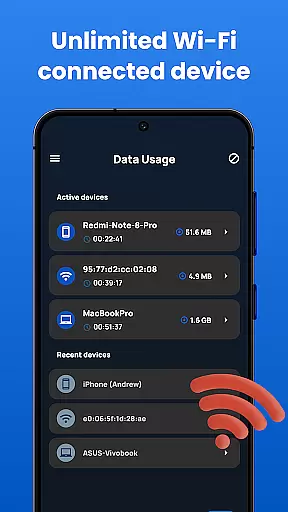
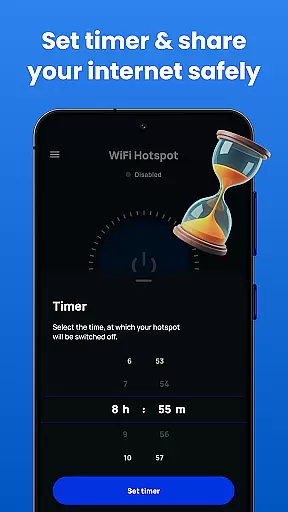
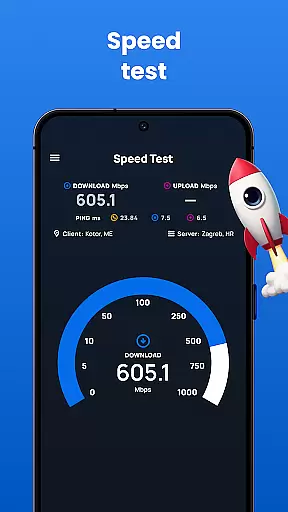
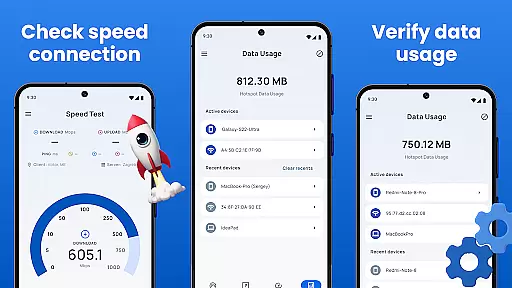
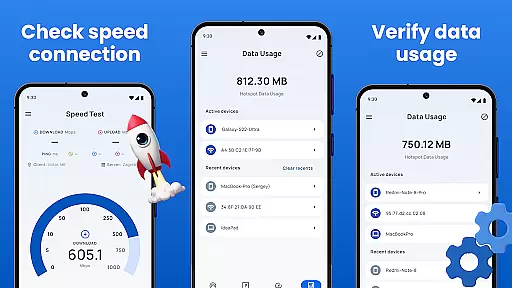
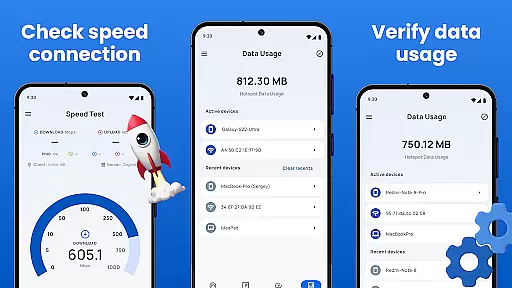
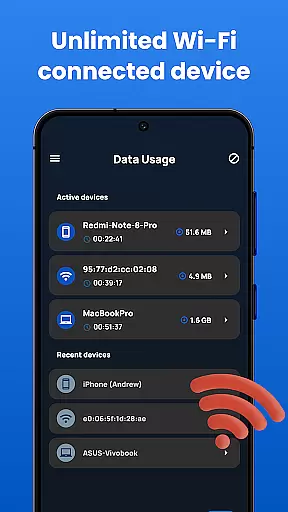
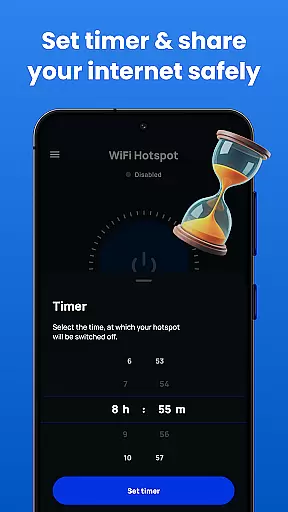
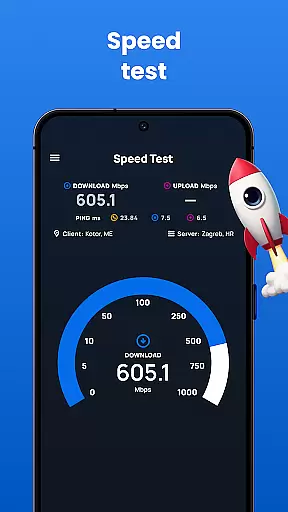
The app offers advanced features such as data usage tracking, speed testing, and customizable time limits for hotspot sessions. Whether you need to share internet with friends and family or require a secure connection for work, Portable WiFi provides a reliable solution. Its compatibility with all Android devices and comprehensive settings make it an essential tool for anyone needing flexible internet sharing options.
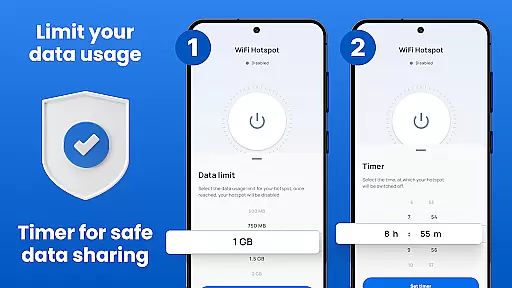
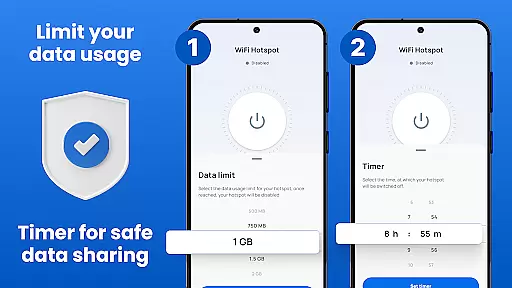
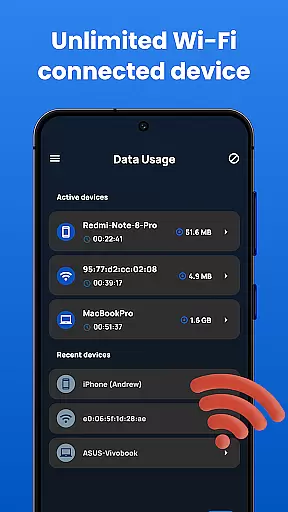
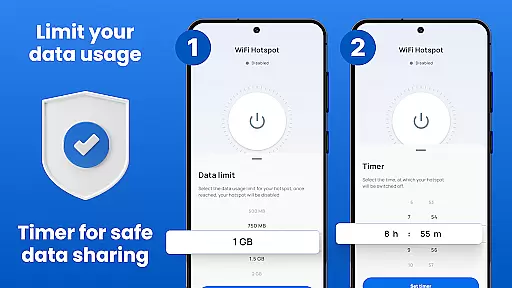
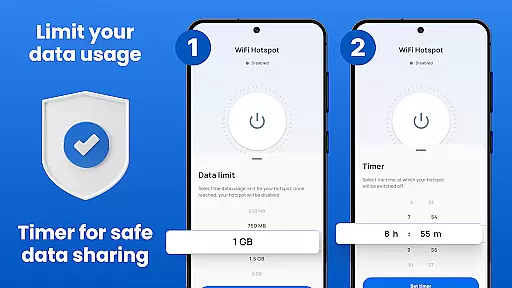
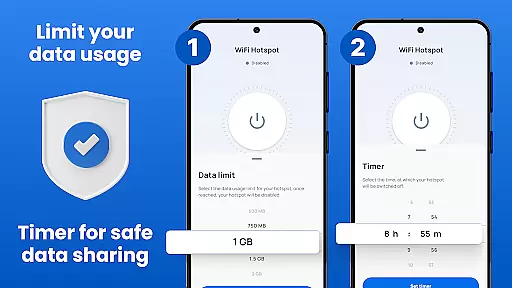
Portable WiFi stands out with its comprehensive set of features tailored for seamless internet sharing. The app includes a convenient widget that allows users to quickly toggle ON/OFF the WiFi hotspot and Bluetooth tethering interfaces. Users can set precise data usage limits by session, day, or monthly periods, ensuring better control over their network resources.
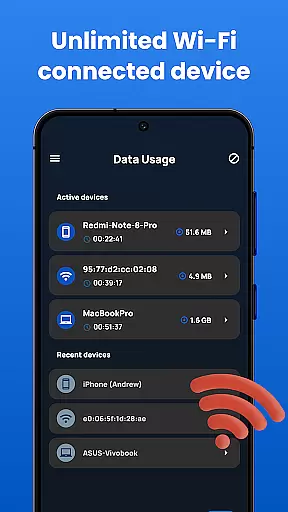
Security is a top priority, and Portable WiFi enables users to share internet through secure connections using WPA2_PSK encryption. The sleek user interface is optimized for all phone and tablet screens, providing an intuitive experience. Additional features include speed testing capabilities, detailed data usage statistics, and multiple tethering options including USB and Bluetooth. These robust functionalities make Portable WiFi an indispensable tool for managing mobile hotspots effectively.
Real-time messaging speed and reliability are crucial for any communication app, ensuring that messages are delivered instantly and without fail. Portable WiFi excels in this area by providing a stable connection through its hotspot functionality.
The app allows users to create a personal hotspot quickly, enabling uninterrupted internet access for messaging apps. With options to secure the connection using WPA2_PSK, users can trust that their data is protected while enjoying fast communication speeds.
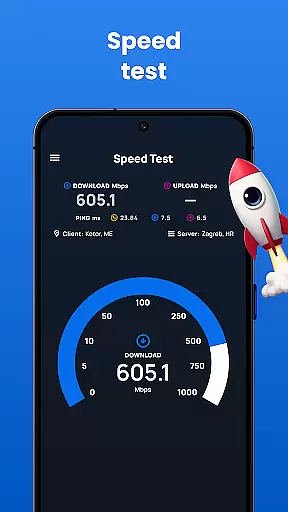
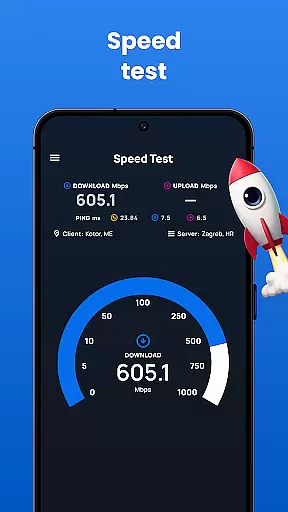
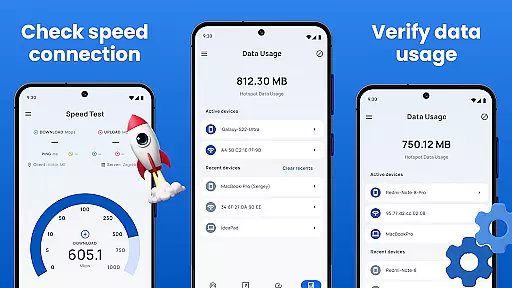
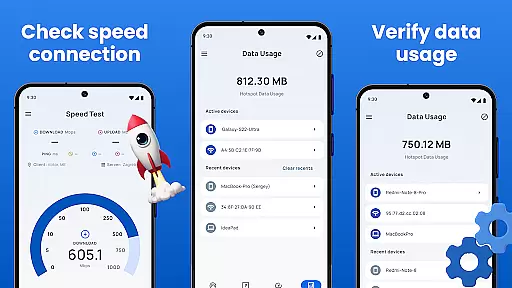
Portable WiFi also offers features like tracking internet usage and checking the speed of the hotspot, which ensures optimal performance. These tools help maintain a reliable connection, making real-time messaging seamless and efficient.
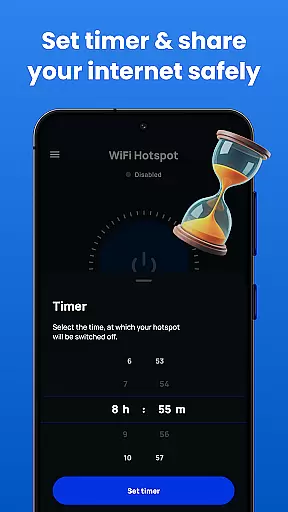
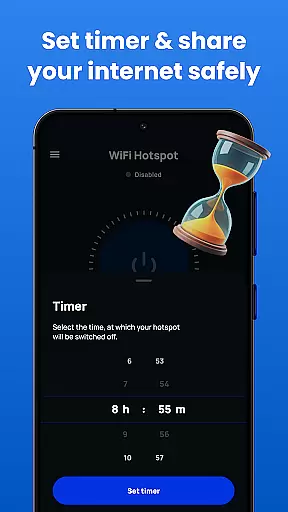
By allowing users to set time limits on hotspot usage, the app prevents unexpected disconnections. This feature enhances the overall reliability of the messaging experience, ensuring users remain connected when it matters most.
Media sharing support is essential for modern communication apps, allowing users to exchange photos, videos, and other files effortlessly. Portable WiFi facilitates this by turning devices into powerful mobile hotspots capable of handling large data transfers.
With the ability to share internet via WiFi, Bluetooth, or USB, the app provides versatile options for media sharing. Users can choose the most convenient method based on their current setup, ensuring smooth and fast file transfers across different devices.
The app's sleek user interface makes managing these connections straightforward. Whether setting up a secure WiFi network or pairing devices via Bluetooth, Portable WiFi simplifies the process, enhancing the user experience.
Additionally, features like tracking data usage and testing hotspot speed ensure that media sharing remains efficient. By maintaining a stable and high-speed connection, Portable WiFi supports seamless media sharing, enriching the way users communicate and interact.
User-friendly interface
Multiple tethering options
Advanced security features
Comprehensive data tracking
Customizable settings
Requires Android device
No iOS support
Basic features only in free version
Occasional connectivity issues
Limited advanced options

Fast and simple walkie talkie app
 4.20
4.20
Adblock & VPN Browser: Blocks banners, pop-ups and video ads, fast downloader!
4.60
Enjoy secure messaging & calling. Safe Messenger: group chats, calls, messages.
4.20
Messenger, an MMS & SMS messages app with Blockers, Driving mode & Private box
4.60
Call & Text Anywhere With A Canadian Number.
3.60
Bringing the functionality of Winlink to your Android device
4.3
Stay in touch with the people who matter most.
4.60
Useful. Social. Expressive.
4.70
Share the moment!
4.10
Use this Dialer app alone or as a TREK: Total Interface companion.
4.70
A browser that does more than load page, like keeping your privacy safe.
4.70
Manage your mobile phone plan, check unlimited 5g data usage and track rewards
4.50
BE PRIVATE
Anonymous. No Trace. Fast.
4.20
Google's fast and secure browser
4.10
Messenger app for faster and simpler SMS text messaging, and personalized themes
4.10
A softphone with crystal clear SIP Calling & Reliable VoIP dialer
4.00
Telegram is a messaging app with a focus on speed and security.
4.00
This app enables the phone to receive and send FT8 traffic!
3.80
Watchgram for Telegram: Experience seamless Telegram messaging on your watch
1.80


User Reviews