
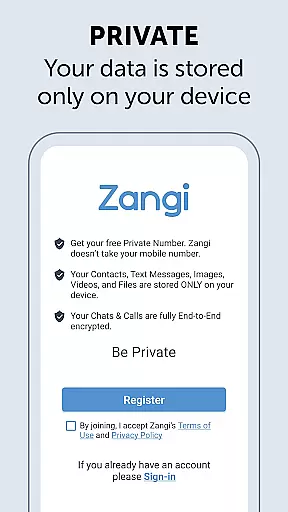
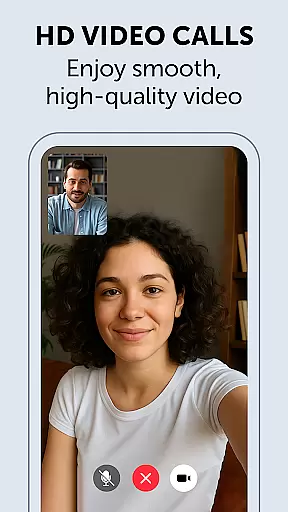
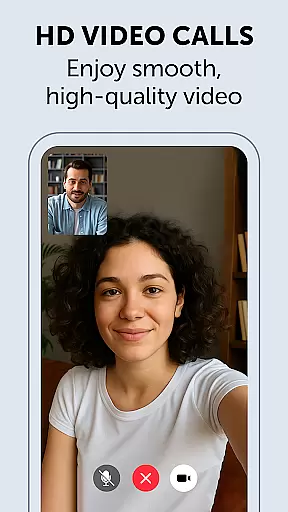
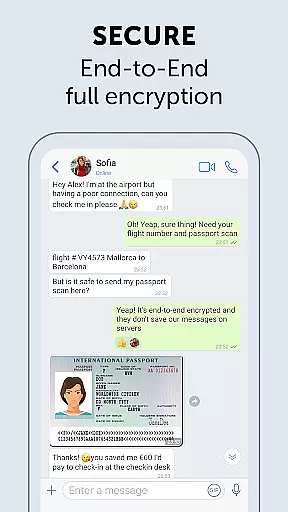
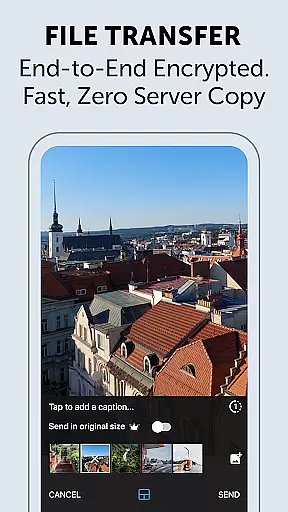
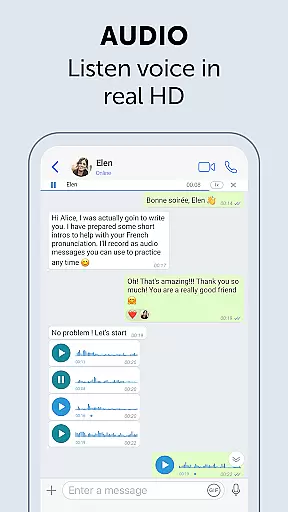
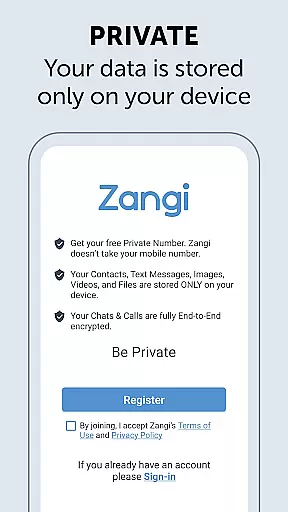
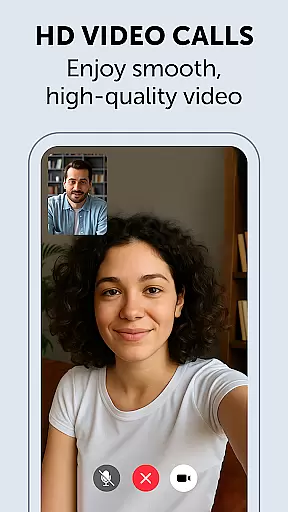
Zangi Private Messenger is a secure communication app designed for privacy-conscious users. It offers anonymous registration without requiring a phone number, ensuring protection from surveillance and hacking attempts. The app employs military-grade AES-GCM 256 encryption for all communications, including texts, voice, and video calls.
One of Zangi's standout features is its ability to function reliably even with poor internet connections. Whether you're on a 2G network or dealing with crowded WiFi, Zangi maintains stable performance where other messaging apps may fail. This makes it an ideal choice for users in areas with unstable connectivity who need consistent communication capabilities.
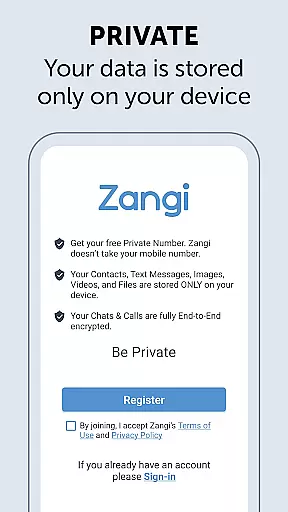
Zangi Private Messenger stands out with its commitment to user privacy and security. The app ensures that all user data remains stored exclusively on the device, with no data collection by the company. This approach provides peace of mind for users concerned about their personal information being shared or sold.
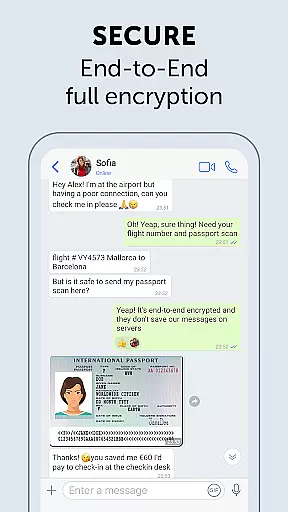
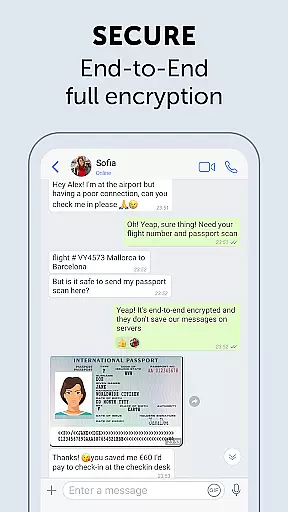
The app's End-to-End AES-GCM 256 encryption protects all forms of communication, including messages, files, voice calls, and video calls. This military-grade security protocol ensures that only the intended recipients can access the content of communications. Additionally, Zangi's optimized architecture allows it to maintain high-quality connections even under challenging network conditions, making it reliable for both casual and professional use.
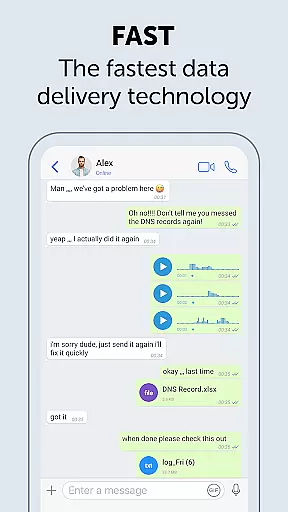
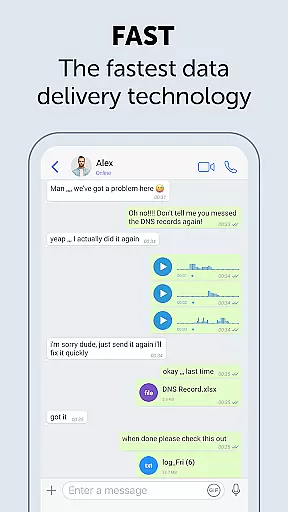
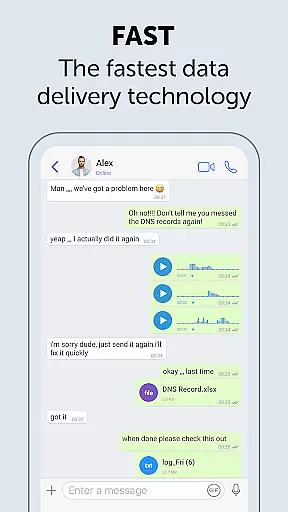
Real-time messaging speed and reliability are crucial for seamless communication. Zangi Private Messenger ensures that messages are delivered instantly, even under challenging network conditions.
The app is designed to minimize dependency on internet speed, making it functional even with 2G connections or crowded WiFi environments. This ensures users can communicate without interruptions, regardless of their location or network quality.
Zangi's robust infrastructure guarantees message delivery with high reliability, ensuring users stay connected at all times. The minimized latency provides an experience akin to face-to-face interactions, enhancing the overall user experience.
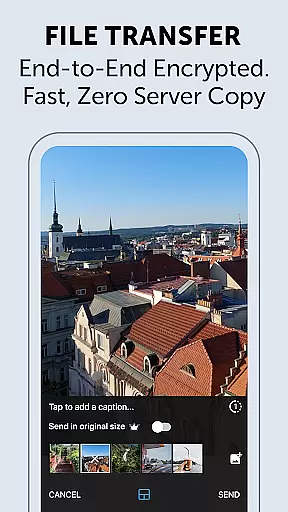
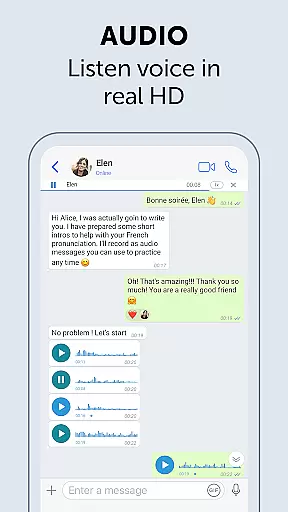
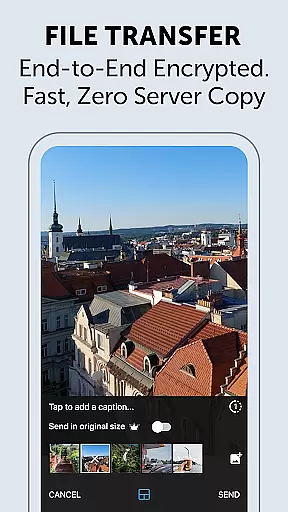
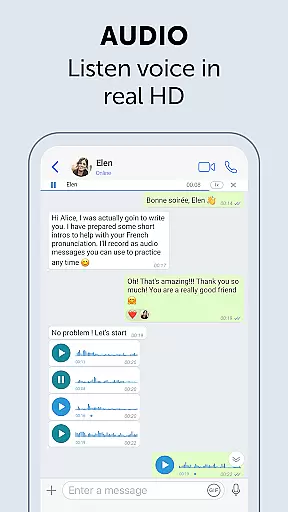
Media sharing support in a messenger app allows users to exchange various types of content seamlessly. Zangi Private Messenger offers comprehensive media sharing capabilities, including texts, files, voice, and video calls.
All shared media is protected by military-grade encryption using the End-to-End AES-GCM 256 algorithm. This ensures that your data remains secure and private, safeguarding against unauthorized access and surveillance.
With Zangi, users can share media files without worrying about data breaches or hacking attempts. The app's focus on security and privacy makes it an ideal choice for individuals seeking safe and reliable communication options.
Top-level security
No phone number required
Data stays on device
Works on 2G networks
Reliable in poor connection
Limited user base
Fewer features than competitors
No cloud backup option
Smaller community support
Less known brand

SMS Messenger ensures that communication become effortless and accessible.
 3.80
3.80
Messenger for SMS - texting message app, faster, simpler & safer, for you.
4.70
WazzapMigrator: transfer your WhatsApp history from iPhone to Android
4.00
Welcome to the future of phone service.
4.60
Faster version of Messages. Messenger for your contacts.
4.50
Fast, Simple And Secure Application That Provides SMBv3 Server On Your Device
3.30
Talk & text free with a second phone number plus unlimited 5G data, no fees.
4.50
Group Chat That’s Fun & Games
4.30
Telegram is a messaging app with a focus on speed and security.
4.00
Read OBD2 data and DTCs Create custom dashboards Enhanced diagnostics available
4.70
Create a secure hotspot on-the-go with Portable WiFi - Mobile hotspot.
4.40
Manage your data, talk & text - affordable phone plans & data usage made simple
4.30
Call Blocker app: Identify unknown callers, block spam calls, fraud & robocalls
4.30
Simplify texting with Messages SMS, offline messaging, themes & smart tools!
4.30
RemoteHams.com Android RCForb Client Pre-Release
4.30
SMS Messenger is a lightning-fast messaging app.
4.20
Measure BHP, Torque & 0-60 Clear car OBD faults View engine data in Google Earth
4.00
Fun, free app that lets kids video call and message family and close friends.
3.80
At select facilities, you now have an easy way to video visit your loved ones!
3.30


User Reviews