
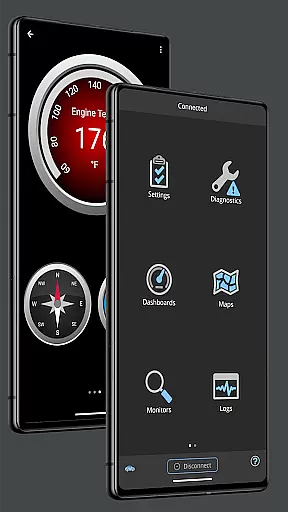
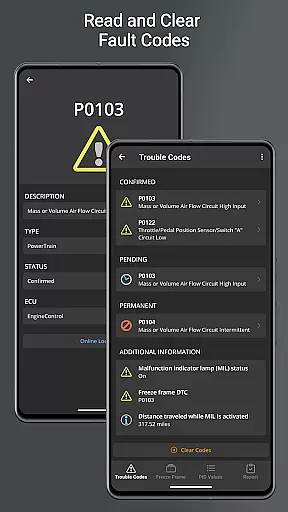
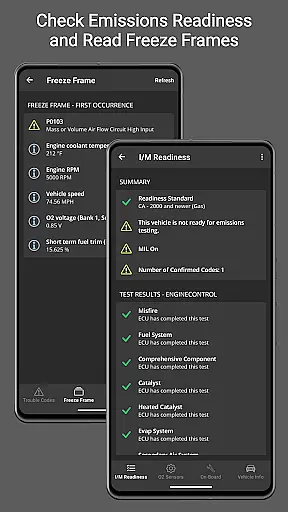
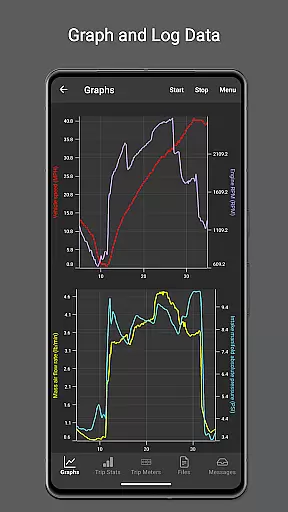
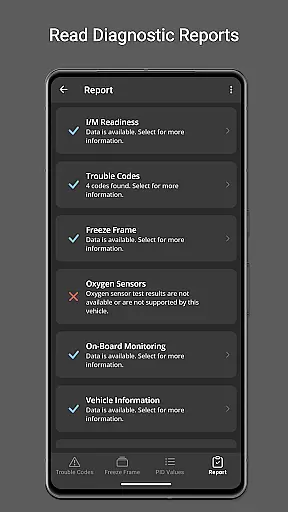
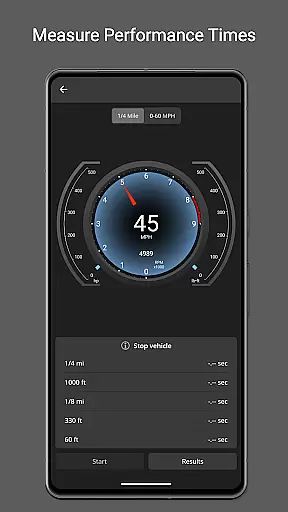
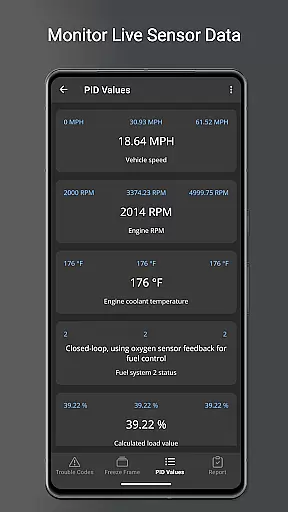
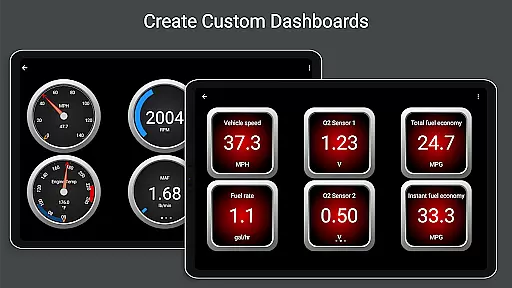
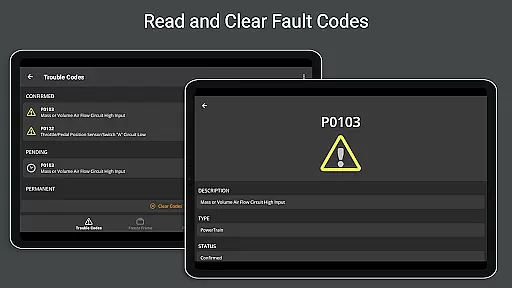
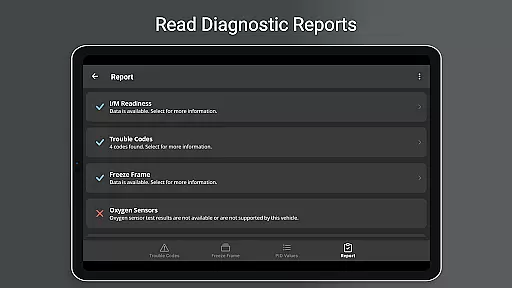
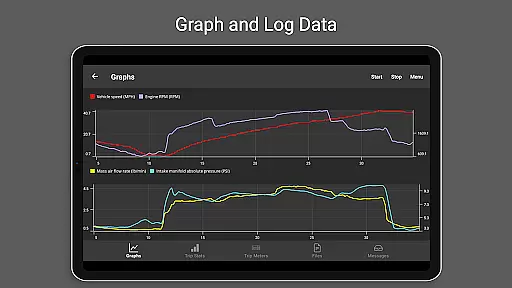
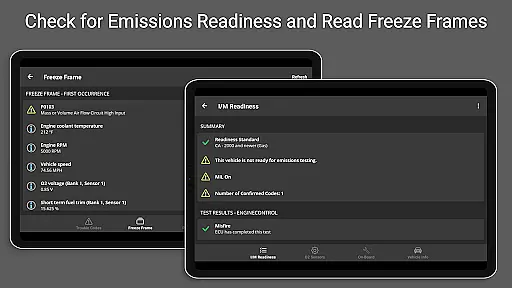
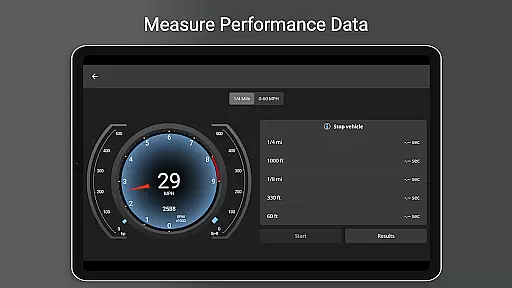
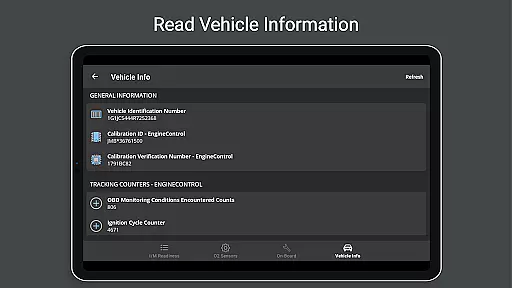
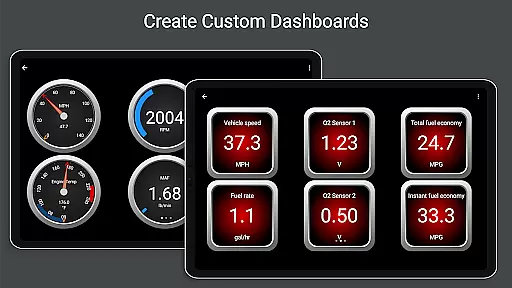
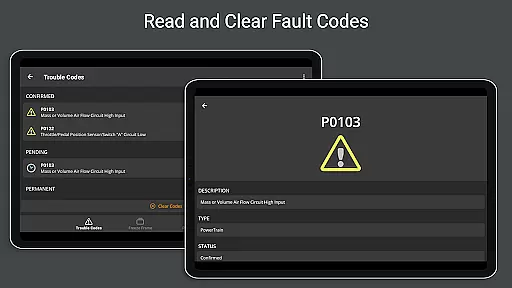
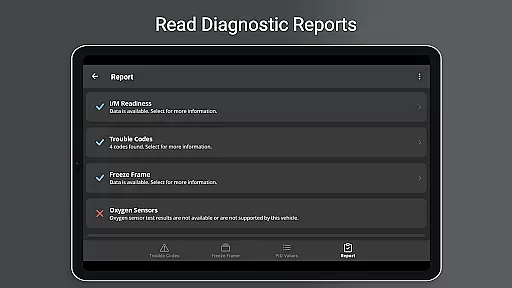
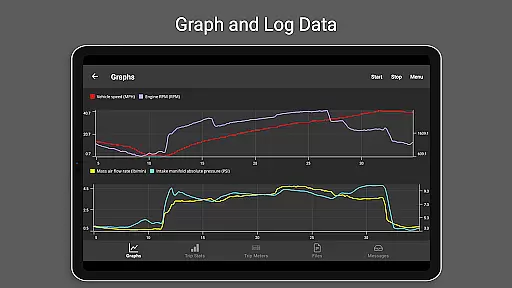
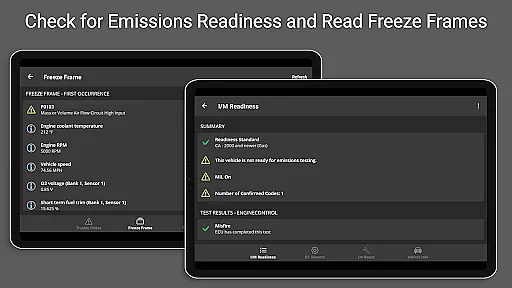
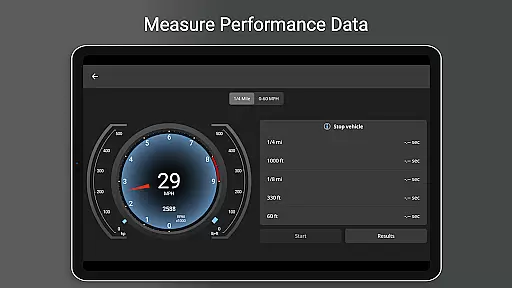
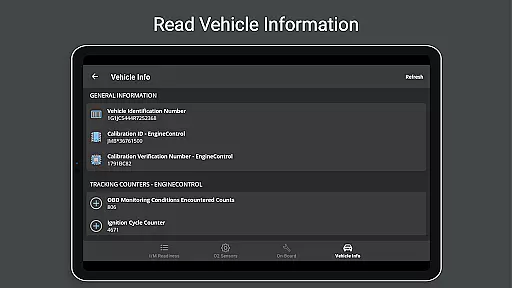
OBD Fusion is a comprehensive vehicle diagnostics tool designed for Android users, enabling direct access to OBD2 vehicle data. This app allows you to read and clear diagnostic trouble codes, estimate fuel economy, and monitor real-time vehicle sensor data. With customizable dashboards, graphing capabilities, and detailed diagnostic reports, it caters to professional mechanics and car enthusiasts alike.
The application supports multiple connection methods including Bluetooth, USB, and Wi-Fi, ensuring compatibility with various scan tools. Whether you're looking to troubleshoot your check engine light or track fuel usage during daily commutes, OBD Fusion provides the necessary tools to keep your vehicle's performance in check.
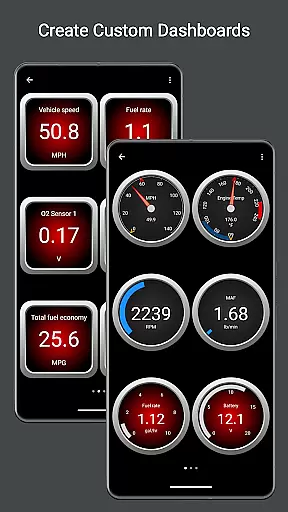
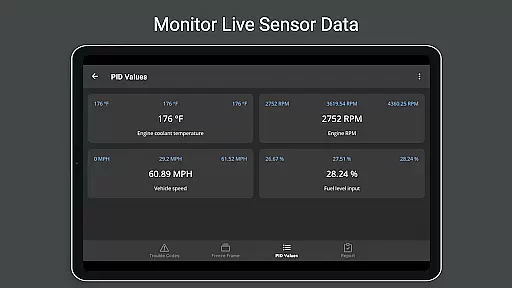
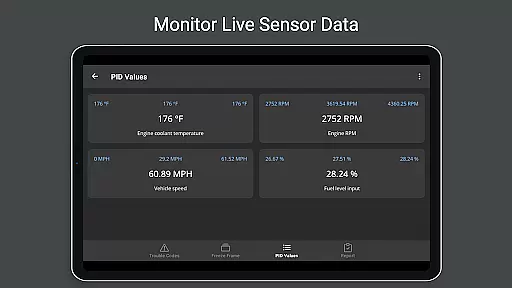
OBD Fusion stands out with its extensive feature set tailored for vehicle diagnostics. The app offers real-time dashboard displays and graphing of vehicle sensors, allowing users to visualize critical data such as engine torque, turbo boost pressure, and air-to-fuel ratios. These features are complemented by support for over 150 standard and enhanced parameter IDs (PIDs), providing deep insights into vehicle performance.
One of the key strengths of OBD Fusion is its ability to log data in CSV format for further analysis. Users can customize their experience with fast-switching dashboards and create custom PIDs for specific monitoring needs. Additionally, the app includes built-in fault code definitions and supports multiple languages, making it accessible to a global audience while maintaining professional-grade diagnostic capabilities.
Real-time messaging speed and reliability are crucial for any communication app, ensuring that information is transmitted without delays or interruptions. OBD Fusion excels in this area by providing real-time data transfer between your vehicle's onboard diagnostics system and your Android device.
The application uses advanced Bluetooth, Bluetooth LE, USB, and Wi-Fi protocols to maintain a stable connection with the vehicle's OBD-II system. This ensures that diagnostic trouble codes, fuel economy readings, and other critical vehicle data are updated instantly on your device. The promptness of these updates allows users to respond quickly to any issues that arise.
For professional mechanics and car enthusiasts alike, having reliable real-time data means they can diagnose problems faster and more accurately. Whether you're monitoring engine performance during a test drive or clearing a check engine light, the immediacy of the data provided by OBD Fusion enhances the overall user experience.
Media sharing support in communication apps facilitates the exchange of various types of data, enhancing collaborative efforts and information dissemination. In the context of OBD Fusion, media sharing pertains to its ability to log and export extensive vehicle data in user-friendly formats.
OBD Fusion offers robust logging features that allow users to record data from numerous sensors and vehicle systems over time. This logged data can be exported in CSV format, making it easy to share and analyze in spreadsheet applications. Such functionality is invaluable for detailed analysis and reporting, whether for personal records or professional presentations.
Moreover, the capability to email full diagnostic reports directly from the app adds another layer of convenience. Users can quickly send comprehensive vehicle health reports to themselves or their trusted mechanic, streamlining the maintenance and repair process. This efficient media sharing support underscores OBD Fusion's commitment to delivering a versatile and practical tool for vehicle diagnostics.
User-friendly interface
Comprehensive diagnostic tools
Real-time data visualization
Customizable dashboard options
Multi-language support
Requires compatible scan tool
Some features need premium adapters
Limited Android Auto functionality
Potential connectivity issues
Advanced features may overwhelm beginners

فیلتر شکن قوی پرسرعت کلید جدید برای اندرویدسریع ترین وی پی ان برای همه اپراتورها
 4.70
4.70
Use this Dialer app alone or as a TREK: Total Interface companion.
4.70
Block spam calls & scam - no more annoying calls with the call blocker function
4.30
A Browser with powerful ad blocker to help focus on what really matters.
3.00
Fast Dialer & Contact Manager with Caller ID and Spam Protection
4.00
Simplify texting with Messages SMS, offline messaging, themes & smart tools!
4.30
SMS Messenger is a lightning-fast messaging app.
4.20
A customizable phone number in the cloud
4.20
Build your web browser around you with private search, and more.
4.60
Fast internet with AI, Adblock & VPN. Browse on a safe, incognito web browser.
4.70
Browse fast on Opera Mini, with Data Saving, News, Football Scores, and Download
4.60
Manage BoostMobile Account
4.60
An agentic AI browser for Android, built by Perplexity
4.50
Smart and simple anti-wiring application - IMSI-catchers catcher
4.40
Chill zone on your phone: relax with fun reels & hype shorts!
4.20
Messenger app for faster and simpler SMS text messaging, and personalized themes
4.10
Auto Reply SMS, Text Messaging, Away SMS Response, Busy SMS messages, Block Text
3.10
Chat on the Jabber network (XMPP protocol); support for SMS and other gateways
2.10
Watchgram for Telegram: Experience seamless Telegram messaging on your watch
1.80


User Reviews