
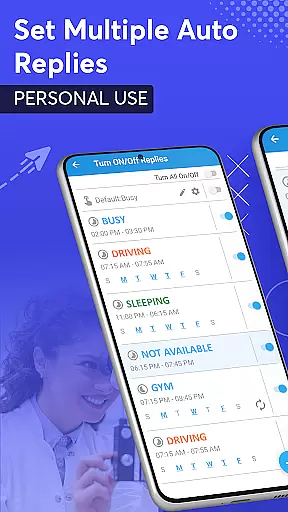
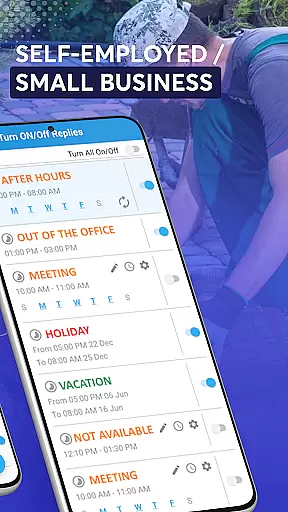
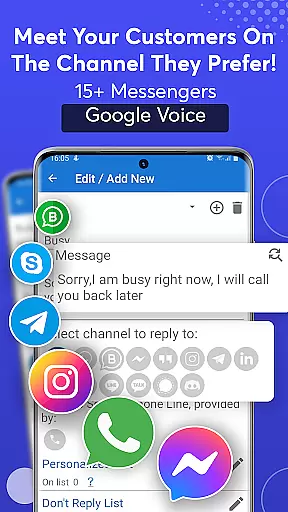
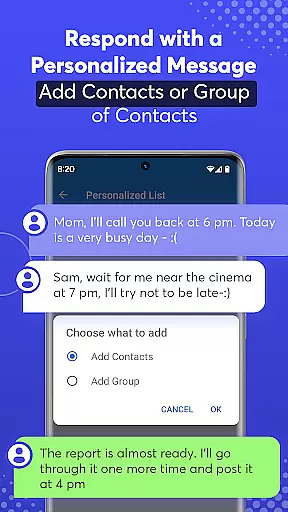
SMS Auto Reply is a versatile communication tool designed to streamline your messaging experience. This app allows users to automatically respond to incoming messages across multiple platforms, including SMS, WhatsApp, Facebook, and more. Whether you're driving, in a meeting, or simply need some quiet time, SMS Auto Reply ensures that your contacts are informed of your current status without requiring manual intervention.
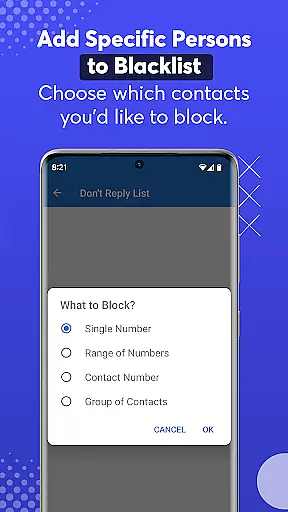
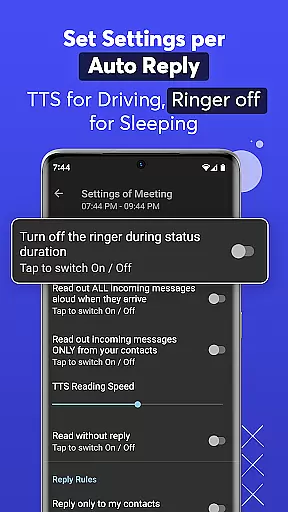
With customizable auto-reply options, the app caters to various scenarios such as driving, sleeping, or attending class. It supports personalized lists for tailored responses and includes a do-not-disturb feature for specific contacts. Additionally, its Text-to-Speech functionality reads out incoming messages, enhancing safety while driving by minimizing distractions.
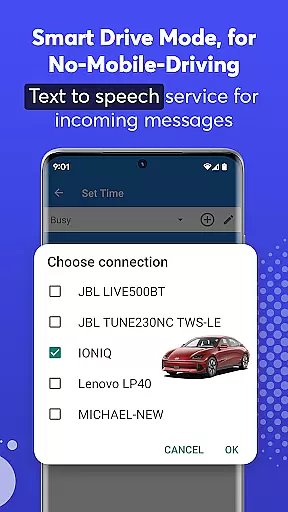
The app boasts an array of features that make it stand out in the Communication category. Users can set up multiple auto-replies based on different triggers like time of day, Bluetooth connection, or specific contacts. The Smart Drive Mode activates auto-reply when connected to a car's Bluetooth, promoting safer driving practices.
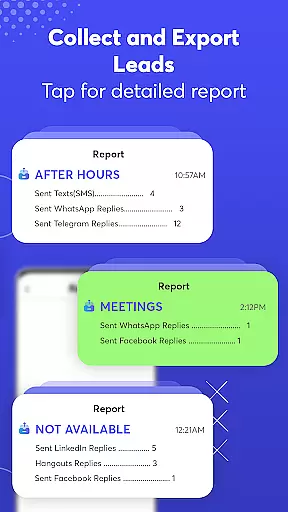
SMS Auto Reply also integrates with popular messaging apps, allowing for seamless communication. With support for native emojis, recurring scheduled replies, and an archive of sent messages, the app provides a comprehensive solution for managing your digital conversations efficiently. Its low resource consumption ensures minimal impact on device performance.
Real-time messaging speed and reliability are crucial for any communication app, ensuring that messages are delivered instantly and consistently. SMS Auto Reply excels in this area by providing automated responses to incoming messages across multiple platforms such as SMS, WhatsApp, Facebook, and more.
The app's architecture is designed to minimize delays, ensuring that auto-replies are sent out almost instantaneously when certain conditions are met. Whether you're driving, in a meeting, or simply unable to respond, the app ensures your contacts receive timely notifications of your status.
For users, this means peace of mind knowing that their contacts won't be left wondering if their message has been received. The reliability of the service ensures that no important message goes unanswered, maintaining both personal and professional relationships seamlessly.
Media sharing support is an essential feature for modern communication apps, allowing users to exchange various types of content beyond plain text. While SMS Auto Reply primarily focuses on text-based auto-responses, it also supports media sharing indirectly through its compatibility with numerous messaging platforms like WhatsApp, Facebook, and Telegram.
These platforms enable users to share images, videos, documents, and other file formats alongside automated text replies. For instance, you can configure the app to send an automatic response containing a photo or document when specific criteria are triggered, enhancing the richness of your communication.
By integrating with these versatile messaging services, SMS Auto Reply not only enhances user convenience but also broadens the scope of interaction possibilities. This flexibility allows users to maintain dynamic conversations even when they cannot respond manually, thus enriching the overall communication experience.
Customizable auto-replies
Multi-platform support
Text-to-Speech functionality
Smart Drive Mode
Low battery usage
Premium version costs
Limited free features
Occasional bugs
Complex setup
Requires Bluetooth for some features

 3.90
3.90
Manage your data, talk & text - affordable phone plans & data usage made simple
4.30
Enables Plus features of Quick Search.
4.4
فیلتر شکن قوی پرسرعت کلید جدید برای اندرویدسریع ترین وی پی ان برای همه اپراتورها
4.70
Enjoy secure messaging & calling. Safe Messenger: group chats, calls, messages.
4.20
Messenger for SMS - texting message app, faster, simpler & safer, for you.
4.70
Fast Dialer & Contact Manager with Caller ID and Spam Protection
4.00
An app dedicated solely to marriage, not dating, and supported by a rigorous verification mechanism to ensure seriousness.
4.3
Bringing the functionality of Winlink to your Android device
4.4
Use this Dialer app alone or as a TREK: Total Interface companion.
4.70
Identify unknown numbers, block spam calls, customize calls with cool themes.
4.60
Browse fast on Opera Mini, with Data Saving, News, Football Scores, and Download
4.60
Build your web browser around you with private search, and more.
4.60
The ultimate productivity solution for all your email communication needs.
4.40
Fast and mini browser with Ad Blocker,Video Downloader and Video Player
4.40
Block spam calls & scam - no more annoying calls with the call blocker function
4.30
2nd Phone Number Line for Anonymous Texting, Calling, and Picture Messages
4.30
At select facilities, you now have an easy way to video visit your loved ones!
3.30
Official NDI app: turn your phone into a professional live-streaming IP camera.
3.20


User Reviews