
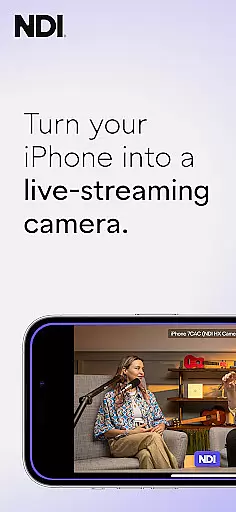
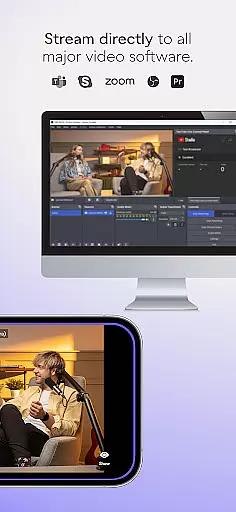
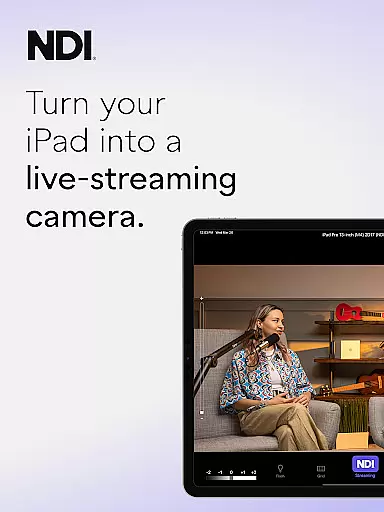
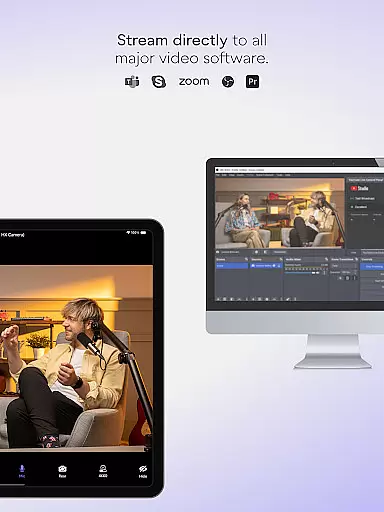
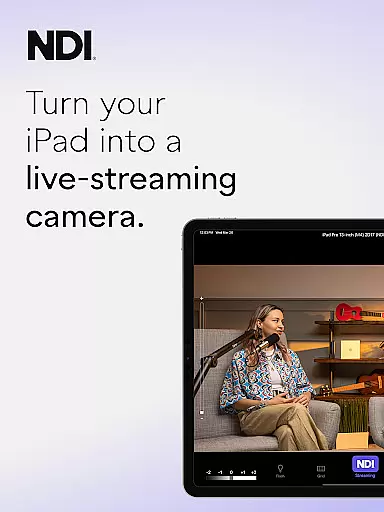
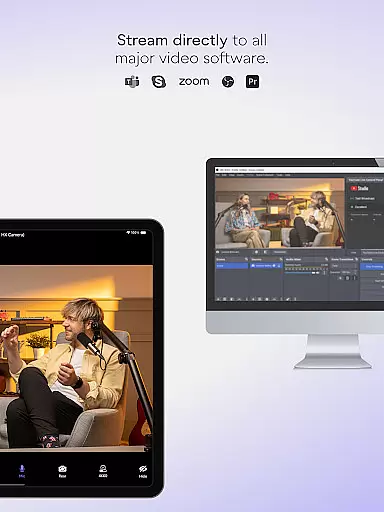
NDI Camera is a professional live-streaming application that transforms your mobile device into a high-quality NDI camera. With its intuitive interface and advanced features, the app allows users to stream low-latency video and audio directly to popular platforms such as MS Teams, Skype, and Zoom. The latest version 1.7 brings a modernized UI, full video height viewfinder, and tally light with multiple modes, making it more efficient and user-friendly.
The app is designed for professionals who require flexible camera angles and additional perspectives in their live broadcasts, webcasts, and presentations. By supporting NDI 4 or newer, NDI Camera ensures seamless integration into any live production system, providing users with professional settings right at their fingertips. Whether you're streaming from a studio or on the go, this app offers the tools needed to produce high-quality content.
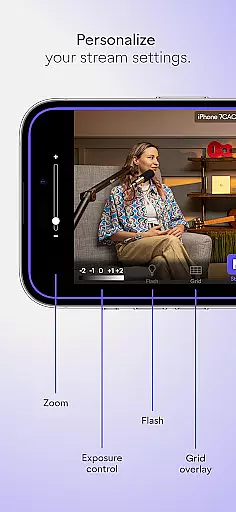
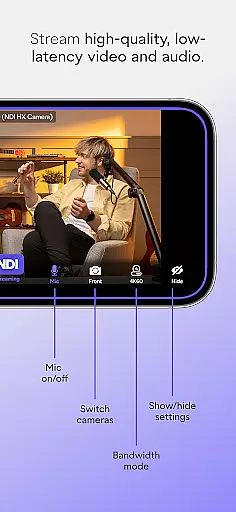
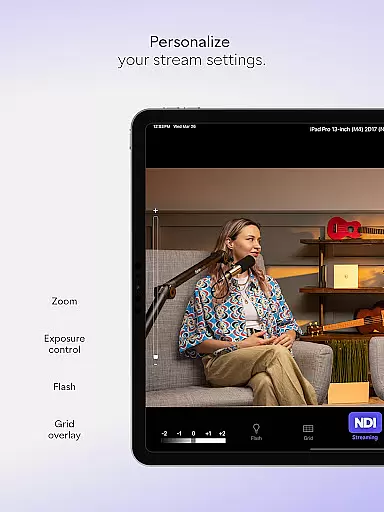
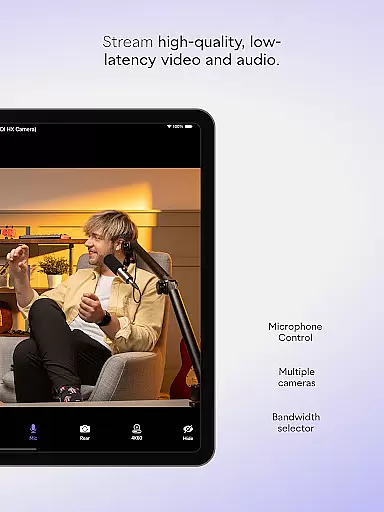
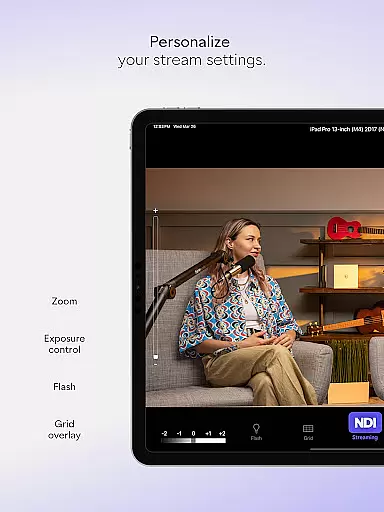
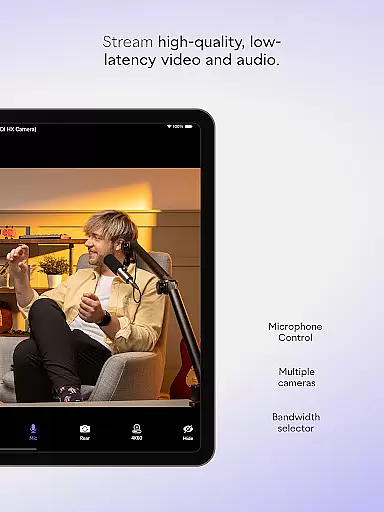
NDI Camera stands out with its comprehensive set of features tailored for live production professionals. The app provides three bandwidth modes—high, medium, and low—to accommodate different network capabilities, ensuring stable streaming under various conditions. Users can also take advantage of the optional grid overlay, autofocus, pinchable zoom, and front/rear camera selection to capture the perfect shot every time.
Additional functionalities include an on-screen connection meter and tally display for preview and on-air status, giving users real-time feedback on their streaming performance. These features collectively enhance the streaming experience by offering greater control and precision over the video output, making NDI Camera an indispensable tool for anyone involved in professional live productions.
Real-time messaging speed and reliability are crucial for seamless communication in any live-streaming application. NDI Camera excels in this area by providing high-quality, low-latency video and audio streaming with just a push of a button.
The app ensures that your phone transforms into a professional live-streaming NDI camera, capable of sending video to popular platforms like MS Teams, Skype, Zoom, and more. This immediate transmission is vital for professionals who need to integrate mobile phones as a source into their live production systems without delays.
With the latest updates, including a modernized UI for a more intuitive experience and a fixed viewfinder showing full video height, users can expect an enhanced streaming process. The tally light with multiple modes further supports real-time interaction, ensuring users are always aware of their on-air status.
Overall, NDI Camera's dedication to minimizing latency and maximizing transmission reliability makes it an indispensable tool for live broadcasts, webcasts, and presentations.
Media sharing support is a fundamental feature for any communication app, allowing users to share various types of content effortlessly. NDI Camera stands out by enabling users to stream high-quality video and audio directly from their phones to their networks with minimal setup.
This app provides flexibility and additional perspectives by introducing new camera angles and vantage points, enriching live broadcasts, webcasts, and presentations. Users can choose between high, medium, and low bandwidth modes to suit their networku2019s capabilities, ensuring smooth media sharing regardless of the connection quality.
NDI Camera also offers professional settings right at your fingertips, such as an optional grid overlay, autofocus, pinchable zoom, and front and rear camera selection. These features ensure that the shared media meets professional standards and user preferences.
By downloading NDI Camera, users can enjoy robust media sharing support that enhances their ability to deliver dynamic and engaging content across various platforms.
User-friendly interface
High-quality streaming
Flexible camera options
Professional settings
Wide platform support
Requires NDI 4 or newer
Limited to specific devices
No offline functionality
Premium features may cost extra
Dependent on network stability

A web browser that respects your privacy.
 4.30
4.30
Manage BoostMobile Account
4.60
Fast and mini browser with Ad Blocker,Video Downloader and Video Player
4.40
Call Blocker app: Identify unknown callers, block spam calls, fraud & robocalls
4.30
Chill zone on your phone: relax with fun reels & hype shorts!
4.20
Use this SMS app standalone or as a TREK: Total Interface companion.
4.30
FolderSync enables easy sync of files between cloud storage and Android devices.
4.60
A browser that does more than load page, like keeping your privacy safe.
4.70
Fast internet with AI, Adblock & VPN. Browse on a safe, incognito web browser.
4.70
Enhance browsing with AI-powered features and Copilot.
4.70
فیلتر شکن قوی پرسرعت کلید جدید برای اندرویدسریع ترین وی پی ان برای همه اپراتورها
4.70
Identify unknown numbers, block spam calls, customize calls with cool themes.
4.60
Simple tool for businesses to talk to their customers.
4.40
Phone Dialer with Caller ID, Address Book & Contacts Manager.
4.30
Group Chat That’s Fun & Games
4.30
A softphone with crystal clear SIP Calling & Reliable VoIP dialer
4.00
SMS Messenger ensures that communication become effortless and accessible.
3.80
Auto Reply SMS, Text Messaging, Away SMS Response, Busy SMS messages, Block Text
3.10
Enables Plus features of Quick Search.
4.5


User Reviews