




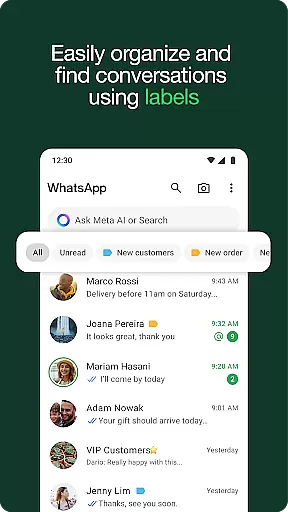


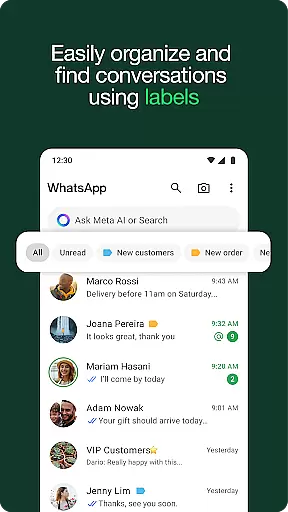
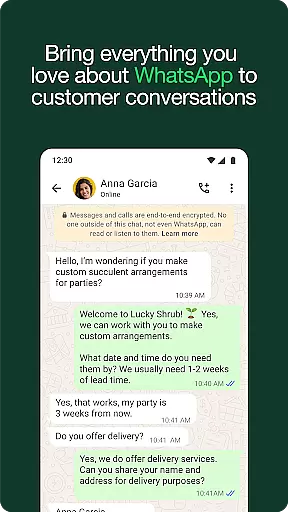
WhatsApp Business is a specialized communication app designed to help businesses streamline their customer interactions and enhance operational efficiency. The platform offers built-in business tools such as automated quick replies, away messages, and labeling features that allow businesses to organize conversations effectively.
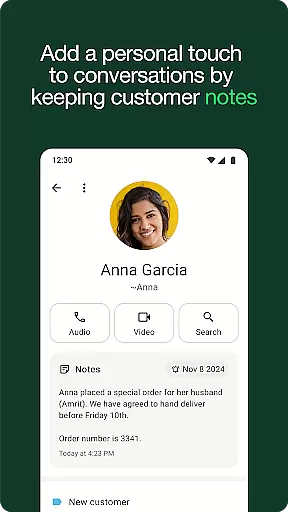
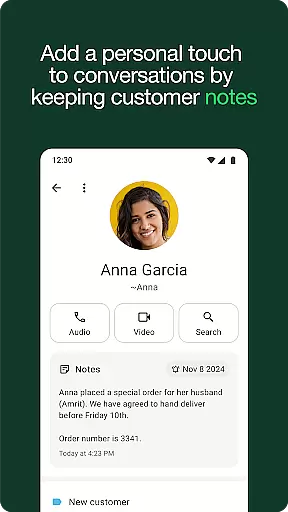
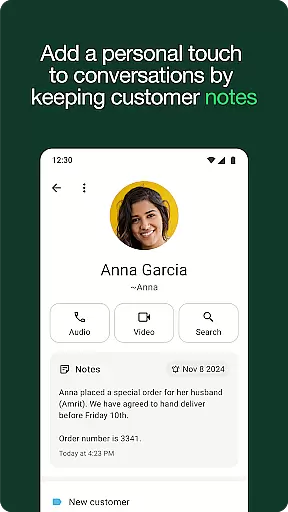
In addition to its core messaging and calling capabilities, WhatsApp Business enables users to create professional business profiles, manage customer relationships, and even handle in-app orders and payments. These features make it an ideal solution for small and medium-sized businesses looking to build trust and grow their customer base through a secure and familiar platform.
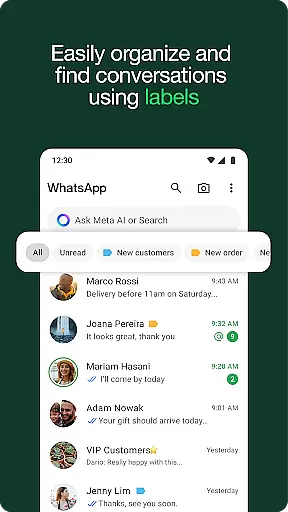
One of the standout features of WhatsApp Business is its ability to automate routine tasks. Businesses can set up automated responses for common inquiries, ensuring no customer query goes unanswered. The labeling system allows users to categorize chats, making it easier to prioritize and manage high-priority conversations.
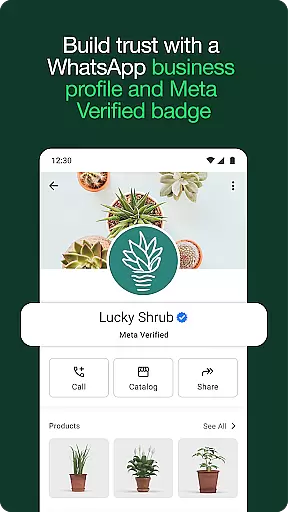
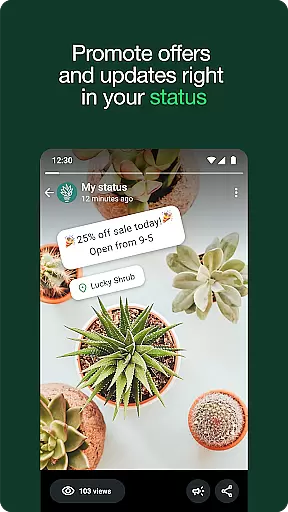
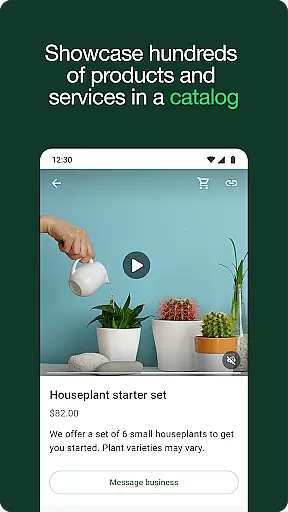
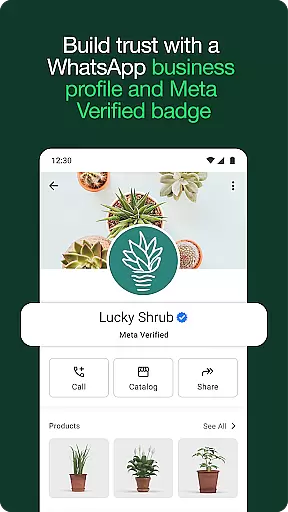
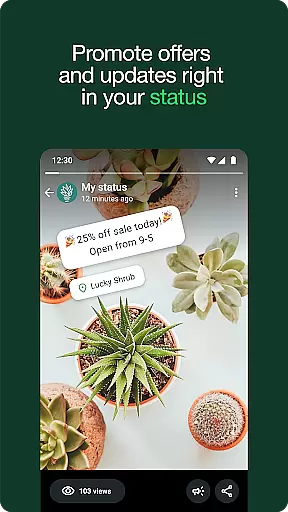
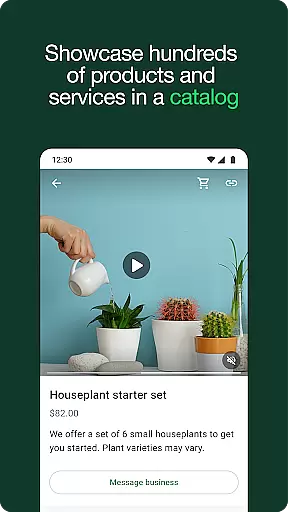
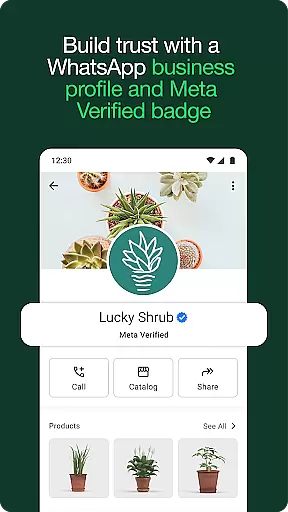
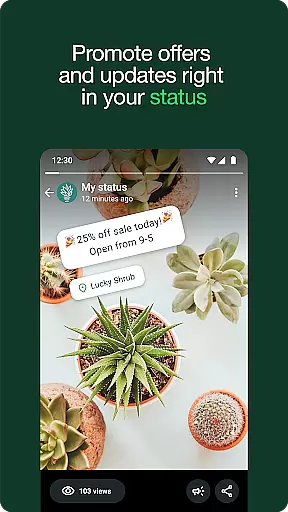
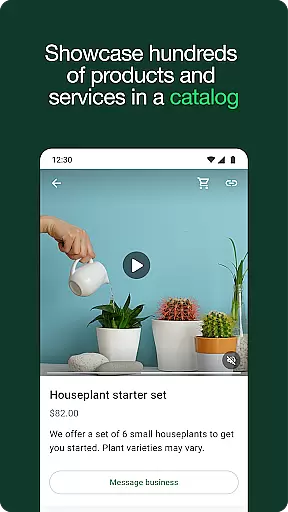
Another key feature is the ability to create a professional business profile, which helps establish credibility with customers. The app also supports multimedia sharing, status updates for promotions, and integration with Meta Verified for enhanced authenticity. Additionally, businesses can showcase product catalogs and accept payments directly within the app, providing a seamless experience for both the business and its customers.
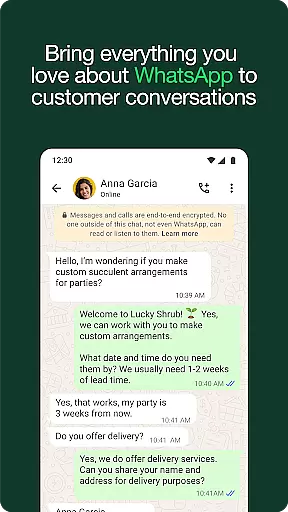
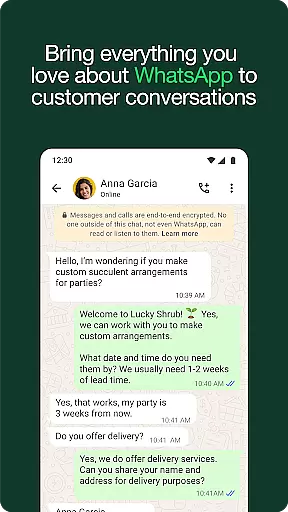
Real-time messaging speed and reliability are crucial for any communication app, especially in a business context. WhatsApp Business excels in this area by providing instant message delivery and read receipts, ensuring that your communications are both timely and trustworthy.
The app uses advanced server infrastructure and optimized data transmission protocols to maintain fast and stable connections. This means your messages are delivered instantly, even during peak usage times or in areas with poor network coverage.
For businesses, this reliability translates into improved customer service. Customers can receive quick responses to their inquiries, leading to higher satisfaction and trust. Additionally, the ability to see when messages have been read allows businesses to follow up promptly, ensuring no query goes unanswered.
Moreover, WhatsApp Business supports end-to-end encryption for all messages, guaranteeing that your business communications remain private and secure. This combination of speed, reliability, and security makes WhatsApp Business an excellent choice for companies looking to enhance their real-time communication capabilities.
Media sharing is an essential feature for modern communication apps, allowing users to exchange photos, videos, documents, and other files seamlessly. WhatsApp Business offers robust media sharing support, enabling businesses to send various types of content without compromising on quality or speed.
The app supports multiple file formats, including images (JPEG, PNG), videos (MP4, AVI), PDFs, and more. This versatility ensures that businesses can share product catalogs, promotional materials, invoices, and other important documents directly through the chat interface.
In addition to supporting diverse file types, WhatsApp Business maintains high-quality transfers. Images and videos retain their original resolution, while documents are transmitted quickly and accurately. This capability is particularly beneficial for businesses that rely on visual content to engage customers or need to share detailed information efficiently.
Furthermore, the integration of media sharing within the messaging platform streamlines workflows. Businesses can manage all their communicationsu2014from text messages to multimedia exchangesu2014in one place, enhancing productivity and convenience. With these features, WhatsApp Business empowers companies to communicate more effectively and build stronger relationships with their clients.
User-friendly interface
Free international messaging
Automated responses
Professional business profiles
In-app payment support
Limited to one phone number
Paid features available
Device connection limits
No desktop-exclusive features
Not all markets supported

Tether to Windows, OS X, Linux PCs or Android tablets. No root. No tether fees.
 3.90
3.90
Messages: Fast, simple SMS app with scheduling and smart features.
4.00
Google's fast and secure browser
4.10
Chat on the Jabber network (XMPP protocol); support for SMS and other gateways
2.10
Federated instant messaging for your mobile device (Jabber, XMPP, Snikket)
4.10
FolderSync enables easy sync of files between cloud storage and Android devices.
4.60
Read OBD2 data and DTCs Create custom dashboards Enhanced diagnostics available
4.70
Enhance browsing with AI-powered features and Copilot.
4.70
Telegram is a messaging app with a focus on speed and security.
4.00
Identify unknown numbers, block spam calls, customize calls with cool themes.
4.60
Welcome to the future of phone service.
4.60
Get through your inbox faster with the mail app designed to simplify your life.
4.40
A web browser that respects your privacy.
4.30
Chill zone on your phone: relax with fun reels & hype shorts!
4.20
WazzapMigrator: transfer your WhatsApp history from iPhone to Android
4.00
Measure BHP, Torque & 0-60 Clear car OBD faults View engine data in Google Earth
4.00
Call Forwarding is easy and simple application to use.
3.80
Caller ID, Spam Call & SMS Blocker
3.80
A Browser with powerful ad blocker to help focus on what really matters.
3.00


User Reviews