
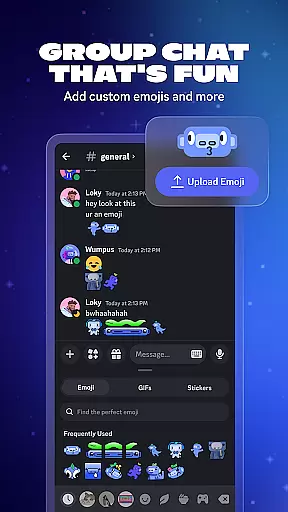




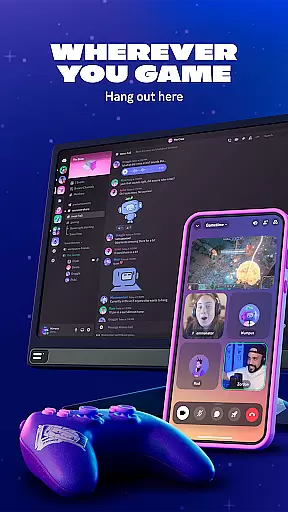
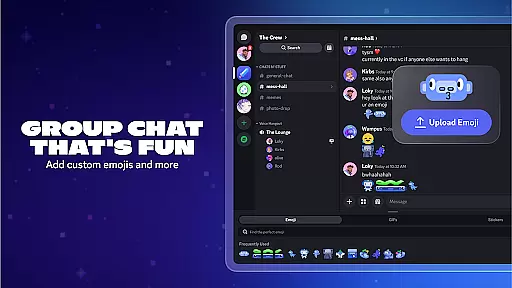
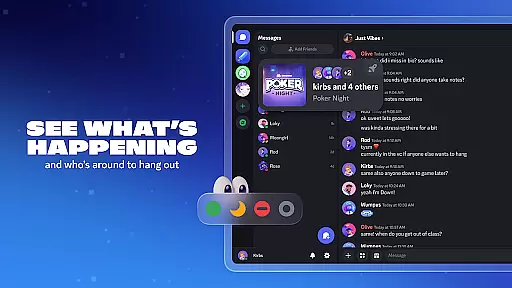
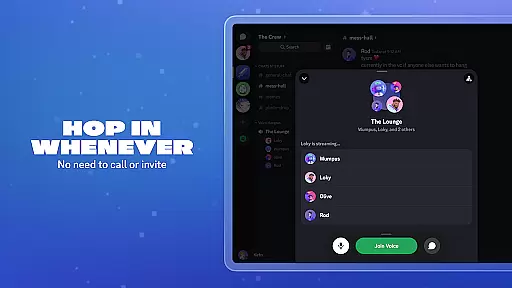
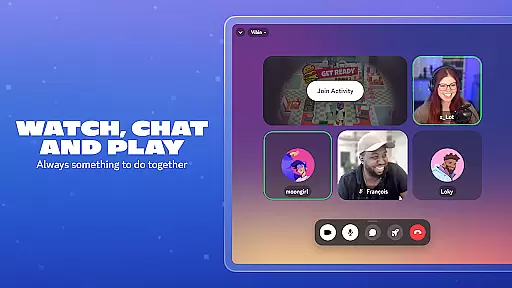

Discord is a versatile communication app designed primarily for gamers but suitable for any community. It offers text, voice, and video chat capabilities, allowing users to create customized spaces for their groups. The app supports seamless interaction across multiple devices, including PC, phone, and console.
One of Discord's standout features is its ability to enhance group chats with custom emoji, stickers, and soundboard effects. Users can personalize their profiles and enjoy high-quality, low-latency streaming, making virtual hangouts feel like in-person gatherings. Whether playing games, watching shows, or just chatting, Discord provides a dynamic platform for communities to thrive.
Discord boasts an array of features that cater to various communication needs. Its group chat functionality supports text, voice, and video interactions, complete with customizable emoji and stickers. The app also includes a soundboard for adding unique audio effects to conversations.
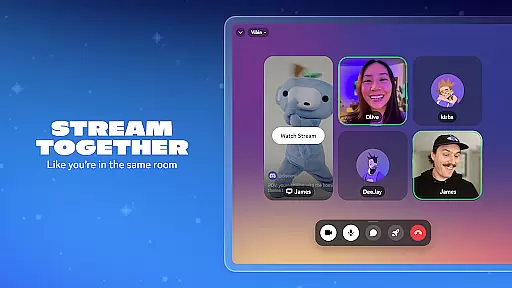
Streaming capabilities are top-notch, offering high-quality and low-latency experiences akin to sharing a couch with friends. Users can easily join and leave chats without formal invitations, see who's online and what they're playing, and engage in activities together, such as watching videos or playing built-in games. These features make Discord a comprehensive tool for maintaining active and engaging communities.
Real-time messaging is a crucial feature for any communication app, and Discord excels in this area. The platform ensures that messages are delivered instantly, allowing users to have seamless conversations without delays.
Discord achieves this through optimized server infrastructure and efficient data transmission protocols. This guarantees that whether you're chatting with friends during a gaming session or coordinating with a large community, your messages will appear instantly.
For users, this means they can rely on Discord for time-sensitive communications, such as strategizing in-game tactics or organizing events. The immediacy of message delivery enhances the overall user experience by making interactions feel more natural and engaging.
Moreover, the reliability of Discord's messaging system ensures that messages are not lost or delayed, even during peak usage times. This consistency helps maintain the flow of conversation, keeping users connected and informed at all times.
Media sharing is an essential aspect of modern communication, and Discord offers robust support for various types of media. Users can easily share images, videos, and other files directly within their chats, enriching the conversational experience.
The platform supports a wide range of file formats, ensuring compatibility and ease of use. Whether you're sending game screenshots, funny memes, or important documents, Discord makes it simple to share and view content without leaving the chat interface.
This functionality is particularly beneficial for communities that rely on visual content, such as gaming clans or creative teams. By facilitating easy media sharing, Discord enables users to collaborate more effectively and build stronger connections.
In addition, Discordu2019s media previews allow users to view shared content directly in the chat, reducing the need to download files. This streamlined approach not only saves time but also enhances the overall usability of the platform, making it a versatile tool for both casual and professional communication.
User-friendly interface
High-quality streaming
Customizable chat options
Cross-device compatibility
Vibrant community support
Occasional bugs
Learning curve for new users
Limited offline functionality
Resource-intensive
Privacy concerns

We’re taking the yada yada out of wireless—now we’ve taken it out of your app.
 4.70
4.70
Identify unknown numbers, block spam calls, customize calls with cool themes.
4.60
Messenger for SMS - texting message app, faster, simpler & safer, for you.
4.70
At select facilities, you now have an easy way to video visit your loved ones!
3.30
Message and video call your family and friends in HD!
3.80
Create a secure hotspot on-the-go with Portable WiFi - Mobile hotspot.
4.40
Watchgram for Telegram: Experience seamless Telegram messaging on your watch
1.80
RemoteHams.com Android RCForb Client Pre-Release
4.30
Say “hello” to privacy.
4.60
Fast internet with AI, Adblock & VPN. Browse on a safe, incognito web browser.
4.70
Connect and browse the internet with a fast VPN proxy server and IP blocker.
4.50
HD Video Meeting app is a fast & unlimited video conferencing app across world.
4.30
Fast and simple walkie talkie app
4.20
Federated instant messaging for your mobile device (Jabber, XMPP, Snikket)
4.10
WazzapMigrator: transfer your WhatsApp history from iPhone to Android
4.00
SMS Messenger ensures that communication become effortless and accessible.
3.80
Manage and Fund Calling Accounts and Schedule and Join Video Sessions
3.60
Secure Messaging App to Enhance Messenger Texting Experience and Organize SMS.
3.50
Enables Plus features of Quick Search.
4.3


User Reviews