
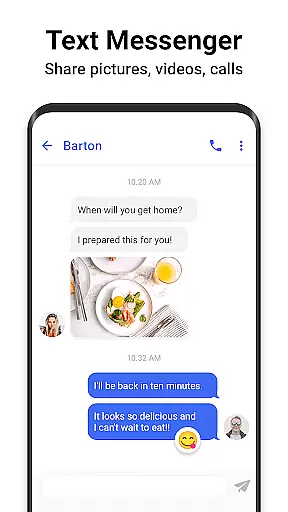
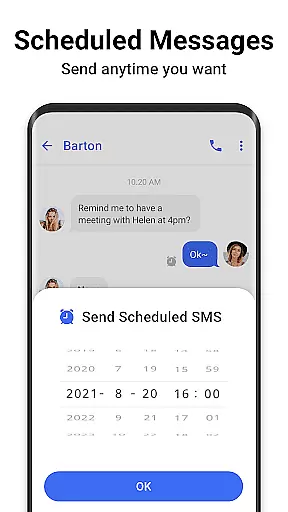
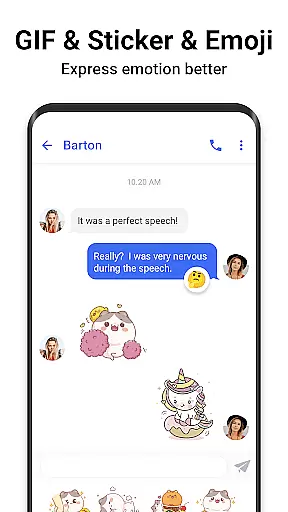

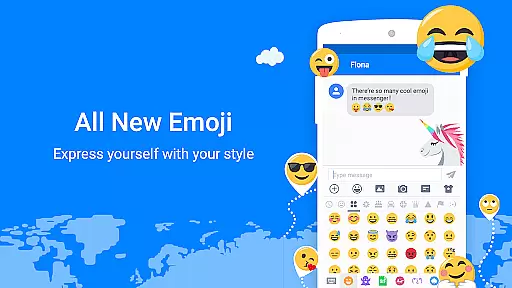
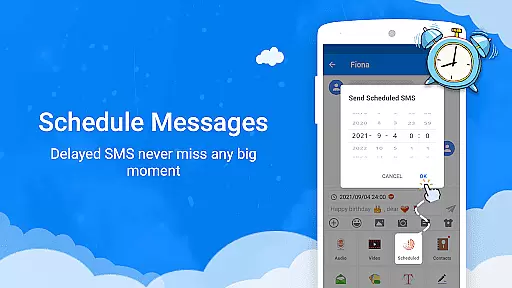

Messenger SMS is a feature-rich communication app that redefines texting by offering an all-in-one messaging solution. With over 3000 free emojis, stickers, and GIFs, it enhances the way you express yourself while chatting with friends and family. The app supports multimedia sharing including pictures, audio, and video messages, making it versatile for various communication needs.
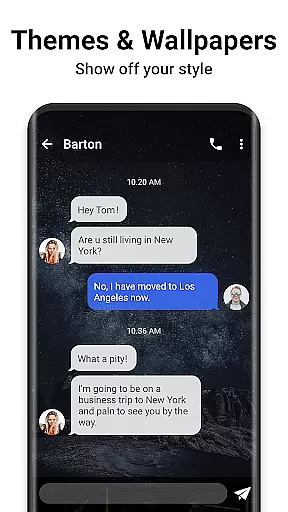
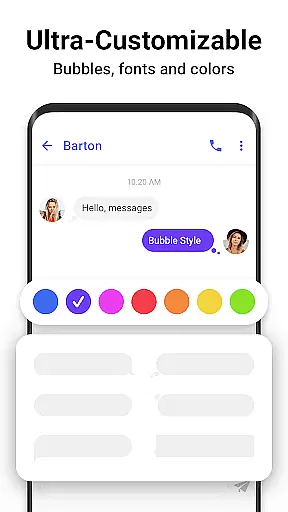
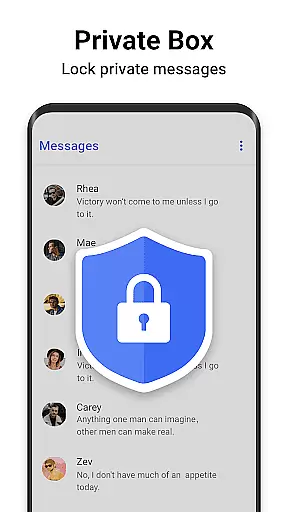
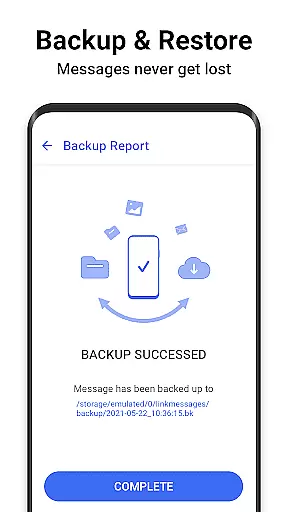
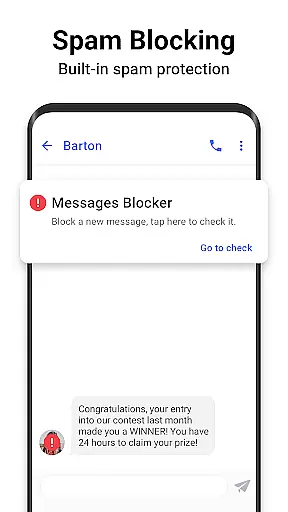
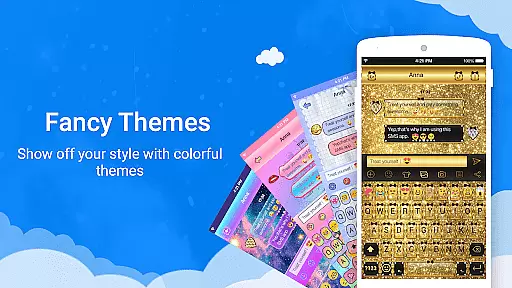
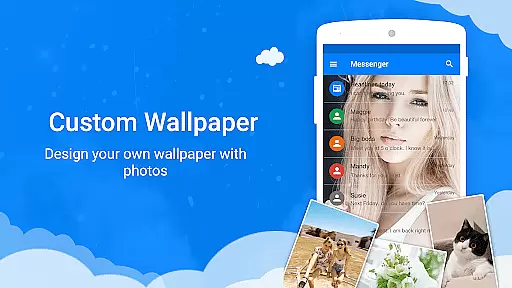
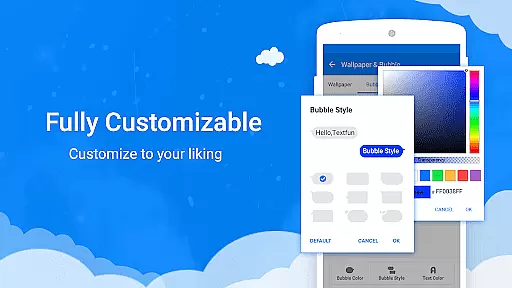
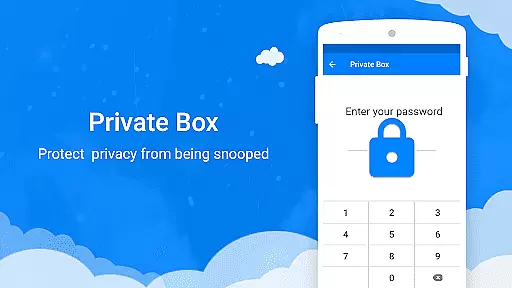
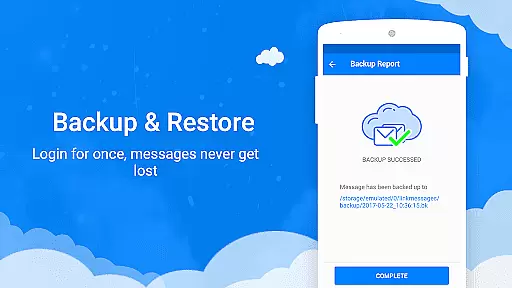
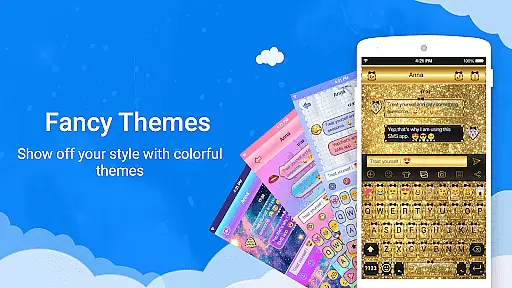
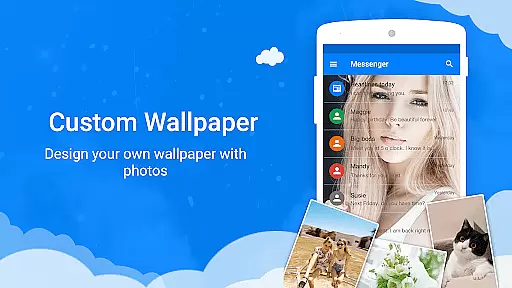
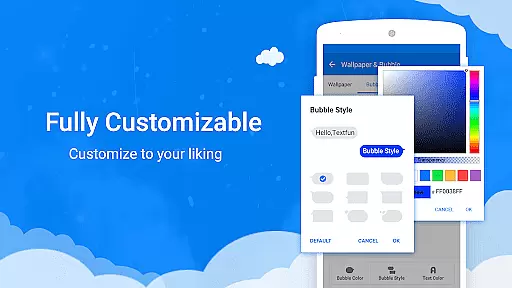
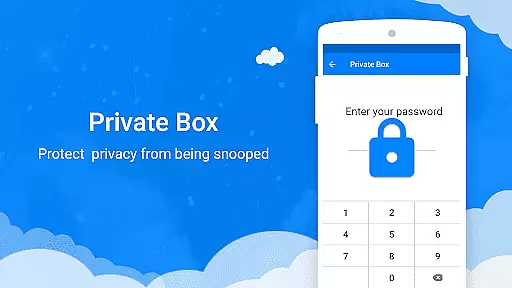
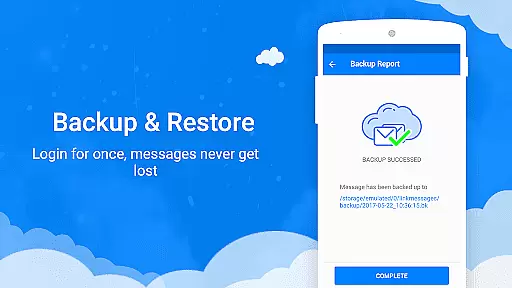
What sets Messenger SMS apart is its extensive customization options. Users can personalize their chat experience with unique themes, fonts, wallpapers, and even custom texting bubbles. The app also includes practical features like a private box for secure messaging, a message blocker to prevent spam, and backup & restore functionality to safeguard important conversations. These tools ensure users maintain privacy and never lose valuable information.
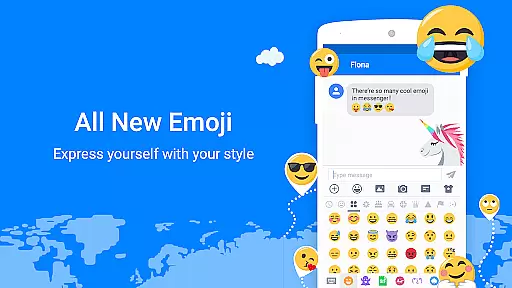
The app boasts an impressive array of features designed to enhance user interaction and personalization. One standout is the Funny Emoji Messenger, which provides access to more than 3000 free emojis and emoticons, allowing users to add humor and emotion to their messages. Additionally, the Animated Gif & Emoji Art feature lets users share trending GIFs and unique emoji art, keeping conversations lively and engaging.
Customization is at the heart of Messenger SMS. Users can choose from tons of amazing messaging themes and customize nearly every aspect of their chat interface, including background images, text bubbles, colors, and fonts. The Backup & Restore Messenger feature ensures data safety by allowing users to save their messages to the cloud and retrieve them whenever needed. Meanwhile, the Private Messenger Box encrypts sensitive conversations and contacts, providing peace of mind for those who prioritize privacy.
Real-time messaging speed and reliability are crucial for any communication app, ensuring that messages are delivered instantly and without fail. Messenger SMS excels in this area by providing a robust infrastructure that supports fast delivery of text, emojis, GIFs, and multimedia content.
The app's optimized servers and efficient data processing ensure that even during peak usage times, messages are transmitted without delay. This reliability is particularly important for group chats and important communications where timing can be critical.
Users benefit from knowing their messages will reach the recipient immediately, whether it's a simple text or a multimedia message. The app also includes features like read receipts and typing indicators, which enhance the real-time communication experience.
With its reliable delivery system, Messenger SMS ensures users never miss an important message or update. This level of service builds trust and encourages consistent use, making it a dependable choice for personal and professional communication needs.
Media sharing support is a vital feature for modern messaging apps, allowing users to exchange photos, videos, audio files, and documents seamlessly. Messenger SMS offers comprehensive media sharing capabilities that cater to various user needs and preferences.
The app supports multiple file formats and sizes, enabling users to send high-quality images and lengthy videos without worrying about compatibility issues. Its intuitive interface makes attaching and sending media files straightforward, while the ability to preview content before sending adds an extra layer of convenience.
Additionally, Messenger SMS provides creative tools for enhancing shared media, such as filters, stickers, and drawing options. These features allow users to personalize their messages and make them more engaging, fostering deeper connections with friends and family.
By offering robust media sharing support, Messenger SMS enhances the overall messaging experience, making it easier than ever to share life's moments and collaborate on projects with others.
User-friendly interface
Extensive customization
Secure private messaging
Spam protection tools
Versatile communication options
May use significant storage
Some features require premium
Occasional bugs reported
Notifications can be intrusive
Interface may overwhelm new users

Messages: Fast, simple SMS app with scheduling and smart features.
 4.00
4.00
Manage BoostMobile Account
4.60
Messenger app for faster and simpler SMS text messaging, and personalized themes
4.10
WazzapMigrator: transfer your WhatsApp history from iPhone to Android
4.00
Official NDI app: turn your phone into a professional live-streaming IP camera.
3.20
This app enables the phone to receive and send FT8 traffic!
3.80
2nd Phone Number Line for Anonymous Texting, Calling, and Picture Messages
4.30
Group Chat That’s Fun & Games
4.30
Useful. Social. Expressive.
4.70
A browser that does more than load page, like keeping your privacy safe.
4.70
Browse fast on Opera Mini, with Data Saving, News, Football Scores, and Download
4.60
Faster version of Messages. Messenger for your contacts.
4.50
An agentic AI browser for Android, built by Perplexity
4.50
Create a secure hotspot on-the-go with Portable WiFi - Mobile hotspot.
4.40
Caller ID App! Add names & photos to unknown calls & Call Recording
4.40
Use this SMS app standalone or as a TREK: Total Interface companion.
4.30
Manage and Fund Calling Accounts and Schedule and Join Video Sessions
3.60
At select facilities, you now have an easy way to video visit your loved ones!
3.30
A Browser with powerful ad blocker to help focus on what really matters.
3.00


User Reviews