
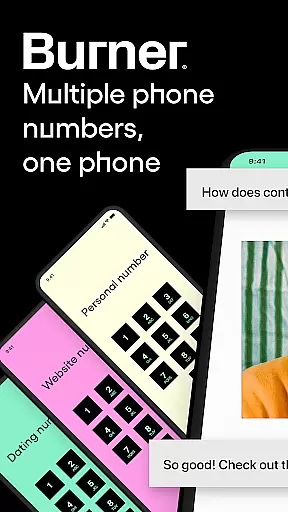


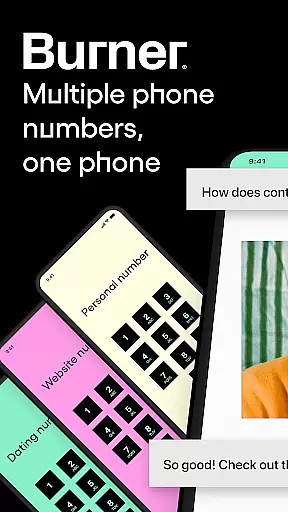


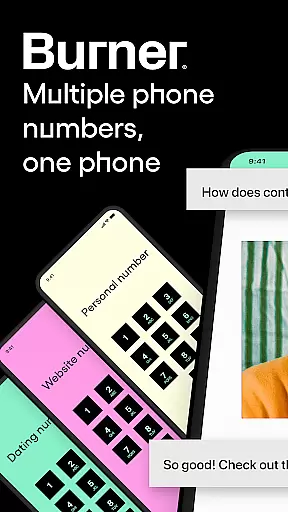


Burner is a leading virtual phone number and privacy management app designed to give users complete control over their communication privacy. The app allows you to create disposable, anonymous phone numbers for calls and texts, ensuring your real number remains private. With features like spam-blocking, color-coded inboxes, and Do Not Disturb settings, Burner simplifies communication while maintaining strict privacy standards.
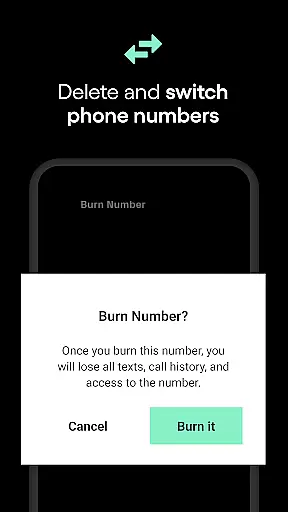
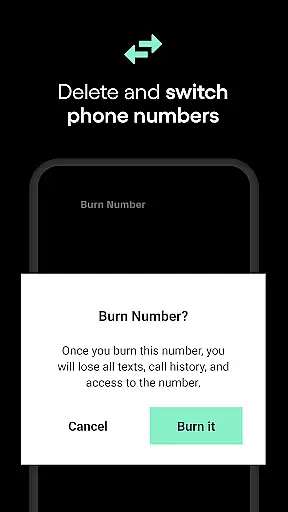
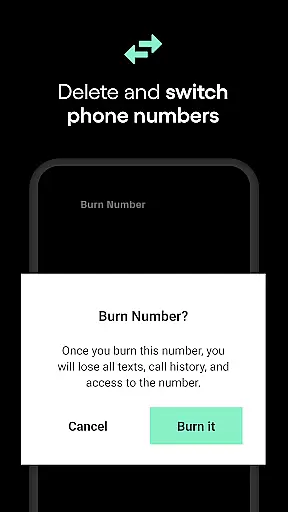
One of the standout capabilities of Burner is its ability to 'burn' or permanently delete temporary numbers when they're no longer needed. This ensures that all associated communications are erased without a trace. Additionally, Burner offers premium features such as a built-in VPN service, AI voicemail sorting, and video messaging, making it a comprehensive tool for secure and private interactions. Whether you need a second line for work, online marketplaces, or dating apps, Burner provides a reliable solution.
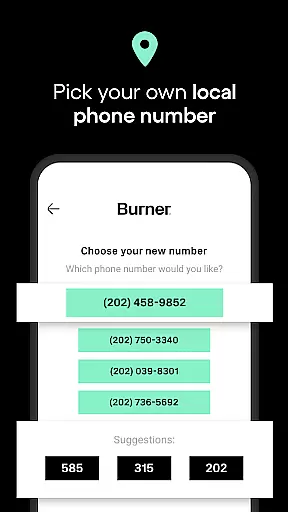
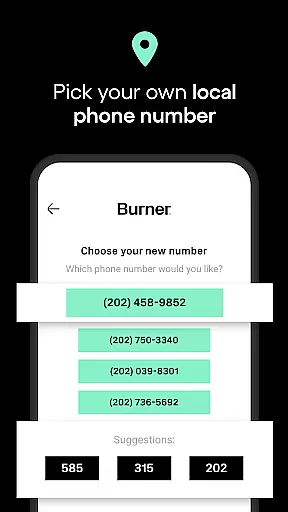
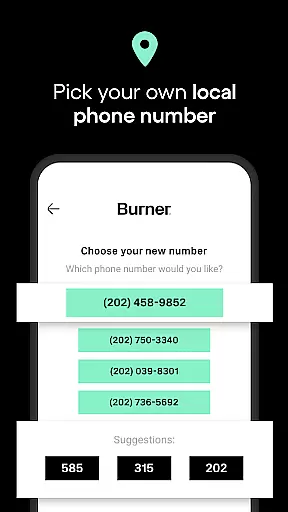
Burner stands out with its robust set of features tailored for privacy-conscious users. First and foremost, the app enables users to generate unlimited disposable phone numbers, perfect for various short-term communication needs. These numbers can be used for both calling and texting, and they require only a Wi-Fi connection or mobile data to function seamlessly.
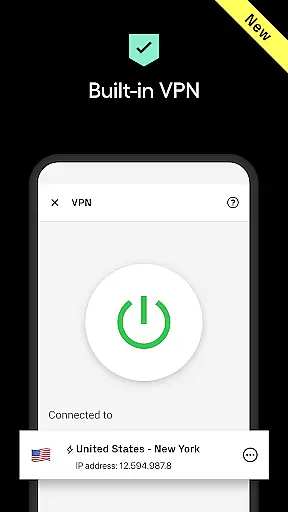
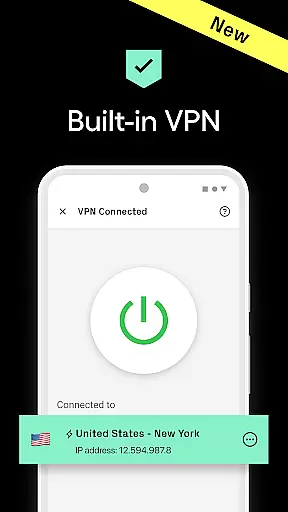
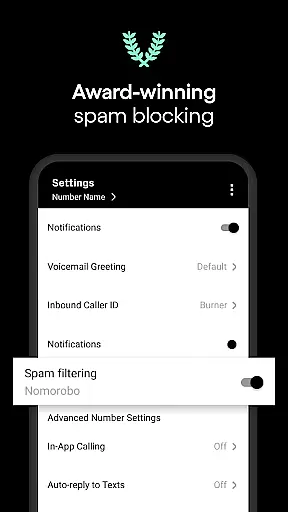
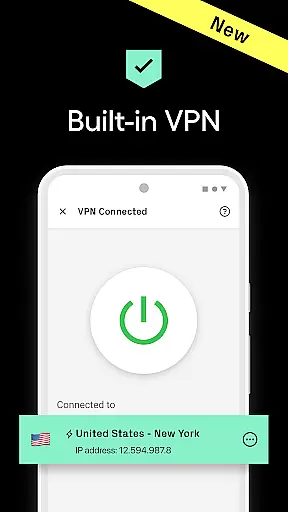
In addition to disposable numbers, Burner incorporates advanced privacy tools like spam-blocking technology and anonymous browsing through its premium VPN service. Users can also organize their messages using color-coded inboxes and set specific Do Not Disturb hours to manage interruptions effectively. For added convenience, the app includes auto-reply functionality and voicemail services, ensuring you never miss important communications. Premium users gain access to enhanced features like AI voicemail sorting and improved call quality, providing an even more refined experience.
The app's ability to instantly burn numbers ensures that users can maintain strict privacy boundaries. Once a number is burned, all related messages and contacts are permanently deleted. Furthermore, Burner's recognition as a TIME Magazine Top 50 App highlights its industry-leading status and commitment to user privacy. Overall, these features make Burner an essential tool for anyone looking to protect their personal information while staying connected.
Real-time messaging speed and reliability are crucial for maintaining seamless communication in today's fast-paced digital world. Burner excels in this area by offering unlimited SMS messages that can be sent and received instantly, provided you have a Wi-Fi connection or mobile data.
The app ensures that your messages are delivered promptly without delays, making it ideal for both personal and professional use. Whether you're coordinating with colleagues or chatting with friends, the speed of message delivery keeps conversations fluid and engaging.
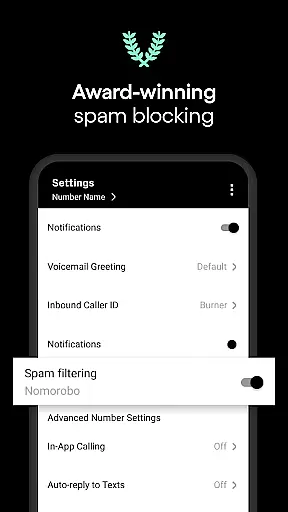
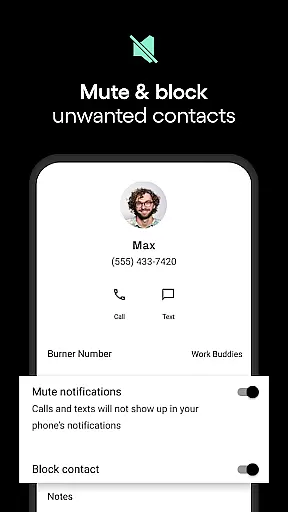
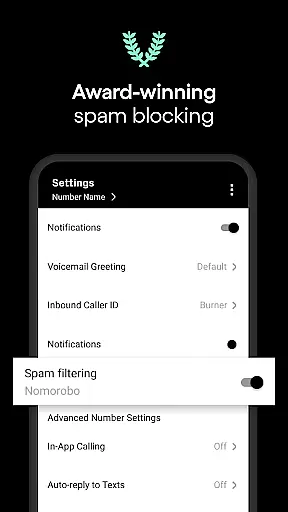
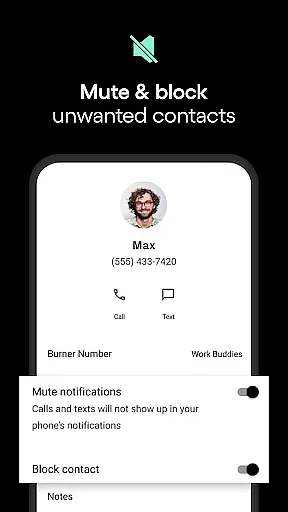
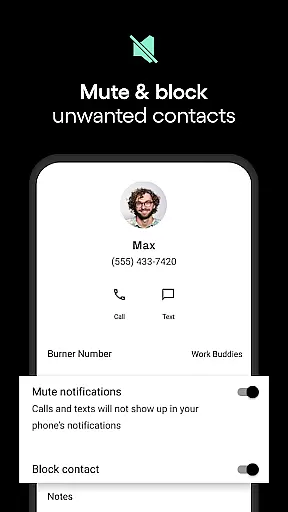
Burner also incorporates advanced spam-blocking features to enhance the reliability of your communications. By filtering out unwanted messages, you can focus on meaningful interactions without interruptions from unsolicited contacts.
Moreover, the ability to set up auto-replies adds another layer of reliability. This feature allows users to send automatic responses when they're unavailable, ensuring continuous communication even during busy periods or outside working hours.
Media sharing support is an essential aspect of modern communication apps, enabling users to exchange various types of content seamlessly. Burner facilitates media sharing by allowing users to send not just text messages but also multimedia files such as images, videos, and voice notes.
This capability enhances user interaction by providing richer communication options. For instance, sending photos or video messages can add context or emotion to conversations, making them more engaging and expressive.
In addition to traditional media formats, Burner offers enhanced communication features like voicemail functionality. Users can receive voicemails when unavailable, ensuring no important information is missed. Premium features further enrich this experience with AI voicemail sorting, which helps prioritize critical messages.
While enjoying these robust media-sharing capabilities, users can rest assured knowing their privacy remains protected. With tools like disposable phone numbers and a built-in VPN for anonymous browsing, Burner ensures secure and private exchanges of all shared media content.
Complete privacy control
Disposable phone numbers
Advanced spam-blocking
Premium VPN included
User-friendly interface
Limited free trial
Premium features costly
US and Canada only
No emergency services
Area code restrictions

BiP is a fast, secure, free messaging and HD video calling app!
 4.10
4.10
Enables Plus features of Quick Search.
4.4
Secure Messaging App to Enhance Messenger Texting Experience and Organize SMS.
3.50
Manage BoostMobile Account
4.60
Manage and Fund Calling Accounts and Schedule and Join Video Sessions
3.60
Call Blocker app: Identify unknown callers, block spam calls, fraud & robocalls
4.30
Chill zone on your phone: relax with fun reels & hype shorts!
4.20
Comprehensive and powerful scan tool app with enhanced functions
3.00
Get through your inbox faster with the mail app designed to simplify your life.
4.40
فیلتر شکن قوی پرسرعت کلید جدید برای اندرویدسریع ترین وی پی ان برای همه اپراتورها
4.70
Adblock & VPN Browser: Blocks banners, pop-ups and video ads, fast downloader!
4.60
Faster version of Messages. Messenger for your contacts.
4.50
Manage your mobile phone plan, check unlimited 5g data usage and track rewards
4.50
Create a secure hotspot on-the-go with Portable WiFi - Mobile hotspot.
4.40
Smart and simple anti-wiring application - IMSI-catchers catcher
4.40
Simple tool for businesses to talk to their customers.
4.40
Group Chat That’s Fun & Games
4.30
Weargram is an unofficial Telegram Client for Wear OS.
3.50
Fast, Simple And Secure Application That Provides SMBv3 Server On Your Device
3.30


User Reviews